Author: Yash | Date: Sep 20, 2023 | Time: 6:00 pm
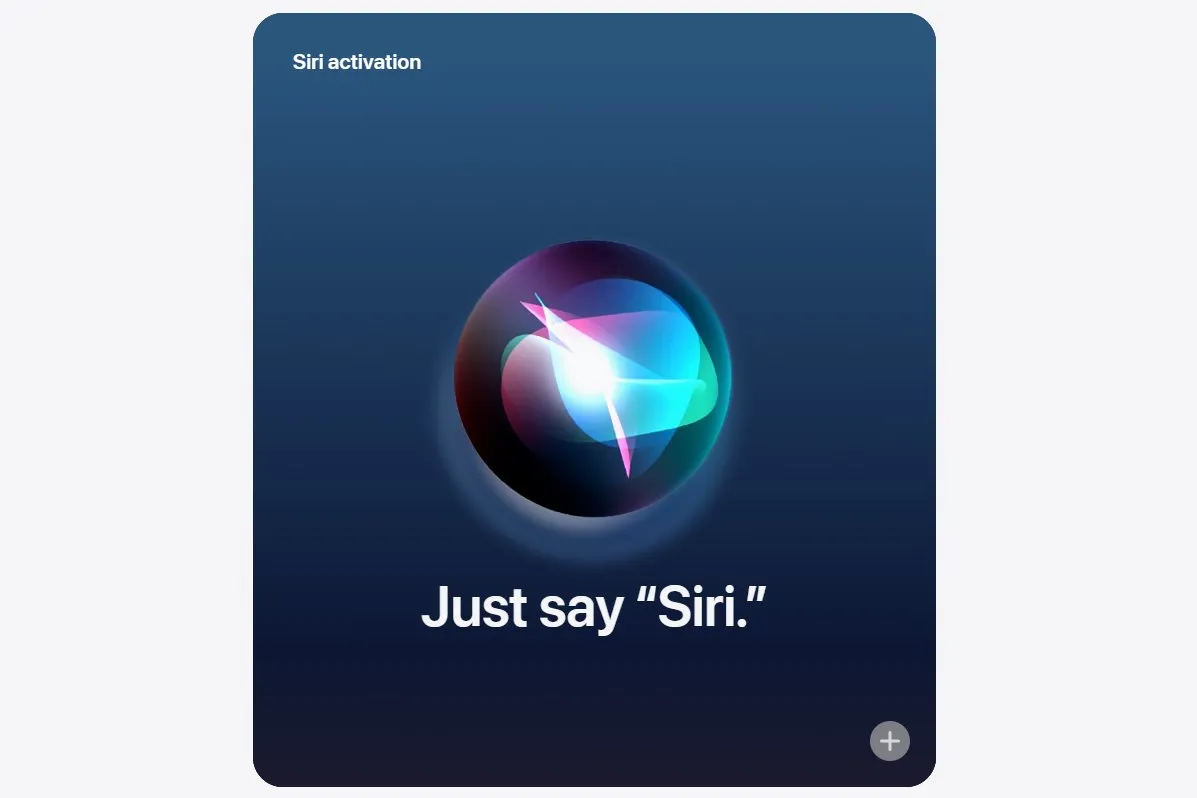
iOS 17 and macOS Sonoma updates make it easier to activate Siri by allowing you to use the wake phrase "Siri" instead of "Hey Siri".
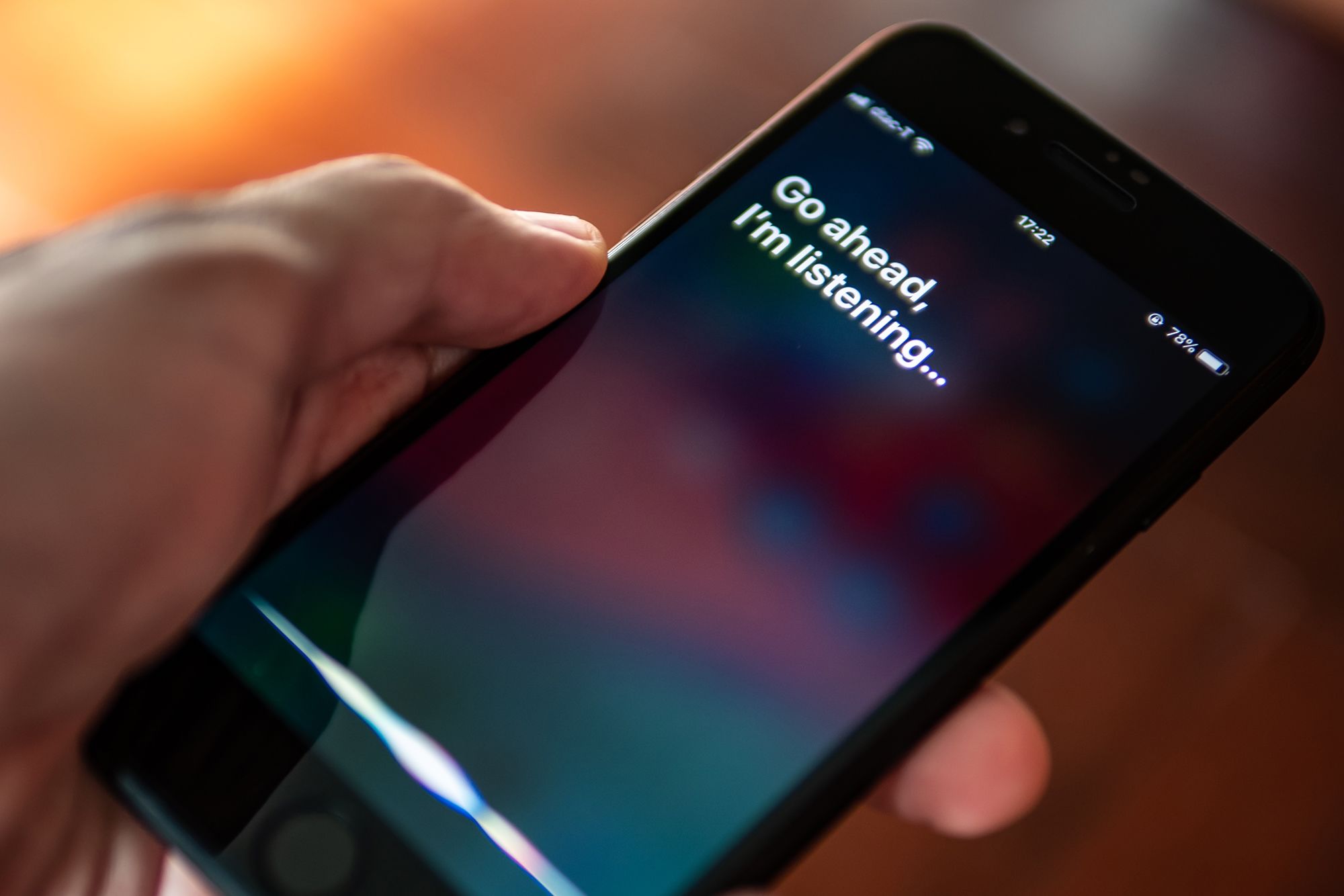
Siri in iOS 17 has improved accuracy and can respond even when your iPhone is in Standby Mode.
You can change the Siri wake phrase on your iPhone or iPad by going to Settings > Siri & Search and selecting "Siri" or "Hey Siri."
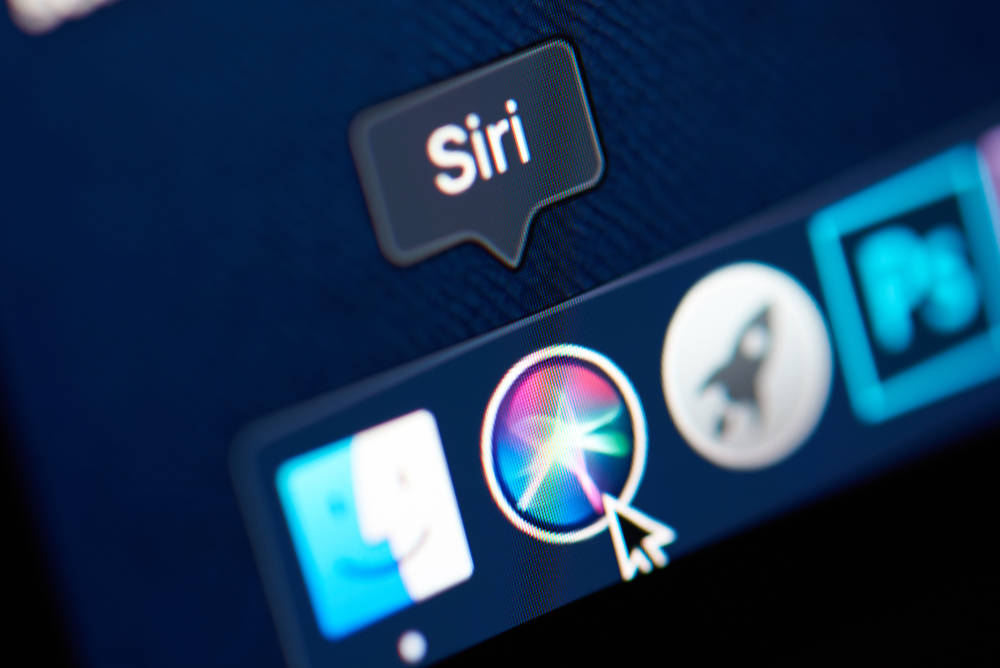
On Mac, open the Settings app, go to Siri & Spotlight, and choose the "Siri" or "Hey Siri" option.
You can use both "Siri" and "Hey Siri" interchangeably after making the change.
The removal of "Hey" from the wake phrase streamlines the Siri activation process.
Looks like your cart is empty. Why not go ahead and add some products in?
Use the following gestures to browse story content