Creating Grocery Lists in iOS 17 Reminders App on iPhone
Author: Yash | Date: Sep 21, 2023 | Time: 8:00 am
Slide 2 of 8
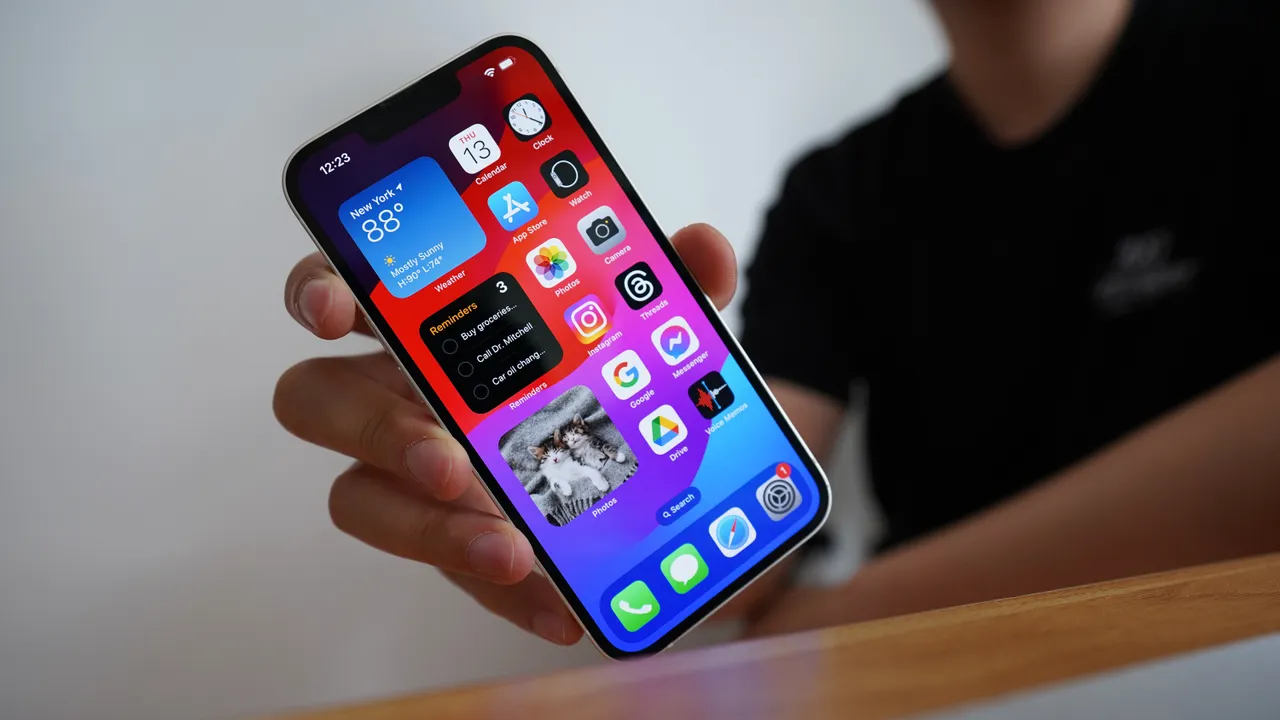
iOS 17 introduces significant improvements to the Reminders app, making it easier to create and manage grocery lists on your iPhone.
Slide 3 of 8
Creating a grocery list is straightforward, involving enabling Reminders from iCloud, creating a new list, and specifying it as a "Groceries" list type.
Slide 4 of 8
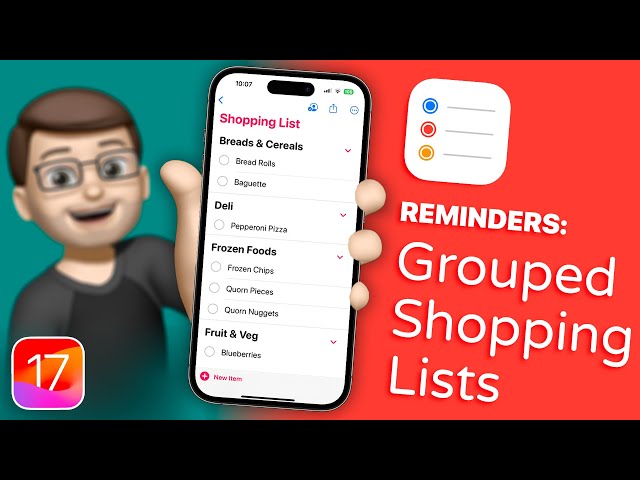
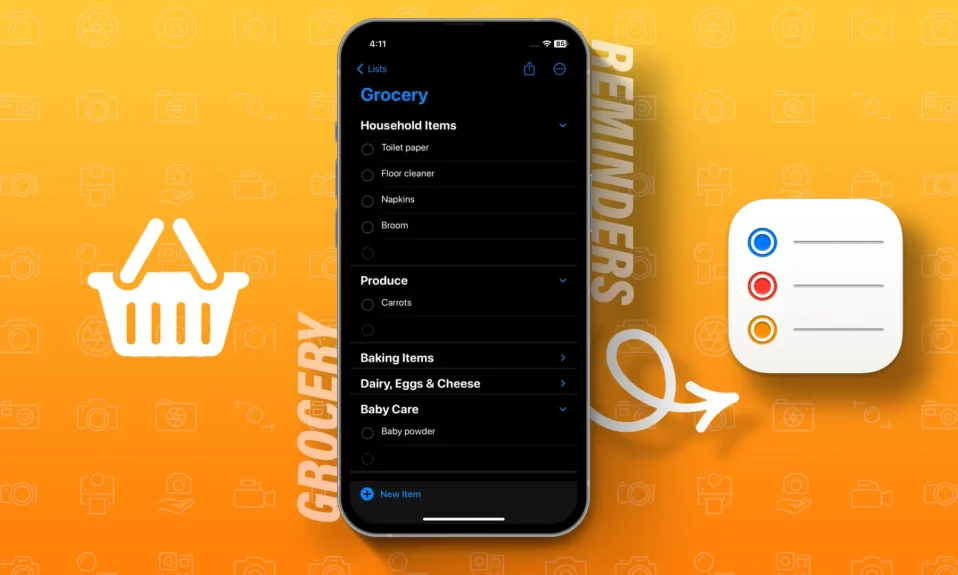
You can easily add items to your grocery list, and the Reminders app will automatically categorize them.
Slide 5 of 8
Prioritizing items is possible by tapping the "i"button next to the item and selecting a priority level.
Slide 6 of 8
You can choose to view your grocery list as columns instead of a simple list for better visibility.
Slide 7 of 8
Sharing your grocery list with others, such as roommates or family members, is convenient through the app.
Slide 8 of 8
Do you make your own grocery list?
Check out another story
Featured in this story
Transcript
Looks like your cart is empty. Why not go ahead and add some products in?
Get Link
Email
Facebook
LINE
LinkedIn
Pinterest
Tumblr
Twitter
WhatsApp
Navigating Stories
Use the following gestures to browse story content