Instagram reels are incredibly popular in 2026. Instagram has 3 billion monthly active users. I personally enjoy watching reels. Instagram lets users download eligible public Reels directly to their devices, if the creator allows downloads. Private-account Reels cannot be downloaded this way. Downloads may include an Instagram watermark and username. Reels using licensed audio may download without sound.
Because third-party downloader sites and apps can have a lot of risks, this guide focuses only on Instagram’s built-in download option.
Instagram Reel Download Option
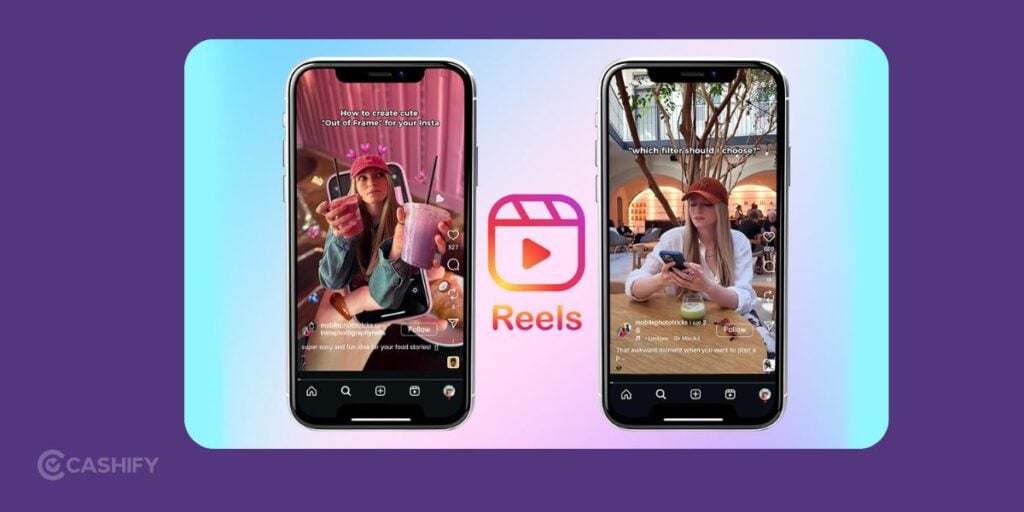
Instagram lets users download eligible Reels from public accounts directly to their devices. If you are a creator, you can disable downloads. The option is not available for every public Reel.
Also Read: How To Link Aadhar With PAN Via Online And Offline Modes
How to Download an Instagram Reel
- Open Instagram and find the Reel.
- Tap Share.
- Select Download, if available.
- The Reel will be saved to your device’s gallery or camera roll.
Downloaded Reels may include the Instagram logo and creator’s username. Reels using licensed audio may download without sound.
If Download is unavailable, the Reel may be from a private account or the creator may have disabled downloads. You can still use Save to keep it in Instagram for later.
Third-Party Downloader Warning
Third-party downloader apps and websites can have privacy and security risks. It includes intrusive ads, malicious downloads, and requests for passwords or unnecessary permissions. Avoid entering your Instagram password into any of these platforms.
Final Thoughts
Instagram’s built-in Download option is the simplest way to save eligible public Reels in 2026. No separate app or website is required. But know that downloaded videos may include Instagram branding and may lack licensed audio.
FAQs: Best Reel Downloader Apps
Can I download Instagram Reels directly from Instagram?
Yes. For eligible public Reels, tap Share > Download. The option may be unavailable if downloads are disabled.
Can I download Reels from private accounts?
No. Instagram doesn’t allow native downloads from private accounts. You can use Save to keep the Reel in the app.
Do downloaded Reels have a watermark?
Yes. Instagram downloads can include the Instagram logo and creator’s username.
Can I download a Reel without a Download option?
Not through Instagram’s native feature. The account may be private or downloads may be disabled.
Are third-party Reel downloaders safe?
They can have privacy and security risks. It includes ads, redirects, unwanted downloads, or credential requests. Never enter your Instagram password on a third-party downloader.
Also Read: Here’s How To Check Aadhar Card Status Using 4 Different Ways
If you’ve just bought a new phone and don’t know what to do with your old phone, then here’s your answer. Sell your old mobile to Cashify and get the best price for it. If you are planning to buy a new phone, check out Cashify’s refurbished mobile phones. You can get your favourite phone at almost half price with a six-month warranty, 15-day refund, and free delivery.