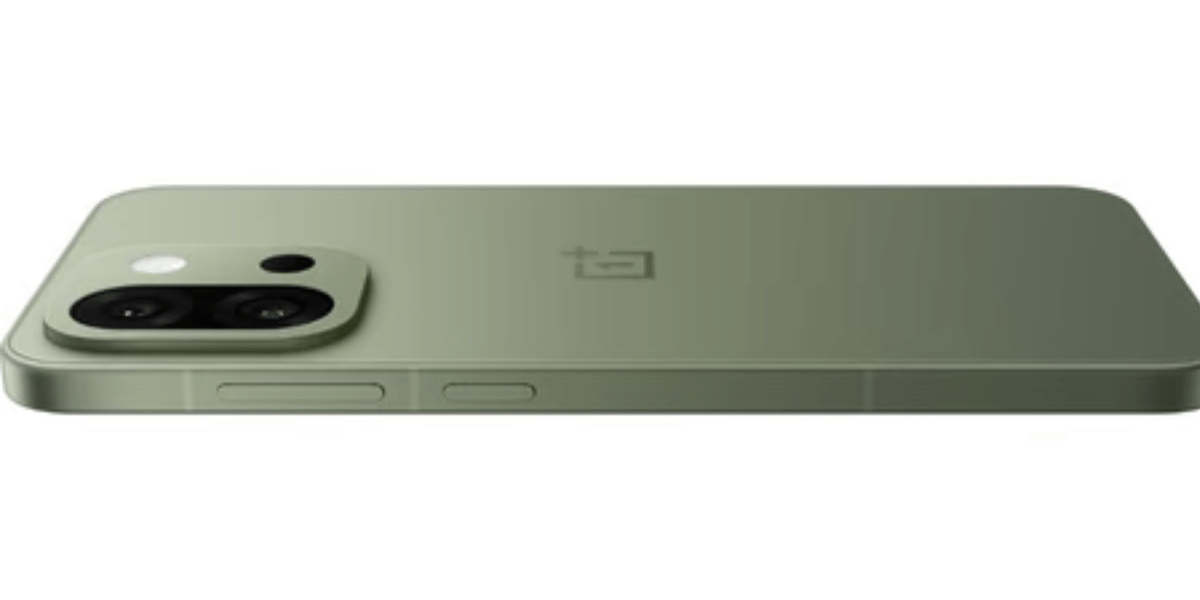
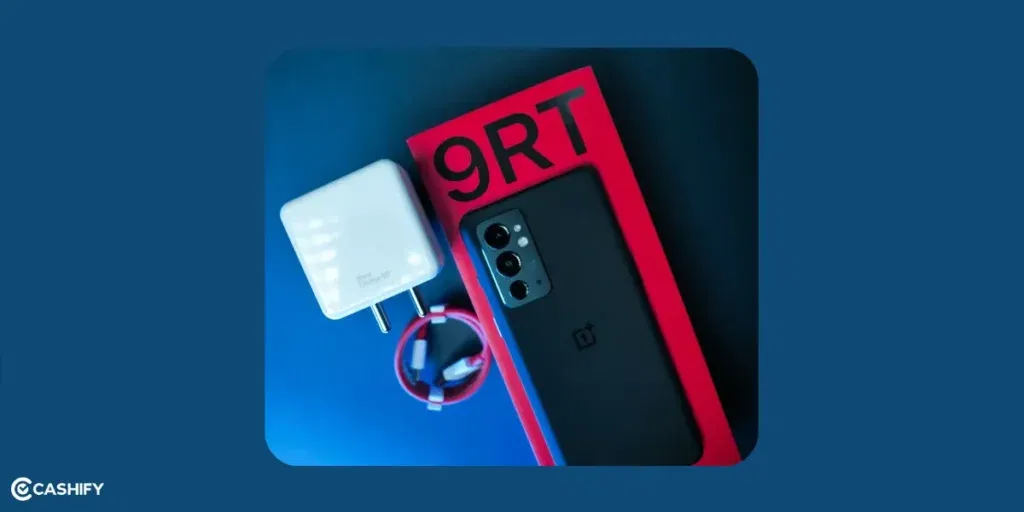
OnePlus 9RT battery not lasting even after charging it frequently in a single day? If you own this device and suddenly feel like you are glued to a charger all day, that’s a sign. The 9RT launched with a generous 4500mAh battery and 65W Warp Charge. If your phone is at least 2-3 years old now (especially devices bought in late 2021 or 2022), don’t be surprised. You are getting three to four hours of on-screen time instead of seven to eight hours. This can be fixed to some extent if it’s happening due to battery failure. Let’s see how to do it and what is causing the battery not to last.
Also read: Optimising Battery Life: 3 Ways To Supercharge Your iPhone Instantly!
Here are the most common culprits and proven fixes ranked from most likely to least likely.
1. Battery Health Has Dropped Below 80 Per Cent
The 9RT uses a lithium-ion battery. After 800 to 1000 charge cycles, capacity naturally drops.
How to check:
- Dial `*#*#4636#*#*`> Battery information (stock dialer trick still works on OxygenOS 13/14)
- Or install AccuBattery / GSam Battery Monitor from the Play Store and let it run for 2–3 days.
If health is below 80 to 82 per cent, you will notice drastically reduced runtime even with light use.
How To Fix?
Replace the battery. Seek an authorised service center or a trusted source like Cashify. The 9RT battery (model BLP857) is very easy to replace. If you can, just remove the back glass, disconnect one flex cable, and lift it out. But it’s better if you let a technician do that.
Also read: Change These Settings On Your OnePlus Nord 2 To Make It Faster!
2. OxygenOS 13/14 Background Aggression
Many users noticed a sharp drop after updating to Android 13 or 14. OnePlus has tightened background process limits. It added “Optimised charging” + “Smart Battery” features that sometimes backfire.
There Are Some Quick fixes:
- Settings > Battery > More settings > Turn OFF “Optimised night charging” and “Smart charging”.
- Settings > Battery > Battery usage > Tap the top app killers > Allow unrestricted + disable battery optimisation. Use this for important apps like WhatsApp, Gmail, etc.
- Turn off Adaptive Battery (Settings > Battery > Adaptive Battery)
Also Read: How To Book A Doorstep Service For Mobile Repair? Cashify Explains!
3. 120Hz + QHD+ Combo Still Running?
Even though the 9RT now defaults to FHD+, many users manually force QHD+ resolution via ADB or third-party apps. Combined with always-on 120Hz, this fails the battery.
How To Fix?
There are two things you can do in such cases:
- Settings > Display > Screen refresh rate > Switch to Standard (60Hz) or let it stay on Auto
- Settings > Display > Resolution > Keep it on Smart/FHD+ (don’t force QHD+)
To be honest, the 120Hz + QHD+ can drain ~25–30 per cent more than 60Hz + FHD+ on the same usage.
Also read: Ghost Touch On Oneplus 7 Pro! How To Fix It?
4. Incompatible Apps & Always-On Location
After the OxygenOS 13/14 updates, some older or poorly optimised apps consume battery charge. They either wake the phone or request high-accuracy location even when you are not using them. This happens especially in banking apps, Facebook/Meta suite, certain Chinese apps, and aggressive “cleaner” apps. Google Maps, Uber, banking apps with “fraud detection”, and food-delivery apps are the worst offenders.
How to spot them:
- Settings > Battery > Battery usage > Show full device usage > Look for “Mobile radio active” or “Wake locks” being unusually high.
- Or use AccuBattery > “App usage” tab > sort by “Background usage”.
Proven fixes (do these in order):
- Settings > Apps > See all apps > [suspect app] > Battery usage > Choose Restricted or Optimised (never leave on Unrestricted unless it’s critical).
- For the worst ones (Facebook, Snapchat, etc.), install the lite versions or just use them in the browser.
- Turn off always-on location scanning: Settings > Location > Location services > Google Location Accuracy. Then Turn OFF “Wi-Fi & Bluetooth scanning. Also, turn off “App location permissions. Set everything that doesn’t need it to “Allow only while using the app.
- Disable “Nearby device scanning” and “Wireless emergency alerts” if you don’t need them (Settings > Privacy or Connections).
Doing just these steps often gives 1–2 hours extra screen-on time.
Also Read: 3 Reasons Why Your OnePlus 9 Pro Battery Is Draining Fast!
5. The 5G Eating Battery Silently
The OnePlus 9RT has a Snapdragon 888 + X60 modem. They get noticeably hotter and hungrier on 5G NR compared to LTE, especially in areas with weak or fluctuating 5G coverage. The phone keeps hunting for 5G bands and falls back to 4G repeatedly. That’s a massive standby drain.
How to check if this is your problem:
- Put the phone in airplane mode for 10 minutes > turn on only Wi-Fi > check idle drain (should be 0.2–0.4%/hour).
- Then enable mobile data with 5G. If the drain jumps to 1.5–3%/hour overnight, 5G is the culprit.
Proven fixes:
- Quick toggle (most people just do this): Settings > Mobile network > SIM 1 or SIM 2 > Preferred network type > Choose LTE/WCDMA/GSM or NR/LTE (the one that locks it to 4G). Or swipe down quick settings → long-press Mobile data > Network mode → LTE only.
- Smart 5G (OxygenOS 14 feature): Settings > Mobile network > Smart 5G → Turn ON. It automatically switches to 4G when you’re not downloading/streaming heavily. This saves a lot without you noticing.
- If you live in a strong 5G area and want to keep 5G, at least turn off 5G when the screen is off. Dial ##4636#*#* > Phone information > Set preferred network type > NR/LTE only (or toggle “NR only” off and on to force it).
Most 9RT users who were getting 4–5 hours SOT went back to 6.5–8 hours SOT just by locking to 4G or enabling Smart 5G.
Also Read: What Is The Difference Between Screen Repair And Screen Replacement?
Cashify’s Professional Approach On OnePlus 9RT Battery Not Lasting
OnePlus 9RT battery not lasting could make you wonder whether it’s time for a new mobile. Actually, it’s not, unless you want. You can get the battery replaced, and the phone will start working as it used to before. Charge once, and you can comfortably use it for a whole day.
Cashify’s certified mobile repair platform connects you with expert technicians. You schedule the service in your city, and a professional will visit you for the repair. Or he may pick up the device for repair and drop it off. Don’t worry, there’s no extra charge for the visit. There are many more reasons why choosing Cashify is smart.
- Up to three months’ warranty* on battery repair/replacement.
- The OnePlus phone repair fee is transparent, as you can get the details on the website or app itself.
- You get the fastest phone repair time. Sometimes even on the same day.
Also Read: OnePlus 10R Phone Hangs Repeatedly: 5 Things You Can Do!
Final Word
OnePlus 9RT battery not lasting can be rectified in various ways. As we have mentioned above, there are numerous ways to easily fix them without paying for them. aprofessional. But if you have professional mobile phone repair in mind, Cashify would be the best option. It’s affordable and smart. Try it today!
When booking online, make sure you use one of these codes:
RPR50: Get up to 50 per cent off on a minimum order value of Rs. 1000
TECH25: Discount of up to Rs. 300 by using the code on the minimum order value of Rs. 2499.
If you’ve just bought a new phone and don’t know what to do with your old phone, then here’s your answer. Sell your old mobile to Cashify and get the best price for it. If you are planning to buy a new phone, check out Cashify’s refurbished mobile phones. You can get your favourite phone at almost half price with a six-month warranty, 15-day refund and free delivery.