If my phone switches off on its own, it can be because of several reasons. It can be due to a low or damaged battery, overheating, software problems, a stuck power button, faulty apps, low storage or RAM, or even charging issues. Most of these problems are common and can usually be fixed at home by doing simple things. But if the issue continues even after trying these steps, the phone may need professional repair.
This problem of switching off automatically or shutting down suddenly affects a lot of users. In this guide, I will explain the possible reasons and show step-by-step solutions to fix them. The goal is to help you understand the problem clearly and get your phone working again. Let’s get started:
Issue 1: Battery Health Or Damage
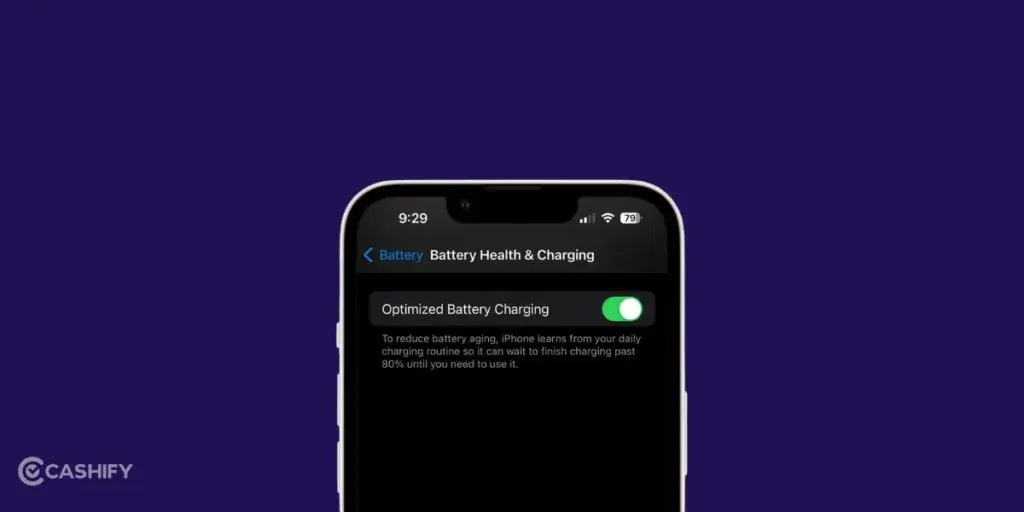
One of the most common reasons a phone shuts down suddenly is a worn-out or damaged battery. As the battery gets older, it may not be able to hold enough charge to keep the phone running properly.
How To Identify Battery Problems?
You might be facing battery issues if:
- Your phone switches off even when the battery level is between 20 and 50 percent.
- The battery drains much faster than it used to.
- The phone feels hot or swollen near the battery area.
Simple Step-by-Step Fixes
You can try these easy solutions at home:
- Go to Settings > Battery and see if any app is using too much power
- Charge the phone to 100 percent and use it until it turns off. After this, charge it fully again without breaks.
- If the phone has a removable battery, you can try a new one. For phones with built-in batteries, you can use a battery health app from the app store to check its condition.
If the phone is still under warranty or if the battery looks swollen, you should take it to an authorised service center immediately. You should avoid trying to replace the battery yourself in sealed phones, as it may cause more damage.
Issue 2: Overheating Issues
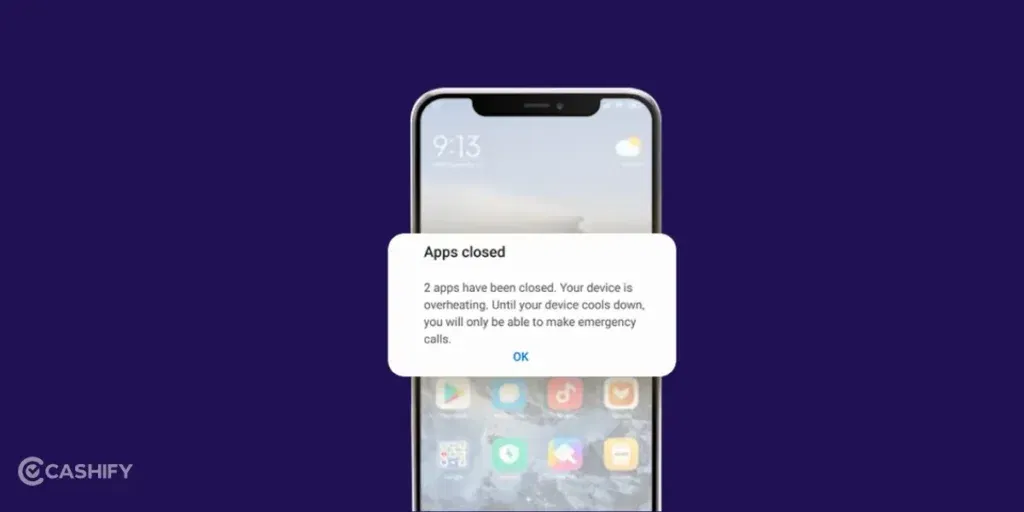
Overheating is another common reason behind phone switching off on its own. When my phone gets too hot, it shuts down on its own to protect the internal parts from damage.
How To Spot Overheating?
You can tell your phone is overheating if:
- The phone feels very warm while using it or charging
- It switches off during heavy tasks like gaming, video calls, or long online classes
- You see warning messages about high temperature on the screen
Easy Fixes You Can Try
You can try these simple steps to cool down your phone:
- Taking off the cover helps the phone release heat faster.
- Keep the phone in a cool and shaded place to avoid direct sunlight.
- Use the app switcher to close apps that are running unnecessarily.
- Many heating problems reduce after installing the latest system updates
If phone keeps overheating even when it is not in use or after it has cooled down, it could be a hardware issue. In that case, visit a repair centre to check for problems like a faulty processor or internal damage.
Also Read: iQOO 15 Vs iQOO 15 Ultra: Which One Should You Buy?
Issue 3: Software Bugs or Outdated OS

Sometimes, a phone keeps turning off because of software bugs or an outdated OS. If the software is not working properly, the phone may restart or shut down suddenly without any warning.
Signs Of Software Problems
Y may be facing a software issue if:
- Your phone restarts randomly after an app update or system update
- You see error messages just before the phone switches off
- The problem started right after installing new software
Step-by-Step Solutions
You can try these simple fixes to solve software-related problems:
- Press and hold the power button and tap Restart
- Go to Settings > System > Software Update and install any available updates
- Press and hold the power button. After this, long-press Restart to enter safe mode and check if third-party apps are causing the issue.
- Factory reset is the last resort. First back up all important data, then go to Settings > System > Reset options and reset the phone
If software updates do not fix the issue, it is best to visit a service centre. A technician may need to reinstall the operating system to solve the problem properly.
Issue 4: App-Related Problems
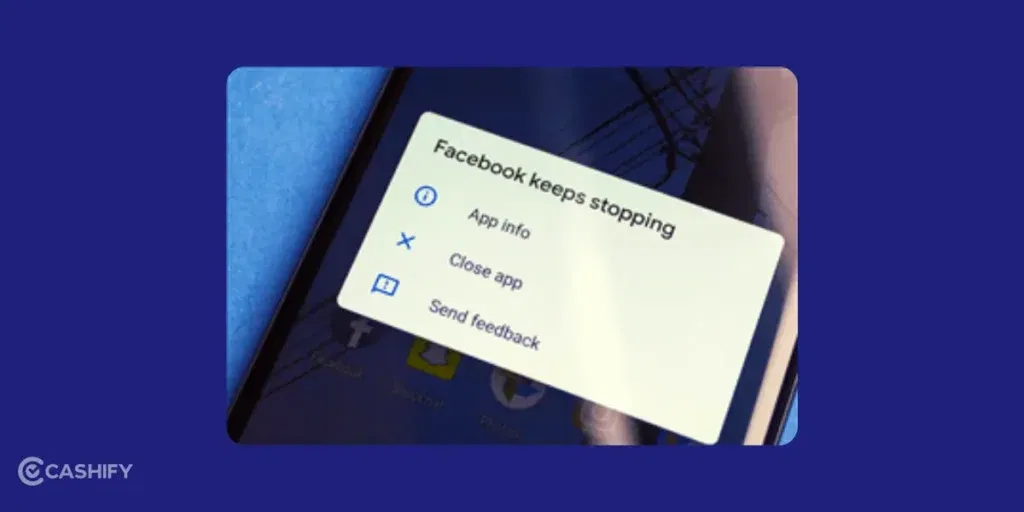
Sometimes, certain apps can put too much pressure on the phone. It can cause it to switch off automatically. This usually happens when an app is poorly designed or not compatible with the phone’s software.
How To Know These App Issues?
You might be facing an app-related problem if:
- The phone shuts down right after opening a specific app.
- Your phone crashes while multitasking.
- The issue started after installing a new app.
Quick Fixes You Can Try At Home
I can try these simple solutions:
- Go to Settings > Apps, select the problematic app, and tap Force Stop
- Remove newly installed apps from the app drawer or settings
- Go to Settings > Apps > Storage and clear the cache of the app causing trouble
In most cases, professional help is not needed. If the problem continues, a software technician can check for deeper issues.
Issue 5: Running Out of Space
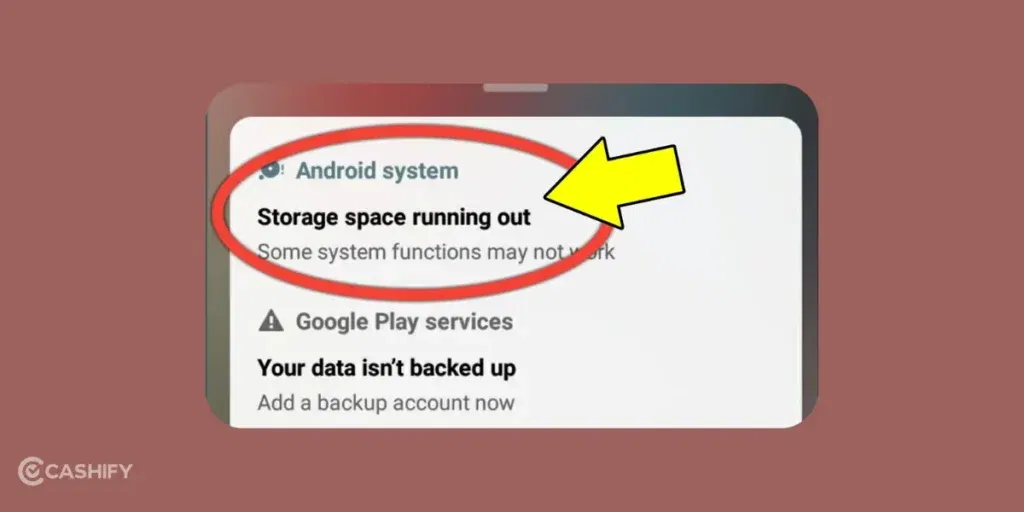
If your phone’s storage is full or RAM is low, the system may shut down to prevent crashes. This is common in phones with limited internal storage.
How To Know Memory Overload Signs
You may notice:
- Low storage warnings appearing frequently.
- Apps lagging or freezing before the phone switches off.
- The phone becoming very slow overall.
Step-by-Step Remedies
You can fix this:
- Delete old photos, videos, or unused apps from Settings > Storage
- Close background apps using the recent apps button
- Upload files to Google Drive or iCloud to save space
If the phone is old and has hardware limits, upgrading to a newer model may be a better option than repair.
Also Read: Cheapest Country To Buy MacBook In 2026: Global Price Comparison
Issue 6: Charging or Power Supply Issues
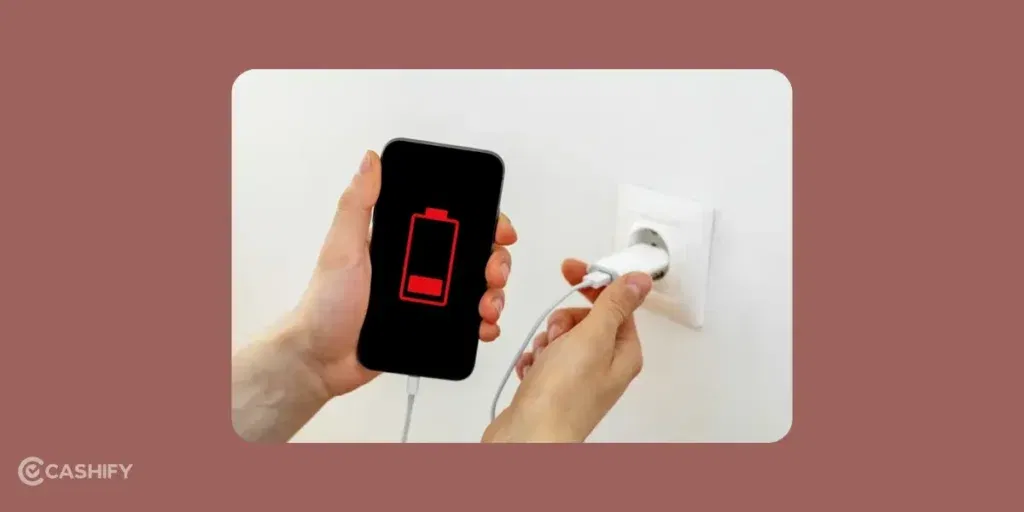
Problems with the charger, cable, or charging port can interrupt power and cause the phone to shut down suddenly.
How to Identify Charging Issues
You might have charging problems if:
- The phone turns off while charging or right after unplugging
- Charging is slow or unstable
- The cable or charging port looks damaged
Simple Fixes You Can Try
You can try these easy steps:
- Always try an original or compatible charger
- Gently remove dust or lint using a toothpick (make sure the phone is switched off)
- Plug into a different wall socket or USB port
FAQs:
Is This Always a Battery Problem?
Not always. Issues like overheating, software bugs, or faulty apps can also cause the phone switching off on its own.
Can Software Updates Fix a Phone Switching Off Automatically?
Yes, many times they can. Software updates often fix bugs that cause random shutdowns.
Should I Replace My Phone If It Shuts Down Suddenly?
Only if nothing works and the phone is very old (around 3 years or more).
Why Does My Phone Turn Off Even When Fully Charged?
This can happen due to overheating, a faulty power button, or software issues. Try cooling the phone and updating the software first.
Is It Safe to Use My Phone If It Keeps Turning Off?
Yes, it is generally safe. You should fix the issue as soon as possible to avoid data loss.
Also Read: Best Google Pixel 9a Camera Settings To Capture Pro-Level Shots
Conclusion:
A phone switching off on its own can be frustrating. In most cases, it is easy to fix. You should start with basic steps before moving on to professional repair. Also, consider the age of the phone before you consider repair. If the phone is too old or has stopped getting updates, it’s only wise to upgrade. If the budget is too tight, you can always buy a refurbished variant from Cashify.
These day, phone brands are launching options at a tight budget as well. You can check out the best mobile phone under 15000 if you are thinking of upgrading. In case you have any other doubt, let me know in the comments section below. I would love to hear you out.
If you’ve just bought a new phone and don’t know what to do with your old phone, then here’s your answer. Sell old mobile to Cashify and get the best price for it. If you are planning to buy a new phone, check out Cashify’s refurbished mobile phones. You can get your favourite phone at almost half price with six-month warranty, 15 days refund and free delivery.