You open the front camera on your Apple iPhone 17 Pro to take a selfie, but the result does not look right. The image may appear blurry, or in some cases, the camera may not respond at all. It can happen without any warning, even when the phone was working fine earlier. In most cases, small software or hardware issues can affect the camera. Let’s look at what could be causing the Apple iPhone 17 Pro front camera issue and how you can fix it.
Also Read:What Is The Difference Between Screen Repair And Screen Replacement?
Why Your Apple iPhone 17 Pro Front Camera Is Blurry Or Not Working?
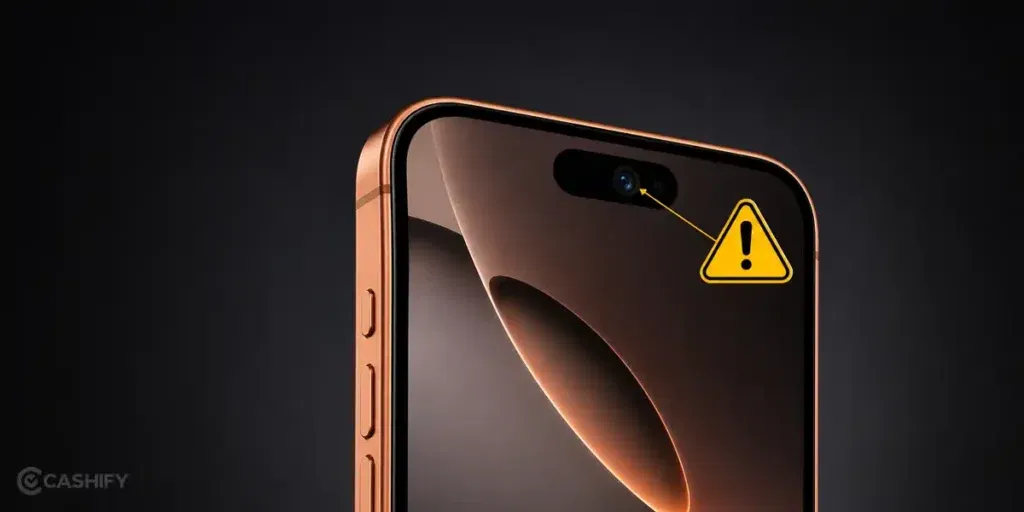
There could be several reasons for the Apple iPhone 17 Pro front camera issue. Here are the key ones:
Light Reflection From Screen Protector Near The Camera Area
Some screen protectors slightly overlap the front camera area or create glare. This can affect how the camera focuses. The result is a soft or blurry selfie even when the lens is clean.
Camera Switching Delay Between Apps
When you switch quickly between apps like Instagram, WhatsApp, or the default camera, the front camera may take a moment to reset. During this delay, the image can freeze or fail to load properly.
Face Data Conflict In Camera Settings
Face ID and camera apps sometimes use overlapping data. If there is a minor software conflict, the front camera may struggle to focus correctly or may open with a blurry feed.
Heat Buildup Around The Front Sensor Area
If the phone is used for video calls or gaming before taking a selfie, heat near the top sensor area can affect camera performance. This may lead to slow focus or a dim output.
Temporary Lens Calibration Glitch
The front camera sometimes needs recalibration after updates or app crashes. If calibration does not sync properly, the camera may open but fail to focus clearly.
Also Read: Do You Lose Data When Replacing LCD Screen?
Simple Things You Can Try Before Going For Repair
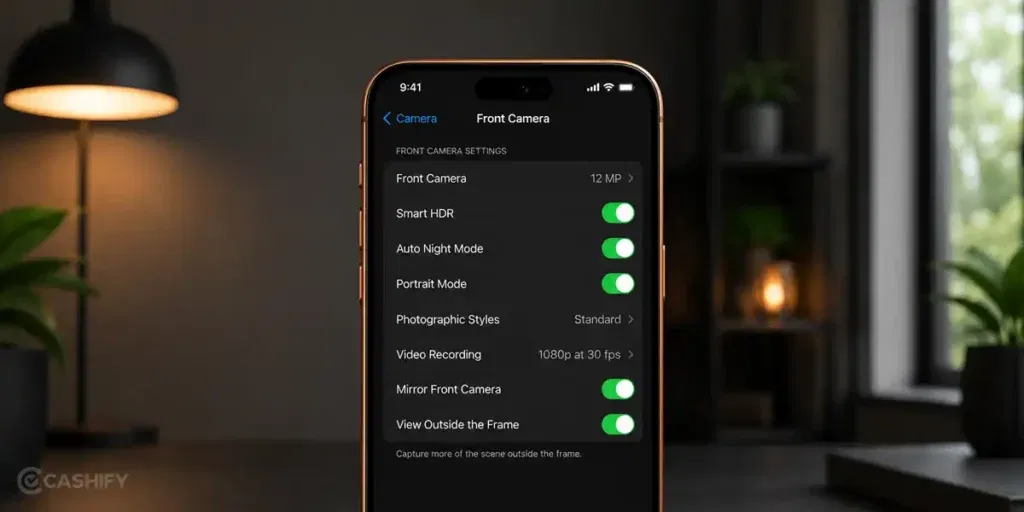
So now you know what can cause the Apple iPhone 17 Pro front camera issue. Let’s look at a few simple fixes you can try at home before going for a repair:
Open Camera After Locking The Phone Once
Lock your Apple iPhone 17 Pro for 10 to 15 seconds. Then unlock and open the front camera directly. This helps reset a stuck camera session.
Force Switch Through Video Mode First
Open the camera in video mode first, then switch to selfie mode. This often forces the camera sensor to reinitialize properly.
Test Camera Inside A Different App First
Before using the default camera, open the front camera inside WhatsApp or FaceTime. If it works there, it helps narrow down a software app conflict.
Change Orientation Before Opening Camera
Rotate the phone from portrait to landscape once, then open the camera. This can trigger a fresh sensor alignment in some cases.
Light Tap Near Top Frame Once
Gently tap near the top front area of the phone once and then open the camera. If the issue is minor connection lag, this sometimes helps the sensor respond again.
Also read: 8 Signs That Your Android Phone Motherboard Needs Repair!
When You Should Get The Front Camera Checked By A Technician
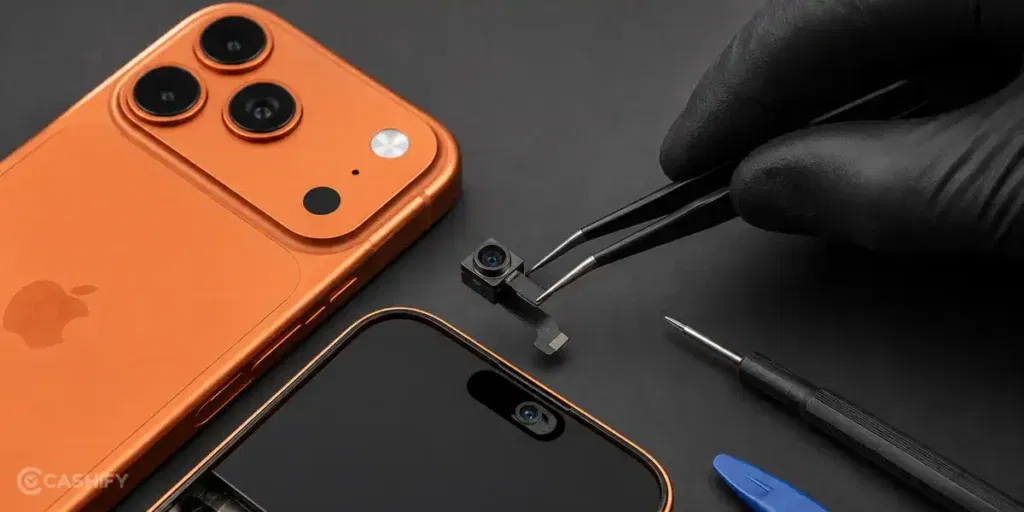
If the Apple iPhone 17 Pro front camera issue is still there after trying the basic fixes, it is better to get it checked by a technician. At this stage, the problem is usually inside the camera or related parts. Simple steps will not fix it anymore. A proper diagnosis is needed to find the exact cause.
Instead of searching for local shops, Cashify offers a simple way to get your phone checked and repaired without hassle. Here is what you get with Cashify mobile phone repair service:
- You can book a phone repair online through the Cashify website or app anytime.
- A trained technician can visit your home or office. No need to travel or wait in queues. You only pay after the Apple mobile repair is done.
- If visiting a store is easier, Cashify also has 200+ stores across major cities. You can walk in and get your phone checked.
- The mobile repair cost is shared upfront before any work starts. No hidden charges. Pricing depends on the phone condition.
- Cashify uses high-quality compatible parts to help restore proper front camera performance and long-term reliability.
Also read: Vivo Y83 Pro Aux Jack Not Working? Repair It Fast With Cashify
FAQs About Apple iPhone 17 Pro Front Camera Issue
Q. Why is my iPhone 17 Pro front camera blurry even after cleaning it?
Sometimes the issue is not on the lens surface. Small software glitches or camera app lag can still affect focus even when the lens is clean.
Q. What can cause the Apple iPhone 17 Pro front camera issue suddenly?
It can happen after an iOS update, app crash, or when the camera system fails to reset properly after switching between apps.
Q. Why does the front camera freeze or show a black screen sometimes?
This usually happens when the camera app does not load correctly or another app is already using the camera in the background.
Q. Can a software update fix the Apple iPhone 17 Pro front camera issue?
Yes, in some cases. If the issue is related to system bugs, an update can improve or fix camera performance.
Q. When should I stop trying fixes and go for repair?
If the front camera stays blurry, freezes often, or does not open even after basic steps, it is better to get it checked by a technician.
Also read: Pixel 6A Detected Water In USB Port? Get Your Best Fix Today!
Final Thoughts On The Apple iPhone 17 Pro Front Camera Issue
So, we have covered the main reasons behind the Apple iPhone 17 Pro front camera issue and the simple fixes you can try at home. In many cases, these basic fixes are enough to improve camera performance.
If the problem still does not go away, it is better not to keep trying random fixes. Getting it checked by a technician is the safer option at that point.
If you still have any questions, feel free to leave a comment below.
Use code:
- TECH25 to avail a discount of up to Rs. 300 (on the minimum order value of Rs. 2499).
- RPR50 to avail up to 50 per cent off on a minimum spend value of Rs. 1000 (limited offer).
Are you still browsing through your broken screen? Don’t worry! Book at-home mobile phone screen repair with Cashify, an affordable and one-stop destination for all your mobile phone needs. In case you break your screen within 1 month of repair, we will replace your screen again for FREE.