Charging problems are usually easy to ignore at first. A phone may still connect, then disconnect, or charge more slowly than usual, and you only notice it when it becomes regular. With the iPhone 17 Pro Max, even small changes in charging behaviour can point to something worth checking early. Let’s look at what could be behind Apple iPhone 17 Pro Max charging jack not working and what you can try before going for a replacement.
Also read: Pixel 6A Detected Water In USB Port? Get Your Best Fix Today!
Why Your Apple iPhone 17 Pro Max Charging Jack Stops Working Properly?
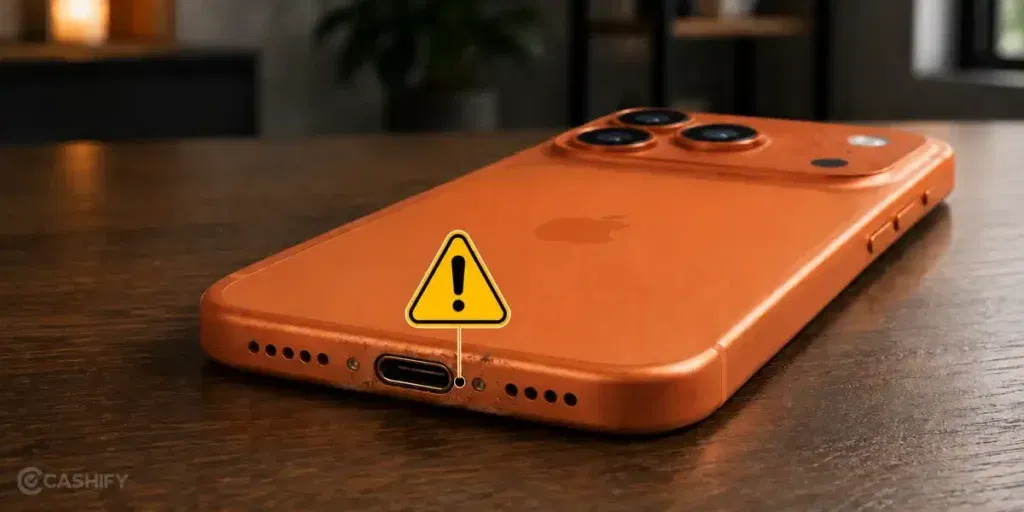
First, let’s look at the reasons behind the Apple iPhone 17 Pro Max charging jack not working issue:
Cable Not Sitting Fully In The Port
Sometimes the cable goes in but not all the way. Even a small gap can stop proper charging. The phone may connect only when you press the cable slightly.
Pocket Dust Packed Deep Inside
Lint from pockets can get pushed inside the port over time. It sticks at the back of the slot. This blocks the cable from reaching the pins properly.
Loose Grip From Frequent Fast Charging
Fast charging cables get plugged in more often in a day. This repeated use can reduce the tight grip inside the port. The connection starts feeling weak.
Small Liquid Exposure After Daily Use
Sweat or light moisture can enter the port during daily use. It does not show outside. But it slowly affects contact inside the charging area.
Slight Misalignment After Minor Drops
Even a small drop can shift the port inside the frame. It may still look fine from outside. But the cable no longer sits in a straight line.
Also read: Vivo Y83 Pro Aux Jack Not Working? Repair It Fast With Cashify
Simple Fixes You Can Try Before Replacing The Charging Jack
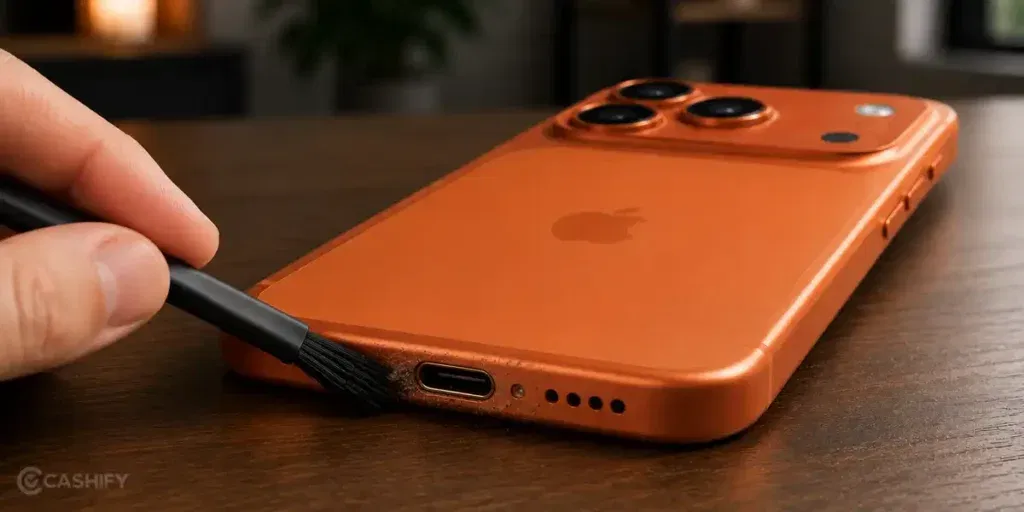
You don’t always need a repair for the Apple iPhone 17 Pro Max charging jack not working issue. Here are a few simple fixes you can try at home first:
Plug The Cable After Cleaning The Tip Once
Take a dry cloth and wipe the charging cable tip properly. Then plug it in slowly. A clean contact point often restores normal charging.
Restart The Phone Before Testing Again
Turn off your Apple iPhone 17 Pro Max for a few seconds and restart it. This clears temporary charging glitches and helps the system detect the cable again.
Try Charging While The Phone Is Idle
Close all apps before plugging in the charger. Keep the phone idle for a few minutes. This helps the port respond without extra load.
Change The Angle Slightly While Plugging
Insert the cable straight, then adjust it slightly upward or downward. If charging starts, it confirms a contact alignment issue that can sometimes be managed temporarily.
Use A Different Power Source Once
Try charging from a different adapter or socket. A stable power input can help rule out inconsistent charging behavior during testing.
Also read: 8 Signs That Your Android Phone Motherboard Needs Repair!
When The Charging Port Needs Professional Repair
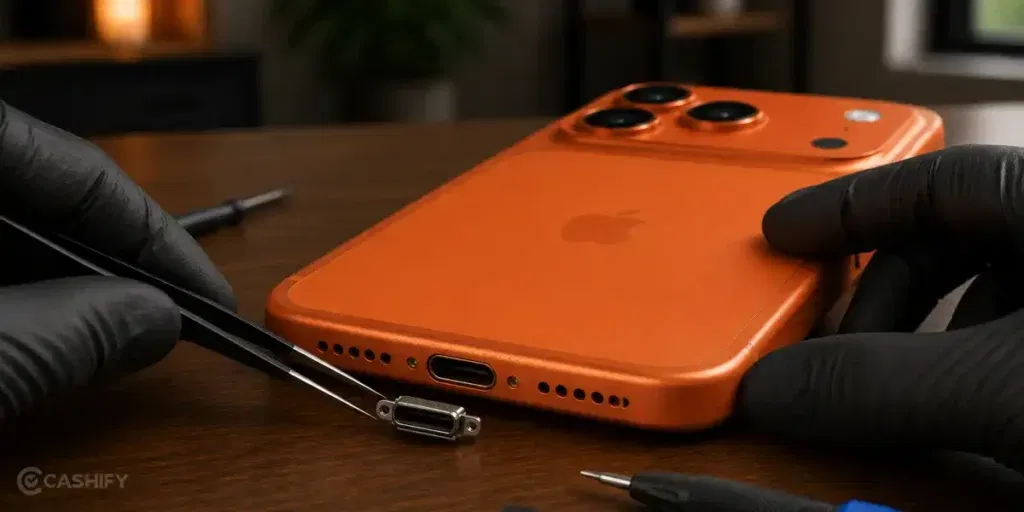
If the Apple iPhone 17 Pro Max charging jack not working issue is still there after trying all fixes, it may need a professional check.
At this point, more home fixes may not help. The issue needs proper diagnosis to find the exact cause.
Instead of going to random shops, you can book a mobile repair service through Cashify. It is simple and comes with clear benefits:
Proper Charging Check Before Repair
The technician checks the charging port, cable support, and internal connection first. This helps identify the real issue.
Clear Repair Cost Before Work Starts
You get the price before the mobile phone repair begins. There is no confusion about extra charges later.
No Advance Payment, Pay After Service Completion
You only pay once the phone repair is completed. This makes the process more safe and transparent for you.
High-Quality Compatible Parts Used For Reliable Replacement
If a part needs replacement, tested and high-quality compatible parts are used. This helps restore proper charging.
Schedule Repair Online Without Stepping Out To A Store
No need to visit shops or wait in lines. You can book the Apple mobile repair online in a few steps:
- Visit the Cashify website or open the Cashify app.
- Go to the Mobile Repair section
- Select Apple as your phone brand.
- Choose iPhone 17 Pro Max from the list of models.
- Select Charging Jack as the issue.
- Enter your address for doorstep repair service.
- Pick a date and time that suits you.
- Confirm the booking. A technician will visit your location and complete the repair.
Also Read: Do You Lose Data When Replacing LCD Screen?
Final Thoughts
So, we have shared all the reasons that could lead to the Apple iPhone 17 Pro Max charging jack not working issue. You also have some idea now about how to fix it at home. If nothing works, Cashify is there to help you. Cashify offers a simple and convenient way to get the charging port issue fixed by trained technicians at your doorstep.
If you still have any questions, feel free to leave a comment below.
Use code: TECH25 to avail a discount of up to Rs. 300 (on the minimum order value of Rs. 2499).
Use code: RPR50 to avail up to 50 per cent off on a minimum spend value of Rs. 1000 (limited offer).
Are you still browsing through your broken screen? Don’t worry! Book at-home mobile phone screen repair with Cashify, an affordable and one-stop destination for all your mobile phone needs. In case you break your screen within 1 month of repair, we will replace your screen again for FREE.