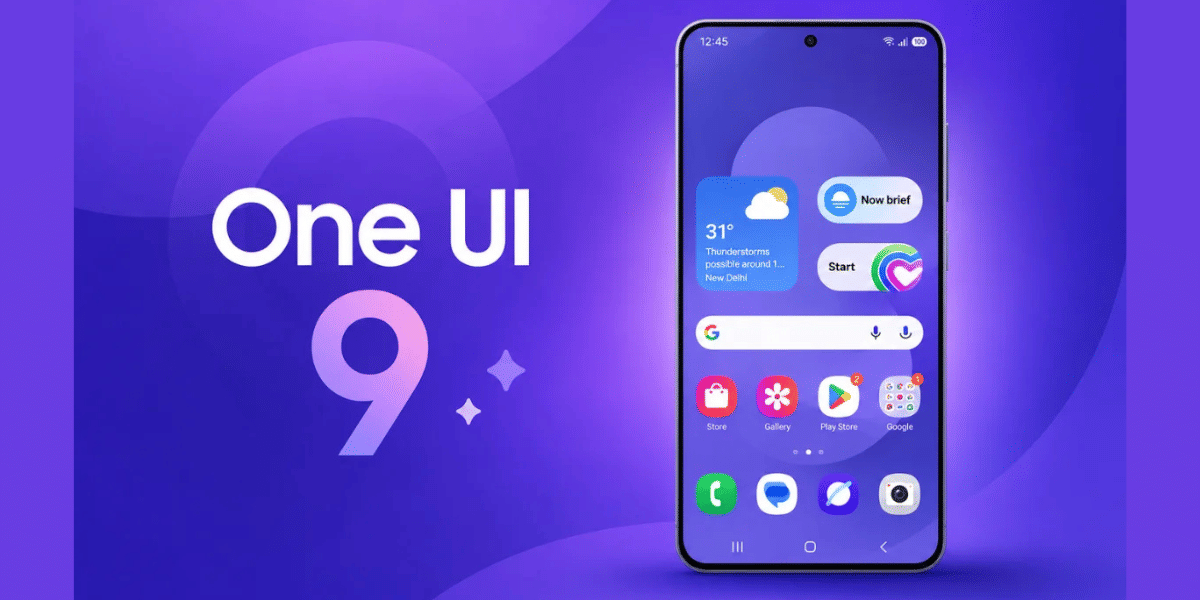
Samsung is making file sharing between Android and Apple devices easier with its latest One UI 9 update. The company has started rolling out Apple AirDrop compatibility to its mid-range Galaxy A-series smartphones through the Quick Share feature. The update allows users to exchange photos, videos and documents between Samsung Galaxy phones and Apple devices without installing third-party applications.
Based on Android 17, One UI 9.0 initially brings this feature to the Samsung Galaxy A57 and Samsung Galaxy A56. Samsung previously introduced AirDrop compatibility on its flagship Samsung Galaxy S26 series and is now expanding the feature to more affordable smartphones.
Samsung One UI 9 One UI 9 Update: Eligible Samsung Galaxy Devices And Features
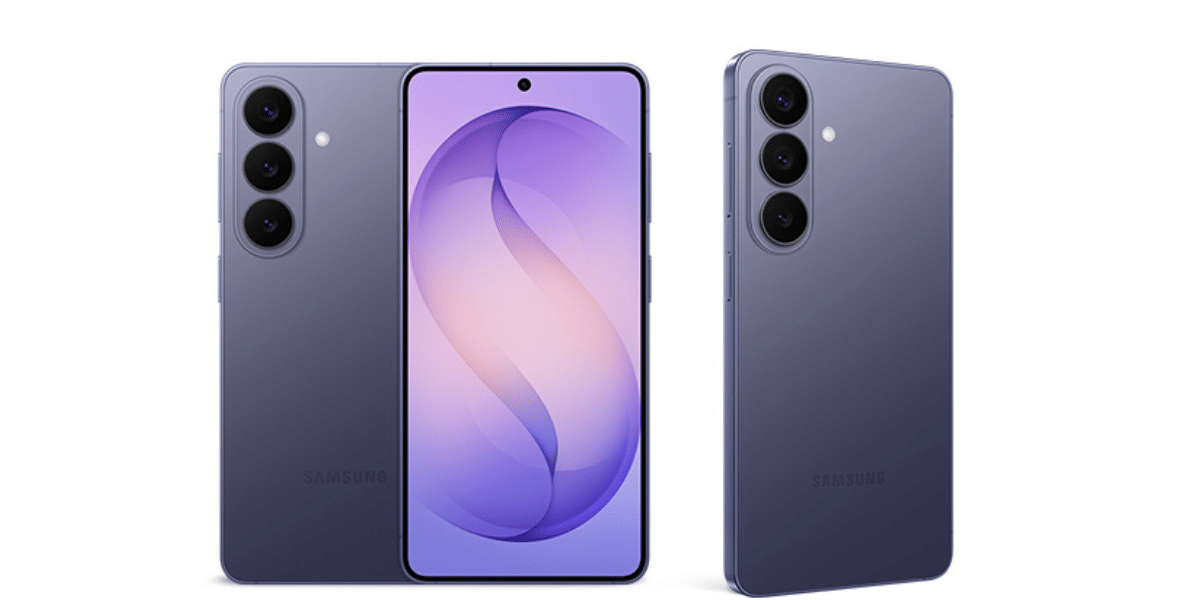
The Galaxy A57 and Galaxy A56 are the first mid-range A-series smartphones to receive stable One UI 9.0 with Apple device sharing support.
Here are the key features:
- Apple AirDrop compatibility: Exchange files between Samsung Galaxy and Apple devices.
- Quick Share integration: Access the feature directly through Samsung's existing Quick Share application.
- Original image quality: Share photos and videos without losing their original resolution.
- Wireless transfers: Use Bluetooth and Wi-Fi to transfer files directly between nearby devices.
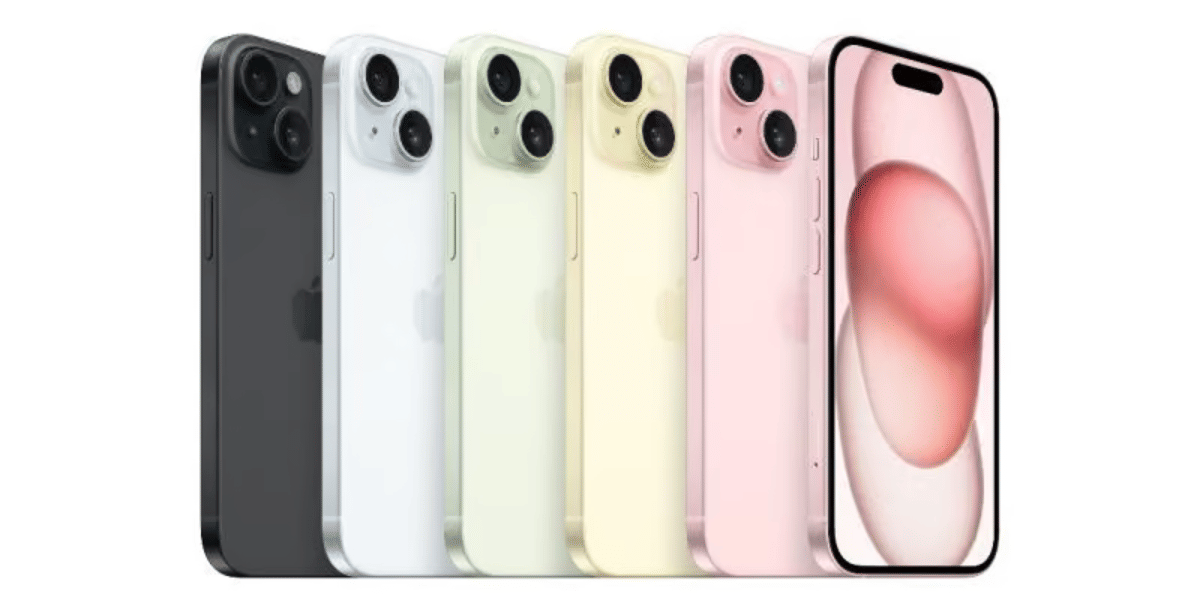
- Two-way sharing: Send and receive files between Galaxy phones, iPhones, iPads and Macs.
Also Read: Samsung One UI 9.5 Beta Could Launch Soon As New Clues Surface
The confirmed eligible devices include:
- Samsung Galaxy A57
- Samsung Galaxy A56
- Samsung Galaxy S26 series
- Supported premium Galaxy devices and foldables
Samsung may expand this capability to more Galaxy A-series smartphones in future updates. However, the company has not confirmed additional models or rollout dates.
How To Use Apple AirDrop On Samsung Galaxy Phones
Galaxy A57 and A56 owners can activate Apple device sharing through Quick Share by following these steps:
- Make sure your smartphone runs the latest One UI 9.0 update.
- Update the Quick Share application through the Galaxy Store.
- Open Settings on your Samsung smartphone.
- Select Connected Devices and tap Quick Share.
- Find and enable the Share with Apple devices option.
- On the receiving Apple device, open AirDrop settings and select Everyone.
Once both devices are ready, select the photo, video or document you want to share. Open Quick Share and choose the nearby Apple device from the available list.
The transfer takes place directly between nearby devices using local wireless connections. iPhone users do not need to install any additional application to receive files.
With One UI 9.0, Samsung is taking another step towards improving connectivity between Android and Apple's ecosystem. The expansion of AirDrop compatibility to mid-range Galaxy phones should make everyday file sharing more convenient for users.
Are you still browsing through your broken screen? Don’t worry! Book at-home mobile phone screen repair with Cashify—an affordable and one-stop destination for all your mobile phone needs. In case you break your screen within 1 month of repair, we will replace your screen again—for FREE.