Asus Vivobook Laptops have a wide range. You can find one for all budget range and for all sorts of tasks. There’s better display, faster performance, lightweight, and even for everyday tasks. The lineup includes
- Vivobook Go,
- Standard Vivobook 14, 15 and 16 models,
- Premium Vivobook S laptops,
- OLED variants and convertible Flip models.
ASUS Vivobook laptop prices in India start at around ₹39,990. And if you are wondering about the premium S-series and convertible models, they can cost well over ₹1 lakh. To be honest, Vivobooks are really good as they offer different laptops for different needs. There’s so much to explore in every price segment. Let’s check out the best Asus Vivobook laptops along with their price list.
ASUS Vivobook Laptop Price List In India
Here’s all the details:
| ASUS Vivobook model | Key configuration | Listed price |
|---|---|---|
| ASUS Vivobook 15 X1504VAP-BQ1321WS | Intel Core 3 100U, 8GB RAM, 512GB SSD | ₹52,990 |
| ASUS Vivobook 15 X1504VAP-NJ2863WS | Intel Core 5 120U, 8GB RAM, 512GB SSD | ₹62,990 MRP |
| ASUS Vivobook 15 X1504VAP-BQ1543WS | Intel Core 5 120U, 16GB RAM, 512GB SSD | ₹79,990 |
| ASUS Vivobook 16 X1652XA-MB033WS | AMD Ryzen 7 7840HS, 8GB RAM, 512GB SSD | ₹69,990 |
| ASUS Vivobook 16 X1607QA-MB177WS | Snapdragon X X1-26-100, 16GB RAM, 512GB SSD | ₹68,990 |
| ASUS Vivobook S14 M3407 | AMD Ryzen AI or Ryzen 7 configuration, depending on variant | ₹74,990 |
| ASUS Vivobook S14 S5452MA | Intel Core 7 350, 14-inch display | ₹118,990 on ASUS India |
| ASUS Vivobook 14 Flip TP3407 | Intel Core Ultra configuration, touchscreen, OLED | From ₹96,990 on ASUS India |
Also Read: MediaTek Dimensity CX C10 Max vs Snapdragon X Elite: Best Processor for Laptop?
Best ASUS Vivobook Laptops For Different Needs
1. Best ASUS Vivobook for Students
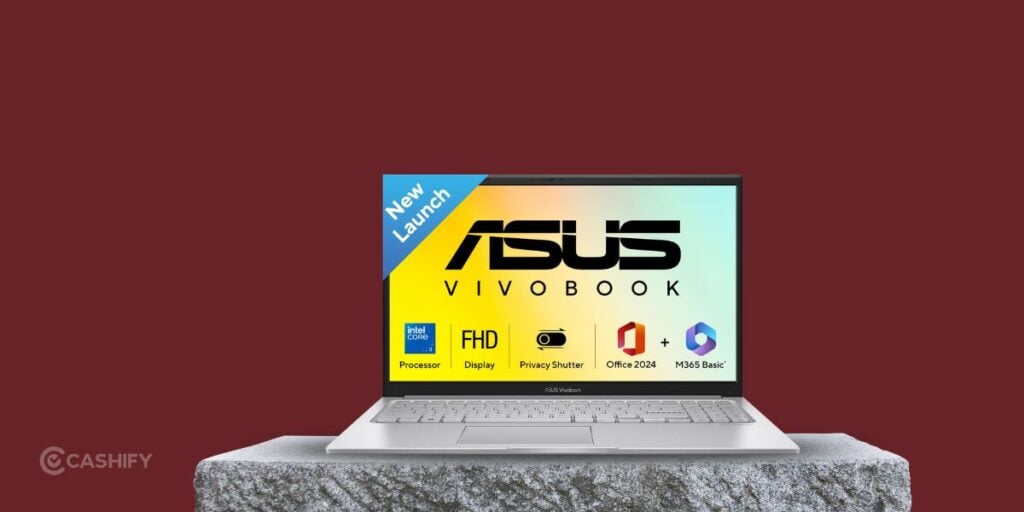
The ASUS Vivobook 15 X1504VAP-BQ1321WS is worth it for students. It is best for online classes, assignments, presentations and general browsing.
It uses an Intel Core 3 100U processor, 8GB RAM and a 512GB SSD. The 15.6-inch Full HD display has enough workspace for documents, spreadsheets and multiple browser tabs. You will get Windows 11 Home and bundled Microsoft Office software. ASUS has a one-year manufacturer’s limited warranty.
My recommendation: This is a reasonable starting point for everyday student work. If your budget permits, look for a 16GB RAM configuration if you regularly multitask.
2. Best Vivobook For Office Work and Multitasking
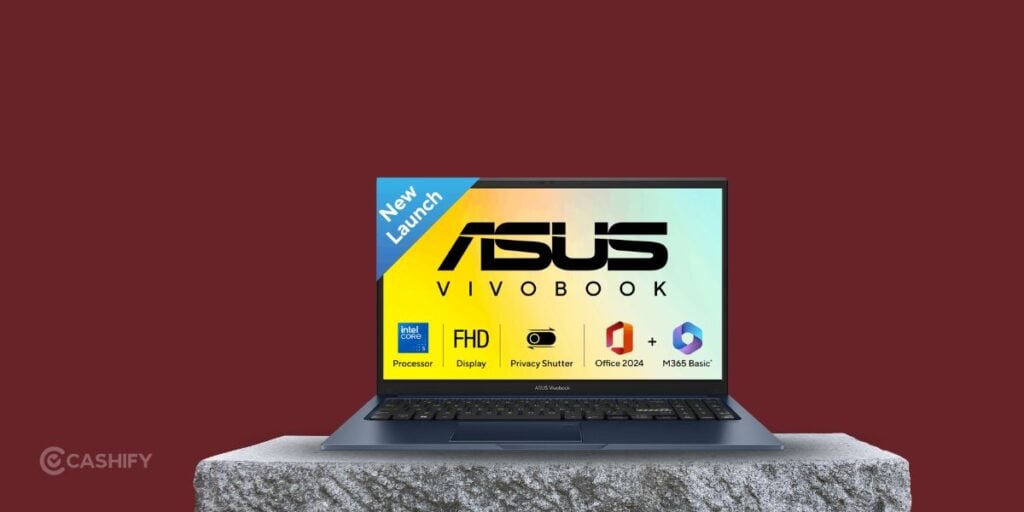
The ASUS Vivobook 15 X1504VAP with Intel Core 5 120U and 16GB RAM is a stronger fit for office productivity.
The processor is good for common workloads. You can do tasks like spreadsheets, video calls, presentations and browser-based applications. A 512GB SSD also has room for work files and software.
The standard 15.6-inch Full HD panel has a 60Hz refresh rate and 250-nit brightness. That is adequate for many indoor workspaces. But it is not the best choice for users who need a very bright screen or a high-refresh-rate panel.
3. Best ASUS Vivobook For A Larger Display
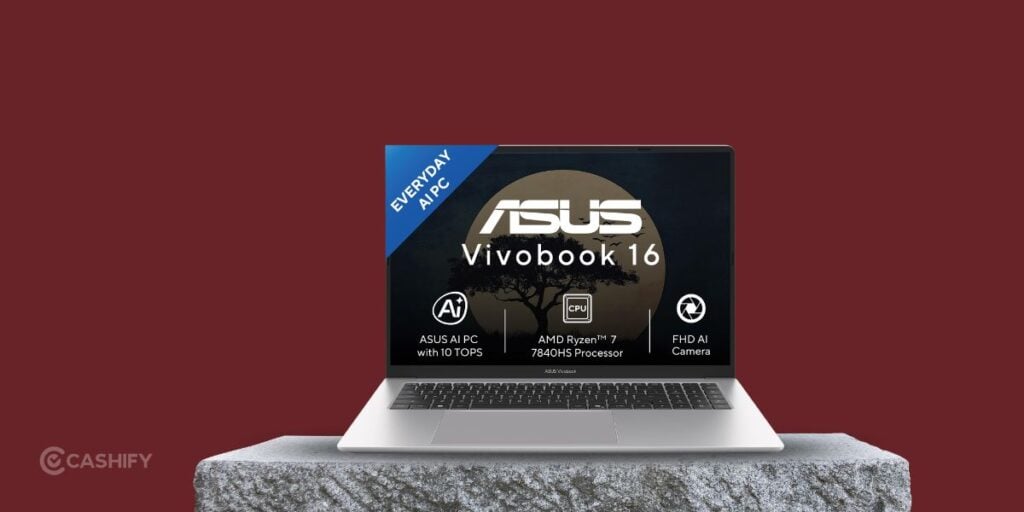
The ASUS Vivobook 16 X1652XA-MB033WS is a good option for people who love to multitask. You get an AMD Ryzen 7 7840HS processor, integrated Radeon graphics, 8GB onboard LPDDR5X memory and a 512GB SSD. The display is 16 inches and comes with 1920 × 1200 resolution with a 16:10 aspect ratio.
If you like extra screen space and productivity, you can get this option as it’s best for creative projects. It can also handle memory-intensive apps.
Also Read: Exynos 2100 Vs Snapdragon 888: Pros, Cons, And More!
4. Best Vivobook For Premium Display Quality
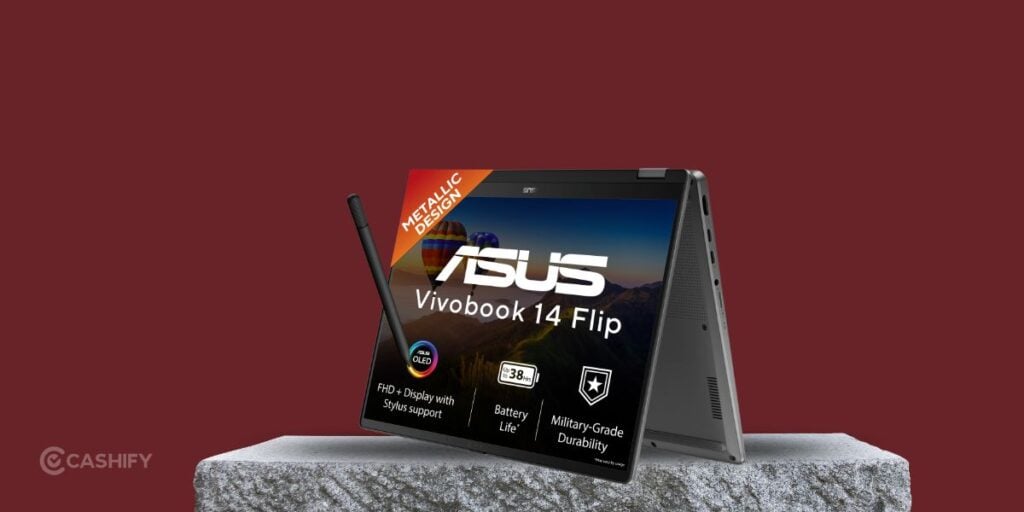
If display quality is a priority, consider an ASUS Vivobook OLED model. OLED panels can produce deep blacks, high contrast and vivid colours. These are useful for watching films, editing photographs and working on colour-rich content.
The ASUS Vivobook 14 Flip TP3407 is one option in the premium range. You get a 14-inch FHD+ OLED touchscreen, a 360-degree hinge and support for a compatible ASUS Pen. The configurationsa are Intel Core Ultra 5 226V and Core Ultra 7 256V processors, along with 16GB memory. The touchscreen lets you use the laptop in different positions for presentations, reading or handwritten notes.
The only thing to keep in mind is price. A convertible laptop can cost considerably more than a conventional Vivobook. So make sure that you get this only if you are going to use the hinge and pen support. Otherwise, you can look for other options.
5. Best Vivobook For Portable Premium Computing
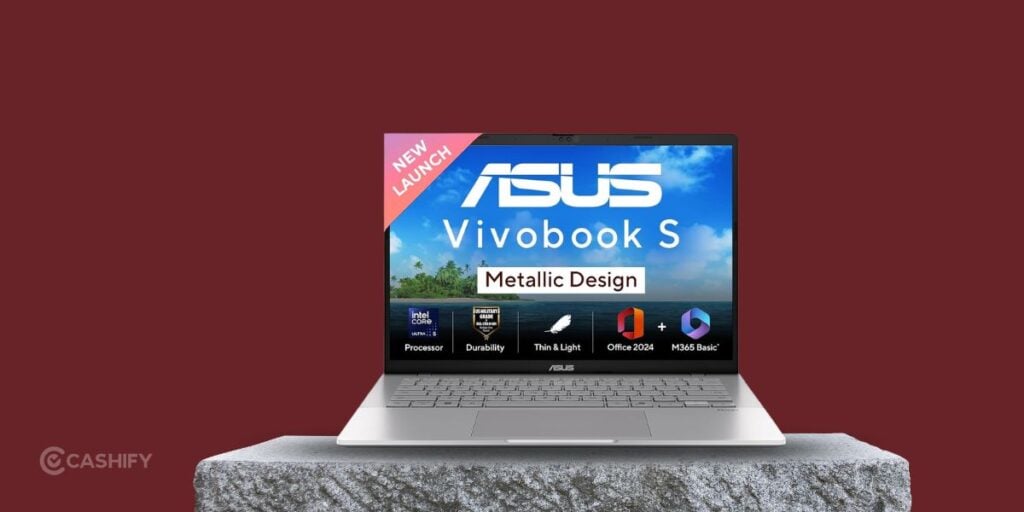
The ASUS Vivobook S14 is worth a closer look if you want a more premium laptop for travel, work and study.
The S-series has different processor and display configurations. For instance, the S14 M3407 family has AMD Ryzen processors, integrated Radeon graphics. The configurations are for modern productivity and AI-assisted workloads.
The S14 S5452MA is another option at ₹118,990. The specs include an Intel Core 7 350 processor and a 14-inch, 1920 × 1200 display.
Vivobook 14 Vs Vivobook 15 Vs Vivobook 16 Vs Vivobook S!
| Laptop family | Best For |
|---|---|
| Vivobook 14 | Students and professionals who travel |
| Vivobook 15 | Everyday productivity and home use |
| Vivobook 16 | Multitasking, coding and working across documents |
| Vivobook S | Buyers seeking a more premium design and configuration |
| Vivobook Flip | Touchscreen use, presentations and handwritten notes |
ASUS Vivobook OLED vs IPS: Which Should You Choose?
You can get the OLED if you are into deep specs like contrast, rich colours and a more cinematic viewing experience. It is also worth considering for photo editing.
An IPS LCD model can be a sensible purchase if you mainly use office applications, browse the web or attend online classes. There is one thing that you need to know. Not every Vivobook 14, 15 or 16 uses an OLED panel.
Also Read: Best Laptop You Can Buy Right Now
Intel Vs AMD Vs Snapdragon Vivobook Laptops
Intel and AMD Vivobooks are good starting points for conventional Windows productivity. The right processor depends on the workload and your requirements.
Snapdragon-based models use an ARM-based processor platform. They can be attractive for efficiency and AI-related stuff.
Before buying an ARM-based Windows laptop, check the applications, drivers and full specs. Some applications run natively, while others may depend on Windows emulation or have specific limitations.
For gaming, video editing or other graphics-intensive work, integrated graphics should not be confused with a dedicated GPU. If you need strong gaming performance, you should compare gaming-focused laptops like ASUS’s TUF Gaming range.
How Much RAM And Storage Should You Get?
- 8GB RAM: Good for lighter everyday use, but less comfortable for heavy multitasking.
- 16GB RAM: A better target for most office users, students who multitask and people who want additional memory.
- 512GB SSD: A practical starting point for documents, applications and a heavy media library.
- 1TB SSD: It’s worth it only if you store large projects, videos or games locally.
Some Vivobooks use onboard memory, while other configurations provide a SO-DIMM slot.
Should You Buy New Or Refurbished ASUS Vivobook?
A new laptop is a straightforward choice if you want the current configuration and budget is not a concern for you. But, if you want a better configuration at a good price, a refurbished Asus laptop can be a practical choice. , standard manufacturer coverage and a clearly defined return policy. With Cashify, you can find good refurbished laptops at the best price.
They all come with quality checks, up to 12-month warrnaty, 15-day refund, free shipping, and more benefits.
Final Verdict
The best ASUS Vivobook depends on your budget and the kind of work you do. A standard Vivobook 15 is a sensible starting point for everyday productivity. But the Vivobook 16 is for people who want a larger workspace with no budget concern. OLED models and the Vivobook S-series are worth the extra spend.
You can sell your old phone in minutes and get an instant, fair quote with free doorstep pickup, with no haggling and no hassle. And when you are ready to upgrade, Cashify’s refurbished mobile phones get you a newer, faster device at nearly half the price of a new one, with a 6-month warranty, a 15-day refund policy, and free delivery.