Stuck on your Voltas AC remote’s lock? Or did your pillow fight turn into an AC remote battle? Well, for any such traumatic moment, we have brought you an easy step-by-step guide in which we will tell you how to unlock the Voltas AC remote and how you can lock it back. AC remote controls are often tricky and can lead to tantrums if mishandled. So, check out this guide and make sure next time you face any problem, at least your AC remote has things sorted.
Also Read: Planning To Buy An AC? Check These Top 5 Budget Friendly Split AC Sale Deals
Voltas AC Remote Lock Guide: Know How to Lock And How To Unlock Voltas AC Remote
Locking your Voltas AC remote means you have your modes fixed, and more importantly, your temperatures fixed. We all know how tricky it is to set the right AC temperature every time we are inside our rooms or offices.
Should I put it to 22? Or will 16 be good? Am I feeling extremely hot? My colleague wants to run AC at 24, but I want to set it to 20. We have all faced such situations hundreds of times. Well, the latest technology of locking your AC remote can help you get rid of all these frustrating situations. So, here are the ways which will help you know how to unlock the Voltas AC remote.
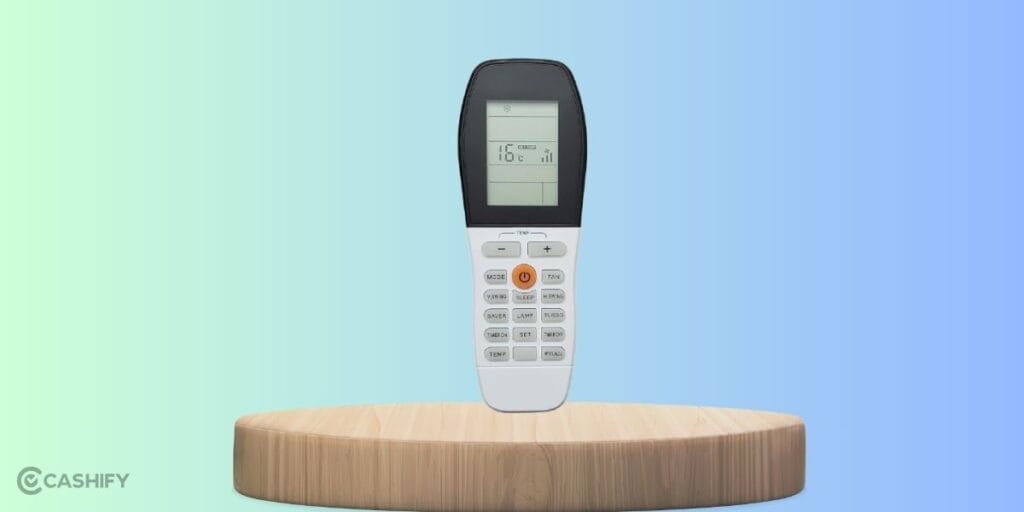
[+] And [-] Buttons: The Go-To Way
Voltas AC remotes have a ‘+’ and ‘-’ button, but that’s just not for increasing or decreasing temperature. It helps you to lock your AC remote right away. Want to know how? Well, here is the solution.
Here is how you can lock and unlock your Voltas AC Remote:
- To unlock your Voltas AC remote, just simultaneously press and hold the Temperature Plus (+) and Temperature Minus (-) buttons for about 3 to 5 seconds. You will see the ‘Lock’ sign removed.
- To lock your Voltas AC remote, just do the same. Simultaneously press and hold the Temperature Plus (+) and Temperature Minus (-) buttons for about 3 to 5 seconds. You will see the ‘Lock’ sign again.
Also Read: Get A 5-Star AC Under 20000! Flipkart’s Biggest Summer Offer You Must Grab
Other Alternative Methods On How To Unlock Voltas AC Remote
Here are some alternative ways to unlock your remote:
- Mode + Temp Minus: On some older or specific “Inverter” models, holding the Mode and Temp Down (-) buttons together for 5 seconds toggles the lock.
- Dedicated Lock Button: Check if your remote has a tiny recessed button labelled “Lock.” You might need a ballpoint pen or a toothpick to press it.
- The Battery Reset Method: If you’re stuck and the combinations aren’t working, remove the batteries for 60 seconds and put them back in. This usually resets the remote to its factory (unlocked) state.
Important Note: Remote Settings Are Model Specific, So Refer To User Manuals
The procedures we have mentioned above to know how to unlock Voltas AC remote will work for almost all the Voltas AC remotes. However, there are many AC remotes which do not have these similar settings. This is because the newer models, especially those with Wi-Fi connectivity and touch controls, have different mechanisms.
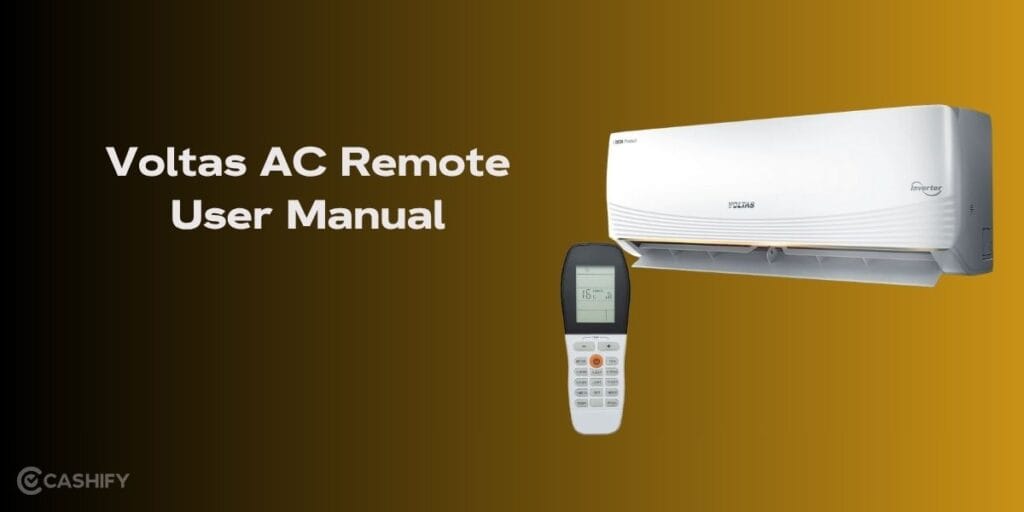
So, in that case, we recommend that you take out the manual guide you have got with your AC and stick to it. This will be a better and safer option.
Also Read: How To Get Liquid Glass On WhatsApp In iPhone: Simplest Guide!
FAQs
How do I unlock the Voltas AC remote?
To know how to unlock the Voltas AC remote, press and hold the temperature plus (+) and minus (-) buttons together for about 3–5 seconds until the lock symbol disappears from the display.
What is the lock symbol in an AC remote?
The lock symbol on an AC remote indicates that all buttons are disabled to prevent accidental changes, ensuring fixed temperature and mode settings remain unchanged during operation.
What is the code F9 in Voltas AC?
The F9 code in a Voltas AC usually indicates a fault related to communication or internal components, such as PCB or sensor issues, and may require professional inspection or servicing.
Can we lock an AC remote?
Yes, many AC remotes, including Voltas models, allow locking by pressing specific button combinations, helping prevent unintended temperature or mode changes, especially in shared environments like offices or homes. So, it is always advisable to learn how to unlock Voltas AC remote controls or any other brand remote that you have.
Also Read: Microsoft Outlook Alternatives: Switch Before You Lose Your Mails!
End Note
That’s it from our side on this guide. Knowing how to effectively use your Voltas AC remote ensures comfort without confusion. By learning simple tricks like pressing the [+] and [-] buttons together, you can easily manage locks and avoid frustrating temperature battles. Always handle your remote carefully, follow the right steps, and consult the manual for model-specific guidance.
Now that you know how to unlock Voltas AC remote, you will not only save time but also keep your cooling experience smooth and stress-free. Stay cool, stay smart, and let your AC controls work for you.
Are you still browsing through your broken screen? Don’t worry! Book at-home mobile phone screen repair with Cashify—an affordable and one-stop destination for all your mobile phone needs. In case you break your screen within 1 month of repair, we will replace your screen again—for FREE.