Google launched Android 16 in early June, marking a significant shift from its typical release schedule. This earlier debut is expected to lead to a quicker update rollout for Motorola devices. Motorola has already begun working on Android 16 for its devices, starting the beta program as early as June. The beta testing has been rolled out across a variety of Motorola devices, including the latest foldables, mid-range Edge models, and a selection of budget-friendly phones.
List Of Motorola Devices For Android 16 Beta Testing

Google has rolled out the Android 16 beta testing for many Motorola devices. So, here is a curated list of those smartphones:
Also Read: Motorola Razr 60 vs Samsung Galaxy Z Flip 5: Foldable Resale Face-Off
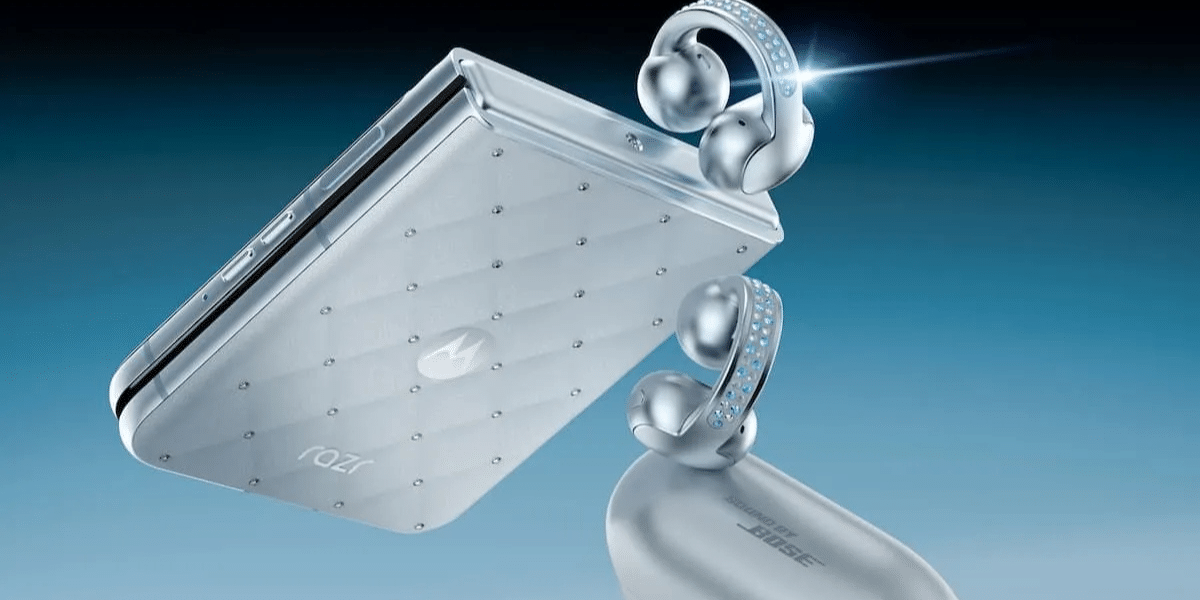
- Motorola Moto Razr (2025)
- Motorola Moto Razr Plus (2025)
- Motorola Moto Razr (2024)
- Motorola Moto Razr Plus (2024)
- Motorola Moto Razr 50 Ultra
- Motorola Moto Razr 60 Ultra
- Motorola Moto Edge 60 Pro
- Motorola Moto Edge 60
- Motorola Moto Edge 60 Fusion
- Motorola Moto Edge 50 Pro
- Motorola Moto Edge 50 Fusion
- Motorola Moto G35 5G
- Motorola Moto G96
- Motorola Moto G (2025)
- Motorola Moto G Power (2025)
Keep in mind that Motorola hasn’t made the Android 16 beta available for all Motorola devices just yet. However, owners of these devices can sign up for the beta program to become eligible for the update once it’s released.
How To Join This Testing Program?
Motorola’s beta program is called the Motorola Feedback Network (MFN), and you need to sign up to receive Android 16 beta updates.
Here’s how to do it:
- Create an account on Motorola’s community website (if you haven’t already).
- Visit your profile page and update your IMEI or serial number (SN).
- Opt into MFN on your Motorola community profile.
- Make sure your phone is running the latest software.
- Go to the MFN Beta Testing Opportunities page and check for any testing opportunities for your device.
- Click on the registration link for your Motorola phone.
- Complete the required information and submit your application.
So, check if your Motorola device is eligible for the Android 16 beta testing program.
Are you still browsing through your broken screen? Don’t worry! Book at-home mobile phone screen repair with Cashify—an affordable and one-stop destination for all your mobile phone needs. In case you break your screen within 1 month of repair, we will replace your screen again—for FREE.