Android users, especially the Google pixel owners, it’s time for you to gear up for the stable release of the Android 17 update. Yes, as per our reports, the Android 17 update schedule will begin around Mid-June 2026, and since a very few days are left, you should be prepared. So, when is the timeline? And how do you set up your phones for this new OS upgrade? We tell you inside this news story.
Also Read: These Are The iPhones Eligible For iOS 27 As Announced In WWDC 2026
Android 17 Update Schedule Rolls Out This Week
Google is set to begin rolling out the stable Android 17 update to eligible Pixel smartphones during the second week, or maximum by the third week of June 2026.
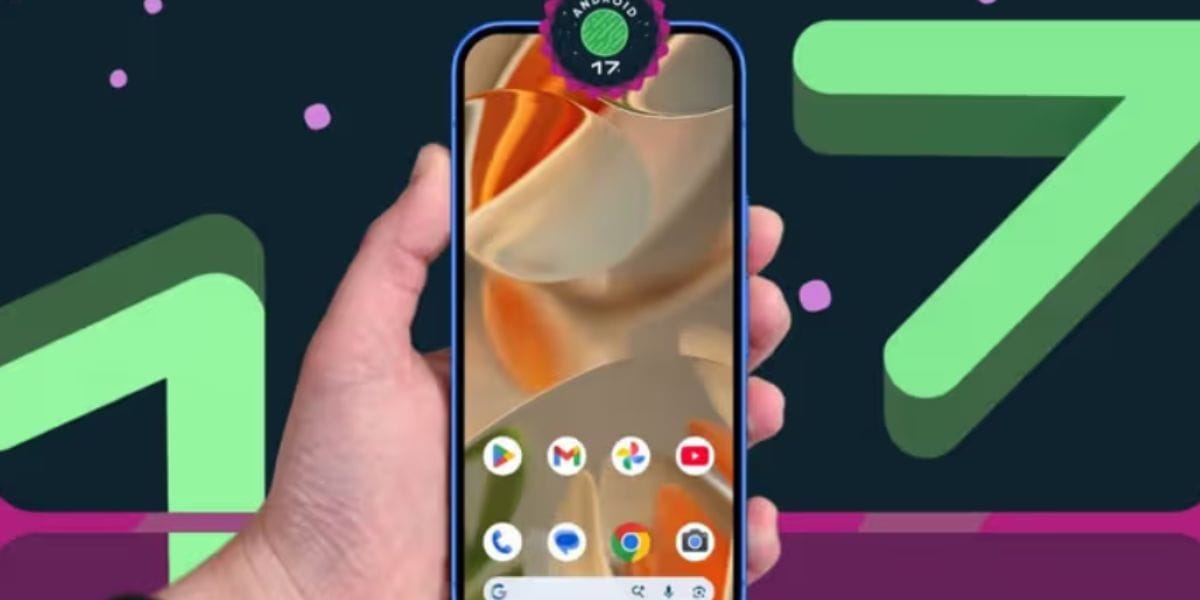
Following a beta testing cycle that started in February and reached platform stability in March, the release is anticipated to arrive shortly after the final Beta 4.1 build.
Talking about the specifications, the new Android 17 update will introduce new AI-powered capabilities, performance improvements, and system enhancements across supported Pixel devices. While newer Pixel models will receive the most advanced AI features, older eligible devices will also benefit in the security and performance department.
How To Prepare Your Pixel Phone For This Upgrade?
Well, to setup your Pixel phones for the new update and prepare them for the Android 17 update schedule rollout, here are the steps:
- Confirm that your Pixel model is eligible for the Android 17 update.
- Back up important photos, files, and app data to Google Drive or another secure location.
- Ensure at least 50% battery charge before installing the update.
- Free up storage space to accommodate the download and installation process.
- Connect to a stable Wi-Fi network and check for updates through Settings > System > Software Update once the rollout begins.
So, gear up your Pixel phones, and let’s see what the new Android 17 launch brings for you!
Are you still browsing through your broken screen? Don’t worry! Book at-home mobile phone screen repair with Cashify—an affordable and one-stop destination for all your mobile phone needs. In case you break your screen within 1 month of repair, we will replace your screen again—for FREE.