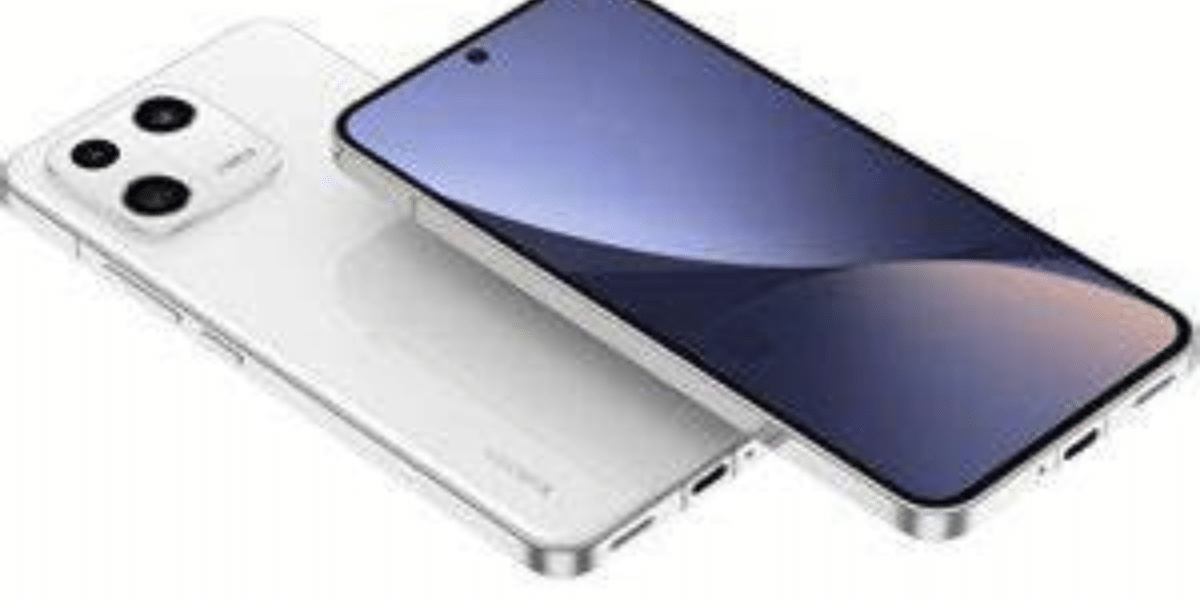
The Google Pixel lineup of smartphones is reputed for its astonishing camera processing and the ability to capture incredible photos. The upcoming Google Pixel 8 will bring a fresh user interface to the Google Camera application.
Also Read: How To Repair Google Pixel Fold Yourself At Home
The Pixel 8 will launch at the company’s annual Google I/O event later this year. It will bring plenty of upgrades, including ones in hardware as well as software. The company is also preparing to enhance the user interface of Google Camera, aiming to make features more accessible.
Google Camera: New Camera Interface Revealed
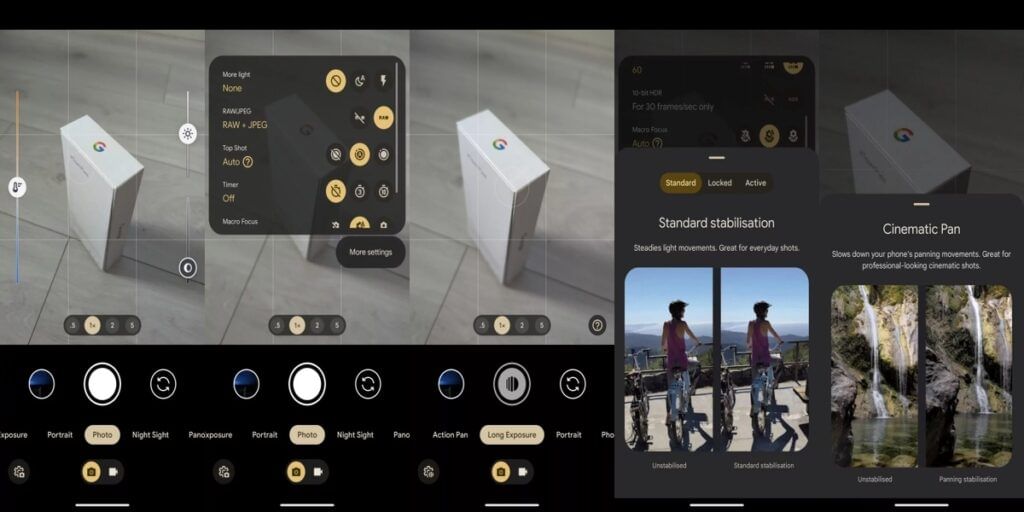
According to a report by Android Authority, the first thing that you will notice after opening the camera app is the clear separation between the photo and video modes. A new toggle present above the navigation bar lets you switch between these two modes.
Also Read: How To Repair Google Pixel Fold Yourself At Home
Next is the Settings panel, previously accessed from the top-left corner of the screen, which now requires a swipe-up gesture to summon it. Alternatively, you can access it by tapping on the Settings icon in the top left corner. However, the options in the Settings menu still remain the same.
Also Read: 10 Interesting Facts About Google Bard We Bet You Didn’t Knew
The camera interface’s different modes are now reorganized, with the Motion mode being divided into Action Pan and Long Exposure. The Cinematic Pan mode now has its dedicated mode called Pan, while stabilization options have moved to a pop-up menu at the bottom of the screen.
The button for switching between cameras has now moved to the right, while the preview of the last shot has shifted to the left of the shutter. The company is also working on adding Staggerred HDR and Segmentation AWB features with the upcoming Pixel phones. The Staggered HDR feature will make capturing photos faster while reducing artefacts. Segmentation AWB on the other hand will apply variable processing to different parts of the image to make them more accurate.
Looking to get a good camera phone on a budget? Visit the Cashify refurbished store for the best deals on flagship smartphones!