If your Apple iPhone 17 front camera is showing blurry selfies or a black screen, it can make daily use difficult. Sometimes the camera takes too long to open, or it may not open at all. This affects video calls, selfies, and Face ID. In this article, we will explain the common reasons behind these issues and when Apple iPhone 17 front camera repair is needed. We will also share how the repair can be done under 5000. Let’s get started.
Also read: How To Fix Vivo V11 Pro Screen Issues? Replace It Affordably!
Common Reasons Behind Apple iPhone 17 Front Camera Issues

Let’s first look at the issues that often lead to Apple iPhone 17 Front camera repair. These problems can affect daily use and camera performance over time.
Software Bugs and iOS Glitches
Sometimes the Apple iPhone 17 front camera stops working or goes blurry due to software bugs. These bugs can appear after an iOS update. Major updates like iOS 17 can change how the camera app works with the hardware. This can cause temporary errors until Apple releases a fix.
App Interference or Permission Conflicts
Third-party apps that use the camera can interfere with the front camera. Apps like social media or video calling apps are common reasons. If camera permissions are not set correctly, the camera may not open. This can lead to a black screen or an unresponsive camera.
Storage and Resource Limitations
If your iPhone storage is almost full, the camera may slow down. Too many apps running in the background can also affect camera performance. Insufficient memory can stop the camera from starting properly. This can cause the camera to crash or not open.
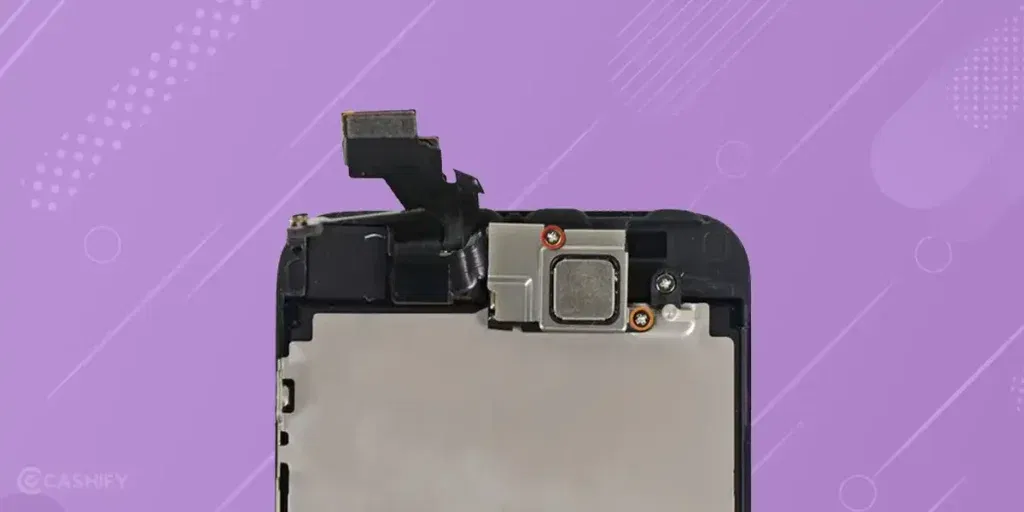
Front Camera Sensor or Flex Cable Damage
Hardware issues, like a damaged camera sensor, can cause the front camera to fail. A disconnected flex cable inside the phone can also lead to problems. These issues usually happen after a drop or impact. They can also happen due to internal wear over time.
Obstruction from Case, Film, or Lens Residue
Dirt or debris on the front camera can block light. A poorly fitted case can cover the camera opening. Even a small amount of residue can make photos look hazy. This is especially noticeable in bright or low light.
Accessibility Feature Conflicts
Some accessibility features can affect camera operation. VoiceOver is one such feature. When it conflicts with the camera interface, the front camera may show a black screen. It may also fail to start properly.
Also read: How Do I Check My Android Hardware Health?
Quick Checks Before Opting For Apple iPhone 17 Front Camera Repair
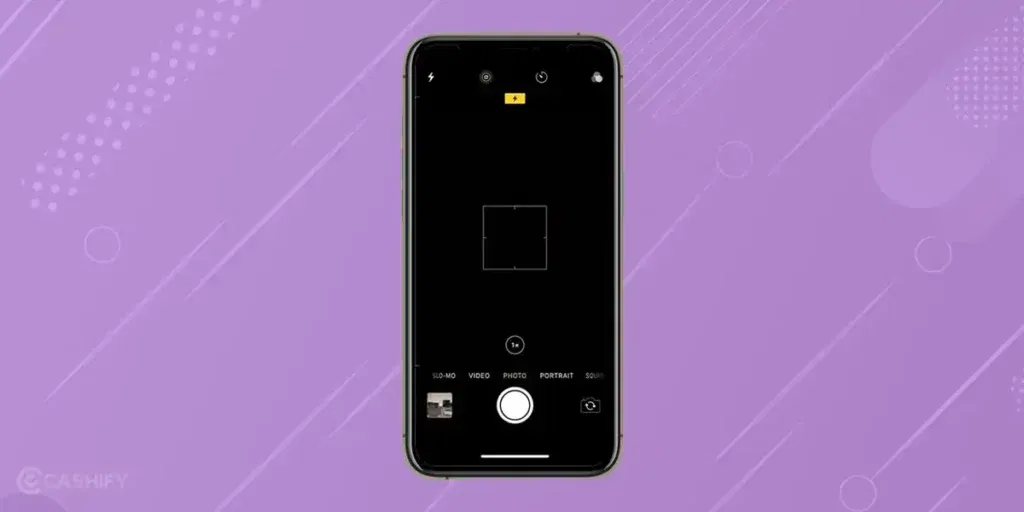
Before heading for Apple iPhone 17 front camera repair, try these quick checks. These can help you fix the issue at home.
Restart the iPhone
Press and hold the side button and any volume button until the power slider appears. Slide to turn off the phone, then switch it back on.
Update iOS
Go to Settings > General > Software Update. Download and install any available update.
Check Camera Settings
Open Settings > Camera and review the options. Make sure the settings are set to default or normal values.
Reset All Settings
Go to Settings > General > Transfer or Reset iPhone > Reset > Reset All Settings. This resets system settings but keeps your data safe.
Force Close the Camera App
Swipe up from the bottom to open the app switcher. Swipe the Camera app up to close it completely, then open it again.
Test in Other Apps
Open FaceTime, WhatsApp, or Instagram. Try the selfie option inside these apps to see if the issue happens there, too.
Also read: 8 Signs That Your Android Phone Motherboard Needs Repair!
Why Choose Cashify For Apple iPhone 17 Front Camera Repair?
If these quick fixes do not work, you should get professional help for your Apple iPhone 17 front camera. Cashify offers certified mobile repair service and can fix it under 5000. Apart from this, here are the other benefits of choosing Cashify:
- Cashify technicians are trained and experienced with Apple mobile repair. They follow proper steps to handle your phone correctly.
- They use high-quality compatible parts. This helps your phone work smoothly after the service.
- A technician first inspects your iPhone. Small issues can be fixed on the spot. Major issues are sent to a service centre. You pay only after the phone repair is done.
- The cost is shared upfront. So, there are no hidden charges.
- Cashify has over 200 service centres across India. You can choose an in-store option if you prefer.
Use code: TECH25 to avail of a discount of up to Rs. 300 by using the (on the minimum order value of Rs. 2499).
Use code: RPR50 to avail up to 50 per cent off on a minimum spend value of Rs. 1000.
Also read: Vivo Y83 Pro Aux Jack Not Working? Repair It Fast With Cashify
How To Book Apple iPhone 17 Front Camera Repair With Cashify?
So, if you have decided to go with Cashify, here is how you can proceed. You can book Apple iPhone 17 front camera repair easily by following the steps below:
- Visit the Cashify website or open the Cashify app and go to the Mobile Repair section.
- Select Apple as your phone brand from the list.
- Choose Apple iPhone 17 from the available models.
- Pick Front Camera as the issue you want to get fixed.
- Enter your location to check service availability in your area.
- Select a suitable date and time slot.
- Confirm the booking. A trained technician will inspect your phone and complete the mobile phone repair based on the issue.
Also read: Vivo Y73 Not Powering On? Motherboard Repair Explained!
Final Thoughts On Apple iPhone 17 Front Camera Repair
You’ve now seen the common issues that affect the Apple iPhone 17 front camera and the quick checks you can try before opting for a fix. If those steps do not help, Cashify offers a simple and reliable way to restore clear selfies and smooth video calls at an affordable cost.
If you still have doubts or need guidance, feel free to leave a comment. I will be happy to help you with Apple iPhone 17 front camera repair.
If you’ve just bought a new phone and don’t know what to do with your old phone, then here’s your answer. Sell old mobile to Cashify and get the best price for it. If you are planning to buy a new phone, check out Cashify’s refurbished mobile phones. You can get your favourite phone at almost half price with six-month warranty, 15 days refund and free delivery.