Realme has become one of the best-emerging smartphone brands in India. Although the brand has multiple smartphones in its portfolio, it often becomes confusing for buyers to decide which one to buy. If you’re having similar issues, then you’re at the right place. We have compiled Realme mobile price list 2022 for you. With its…
Oppo is the most versatile smartphone brand in India. The company has built its image as a semi-premium smartphone brand for people who love taking pictures a lot. It has made them take a clear position and help them capture the budget segment market. However, since they are into the budget smartphone market, they offer…
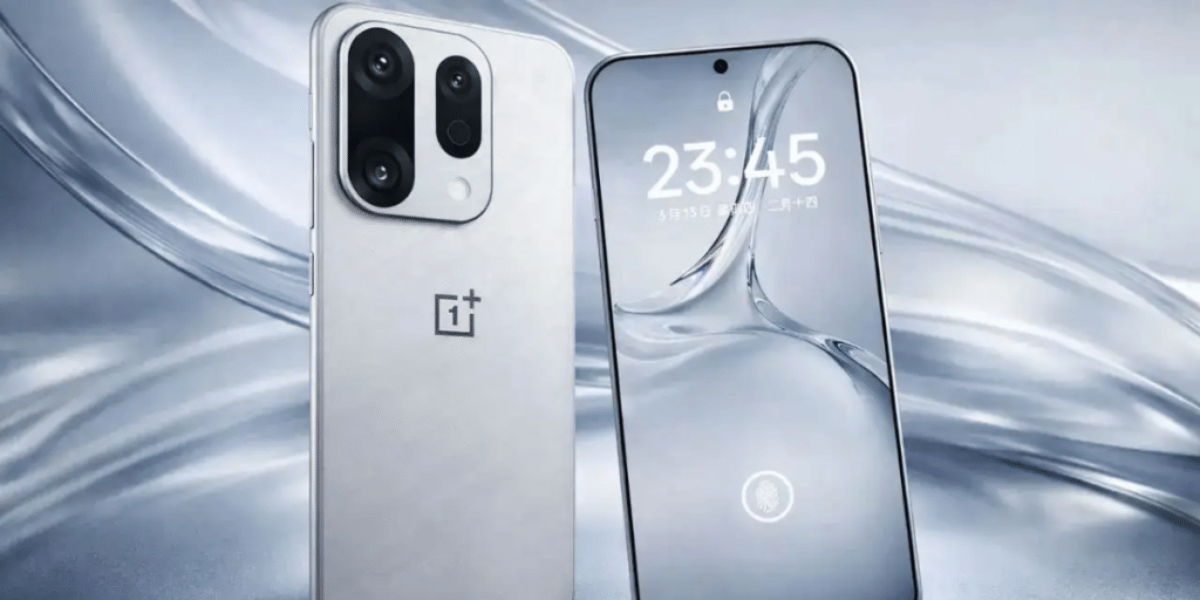
OnePlus is one of the most trusted and reliable brands in the mid-ranged Flagship smartphone market in India. The brand is tagged as the enthusiast favourite when it comes to android smartphones. However, the brand is adding two to four new smartphone series every year to its portfolio; this often makes users confused between different…
Nokia can be called the most reliable and superior smartphone brand in the country. With the company having a journey of selling great feature phones to substantial and trendy smartphones, the offerings made by Nokia often attract a big crowd. However, the company has struggled with their Android phones, but they are quickly catching a…
Samsung is the largest smartphone manufacturer in the world. So naturally, we have curated a list of Samsung mobile price list 2022 for our customers to compare and contrast the cost of various Samsung products available in the market. In India, Samsung caters to a huge market of consumers, from ultra-budget phones to flagships. Our…
Your SSD's health affects your computer's performance and data safety. Learn how to check SSD health in Windows 11 and Windows 10, identify warning signs, and follow simple tips to improve its lifespan.
How To Update The OnePlus 15 To ColorOS 17? As OxygenOS now gets the final goodbye, how do OnePlus users transform to ColorOS? Know the complete guide inside this article.
The Samsung Galaxy S27 series camera leaks suggest a 200MP main camera for the Pro and Ultra models, alongside a 50MP ultrawide sensor. However, the S27 Ultra could lose its dedicated 3x telephoto camera.
The refurbished Samsung Galaxy Z Fold5 offers a premium foldable experience with a large 120Hz AMOLED display, capable Snapdragon performance, and versatile multitasking features.