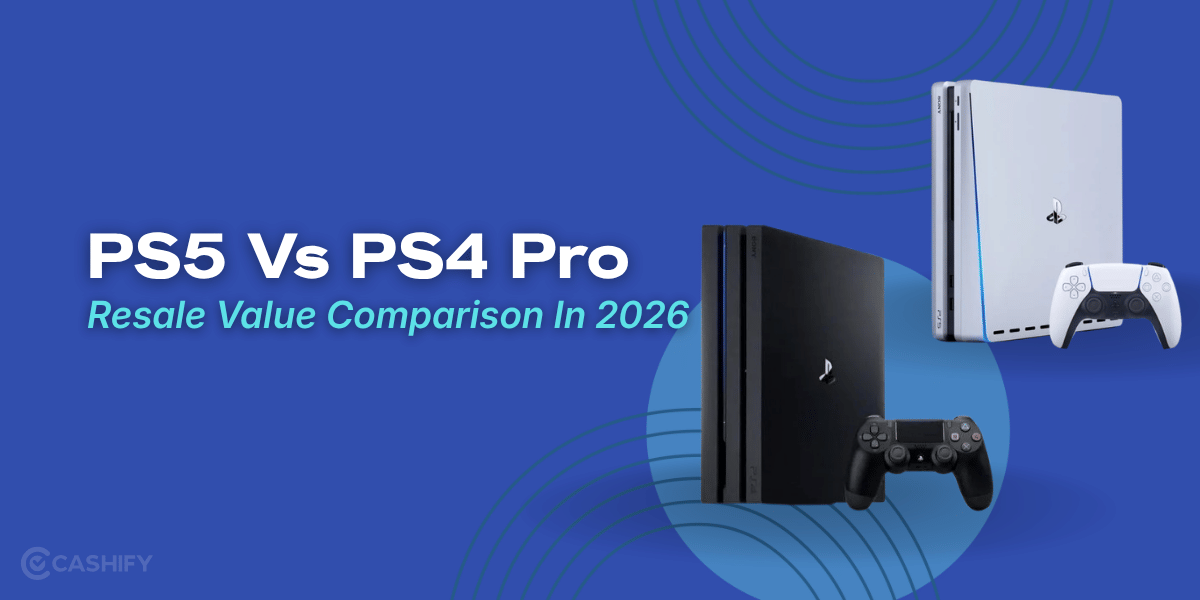
If you are planning to sell your gaming console in 2026, then performing a factory reset can be a great way to free up space and earn high resale value. Before the console is handed over to the pickup executive, doing a reset is something you should not skip. Most gaming consoles store account information, payment details, saved games, screenshots, and personal settings that you probably don’t want anyone else to access. So that is why it’s essential to reset the gaming console before selling. In this blog, we will see the best methods of doing it.
Also Read: Does Brand Warranty Increase Old AC Buyback Value?
Why You Should Factory Reset Your Gaming Console
Gaming consoles are not just for playing games. They hold your stuff like account info, payment details, saved games, pictures, and settings. If you sell your console without wiping this data, the new owner might still be able to see your information. That’s why it is important to reset gaming console before selling it.
When you do a factory reset, it removes all your personal data and makes the console feel like new again. It also makes the device appear more trustworthy to buyers, as people prefer a console that is clean, secure, and ready to use. A properly reset console can even help you get a better resale value.
A factory reset helps in these ways:
- Remove your information safely
- Keep your privacy and accounts secure
- Free up storage space on the console
- Improve the resale value of your console
Also Read: Why More Gamers Are Using Console Buyback Services
Things To Do Before Factory Reset
Before you reset your gaming console before selling, do these things to keep your stuff safe.
Backup Your Important Data
You should save your game progress, photos and videos to:
- Cloud storage
- A USB drive
- An external hard drive
If you do not do this, you might lose your data forever.
Sign Out of Your Accounts
Sign out of:
- PlayStation Network
- Xbox Live
- Nintendo Account
- All your streaming apps and gaming platforms
Remove Accessories
Before you reset the gaming console, remove accessories, plug all accessories, such as:
- Memory cards
- External hard drives
- Controllers
- Other gaming stuff
Following these steps helps keep your info safe and prepares the device for someone else to use.
Also Read: PS4 Slim 2 TB Resale Value in 2026: How Much Is It Worth?
Resetting Your Gaming Console:
Here are the overall reset steps you can follow to reset
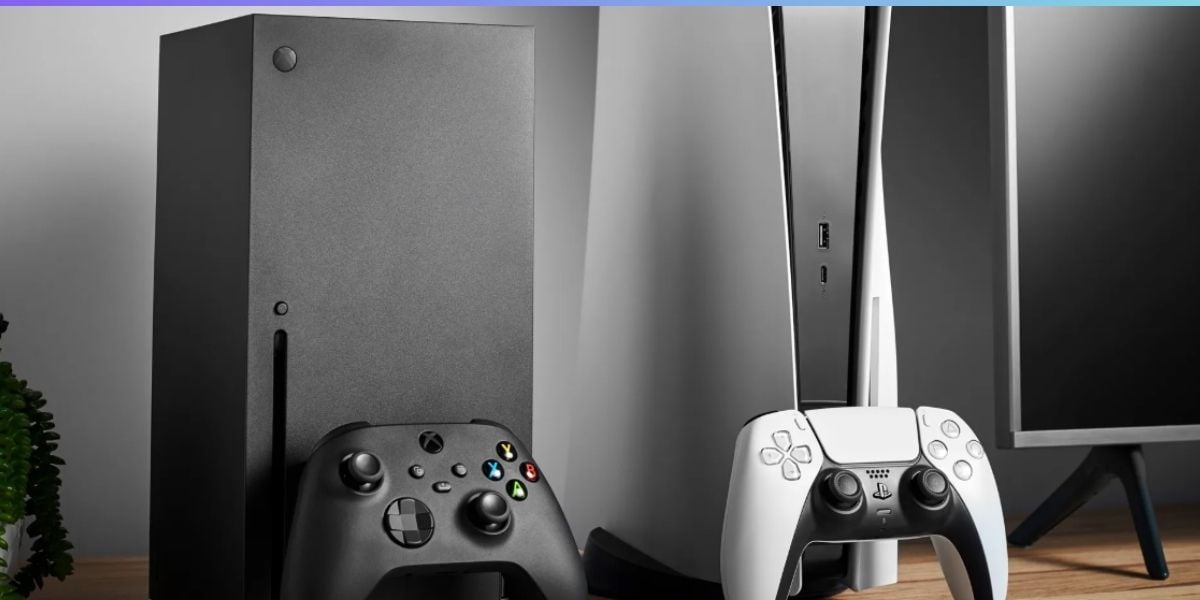
PlayStation 5
Resetting your PS5 console is easy and quick. If you plan to reset a gaming console before selling, here are the steps you need to follow:
- Open the Settings menu
- Go to System
- Select System Software
- Click on Reset Options
- Choose Reset Your Console
- Confirm that you want to reset
When the reset is done, your PS5 will restart and return to its original factory settings. A total reset of the gaming console before selling is important because it helps remove your personal data and prepares the device for the next owner.
XBox Series X
To reset your Xbox Series X, do this if you want to reset the gaming console before selling:
- Press the Xbox button on the controller.
- Now open Profile & System.
- Go to Settings on your Xbox Series X.
- Select System on your Xbox Series X.
- Click on Console Info for your Xbox Series X.
- Choose Reset Console for your Xbox Series X.
- Select Reset and Remove Everything for your Xbox Series X.
- Confirm that you want to do this.
When you are done resetting your Xbox Series X, it will turn back on. It will be like it was when you first got it.
Also Read: How Xbox Storage Capacity Impacts Resale Value
Where To Sell It After A Factory Reset
After you reset your gaming console before selling, you can easily sell it on Cashify. The platform offers instant price quotes, doorstep pickup, and a smooth selling experience.
How To Sell
Cashify is India’s No.1 resale platform for selling gaming consoles, laptops and mobiles. If you want these amazing services, here are the steps you can follow.
- First, head to the official website of Cashify or download the app.
- Next, click on the “Sell Old Gaming Consoles ” option.
- Now you have to select the brand.
- There, you can choose the model.
- Next, you will be asked a few questions about the condition of your console.
- Once you have answered everything correctly, you can click on Continue and get the exact value.
- Next, select the ” sell now” option, then enter your details, and schedule a pickup.
- Finally, within the given time, a Cashify representative will reach out to your doorstep.
Sell Old Gaming Consoles and get the best value, along with exclusive offers and discounts on a wide range of options. Enjoy a hassle-free selling process, quick pickup, and instant payment. Upgrade smarter today!