Wondering how to check how many SIM cards are registered in your name? The easiest way is through Sanchar Saathi TAFCOP, a free service launched by the Department of Telecommunications (DoT). It lets you view all mobile numbers linked to your identity, report unknown SIM cards, and protect yourself from telecom fraud.
Most people assume every mobile number linked to their identity belongs to them. Unfortunately, that is not always true. An unauthorised SIM issued in your name can be misused for scams, spam calls, financial fraud, or even criminal activities.
The good news is that checking your registered mobile connections takes only a few minutes. In this guide, you’ll learn what TAFCOP is, how to use Sanchar Saathi TAFCOP, how to report suspicious numbers, and what happens after you submit a complaint.
What Is TAFCOP?
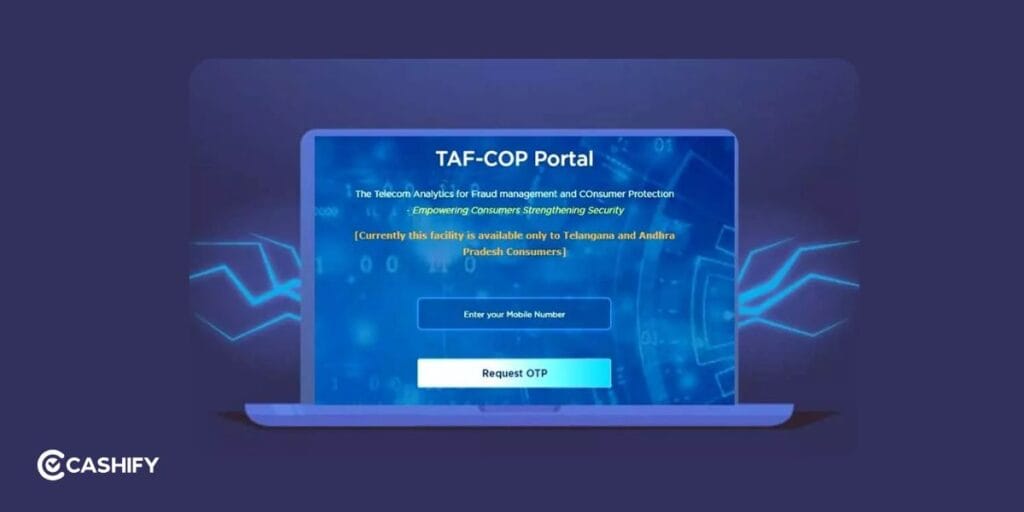
TAFCOP (Telecom Analytics for Fraud Management and Consumer Protection) is a service available through the Sanchar Saathi Portal. It is developed by the Department of Telecommunications (DoT), Government of India. The service is now available through the Sanchar Saathi portal under the “Know Your Mobile Connections” section.
Its main purpose is to help mobile users check how many SIM cards are registered in their name. If you find a number you don’t recognise or no longer use, you can report it directly through the portal for verification.
The service helps reduce identity theft, fake SIM usage, telecom fraud, phishing attempts, and other cybercrimes. These are all linked to unauthorised mobile connections. Since mobile numbers are connected to banking, UPI, OTPs, and government services, regularly checking your registered SIM cards is a simple way to improve your digital security.
Also read: Top Scams You Can Prevent with Sanchar Saathi
Why Should You Use TAFCOP?
Today, your mobile number is connected to almost everything, including:
- Bank accounts
- UPI apps
- Aadhaar-linked services
- Government schemes
- Social media accounts
- Email verification
- OTP authentication
If someone obtains a SIM card using your identity documents without your knowledge, it could be misused for fraud or illegal activities. That’s why the Department of Telecommunications recommends checking your registered mobile connections from time to time.
Using Sanchar Saathi TAFCOP allows you to quickly identify unknown numbers and report them before they become a security risk.
Key Functions Of TAFCOP
View Mobile Connections Registered in Your Name
You can see all active mobile numbers associated with their identity documents. This helps detect unauthorised connections at an early stage.
Report Unauthorised SIM Cards
If a number appears that does not belong to you, a request can be submitted through the portal. The telecom operator reviews the request and takes necessary action after verification.
Track Request Status
After a report is submitted, the system generates a reference number. You can use this number to check the progress of their request.
Access Through Sanchar Saathi
TAFCOP is now integrated into the Sanchar Saathi platform. You can access TAFCOP services alongside other telecom security tools available on the portal.
Support Against Telecom Fraud
The platform helps reduce risks related to SIM fraud, identity misuse, phishing attempts, and other telecom-related cybercrimes.
Also read: What is Sanchar Saathi Chakshu, And How to Use It?
Who Can Use Sanchar Saathi TAFCOP?
You can use TAFCOP if:
- You have an active Indian mobile number.
- Your mobile number can receive OTP verification.
- You want to check all SIM cards linked to your identity.
- You want to report unauthorized or unused mobile connections.
The service is available free of cost through the Sanchar Saathi Portal.
Also read: How to Use Sanchar Saathi to Track Lost or Stolen Phones
How To Check Registered SIM Cards Online?
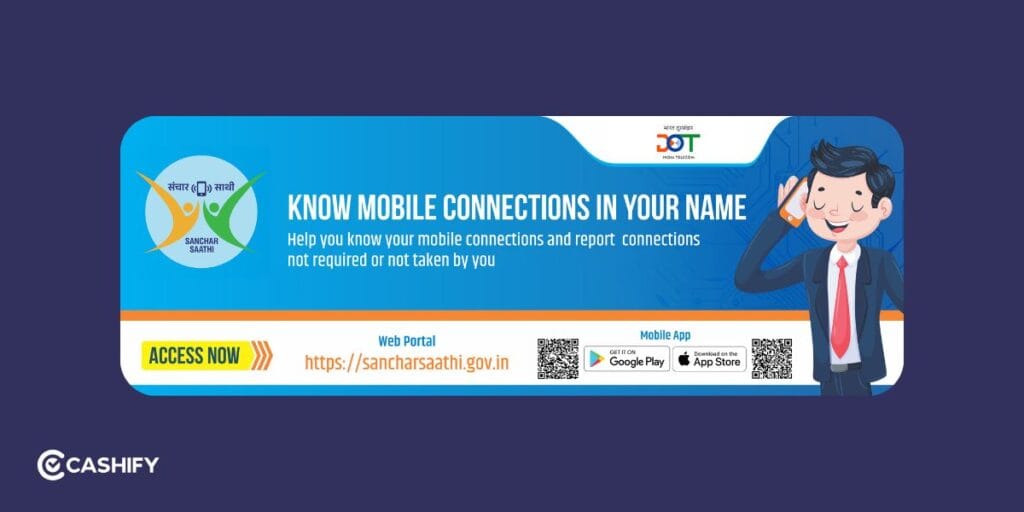
If you want to find out how many mobile numbers are registered in your name, follow these steps:
Step 1: Open the TAFCOP Portal
Visit the official TAFCOP section on the Sanchar Saathi portal.
Step 2: Enter Your Mobile Number
Type your active 10-digit mobile number in the required field and complete the captcha verification.
Step 3: Verify Through OTP
Click the OTP option and enter the One-Time Password sent to your mobile number.
Step 4: View Registered Mobile Numbers
After successful verification, the portal will display all active mobile connections registered under your identity.
Step 5: Report Unknown or Unused Numbers
If you notice a mobile number that you do not recognize or no longer use, select the number and choose the appropriate reporting option, such as “Not My Number.”
Step 6: Submit the Request
Click the submit button to send the request for verification and further action. After submission, a reference number is generated so you can track the status of your complaint.
How To Report A Number Through The TAFCOP Portal
If you notice a mobile number registered in your name that you do not recognise or no longer use, you can raise a report. You can do it through the TAFCOP section of the Sanchar Saathi portal.
Step 1: Sign In to the Portal
Visit the TAFCOP section on the Sanchar Saathi portal. Enter your active 10-digit mobile number, complete the captcha verification, and enter the OTP sent to your phone.
Step 2: Check the List of Mobile Numbers
After successful verification, the portal displays all active mobile connections registered against your identity documents.
Step 3: Select the Number You Want to Report
Find the number you want to take action on and choose the appropriate option:
- This Is Not My Number: Select this option if you do not recognise the number and never applied for it.
- Not Required: Select this option if the number belongs to you or your family but is no longer needed.
Step 4: Submit the Request
After selecting the appropriate option, click the Report button to submit your request.
Also read: Why Every Smartphone User Should Register On Sanchar Saathi?
What Happens After You Submit A Report?
The Department of Telecommunications (DoT) forwards the request to the service provider for review.
The telecom operator examines the reported connection. Additional verification may be conducted to confirm ownership and usage details. If unauthorised use is identified, the operator can take action according to applicable regulations.
Once the request is submitted, the portal generates a reference or ticket number. This number can be used to track the status of your complaint and monitor any updates related to the verification process.
Also read: How To Report Fraudulent Mobile Connections With Sanchar Saathi?
Frequently Asked Questions
Is TAFCOP free to use?
Yes, TAFCOP is completely free to use. It is available through the official Sanchar Saathi portal managed by the Department of Telecommunications (DoT).
Can I check SIM cards registered in my name online?
Yes, you can check all mobile numbers registered in your name online through the Sanchar Saathi TAFCOP portal. You only need to verify your mobile number using an OTP.
What should I do if I find an unknown SIM card?
If you find an unknown SIM card linked to your identity. You can report it through the TAFCOP portal by selecting the number and choosing the “This Is Not My Number” option.
Does TAFCOP deactivate a SIM card immediately?
No, TAFCOP does not deactivate SIM cards instantly. The complaint is forwarded to the telecom operator. It verifies the details before taking necessary action.
Can I track my TAFCOP complaint status?
Yes, you can track your complaint status using the reference number generated after submitting a report on the TAFCOP portal.
Final Thoughts
Mobile numbers are often linked to banking services, digital payments, government schemes, and online accounts. It’s important to keep track of the numbers registered in your name. This is an important part of protecting your digital identity.
The TAFCOP module under the Sanchar Saathi portal provides a practical way to review mobile connections. You can report unauthorised numbers and stay informed about telecom records. If you have any queries, let me know in the comment section below. I would love to hear you out!
If you’ve just bought a new phone and don’t know what to do with your old phone, then here’s your answer. Sell old mobile to Cashify and get the best price for it. If you are planning to buy a new phone, check out Cashify’s refurbished mobile phones. You can get your favourite phone at almost half price with six-month warranty, 15 days refund and free delivery.