Do you want to make a smart choice when it comes to iOS 26 Vs Samsung One UI 8? The iOS 26 is all about the whole new ‘Liquid Glass’ design. On the other hand, you will find tons of customisation options in the Samsung One UI 8. There are so many customisations that it lets you change everything from icons to animations. There are powerful Galaxy AI features as well, and the unmatched Good Lock.
With iOS 26, you get seamless integration with other Apple devices and the straightforward user experience. But which one is the best when it comes to actual use? Let’s check all the details in this article:
Also Read: HyperOS 3.1 Release Date, Eligible Devices, More Details!
Release Date And Timeline: iOS 26 Vs Samsung One UI 8
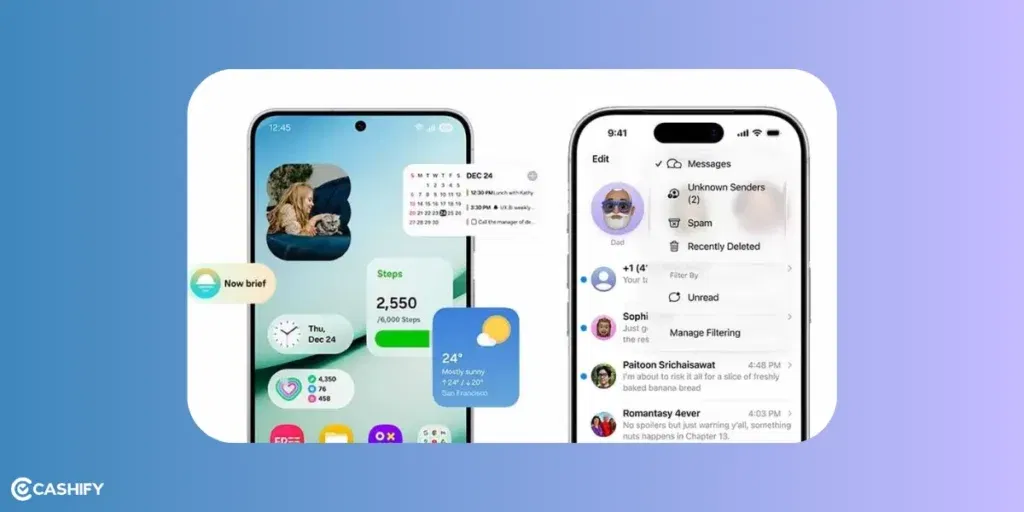
The iOS 26 as announced on June 9, 2025 at Apple’s WWDC Event. The full and stable version came out on September 15, 2025. After that, we saw some more minor updates. These included:
- iOS 26.1 which came out in November 2025.
- iOS 26.2 with small improvements like better Live translation and bug fixes.
The Samsung One UI 8 beta version started on May 28, 2025. We saw the stable version on July 25, 2025, with the Galaxy Z Fold7 and Flip7 phones. On September 15, we saw this in the S25 Series and so on. All eligible devices are now on Samsung ONE UI 8.
Also Read: OnePlus 15 Vs iPhone 17: Which One Should You Choose?
How’s The Design? iOS 26 Vs Samsung One UI 8
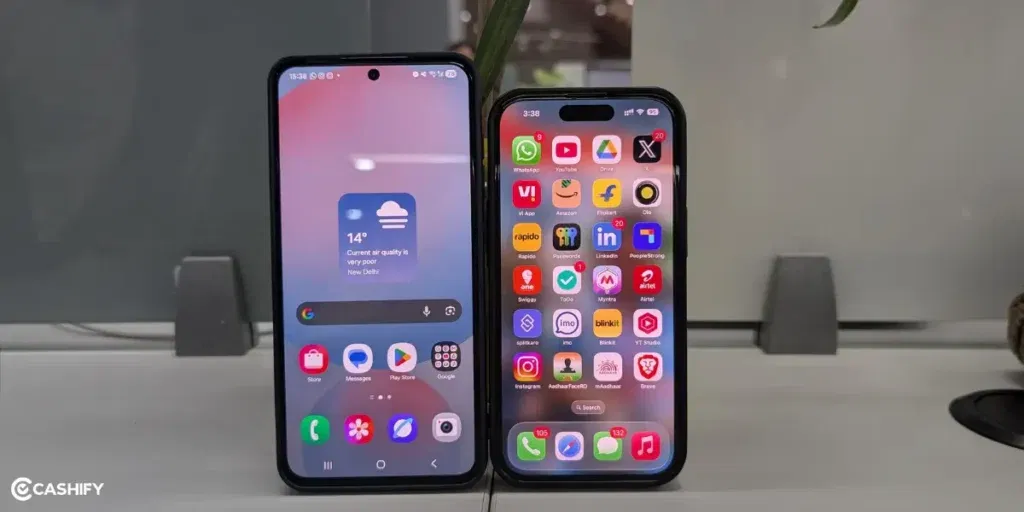
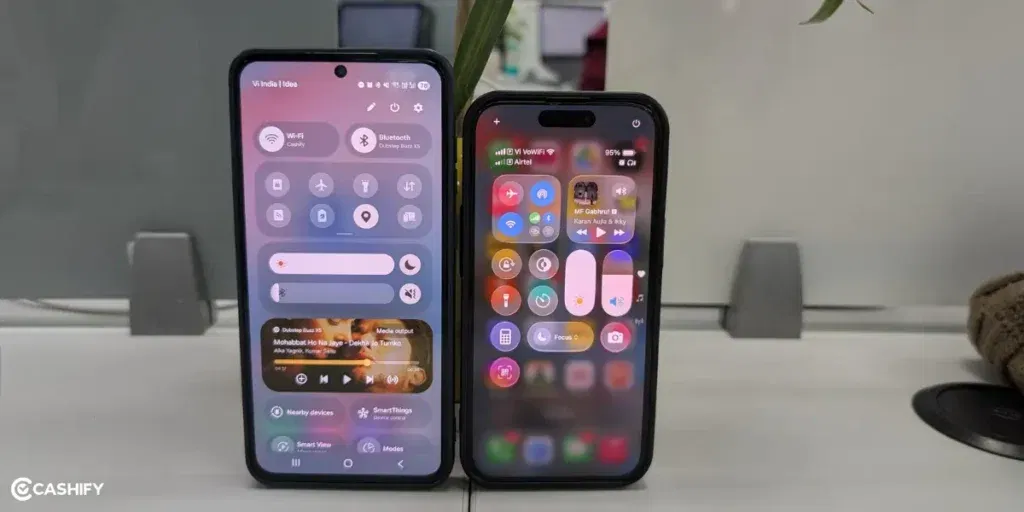
iOS 26 is all about Liquid Glass to make screen look shiny, see-through, and alive. It has smooth depth effects on the Home screen, lock screen, and control panels. It keeps a clean and minimalist style.
You will see Adaptive clocks that will change based on your wallpaper. There are 3D Spatial Wallpapers to give you an amazing feel when you use the device. There is a new ‘clear’ theme as well that uses glass-like icons with Dark, Light, or Tinted modes.
When you take a screenshot, you can get a full-screen preview with ChatGPT-powered search. This way, you can find info inside the screenshot quickly.
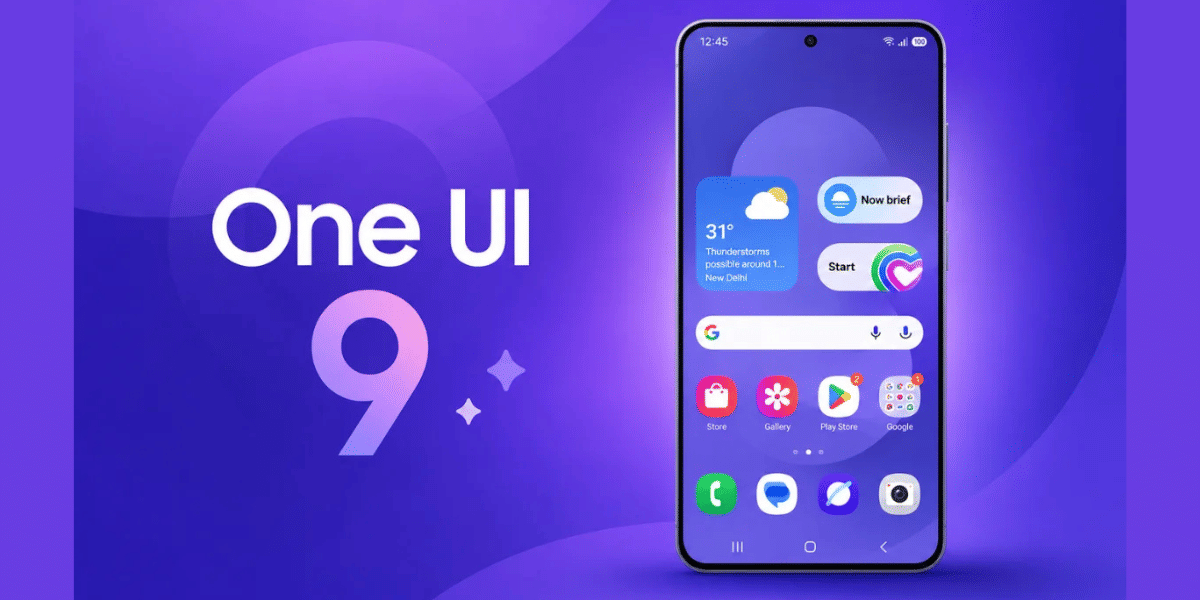
The Samsung One UI 8 update has softened the blurs and added a more coordinated look. The lock-screen clock changes size and moves automatically. This depends on how many notifications you have. The Quick panel is now divided into two sections. There is notifications and control. You can also get the old layout if you prefer that way.
The Samsung Internet even lets you customise the toolbar and layout. If you have a foldable phone, you will also get Better DeX desktop mode, layouts for different sizes.
The choice is simple: if you like the Liquid Glass design, you can go for the iOS 26. One UI 8 wins for more control and customisation.
Also Read: From Notion AI to Gemini: The Best AI Tools for Productivity
Apple Intelligence Or Galaxy AI: iOS 26 Vs Samsung One UI 8
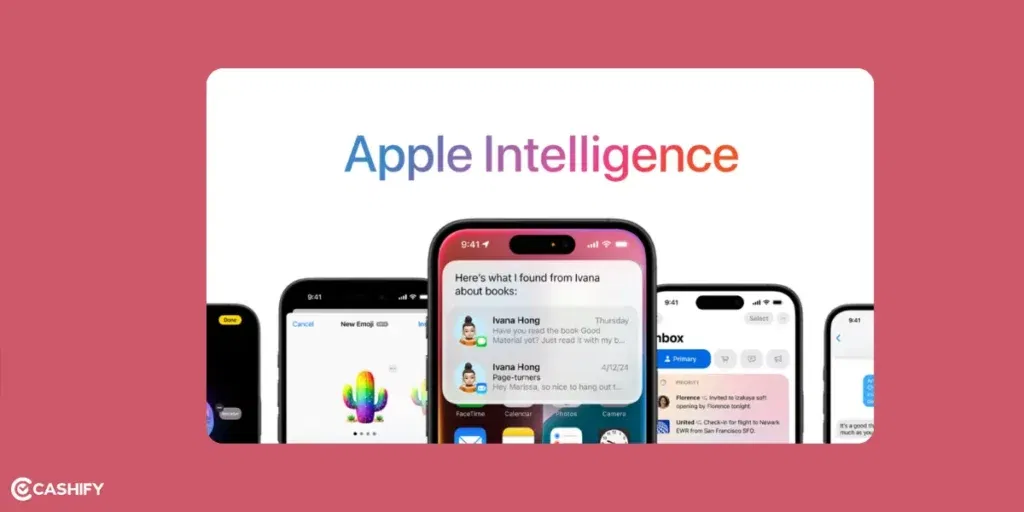
With iOS 26, you get Apple Intelligence.
For example, when you take a screenshot, the preview can highlight important areas. After this, you can ask your questions about the info on your screenshot. It’s like a built-in Visual Intelligence. There is Live Translation with the latest update that works even with AirPods. Even the shortcut app has new AI-powered actions. It also has interesting features like:
- Lyrics Translation and Pronunciation in Apple Music
- Visited Places in Maps
- Order Tracking in Wallet
On the other hand, Samsung’s Galaxy AI has multimodal abilities. This includes Gemini Live, which lets you chat with the AI, share your screen, and even upload images. There is the Now Bar to give you essential tips. It also shows you quick task summaries when your phone is sideways.
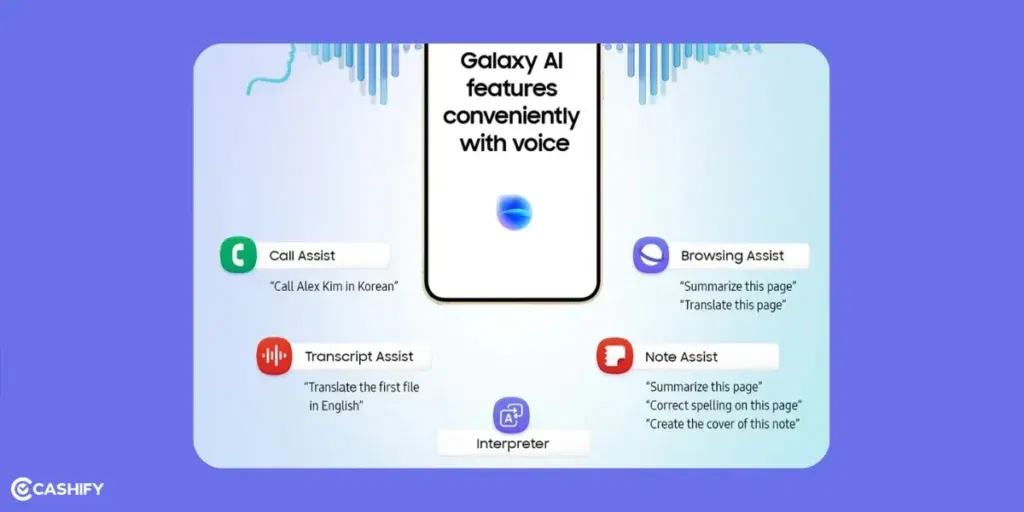
Photo Assist can show you the original and edited photos side-by-side to compare easily. There is also a Running Coach in Samsung Health for AI-personalised workouts. This also works with the Galaxy Watch seamlessly.
Overall, Samsung has more proactive and result-oriented AI tools with varieties.
Also Read: How AI Is Replacing Traditional To-Do Apps? Know The Truth!
Apps and Ecosystem: iOS 26 Vs Samsung One UI 8
There are a lot of changes when it comes to Apps and ecosystems. Photos now have separate Library and Collections tabs. It has become super easy to organise pictures. There is also a faster search bar that helps you find photos quickly. Even the maps can now learn your usual routes using AI.
In iOS 26, CarPlay displays incoming calls in a small, compact window. There are tapbacks for quick reactions and to improve Spam/ Unwanted call blocking. For gaming, you will find a new Apple Games App to help you discover games that match your style. Even in the music app, there is Lyrics Translation, which is great for learning other languages.
If you use the Live Listen feature, it also works with the Apple Watch more effectively. There are real-time Live Captions for audio. You will also see new AirPods controls for capturing content.
There is also drawing assist to help you sketch more neatly. We already know about Photo Assist. There is RCS Messaging, Call Captions, and Quick Panel to split notifications and control. OneUI 8 also has HyperBoost for gaming performance. Auracast lets you broadcast audio to nearby devices.
With Galaxy AI, we get better AI features for deaf and hard-of-hearing users.
Also Read: iQOO 15 Vs OnePlus 15: Price, Specs, All Details!
Final Thoughts
With iOS 26, Apple took a lot of time, but the results are next level. The Liquid Glass design really looks beautiful. The privacy features of iOS 26 are super strong, and AI works smoothly. You won’t even have to change many settings to use it. If you already have Apple devices with you, iOS 26 is a practical choice since the whole OS is seamlessly integrated. When it comes to iOS 26 Vs Samsung One UI 8, the choice is clearly tough.
Also Read: 5 High-Value Mid-Range Phones Worth Buying- Samsung, Realme & More
One UI 8 has a lot of customisations and special features for foldable phones. The Galaxy AI is actively integrated everywhere. It’s perfect if you are into creativity and want different tools for different tasks. Overall, OneUI 8 gives you more freedom, and Apple lets you enjoy the integration if you already have other Apple devices. Let me know what you think about this in the comment section below. I would love to hear you out!
If you’ve just bought a new phone and don’t know what to do with your old phone, then here’s your answer. Sell old mobile to Cashify and get the best price for it. If you are planning to buy a new phone, check out Cashify’s refurbished mobile phones. You can get your favourite phone at almost half price with six-month warranty, 15 days refund and free delivery.