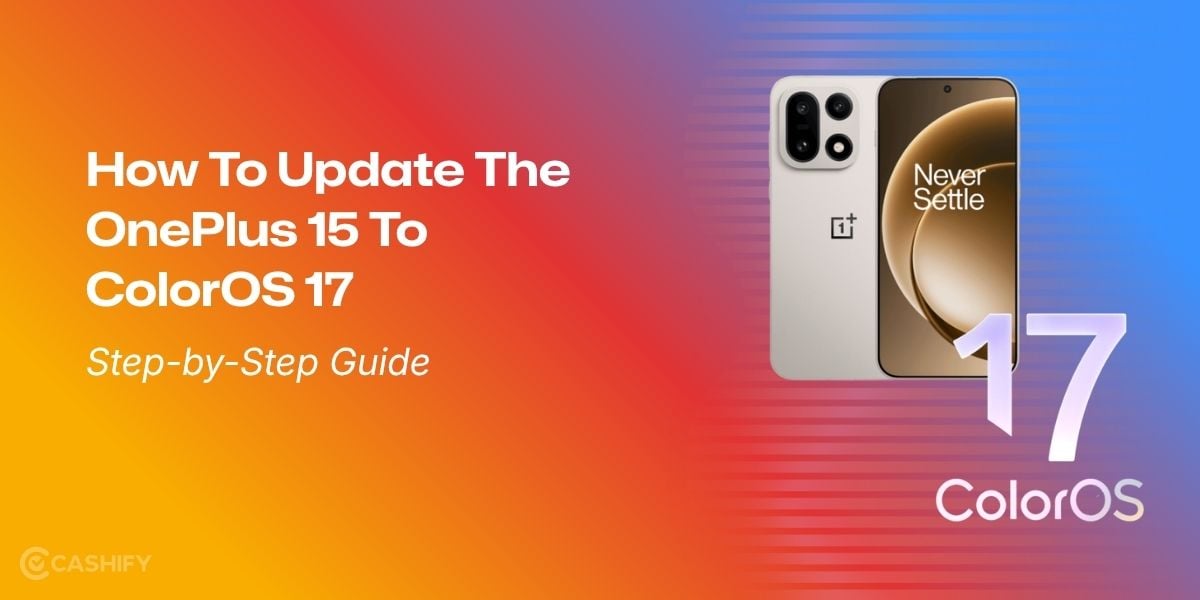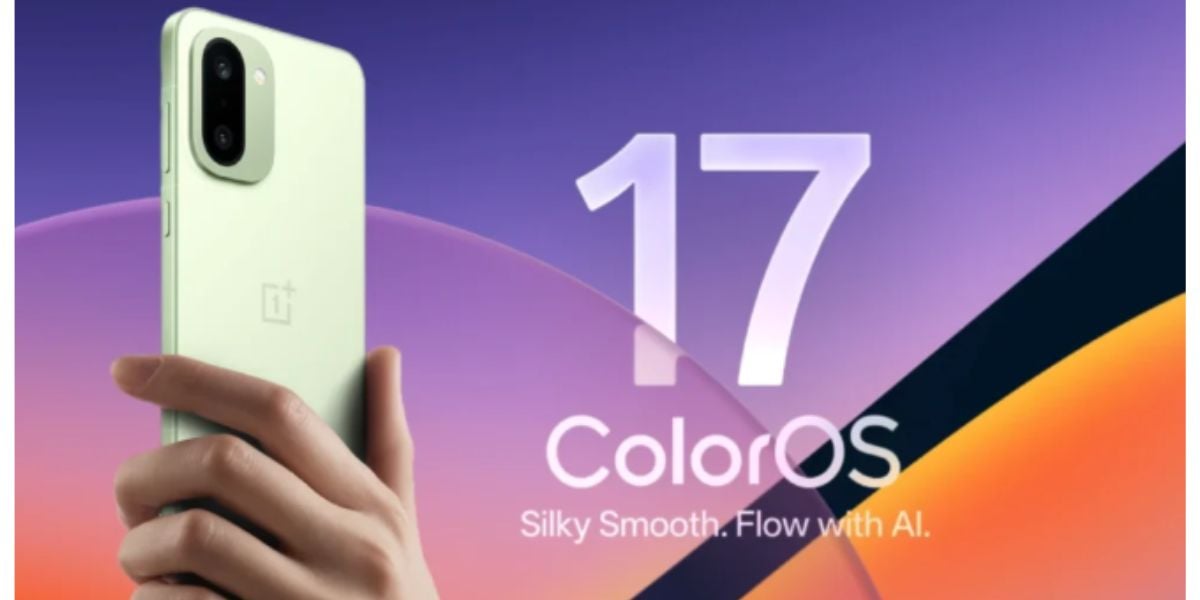
ColorOS 17 update has hit the floors, and the latest joinee in this elite list is the perfect and favourite mid-ranger from OnePlus, the OnePlus 15R. So, what changes will your favourite mid-ranger see after the ColorOS upgrade? Well, to find this out and give you all the key details on the ColorOS OnePlus 15R update, we bring you this news story. Let’s see all the details here.
Also Read: MacBook M6 Pro Launched Globally: Is Apple Raising the Laptop Game Again?
ColorOS OnePlus 15R Update Rolls Out: Know Every Detail Inside
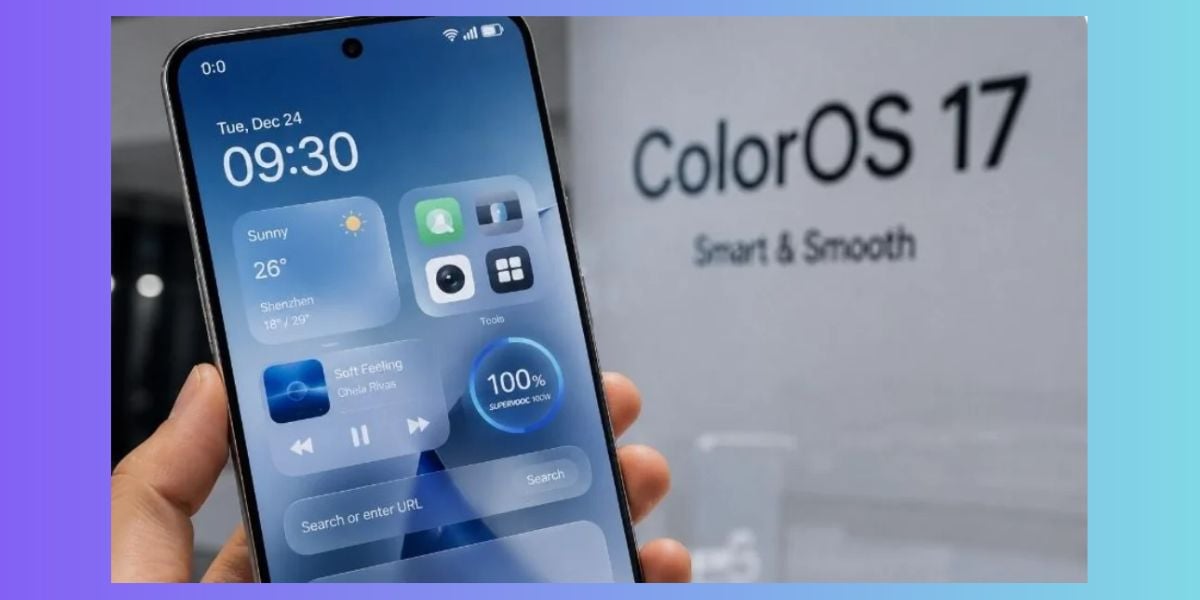
OnePlus has started rolling out the stable Android 17-based ColorOS 17 update to OnePlus 15R users in India, ahead of its scheduled release. The major upgrade introduces a refreshed interface, smoother animations, enhanced AI tools and improved system performance. The rollout is happening in phases, so eligible users may receive the update at different times.
Firmware Details
- Build number: CPH2767_17.0.0.106(EX01)
- Software: ColorOS 17 based on Android 17
- Region: India
- Release type: Stable OTA update
How to Download
- Open Settings.
- Select System & updates.
- Tap Software update and check for updates.
- Download and install if available.
- Alternatively, check Beta program > Release candidate.
Connect to Wi-Fi and back up important data before installing.
Also Read: Stable One UI 9 Update Rolls Out For Galaxy M56, M17, F17 And A35 In India
Should You Download ColorOS OnePlus 15R Update Or Not? Here Is The Guide
Confused whether you should stick to OxygenOS support for your OnePlus phone or try the all-new ColorOS 17 update? Well, then, here is a tabular guide for you:
Your priority | Recommendation |
You want Android 17 and the new features | Install once the official update is offered to your device. |
Battery life and gaming stability matter most | Consider waiting a few days for multiple 15R-specific reports. |
You strongly prefer the old OxygenOS interface | Review the new design first; don't assume it will remain unchanged. |
You want a longer run for your 15R | OxygenOS will be discontinued, so if you aim to use your phone for 3-4 years, it is beneficial that you switch to the ColorOS OnePlus 15R update. |
Also Read: iPhone 18e Leaks Are Out Amid The Launch Buzz And You Should Not Miss This
Are you still browsing through your broken screen? Don’t worry! Book at-home mobile phone screen repair with Cashify—an affordable and one-stop destination for all your mobile phone needs. In case you break your screen within 1 month of repair, we will replace your screen again—for FREE.