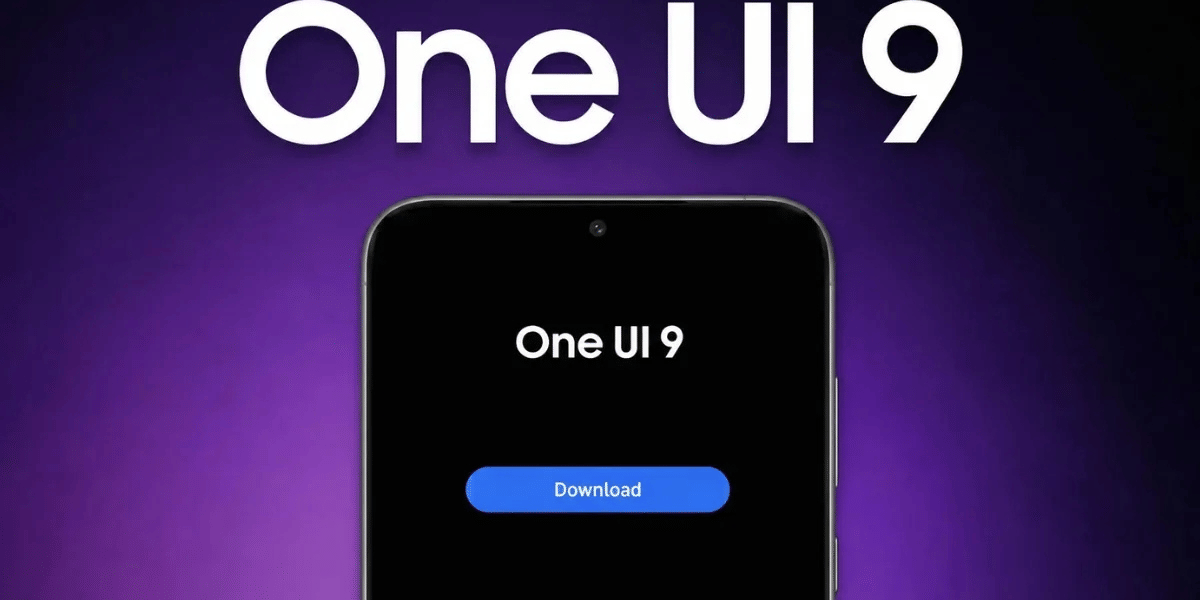
Samsung has started rolling out the stable One UI 9 update to more mid-range Galaxy smartphones in India. The latest software update is now reaching the Galaxy M56, Galaxy M17, Galaxy F17 and Galaxy A35, bringing Android 17, system improvements and the October 2026 security patch.
The rollout is good news for Samsung users who want the latest software experience without upgrading to a new smartphone. The update arrives with different firmware versions and download sizes depending on the device. However, Samsung is releasing it in phases, so some users may have to wait a few days before receiving the notification.
Stable One UI 9 Update: Firmware Details And Download Size
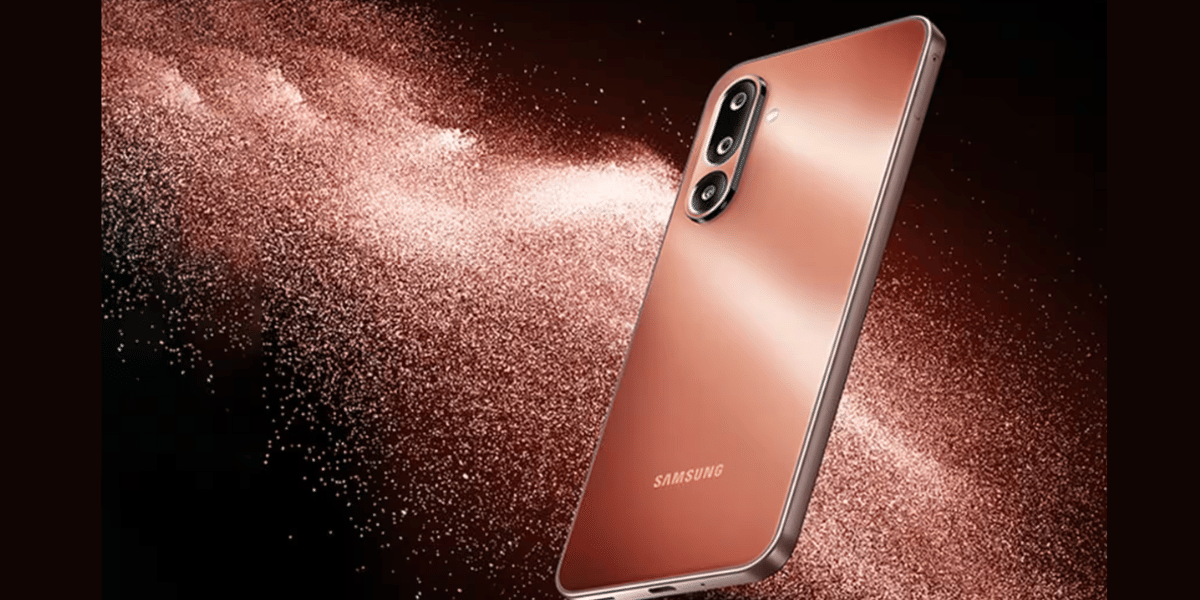
Samsung is offering the new update with different firmware versions for each smartphone. Here are the details:
- Samsung Galaxy M56: Firmware version M566BXXU7DZJ1, with a download size of around 2.2GB.
- Samsung Galaxy A35: Firmware version A356EXXUBEZJ2, with a download size of around 2.7GB.
- Samsung Galaxy M17: Firmware version ending in DZJ5, with a download size of around 2.4GB.
- Samsung Galaxy F17: Firmware version ending in DZJ5, with a download size of around 2.4GB.
The update also includes the October 2026 Android security patch, which improves device protection against potential security threats.
Also Read: Samsung One UI 9 AirDrop Feature: Supported Galaxy Phones And How To Activate It
Features And How To Download The Update
The stable One UI 9 update brings interface improvements, smoother system performance and updated security features. However, the availability of certain features may depend on the smartphone's hardware. Therefore, Galaxy M and F series users may not get every feature available on Samsung's premium flagship devices.
Samsung is following a phased rollout strategy, which means the update may not reach every eligible smartphone at the same time.
Users can manually check for the update by following these steps:
- Open the Settings app on your Samsung smartphone.
- Tap on Software update.
- Select Download and install.
- Follow the instructions to complete the installation.
One UI 9 vs One UI 8: What's New?
Feature | One UI 8 | One UI 9 |
|---|---|---|
Android version | Android 16 | Android 17 |
Design | Updated interface | Refined lock screen and Quick Panel |
AI features | Basic AI improvements | Enhanced Galaxy AI and Now Nudge |
Security | Auto Blocker | AI privacy alerts and Quick Lockdown |
Quick Panel | Customisable controls | More resizing and layout options |
Performance | Improved system experience | Further system and multitasking improvements |
Before downloading, make sure your phone has sufficient battery, enough storage space and a stable Wi-Fi connection.
With this rollout, Samsung continues to bring its latest software experience and security improvements to more affordable Galaxy smartphones in India.
Are you still browsing through your broken screen? Don’t worry! Book at-home mobile phone screen repair with Cashify—an affordable and one-stop destination for all your mobile phone needs. In case you break your screen within 1 month of repair, we will replace your screen again—for FREE.