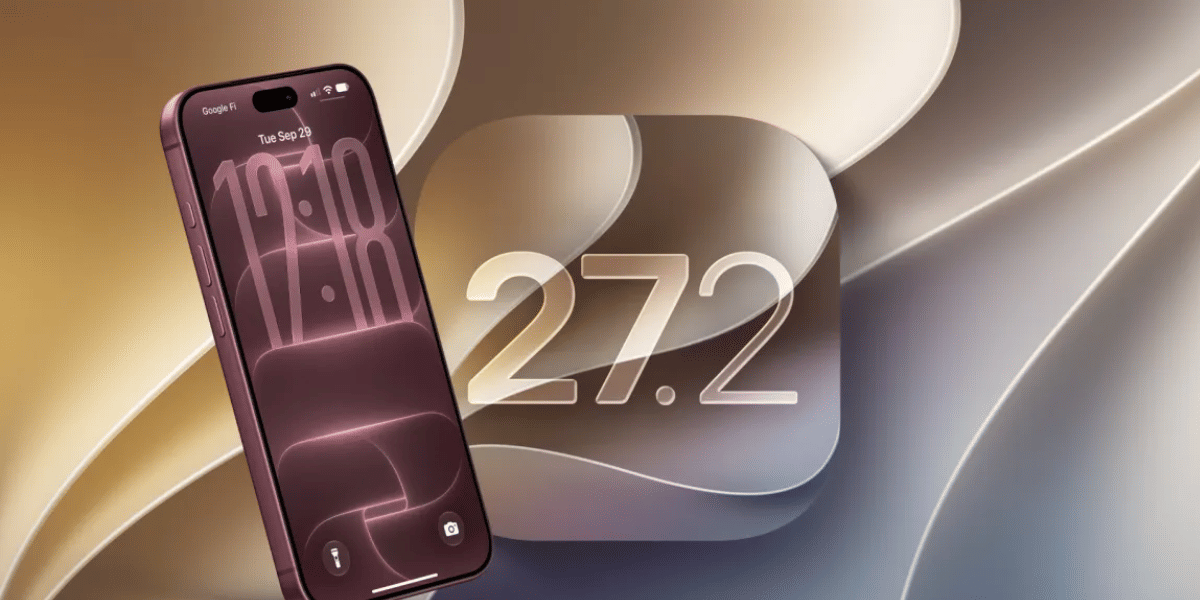
Apple has released the iOS 27.2 update for compatible iPhones, bringing new Siri AI capabilities, improvements to the Shortcuts app and several changes across Apple's software. Released on October 26, 2026, the update also expands Siri's language support and introduces new options for managing how Apple's assistant accesses personal information.
Unlike a major iOS redesign, iOS 27.2 focuses on making existing features more useful. Users can check for the update through their iPhone's Settings app, although some AI features are limited to supported devices and regions.
Which iPhones Support iOS 27.2 Update?
Apple's security documentation lists Apple iPhone 11 and later among the supported devices receiving iOS 27.2 security fixes. The update is also available for compatible newer iPhones.
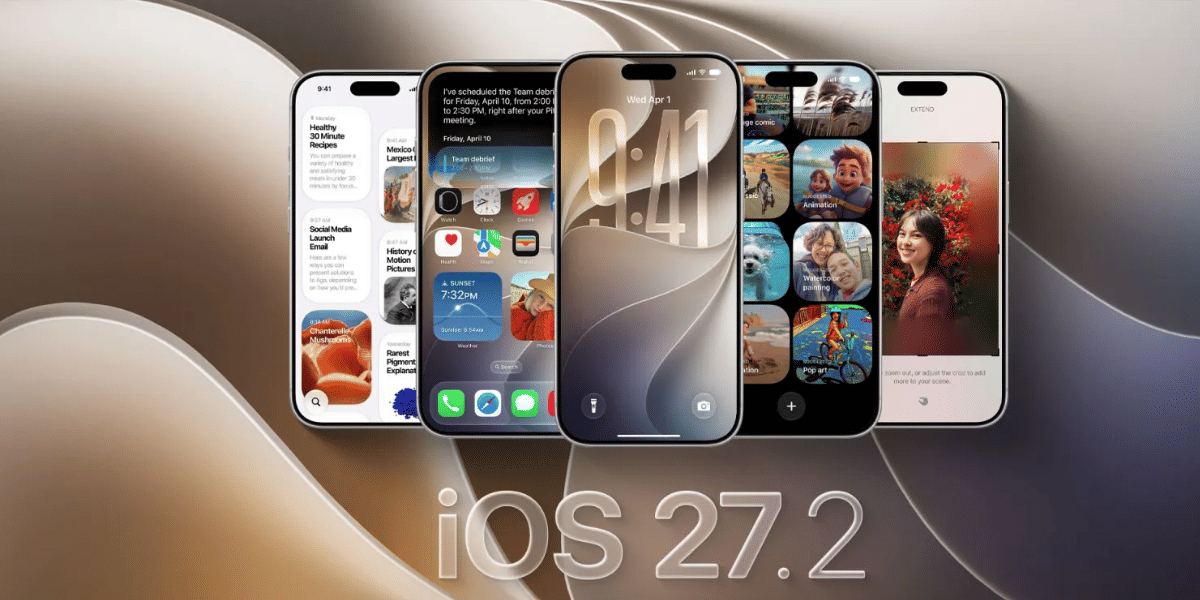
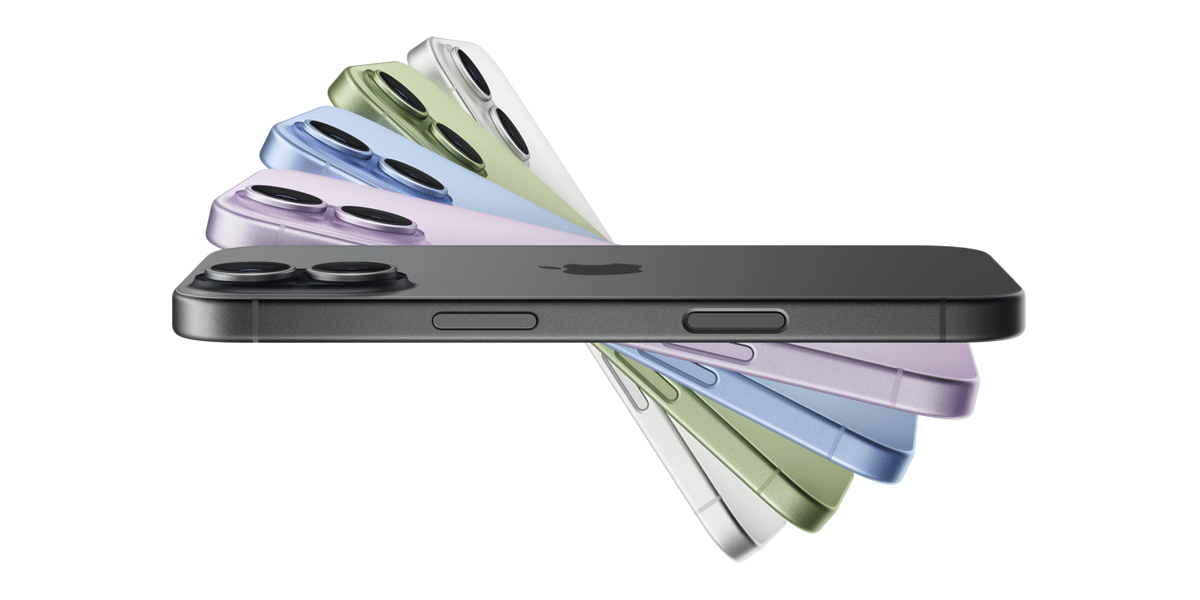
However, not every feature is available on every supported model. The advanced Siri AI capabilities, for example, require an Apple iPhone 16 or later, or an Apple iPhone 15 Pro or Apple iPhone 15 Pro Max.
Users should check Software Update on their own device to confirm availability.
How to Download iOS 27.2 on Your iPhone
Follow these steps to install the update:
- Open Settings on your iPhone.
- Tap General.
- Select Software Update.
- Wait for iOS 27.2 to appear.
- Tap Update Now or Download and Install, then follow the on-screen instructions.
Before updating, back up your iPhone to iCloud or a computer. Make sure you have enough free storage, a reliable Wi-Fi connection and sufficient battery charge. Keeping the device connected to power during installation is also recommended.
If you are already running a newer compatible version, your iPhone may not offer iOS 27.2 separately.
Also Read : Ipad Mini 8th Gen Launch Announced: Price, Specs, And All You Need To Know
Should You Install iOS 27.2?
iOS 27.2 is worth considering for users who want the latest security fixes and software improvements. The expanded Siri capabilities could be particularly useful for supported iPhones, while the Shortcuts updates offer more flexibility for people who automate everyday tasks.
However, users should not expect every iPhone to receive the same AI features. Older supported models can receive the update without gaining access to all the new Siri capabilities.
Apple has also published security information for iOS 27.2, making the update relevant beyond its visible features. If your iPhone offers the update, back up your data and review the available storage before installing it.
Are you still browsing through your broken screen? Don’t worry! Book at-home mobile phone screen repair with Cashify—an affordable and one-stop destination for all your mobile phone needs. In case you break your screen within 1 month of repair, we will replace your screen again—for FREE.