Microsoft faces problems with its January 2026 Windows 11 update. The company admits at least three major bugs. These affect shutdown, remote desktop, and Outlook. Microsoft quickly released emergency fixes for two issues.
Also Read: Lava Agni 4 India Launch Confirmed For November 20: See Key Specs
Windows 11 January 2026 Update Issues
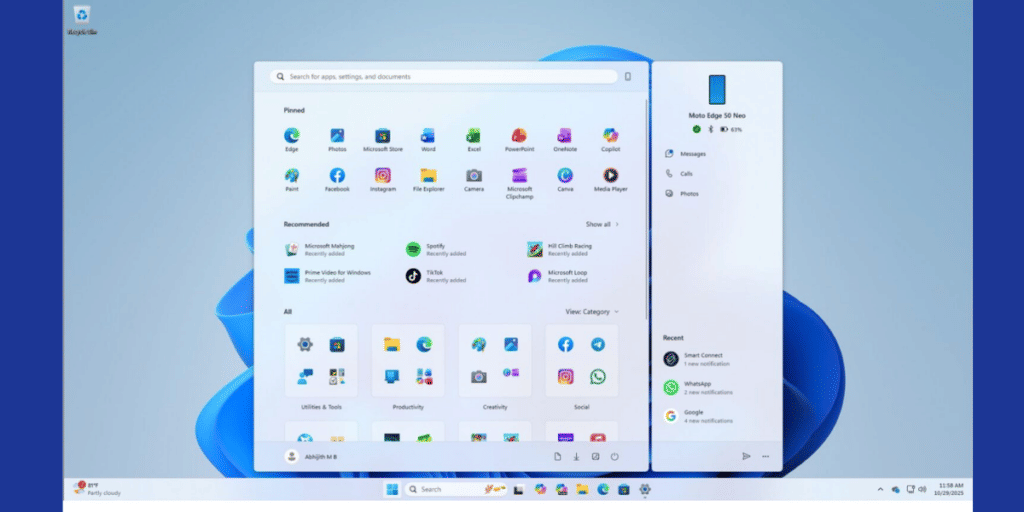
The January 2026 Patch Tuesday updates cause trouble for many users. Microsoft rolled out fixes on January 17. These out-of-band updates solve most problems.
- Remote Desktop fails to connect (fixed with KB5077744)
- Windows 11 23H2 does not shut down properly (fixed with KB5077797)
- Outlook Classic crashes with POP accounts (not fixed yet)
Other unconfirmed Windows 11 January 2026 Update issues include black screen delays, wallpaper reset, and desktop.ini failure. Microsoft has not addressed these yet.
Also Read: Steam Machine Gaming Launch With VR: Valve Launches The Most Exciting Gaming Console
How To Fix The Problems
Download fixes from Microsoft Update Catalog. Search the KB number and install the .msi file. Restart your PC after installation.
- KB5077744 – Fixes Remote Desktop on Windows 11 25H2/24H2
- KB5077797 – Fixes shutdown bug on Windows 11 23H2
- KB5077793 / KB5077800 – Fixes Remote Desktop on Windows Server
- KB5077796 – Fixes login errors on Windows 11 ESU
For Outlook crashes, kill Outlook.exe in Task Manager and reopen the app. Microsoft is still working on a permanent fix.
The January 2026 update brings security patches but also bugs. Microsoft acts fast with out-of-band updates. Users should install fixes and check for more patches.
Are you still browsing through your broken screen? Don’t worry! Book at-home mobile phone screen repair with Cashify—an affordable and one-stop destination for all your mobile phone needs. In case you break your screen within 1 month of repair, we will replace your screen again—for FREE.