If you’re trying to decide whether to get excited about the next Samsung One UI update, this space will give you some clarity. The One UI 9 vs One UI 8 comparison matters because these software versions shape how your Galaxy phone feels day in and day out. Like how fast apps open, how private your data stays, and how easy it is to get things done on the go.
Right now, One UI 8 (and its 8.5 point update) is the current standard on many Galaxy devices. One UI 9 is still in early testing, but leaks from trusted sources already give us a clear picture of what’s coming. Let’s break down the real differences so you can figure out if upgrading makes sense for you.
Also read: Which Samsung Phones Will Get Android 17? All Details Inside!
What’s in One UI 9?
One UI 9 is Samsung’s upcoming major software skin, built directly on Android 17. It’s still in the very early internal testing phase. The first test builds have been spotted on upcoming flagships like the Galaxy S26 series. Samsung hasn’t officially announced it yet, but everything points to a public beta.
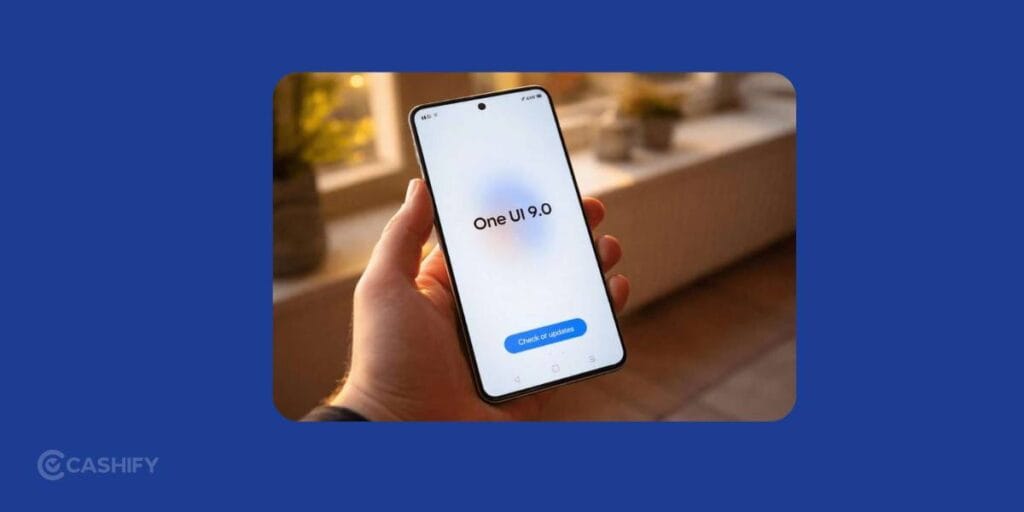
Expected timeline:
- Beta: Around May 2026
- Launch: July to August 2026 (with new Galaxy Z Fold 8 and Z Flip 8.)
Think of One UI 9 as the next chapter after the noticeable design refresh that came with One UI 8.5. It keeps the clean, modern look you already know but layers on smarter multitasking, better privacy tools, and a handful of thoughtful tweaks. All to make daily use feel a little more polished.
So if you’re comparing One UI 9 vs One UI 8, you’re basically comparing a polished current version with an upcoming refinement update.
Also read: Samsung Galaxy S26 Ultra Vs iPhone 17 Pro Max Camera: Getting Killer Shots!
What We Know In One UI 8?
One UI 8, based on Android 16, is already out and running on flagship devices like the Galaxy S25 series and newer foldables.
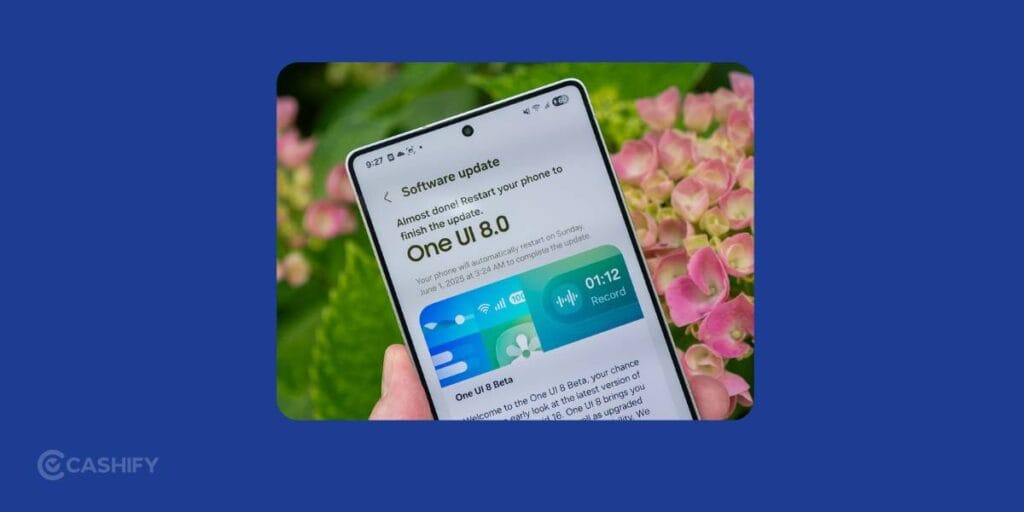
But the real star here is One UI 8.5.
This version brought:
- Deep Galaxy AI integration (Gemini)
- Major UI customisation upgrades
- Better one-handed usability
- Smarter everyday tools
Think of it as the version where Samsung said: “Let’s make AI actually useful.”
Also read: One UI 9 Release Date, Features, And Supported Devices!
One UI 9 vs One UI 8: Core Differences That Matter
Here’s where the One UI 9 vs One UI 8 comparison gets interesting. One UI 9 is not revolutionary. One UI 8.5 already handled the big design lift. Instead, it builds on that foundation with smaller, smarter changes that come from Android 17 under the hood.
Design & UI changes
For starters, those brightness and volume sliders in the Quick Panel? They’re now a bit chunkier, so it’s way easier to adjust them with one hand without fumbling. Small change, but you’ll notice it daily.
The lock screen also gets a nice little glow-up. The music player now shows colourful waveform animations that actually move with your song instead of just sitting there like a boring card. And some controls are now separated into small circular buttons, which makes everything feel cleaner.
You might also notice a slightly more “glassy” vibe across parts of the UI. It’s subtle, but it gives the whole system a more modern feel.
For example: Play a song on your lock screen, and you’ll see those colourful waves dancing with the music. It’s a small detail, but it makes your phone feel more alive.
Performance & Speed
This is one of those areas where things improve quietly in the background.
Since One UI 9 runs on Android 17, you get better overall optimisation, smoother animations, and improved gaming performance. It’s not like your phone suddenly becomes twice as fast, but everything just feels a bit more fluid.
If you’re using a newer flagship, you’ll probably notice apps opening a little quicker and animations feeling smoother. On older phones, the difference might be there, but not super obvious.
AI features
If you have already used One UI 8, you know Samsung went all-in on AI, and honestly, they did a pretty good job.
Features like Gemini Live, Audio Erase, and smart editing already make daily tasks easier. One UI 9 doesn’t try to reinvent that. It just builds on it.
You’ll still get all those Galaxy AI tools, but now they’re expected to work more smoothly across apps thanks to Android 17. There are also “some new and improved” AI features coming, but details are still a bit unclear for now.
So yeah, no huge AI shocker, but things should feel smarter and more natural overall.
Battery & optimisation
Battery improvements here are more of a “slow upgrade” than a dramatic jump.
With Android 17, Samsung is focusing on better background management and efficiency. That basically means apps behave better behind the scenes and don’t drain your battery unnecessarily.
You are likely to see slightly better screen-on time and more stable battery performance. Especially noticeable on foldables and mid-range phones that already do pretty well.
Privacy & security
This is actually one of the biggest upgrades, even if it doesn’t look flashy.
One UI 9 gives you way more control over your data. For example, apps don’t just get access to all your contacts anymore. You can choose exactly which contacts they can see.
There’s also an Advanced Protection Mode and other Android 17 security upgrades working quietly in the background.
Customisation options
One UI 8.5 already gave you a lot of freedom to customise things, and thankfully, that’s not going away.
You can still move around toggles, widgets, and cards in the Quick Panel however you like. One UI 9 just adds a few small improvements, especially around widgets and the Now Bar, to make things feel a bit more personal.
Nothing drastic, but more flexibility is always a good thing.
Also read: Samsung Galaxy S25 FE AI Highlights: Smarter For Creators & Pros!
New Features in One UI 9
Beyond the small design tweaks, One UI 9 adds some genuinely useful features you’ll notice in daily use:
- You can open any app in a floating bubble, which makes quick replies and multitasking way easier
- Apps now adapt better across phones, tablets, and foldables. No more awkward screen limitations
- Parental Controls finally get their own proper section in Settings (no more digging around)
- Better satellite connectivity and ultra-wideband improvements for tracking and connectivity
- Possible new Galaxy AI upgrades, along with faster file sharing using Android 17 features
None of these is a flashy “wow” feature, but together they fix a lot of small annoyances you deal with every day.
Which Devices Will Get One UI 9?
Samsung is still sticking to its long update promise, which is great news.
If you’ve got a relatively recent device, you’re probably covered. Expected devices include:
- Galaxy S23, S24, S25, and upcoming S26 series
- Z Fold 5 and newer, Z Flip 5 and newer
- Newer A-series phones like A35, A55, and above
- Galaxy Tab S9 and newer tablets
Older devices like the S22 series might stop at One UI 8.5.
Of course, rollout can vary depending on region and carrier, so it’s always best to check your phone’s update section once things go live.
Also read: Android 17 Release Date And Features: Early Details Leak
Should You Upgrade?
If your phone supports it, upgrading to One UI 9 makes sense. But don’t expect a completely new experience.
You’ll get:
- Better privacy controls
- Smoother multitasking
- Slight performance improvements
- Long-term updates and security
If you are already on One UI 8.5 and everything’s working fine, there’s no urgency. Waiting for the stable version and seeing real user feedback is probably the smarter move.
One UI 9 vs One UI 8: The Bottom Line
If you Are expecting a huge leap, One UI 9 might feel a bit underwhelming. But if you care about smoother performance, better privacy, and small everyday improvements, it actually makes a lot of sense.
One UI 8 (especially 8.5) did the big transformation. One UI 9 just builds on that and makes everything feel a little more polished and easier to use.
All in all, your phone won’t feel brand new, but it will feel better in all the small ways that actually matter.
Also read: Best Upcoming Samsung Phones
If you’ve just bought a new phone and don’t know what to do with your old phone, then here’s your answer. Sell old mobile to Cashify and get the best price for it. If you are planning to buy a new phone, check out Cashify’s refurbished mobile phones. You can get your favourite phone at almost half price with six-month warranty, 15 days refund and free delivery.