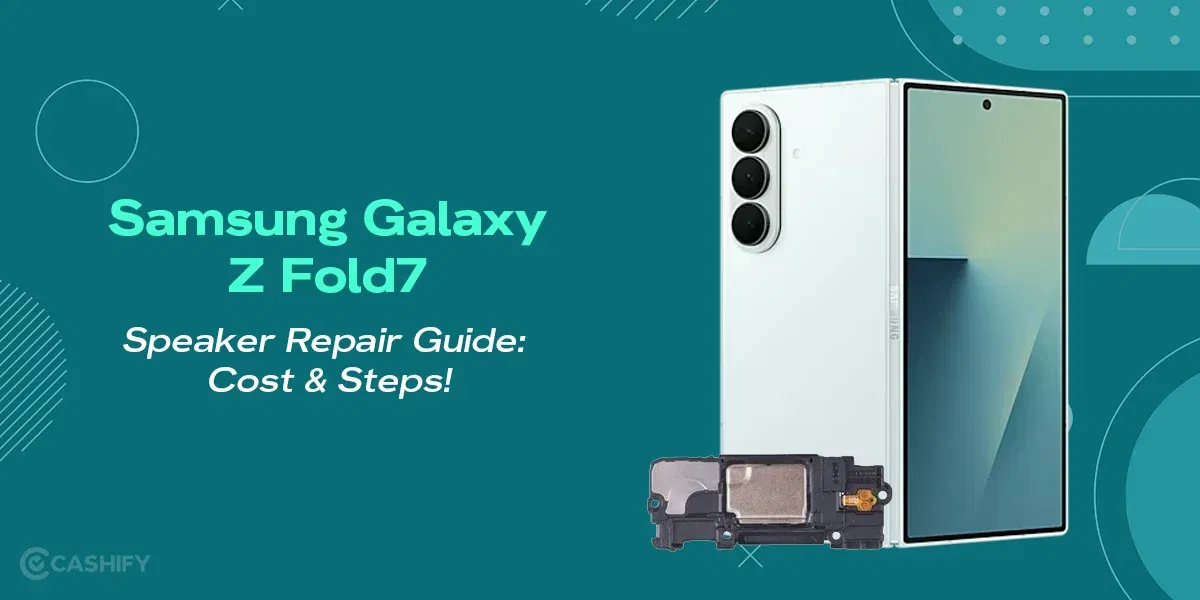
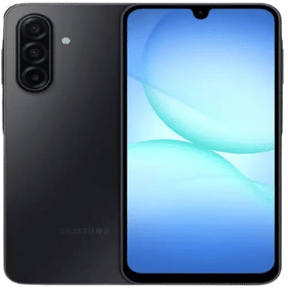
If your Samsung Galaxy Z Fold6 speaker is not working, you will notice it in the most annoying moments. Notice videos playing with no sound, calls on speaker turning awkwardly silent, or notifications you completely miss. On a premium phone like this, it might be unexpected, but it’s not impossible. Not every speaker issue means a costly repair. Sometimes it’s just a small glitch or blockage you can fix in minutes. And other times, it’s a sign you shouldn’t ignore. Let’s break it down in a simple, practical way so you know exactly what you’re dealing with and what to do next.
Also read: Prevent Samsung Galaxy A51 Faulty Aux Jack From Cutting Out Audio Now!
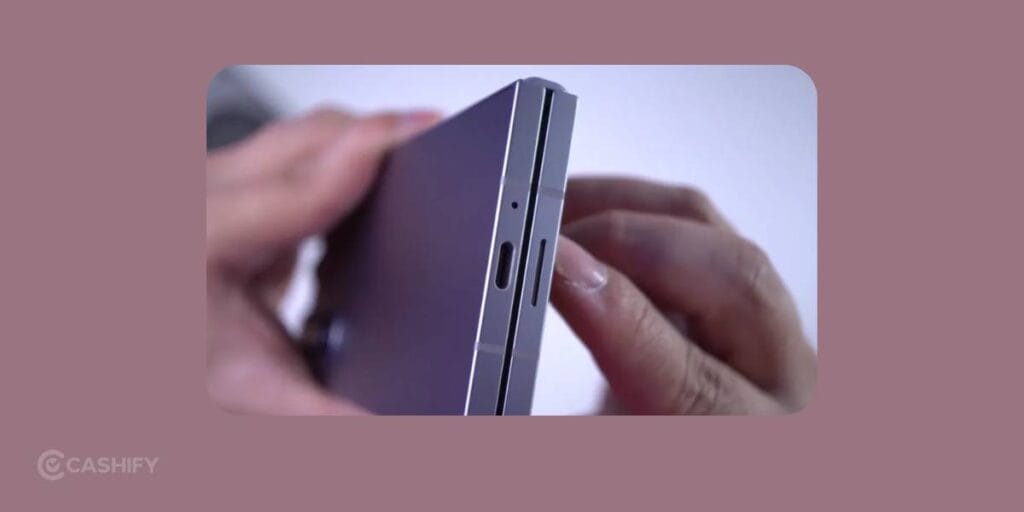
Why Your Samsung Galaxy Z Fold6 Speaker Might Not Be Working?
Speaker problems don’t usually appear out of nowhere. There’s almost always a reason behind them. For foldable phones, especially, design complexity plays a role.
The most common reasons are:
Dust Build Up:
One of the most common causes is dust or debris buildup. Since the Fold6 has hinges and openings, tiny particles can settle into the speaker grille over time. This can muffle or completely block sound.
Software Related Issues
Sometimes, after an update or installing a new app, the phone’s audio system may behave oddly. You might experience no sound, delayed sound, or audio coming from the wrong source.
Bluetooth:
Then there’s Bluetooth confusion. Your phone might still be connected to wireless earbuds, a car system, or a speaker, even if you’re not actively using it. In that case, the sound isn’t gone. It’s just playing somewhere else.
In more serious situations, moisture exposure or accidental drops can damage the speaker internally. These issues aren’t always visible but can significantly affect performance.
Also read: Samsung Galaxy A52 Screen Shattered: Click For A Quick Solution!
How to Tell If It’s a Bigger Problem?
If you have tried all the basic fixes and nothing has changed, it’s time to look a little deeper.
For example, if there’s no sound at all across apps, calls, and notifications, it’s likely not a simple settings issue. Similarly, if you hear crackling, distortion, or very low volume even at maximum settings, the speaker itself may be damaged.
Another red flag is inconsistent performance, where the speaker works sometimes and fails at other times. This often points to internal wear or loose connections.
If your phone has recently been dropped or exposed to water, even slightly, there’s a higher chance that the problem is hardware-related. In these situations, DIY fixes won’t be enough.
Also read: 8 Signs That Your Android Phone Motherboard Needs Repair! read:
Practical Ways To Manage A Samsung Galaxy Z Fold6 Speaker Not Working
1. Check Volume & Sound Settings
Sounds obvious, but it happens. Make sure media volume is up, and the phone isn’t on silent or “Do Not Disturb.”
2. Restart Your Phone
A quick reboot can fix temporary glitches. It’s the classic “turn it off and on again,” and it works more often than you’d think.
3. Clean the Speaker Grilles
Use a soft brush or a gentle burst of air to remove dust. Avoid using sharp objects or liquids.
4. Disable Bluetooth
Your phone might be routing sound to wireless earbuds or a speaker nearby.
5. Run a Speaker Test
Use Samsung’s built-in diagnostics (via settings or dialer codes) to confirm whether the speaker is functioning.
6. Update Software
Check for updates! Manufacturers often fix bugs that affect hardware performance.
Also read: Top 5 Troubleshooting Steps to Fix No Sim Error On Samsung Galaxy S22
Why Choosing Cashify For Fixing Samsung Galaxy Z Fold6 Speaker Makes Sense?
When it turns out to be a hardware issue, getting it fixed professional phone repair platform is the safest option. That’s where Cashify steps in.
Instead of dealing with unreliable local repair shops or long wait times, Cashify offers a much smoother experience. You get proper diagnostics to understand the exact issue, transparent pricing so there are no surprises, and the convenience of doorstep service.
Most importantly, you’re not overpaying for something that could be fixed efficiently. For a device like the Fold6, that balance between quality and cost really matters.
Quick Benefits
- Certified mobile repair service
- Skilled technicians
- Highly compatible replacements
- Warranty and refund for some repairs
- Discounted price
- 200+ offline stores
- Free doorstep visit
- Repair on same day in most cases
Need an instant discount for Samsung phone repair? Here you go!
Use code: TECH25 to avail of a discount of up to Rs. 300 by using the (on the minimum order value of Rs. 2499).
Also read: Samsung Galaxy Z Fold7 Screen Repair Cost In India: What To Expect?
In The End
Running into the Samsung Galaxy Z Fold6, whose speaker is not working, can feel like ‘Why with me? Honestly, because it is so rare. But it’s not that much of a big deal as it sounds. In many cases, the issue is something small you can fix yourself with a bit of checking and cleaning. The key is understanding the difference between a minor glitch and a real hardware fault. And when it is something serious, choosing the right mobile phone repair option like Cashify can save you both time and money.
Are you still browsing through your broken screen? Don’t worry! Book at-home mobile phone screen repair with Cashify, an affordable and one-stop destination for all your mobile phone needs. In case you break your screen within 1 month of repair, we will replace your screen again for FREE.