When it comes to mobile photography, no one can forget about the Samsung Galaxy S26. The Samsung Galaxy S26 offers amazing photography capabilities, and anyone can get the best results with its camera settings. A few months back, I reviewed the Samsung Galaxy S26 and Samsung Galaxy S26 Plus at the same time, during which I took a lot of beautiful images using simple but effective camera settings. So, let’s see what the best camera settings for the Samsung Galaxy S26 are.
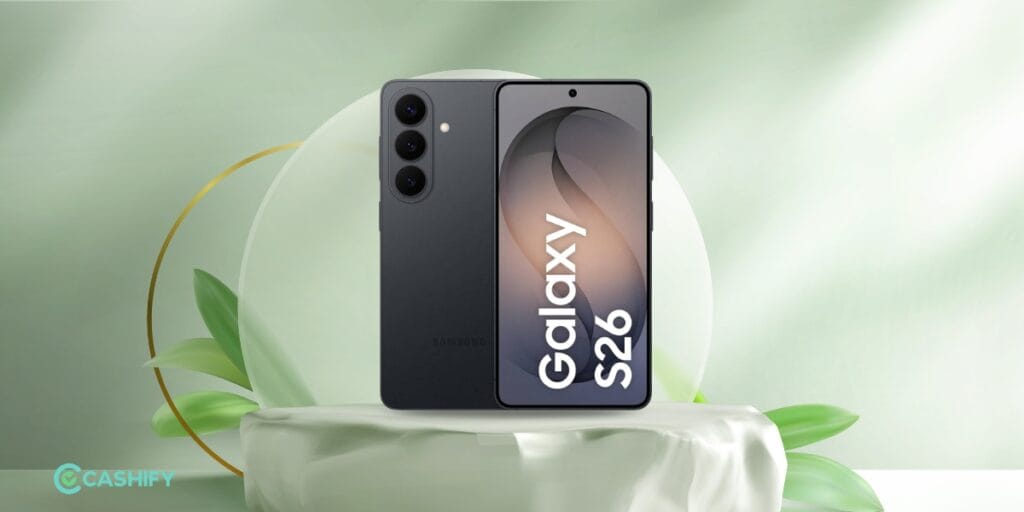
Also Read: Samsung Galaxy S26 Review: Compact Flagship Done Right
Camera Features Of Samsung Galaxy S26
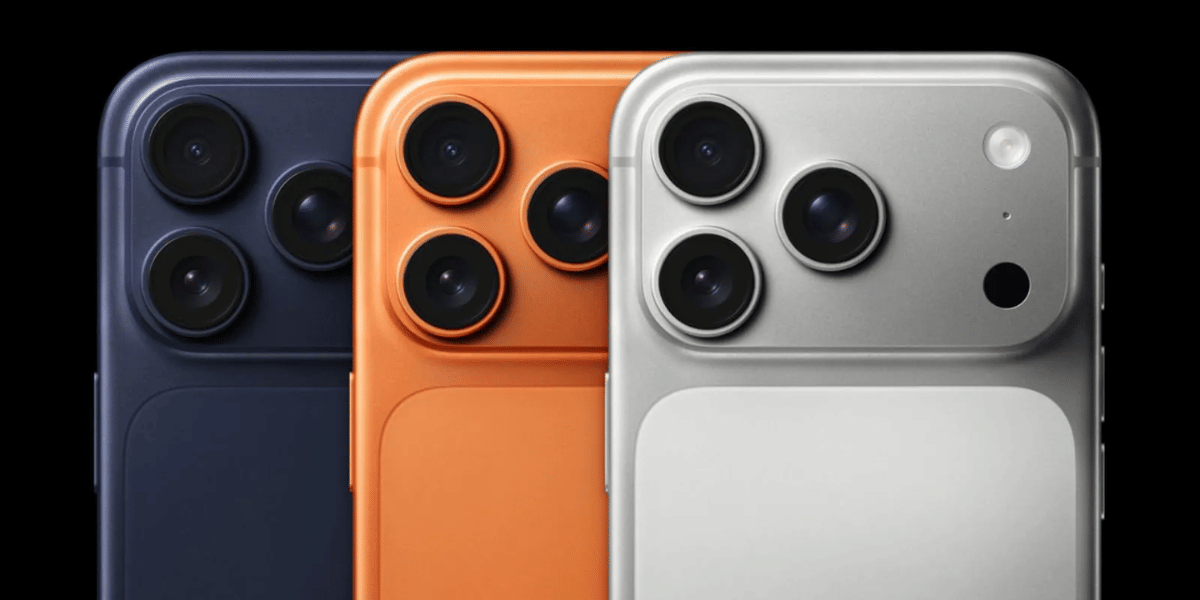
The Samsung Galaxy S26 comes with a versatile camera setup designed to handle everything from everyday snapshots and portraits to landscapes and low-light photography. Its main camera delivers detailed images with Samsung’s computational photography, while the ultrawide camera is useful for capturing wider scenes. The telephoto camera also gives users more flexibility when shooting distant subjects without relying entirely on digital zoom.
Beyond the hardware, the Galaxy S26 offers several software-based photography tools that make it easier to capture and edit photos. Features such as different shooting modes, HDR, scene optimisation, night photography, portrait effects and advanced video controls allow users to customise the camera experience according to the situation.
Key camera features include:
- High-resolution primary camera
- Ultrawide camera for landscape and group photography
- Telephoto camera with optical zoom
- Night photography mode
- Portrait mode with background blur
- HDR photography
- Scene Optimiser
- Pro and Expert RAW modes
- AI-powered image processing
- High-resolution video recording
- Super Steady video mode
- Slow-motion and time-lapse modes
- Multiple camera filters and shooting effects
- Best Camera Settings For Samsung Galaxy S26
Use 12MP Mode For Everyday Photography
For everyday photography, the standard resolution mode is usually the best option. It produces well-balanced photos while keeping file sizes manageable. The camera’s processing can also combine information from multiple pixels to improve details, dynamic range and low-light performance.
For regular shots, keep the aspect ratio at 3:4 and avoid unnecessarily switching to the highest resolution mode. The standard mode is particularly useful for portraits, food, people and quick outdoor photographs.
Also Read: Samsung Galaxy S26 Plus Review: An Excellent Choice for Power Users
Turn On HDR And Scene Optimiser
HDR can be useful when a scene contains both bright and dark areas, such as a person standing against a bright sky. It helps preserve details in highlights and shadows, producing a more balanced image.
You can also keep Scene Optimiser enabled if you prefer the phone to automatically recognise different subjects and adjust colours and processing accordingly. However, if you prefer more natural-looking photographs, try switching it off and compare the results.
Use Night Mode In Low Light
Night Mode is one of the most useful settings when shooting in challenging lighting conditions. Instead of simply increasing brightness, the phone captures and processes multiple frames to improve exposure, detail and noise levels.
For the best results, keep the phone steady while Night Mode is processing the image. A tripod or stable surface can make an even bigger difference for night landscapes and city photography.
Use Pro Mode When You Want More Control
If you want to move beyond automatic photography, Pro Mode gives you greater control over settings such as ISO, shutter speed, white balance and focus.
Keep ISO as low as possible in good lighting to minimise noise. In low-light situations, you can increase ISO, but avoid pushing it unnecessarily high. For moving subjects, use a faster shutter speed, while a slower shutter speed can help capture more light when the phone is stable.
Also Read: Vivo X300 FE Review: Powerful, Stylish, And Camera-Focused
Verdict
The best Camera Settings For Samsung Galaxy S26 ultimately depend on what you are photographing. For everyday shots, the standard 3:4 mode with HDR and Scene Optimiser enabled is a good starting point. Night Mode is recommended for darker environments, while Pro Mode is better suited to users who want greater creative control.
The Galaxy S26 already does much of the photography work automatically, so you don’t need to change dozens of settings to get good results. A few simple adjustments, combined with good lighting and steady framing, can help you get significantly better photos from the phone.
Are you still browsing through your broken screen? Don’t worry! Book an at-home mobile phone screen repair with Cashify—an affordable and one-stop destination for all your mobile phone needs. In case you break your screen within 1 month of repair, we will replace your screen again—for FREE.