Before you sell or hand over a phone, most people simply go to Settings and tap reset. But does that reset really keep your personal data safe? That is where the difference between factory reset vs secure wipe matters. Both options aim to erase your data, but they do not always do it in the same way. In this article, we will explain factory reset versus wipe, show what each method actually does to your data and tell you which method you can trust before you sell your phone. Let’s begin.
Also Read: Motorola Moto Edge 70 Fusion vs Redmi Note 15 Pro: Resale Value
What Is A Factory Reset?
A factory reset is a feature on every smartphone. It brings your phone back to how it looked when you first got it. All your apps, accounts and settings get removed. The screen looks clean and fresh just like it did out of the box.
But here’s the thing: this reset doesn’t actually erase all your data. Instead it mostly deletes the pointers that show where your files are stored. The actual information stays on the storage chip. So when comparing factory reset vs secure wipe, even if your phone seems empty, someone with the tools could still recover some of your old photos, messages or documents. It’s not as secure as it might seem.
Also Read: POCO X8 Pro vs Redmi Note 15 Pro+: Resale Value
What Is A Secure Wipe?
A secure wipe goes a step further than a regular reset. Instead of simply deleting the pointers to your files, a secure wipe overwrites the storage with random data sometimes many times, so that nothing useful can be recovered by anyone.
Many secure wipe tools also use erase. In erase, the encryption key that protects your data is destroyed. Without that encryption key, the data on the phone becomes unreadable even if someone tries to pull it from the chip. That is the core difference between a wipe and a regular reset: a regular reset hides your data, while factory reset vs secure wipe makes your data unreadable.
Also Read: Galaxy Fold Series Vs Galaxy Flip Series Resale Value Analysis
Factory Reset vs Secure Wipe: The Real Difference
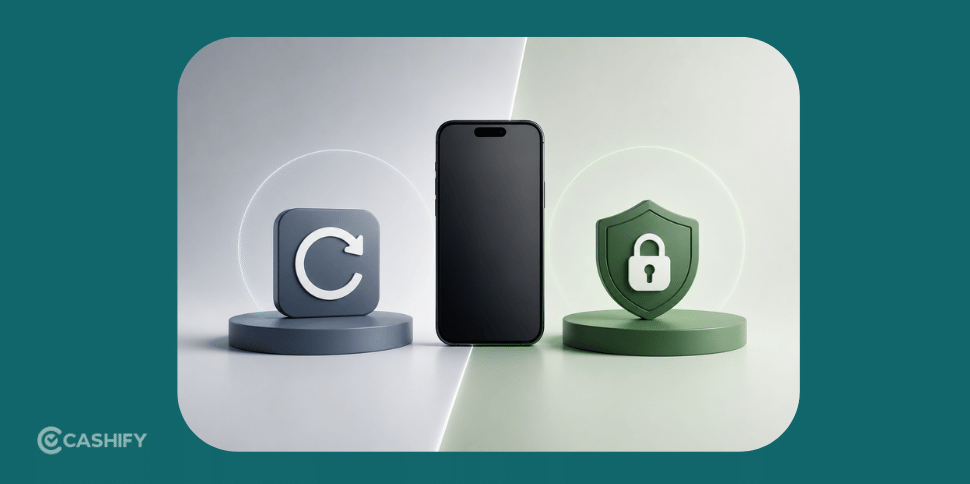
When you compare factory reset vs secure wipe side by side, the difference comes down to how thoroughly your data is actually removed.
- A factory reset clears what you can see, but traces of files may still exist underneath.
- A secure wipe removes data at a deeper level, making recovery extremely difficult or impossible.
- A factory reset takes a few minutes, while a secure wipe can take longer since it works through the entire storage.
- A factory reset is built into the phone, while a secure wipe often needs a dedicated tool depending on the brand.
This is why understanding factory reset vs secure wipe matters so much if you’re planning to hand your phone to someone else.
Also Read: How to Remove Google & Apple IDs Before Phone Resale
Why This Matters Before You Sell Your Phone
Your phone holds a lot more personal information than most people realise, like saved passwords, banking apps, personal photos, and private chats. If you rely only on a factory reset before selling, there’s a small but real chance some of this data could still be recovered by someone with the right tools.
This is exactly why comparing factory reset vs secure wipe is worth the extra few minutes it takes. A secure wipe gives you far more confidence that your information is actually gone, and not just hidden from view.
Also Read: iPhone 12 Pro Max Vs iPhone 13 Mini Vs iPhone 12 Pro Resale Value
Best Place To Sell Your Phone?
Once your device is wiped safely, it’s time to think about where to sell it. Cashify is one of India’s trusted platforms for selling old phones, laptops and other gadgets. It makes the whole process simple. Along with an AI-based price for your device, Cashify also offers:
- Free doorstep pickup in over 1,500 cities
- Secure payment right after pickup
- Guided steps for wiping and preparing your device
- Instant value based on your phone’s condition
Selling Steps For Cashify
You are all caught up with factory reset vs secure wipe. Let’s know how we can sell it through Cashify.
- First, visit the official website of Cashify, or you can download the app.
- Next, you can find the Sell Old Phone Section; just select it.
- After that, you can select the OnePlus brand and choose the OnePlus 15.
- Next, choose the RAM variant.
- On the next page, you will get an estimated price for your phone
- As a next step, some easy questions will be asked about the condition of the phone.
- After that, the final price of your smartphone will be given.
- Next, add your details like name, address, pick-up date, and time, and a Cashify pickup executive will then pick up the device from your doorstep.
Buying refurbished mobile phones was never this easy. Sell your old phone and get exclusive offers & discounts on refurbished mobiles. Every refurbished phone is put through 32-point quality checks to ensure like-new standards and comes with a six-month warranty and 15-day refund. Buy refurbished phone easily on no-cost EMI today!