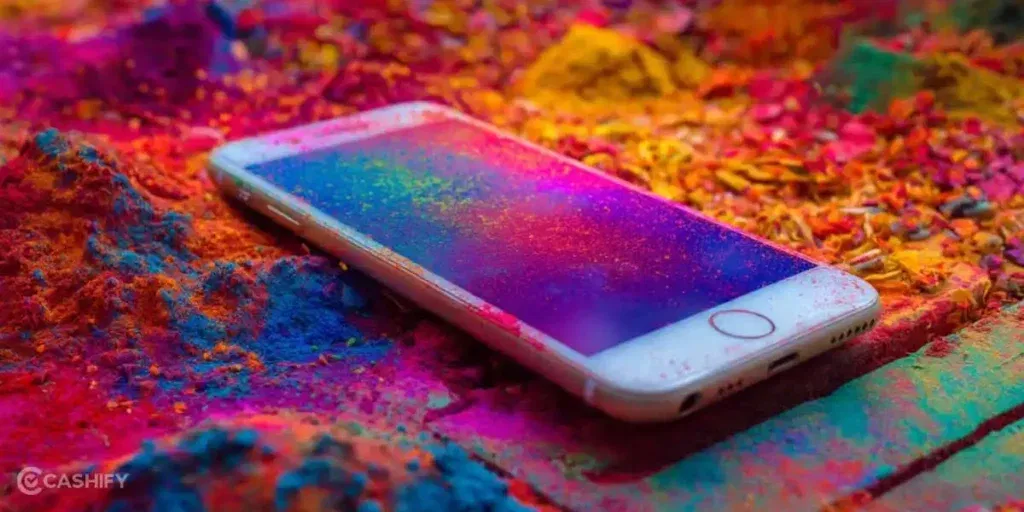
Celebrating Holi with your phone nearby often means one thing sooner or later. A splash of coloured water falls on the screen. At first, everything seems fine, but after a while, the touchscreen starts having problems. Maybe it stops responding, or it starts showing random taps you didn’t make. At that point, you may start thinking whether the phone is already damaged or if there’s still a way to save it. Let’s look at what usually happens after water gets on the screen and how you can fix touchscreen damage from water splash.
Also Read: Do You Lose Data When Replacing LCD Screen?
What Happens To A Touchscreen After A Water Splash?
Before you learn how to fix touchscreen damage from water splash, let’s see what happens to your screen:
Capacitive Sensors Get Confused
Most modern phones use capacitive touchscreens. When water or wet Holi powder lands on the screen, it changes the electrical charge on the touch sensor grid. This can make the screen stop responding. It can also register false touches in random areas.
Uneven Touch Response Across the Screen
If the moisture is not spread evenly, some parts of the touchscreen may still work. Other sections may fail completely. This causes areas that respond normally while others stay unresponsive or behave unpredictably.
Display Blotches and Colour Distortion
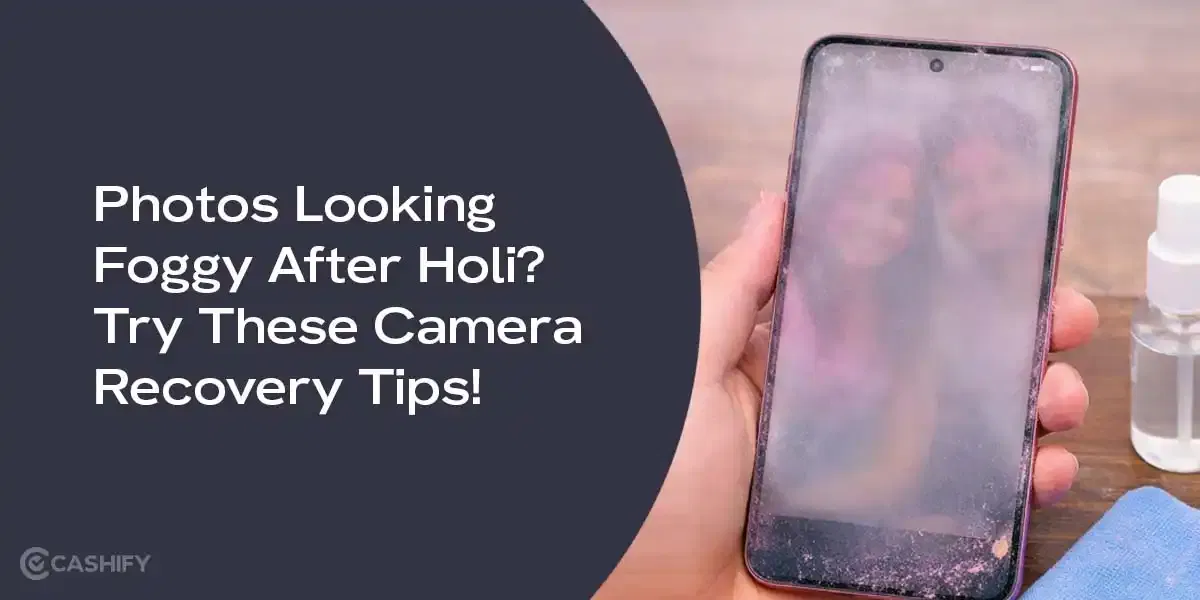
Water or colour powder can seep under the glass. It interferes with the display layers. You might notice foggy patches, streaks, or dull colours. This happens because the liquid changes how light passes through the LCD or OLED panel.
Flickering, Lines, or Glitches
In severe cases, moisture can reach the circuits beneath the screen. This can cause flickering, small lines, or temporary freezing. The driver ICs or touch controllers react to the short circuits caused by the water.
Also read: 8 Signs That Your Android Phone Motherboard Needs Repair!
Simple Ways To Fix Touchscreen Damage From Water Splash
You can try a few home methods to fix touchscreen damage from water splash. Here are the steps to follow.
Step 1: Turn Off the Phone
Power off your phone immediately. This prevents short circuits and avoids further damage to the touchscreen or internal components.
Step 2: Remove Case, Screen Protector, and Accessories
Take off any phone case, screen protector, or attached accessories. This helps trapped water or colour evaporate faster and stops them from interfering with the touchscreen.
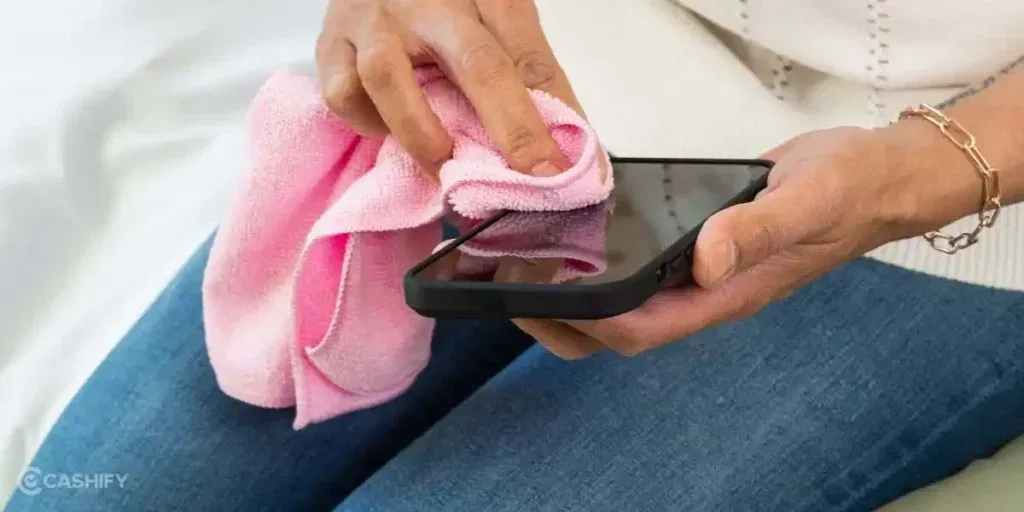
Step 3: Gently Wipe the Screen
Use a soft, lint-free cloth to dab away water or coloured powder from the screen surface. Avoid pressing too hard so moisture doesn’t get pushed further inside.
Step 4: Remove SIM and Memory Cards
Take out the SIM card and SD/memory cards. This prevents water from damaging these components and allows better airflow for drying.
Step 5: Dry Ports and Openings
Check charging ports, headphone jacks, and speakers. Gently shake out water or use a soft brush. Do not insert anything sharp that can damage the phone.
Step 6: Air Dry the Phone
Place your phone in a dry, ventilated area. Let it sit for several hours so moisture evaporates naturally. Avoid using hairdryers or direct heat.
Step 7: Use Absorbents (Optional)
If needed, place your phone in a container with silica gel packets. Uncooked rice can work as a last resort. Leave it for a few hours to a day for better drying.
Step 8: Rest in a Slightly Warm Room
Keep your phone in a warm, dry room to speed up the drying process. Ensure it’s not too hot, as direct heat can damage the touchscreen.
Step 9: Wait Before Charging
Do not plug in your phone until you’re confident it’s fully dry. Charging while wet can cause permanent damage or short circuits.
Step 10: Test the Touchscreen Gently
Once the phone feels dry, turn it on carefully. Test taps, swipes, and gestures lightly. Gradually resume normal use once the touchscreen works consistently.
Also read: Vivo Y83 Pro Aux Jack Not Working? Repair It Fast With Cashify
When Your Phone May Need Professional Repair?
If the problem still persists after trying all the steps, you may need professional help to fix touchscreen damage from water splash. If you’re wondering where to get it repaired, Cashify is a reliable option, and here’s why:
- Certified Technicians: Experienced technicians handle your phone carefully. They make sure your touchscreen is repaired or replaced properly. This keeps it working like new without causing extra damage.
- Transparent Pricing: You’ll know the cost of mobile repair upfront. There are no hidden charges. You only pay once the repair is fully completed.
- High-Quality Compatible Parts: Cashify uses quality compatible parts that fit your phone perfectly. This ensures your touchscreen works smoothly and lasts longer after the phone repair.
- Convenience: You can book a mobile phone repair online or visit one of Cashify’s 200+ stores across India. Doorstep service is available if you prefer not to travel.
Also read: 8 Signs That Your Android Phone Motherboard Needs Repair!
Wrapping Up
You now know the steps you can try at home to fix touchscreen damage from water splash. If the touchscreen still doesn’t respond, Cashify offers professional mobile repair services. Certified technicians, high-quality parts, and transparent pricing ensure your phone works like new again.
If you have any questions or need guidance, leave a comment below. I’ll be happy to help you fix your touchscreen and enjoy your phone without worry.
Use code: TECH25 to avail of a discount of up to Rs. 300 by using the (on the minimum order value of Rs. 2499).
Use code: RPR50 to avail up to 50 per cent off on a minimum spend value of Rs. 1000. (limited offer).
Are you still browsing through your broken screen? Don’t worry! Book at-home mobile phone screen repair with Cashify, an affordable and one-stop destination for all your mobile phone needs. In case you break your screen within 1 month of repair, we will replace your screen again for FREE.