You get ready to take a selfie on your iPhone 15 Plus, the preview looks fine, and you tap the shutter. When you check the photo, the face looks soft or slightly out of focus. You try again, change the angle, even wipe the lens, but the result stays the same. At that point, it’s hard to tell whether the blur comes from camera settings, software behavior, or the front camera itself. Let’s look at the reasons behind the blur and how you can fix the iPhone 15 Plus front camera issue.
Also read: No Sound In Headphones? Fix Audio Jack On Samsung Galaxy A05 In 3 Easy Steps
Why Is Your iPhone 15 Plus Front Camera Taking Blurry Photos?
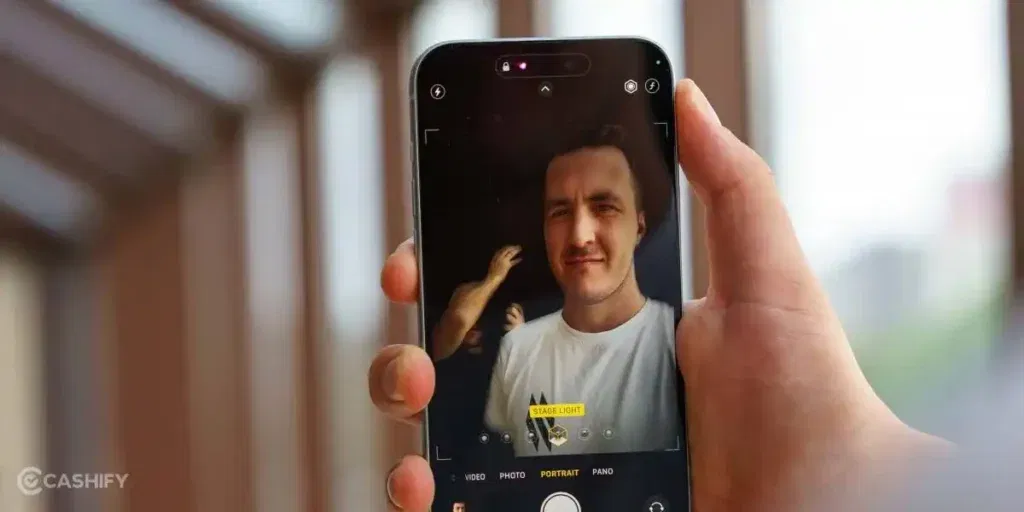
Before fixing the iPhone 15 Plus front camera issue, let’s see what might be affecting your selfies:
Oil Buildup from Daily Use
The front camera sits close to where your face touches the screen during calls. Over time, natural skin oil builds up in that area, even if you clean your phone often. This oil is thin and hard to notice, but it softens light when you take selfies. As a result, photos look slightly blurry even in good lighting.
Face Too Close to the Camera
The front camera on the Apple iPhone 15 Plus is not designed for very close shots. When the phone is held too near your face, the camera cannot lock focus properly. This usually happens during mirror selfies or when you try to fit your face tightly into the frame. The photo may look fine on screen but turn out soft after capture.
Background Light Taking Over the Shot
If there is a window, lamp, or bright light behind you, the camera may focus more on the background than your face. This causes your face to lose detail while the background stays sharp. Many users mistake this for a camera fault, but it is actually how the camera balances light.
Screen Protectors Covering the Camera Area
Some screen protectors slightly overlap the front camera cutout. Even a small overlap or thick edge can reduce clarity. This often leads to constant blur, no matter how steady your hand is.
Face Smoothing from Camera Settings
The iPhone applies automatic face smoothing in certain modes or lighting conditions. This can make skin look soft and remove fine details. The photo may appear clear at first, then look blurred after processing finishes.
Internal Camera Shift After a Drop
Even if the phone shows no damage, a small drop can slightly move the front camera inside. The phone works normally, but the camera loses sharpness. This kind of iPhone 15 Plus front camera issue does not improve with cleaning or setting changes and often stays consistent across all selfies.
Also read: Vivo Y83 Pro Aux Jack Not Working? Repair It Fast With Cashify
What To Try Before Going For A Repair?
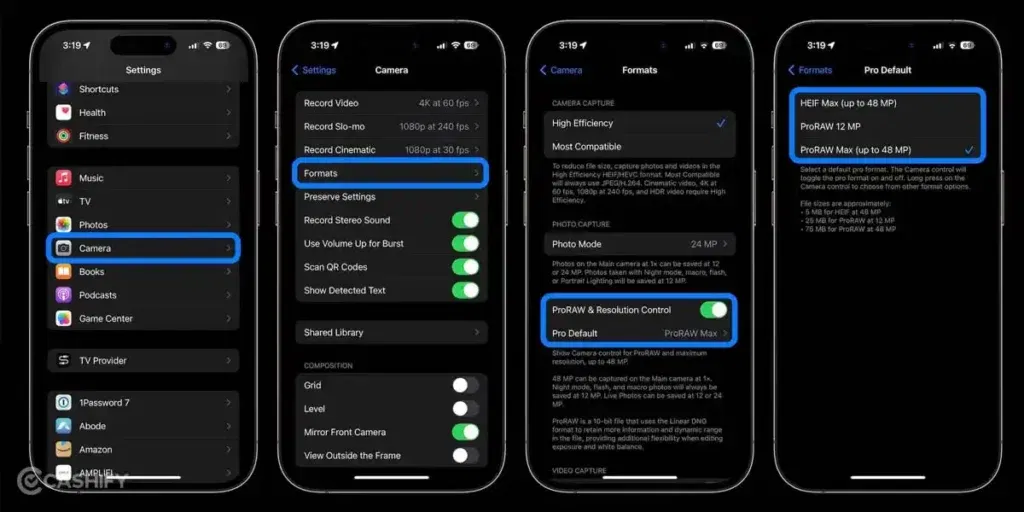
So you’ve seen the reasons. Now here are some simple fixes you can try at home for the iPhone 15 Plus front camera issue:
Clean the Front Camera Properly
Use a clean microfiber cloth and gently wipe the front camera area. Avoid using rough fabric or liquids. Even a light polish can make a noticeable difference in selfie clarity.
Check and Remove Accessories
Remove the screen protector or any camera guard and take a test selfie. If the photo looks clearer, the accessory was likely blocking the lens. Switching to a better-quality protector usually solves the issue.
Adjust Camera Distance and Angle
Hold the phone slightly farther away from your face and keep it steady. Try different angles and distances to see where the camera focuses best. This simple change can reduce blur instantly.
Test in Different Lighting Conditions
Take selfies in natural daylight, indoor lighting, and low light. If photos look sharp in good light but blurry in dim settings, the issue is likely lighting-related and not a hardware fault.
Restart Your iPhone
A restart clears temporary software glitches. It refreshes camera processes and can resolve short-term focus or processing issues linked to the iPhone 15 Plus front camera issue.
Update iOS
Check if your phone is running the latest iOS version. Updates often fix camera bugs and improve image processing. Installing the latest update can restore normal selfie quality.
Reset Camera Settings
If you have changed camera settings earlier, resetting them can help. This removes any custom adjustments that may be affecting focus or clarity.
Also read: 8 Signs That Your Android Phone Motherboard Needs Repair!
Why Choose Cashify For iPhone 15 Plus Front Camera Repair?
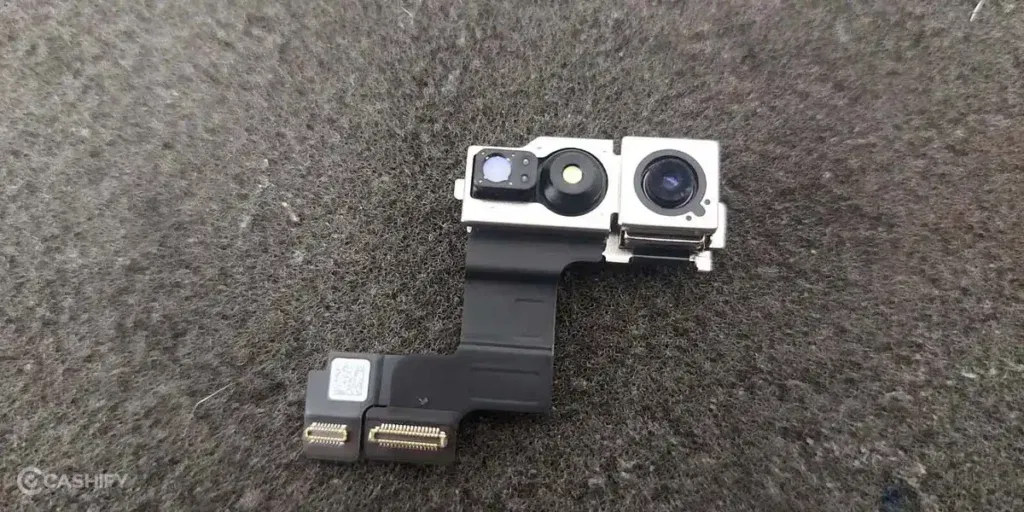
If the iPhone 15 Plus front camera issue continues even after trying the fixes above, professional Apple mobile repair may be the next step. At that point, it’s normal to wonder where to get it checked without any hassle. That’s where Cashify can be a practical option. Here’s why many people prefer Cashify for front camera repair:
- You can book a phone repair online anytime through the Cashify website or app.
- After booking, a trained technician can visit your home or office, so there’s no need to travel or wait in lines. Payment is made only after the mobile phone repair is done.
- If visiting a store feels easier, Cashify has 200+ stores across major cities where you can walk in and get your phone checked.
- The mobile repair cost is shared clearly before any work starts. There are no hidden charges, and pricing depends on your phone’s condition.
- High-quality compatible parts are used, helping the iPhone 15 Plus front camera work properly and deliver clear selfies over time.
Also read: How Do I Check My Android Hardware Health?
Booking Your iPhone 15 Plus Front Camera Repair With Cashify
If you have decided to fix the iPhone 15 Plus front camera issue, take these steps to book the repair with Cashify:
- Visit the Cashify website or open the Cashify app.
- Go to the Mobile Repair section.
- Select Apple as your phone brand.
- Choose iPhone 15 Plus from the list of models.
- Select Front Camera as the issue.
- Enter your address to book a doorstep repair service.
- Pick a date and time that works for you.
- Confirm the booking, and a trained Cashify technician will visit your location to complete the repair safely.
Also read: How To Fix Vivo V11 Pro Screen Issues? Replace It Affordably!
Final Thoughts On iPhone 15 Plus Front Camera Issue
Now you know what can cause blurry selfies on the iPhone 15 Plus. You can try the basic checks at home first. If the iPhone 15 Plus front camera issue still does not improve, Cashify can help you get it fixed safely. With quality replacement parts and clear pricing, your front camera can work properly again without any hassle.
Use code: TECH25 to avail of a discount of up to Rs. 300 by using the (on the minimum order value of Rs. 2499).
Use code: RPR50 to avail up to 50 per cent off on a minimum spend value of Rs. 1000. (limited offer).
Are you still browsing through your broken screen? Don’t worry! Book at-home mobile phone screen repair with Cashify, an affordable and one-stop destination for all your mobile phone needs. In case you break your screen within 1 month of repair, we will replace your screen again for FREE.