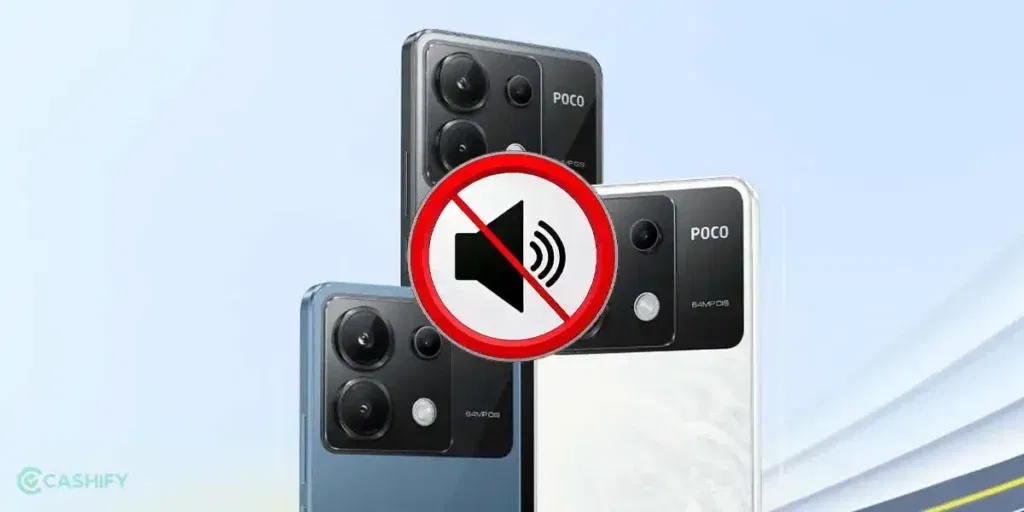
Sometimes, your POCO X6 doesn’t respond when you press the volume button. You try turning the sound up or down, but nothing changes, even though your phone is still ringing or playing music. It can be confusing when you don’t know whether it’s a minor glitch or something wrong inside the phone. Let’s take a closer look at what could be causing your volume button not working in POCO X6 and how you can fix it.
Also read: How To Fix Vivo V11 Pro Screen Issues? Replace It Affordably!
What Causes Volume Button Not Working In POCO X6?
Let’s first look at the reasons behind this issue so you can understand what might be causing it:
Physical Button Wear
Pressing the volume button many times over months can wear out the small parts inside. The button may respond slowly or stop working altogether, even if it looks fine from the outside.
App Interference
Some apps take control of the volume buttons. Music, video, or game apps can block normal button functions. You may notice the problem only when these apps are open.
Software Glitches
The system software sometimes fails to read button presses correctly. Minor bugs or recent updates can cause the button to respond inconsistently.
Loose Internal Connection
The volume button connects to the phone’s mainboard through a small cable. A drop, pressure, or rough handling can loosen the cable, and the button may stop working.
Dust or Moisture Inside the Button
Even small amounts of dust, lint, or moisture can reach the button contacts. Over time, the button may respond slowly or stop working entirely.
Also read: How Do I Check My Android Hardware Health?
Quick Checks You Can Try Before Repair
So, you have seen what might be causing the volume button not working in POCO X6. Here are some simple fixes you can try at home before going for a repair:
Check Volume and Sound Settings
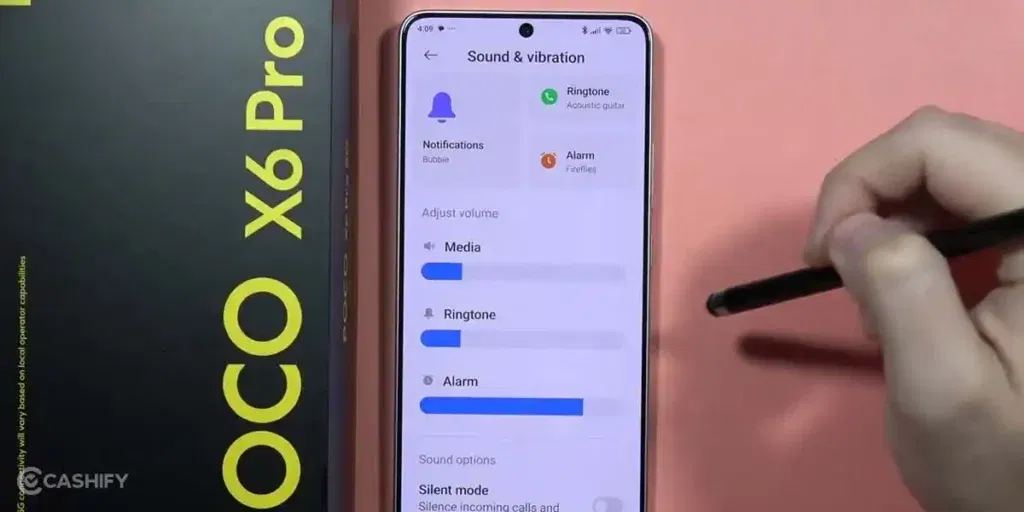
Open sound settings and make sure volume levels are not limited or muted. Also, check if any special sound modes are active. Some settings can block volume changes without obvious signs.
Test the Button in Safe Mode
Safe Mode runs the phone without third-party apps. If the volume button works there, an installed app causes the issue. You can then remove recently installed apps one by one.
Remove the Phone Case
Tight or hard cases can press against the volume button. Remove the case and test the button again. Many users notice instant improvement after doing this.
Clean Around the Volume Button
Use a soft brush or a dry cloth to gently clean the area. Do not use water or sharp tools.
Update the System Software
Check for available system updates in settings. Updates often fix bugs related to buttons and controls. Install the update, then restart the phone.
Also read: 8 Signs That Your Android Phone Motherboard Needs Repair!
How Cashify Can Help With POCO X6 Volume Button Repairs?
Even after trying all the home solutions, the volume button not working in POCO X6 issue may still persist. In such cases, professional mobile repair is the best option. If you are unsure where to go, Cashify is a reliable choice. Here are the benefits of choosing Cashify:
- A trained technician checks your POCO X6 properly before starting the repair. Small issues can often be fixed right away, while bigger problems are handled at the service centre.
- The repair cost is shared with you upfront. You pay only after the phone repair is complete, with no hidden charges.
- Cashify uses high-quality compatible parts for repairs. This helps the phone work smoothly and maintain proper performance after the repair.
- With over 200 service centres across India, you can choose in-store mobile phone repair at a location that is convenient for you.
Also read: Vivo Y83 Pro Aux Jack Not Working? Repair It Fast With Cashify
FAQs About POCO X6 Volume Button Problems
Q. My POCO X6 volume button stopped working after a drop. What should I do?
Check if the button physically feels stuck. Remove any case and restart the phone. If it still doesn’t work, professional POCO mobile repair is recommended.
Q. Can a software update fix unresponsive volume buttons?
Yes, if the issue is caused by a system glitch, updating to the latest MIUI version can resolve it.
Q. Is DIY repair safe for the POCO X6 volume button?
Opening the phone yourself can damage internal parts. Certified repair services like Cashify are safer and more reliable.
Q. How long does a POCO X6 volume button repair take?
Typically, repair at Cashify is completed in a few hours to a day, depending on the type of repair and parts availability.
Also read: No Sound In Headphones? Fix Audio Jack On Samsung Galaxy A05 In 3 Easy Steps
Final Thoughts On Volume Button Not Working In POCO X6
So, you’ve seen what causes the volume button not working in POCO X6 and a few quick checks you can try at home. If the issue persists, professional POCO X6 mobile repair at Cashify is a safe and reliable solution. With certified technicians, high-quality parts, transparent pricing, and easy booking, your phone will be back to normal in no time.
If you have questions or need help choosing the right repair option, leave a comment below. I’ll help you fix your POCO X6 volume and speaker issues without any hassle.
Use code: TECH25 to avail of a discount of up to Rs. 300 by using the (on the minimum order value of Rs. 2499).
Use code: RPR50 to avail up to 50 per cent off on a minimum spend value of Rs. 1000. (limited offer).
Are you still browsing through your broken screen? Don’t worry! Book at-home mobile phone screen repair with Cashify, an affordable and one-stop destination for all your mobile phone needs. In case you break your screen within 1 month of repair, we will replace your screen again for FREE.