Google has rolled out a new Auto Archive tool for Android devices. It was waiting for a long time. Google Auto Archive Tool will help in reducing the storage taken by the less-used apps on the smartphone. This feature will help to save up to 60 per cent of storage in Android devices. Read below to know about it in detail.
Google Auto Archive Tool
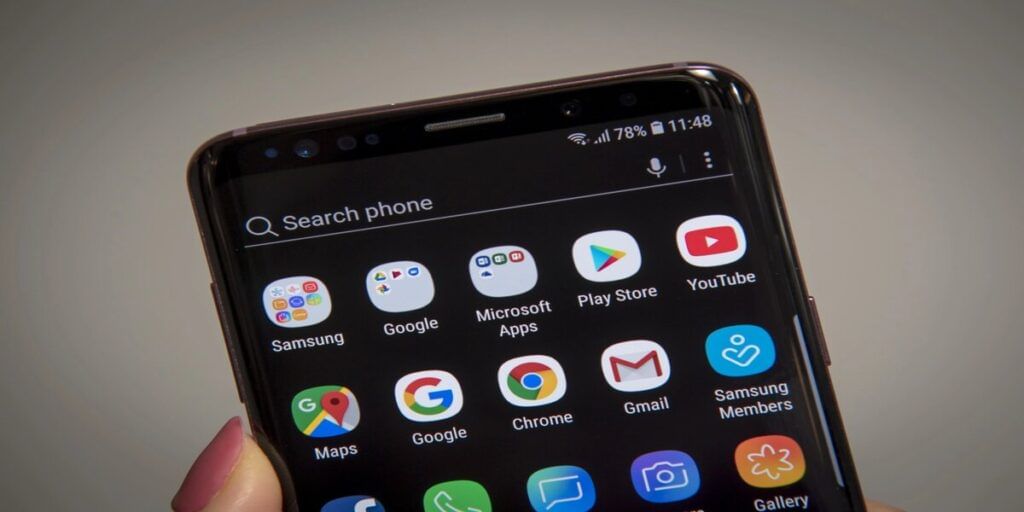
This latest auto-archive tool from Google will help users to automatically free up to 60 percent of an app’s storage space without deleting users’ data from the app or device.
Chang Liu and Lydia Gemmond, product managers for Google Play, have said that this will reduce unnecessary uninstalls and help users install new apps successfully. Auto-Archive will not completely uninstall the users app. They will be able to free up their device’s storage without it.
Also Read: Google Pixel 7a Launch Date Leaked: Check Design And Colour Options
How will it work?
With the help of this feature, less-used apps will be partially removed from the device to save space. While the app icons and users’ personal app data will not delete. It will be available in the app itself.
When users want to start using the app again, they can just tap to download it again and it will pick up where they left off. For your information, let us tell you that Auto-Archive is available only for those developers who are using App Bundle to publish their apps.
What would be the benefit?

Your device is out of storage, and you won’t be able to install this app. With app archiving turned on, your device will detect when you don’t have enough storage and automatically archive apps that you don’t use often. Your personal data will be saved in case you download the app again.
Google has said that auto-archive is an easy way for users to manage their device storage and a great way for developers to reduce the chances of their apps being uninstalled.
Also Read: Samsung Galaxy F54 5G Launch Can Happen Soon In India Soon; Details Here