Nothing has started rolling out the stable Nothing OS 5.0 update for the Nothing Phone 3, bringing Android 17, a redesigned Home Screen and several new AI-powered features. The latest software update introduces more than 80 changes across design, personalisation, performance and everyday smartphone functions.
The stable release follows the open beta programme that began in August. With this update, Nothing has introduced additional features, including transparent Home Screen elements and a new Micrographics clock face for the Lock Screen. Other compatible Nothing and CMF smartphones are expected to receive the update over the coming months.
Also Read: iQOO Neo 12 Specs Confirmed On X: Check Out Details Here
How to Download Nothing OS 5.0 on Nothing Phone 3
Nothing Phone (3) users can check for the stable update by following these steps:
- Open Settings on your phone.
- Go to System.
- Select System Update.
- Check whether Nothing OS 5.0 is available and follow the on-screen instructions to install it.
The update is rolling out in phases, so it may not appear on every eligible device immediately. Nothing has confirmed that additional Nothing and CMF devices will receive the software in the coming months.
Also Read : Nothing Phone 4B Big Billion Days Sale: Price Drops To Rs 24999!
Nothing OS 5.0 Update Brings a Redesigned Home Screen
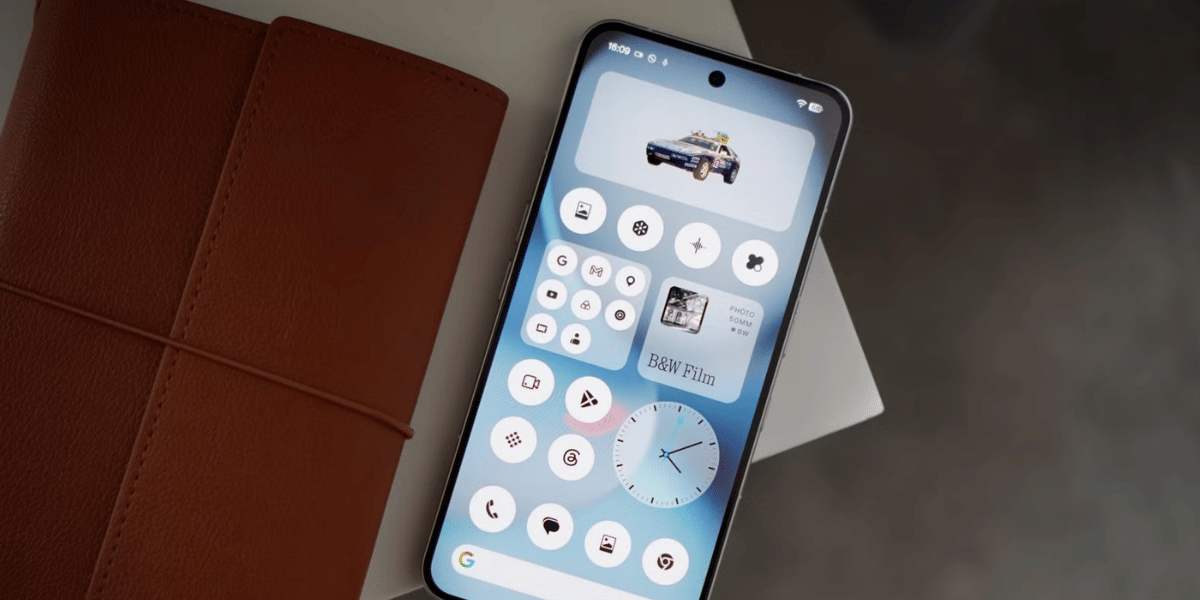
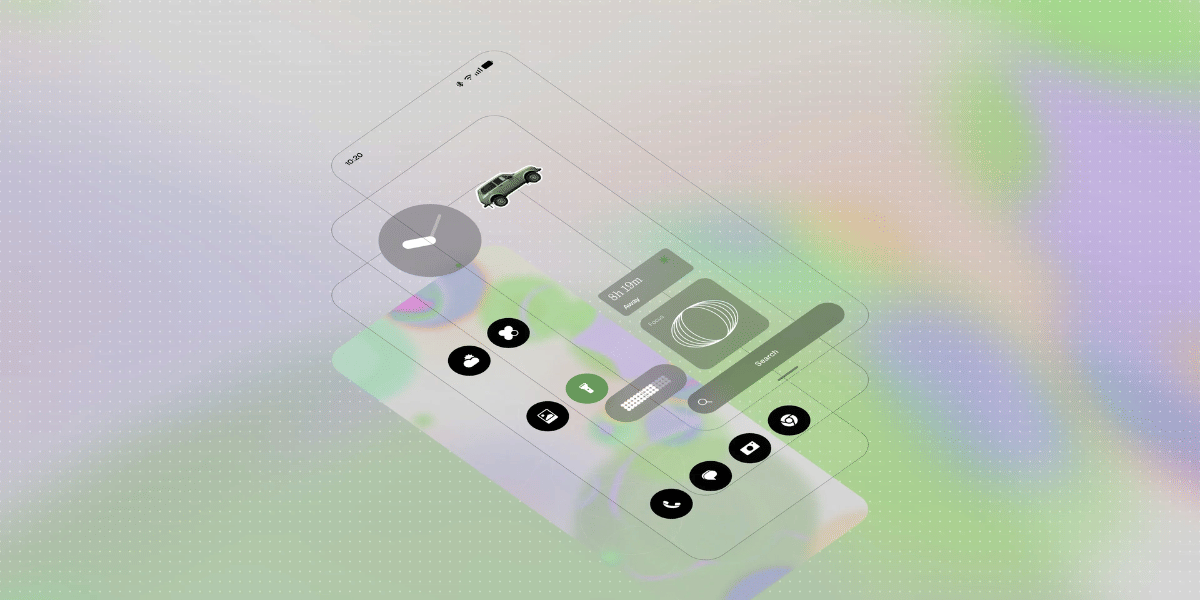
One of the biggest changes in Nothing OS 5.0 Update is the redesigned Home Screen. Widgets and the search bar now feature transparent elements, while a new adaptive colour system takes colours from the user's wallpaper and applies them across the interface.
Nothing has also refreshed the system's visual design with the Geist typeface, updated icons, improved spacing and smoother animations. Changes extend to the status bar, Settings, Camera and Gallery apps.
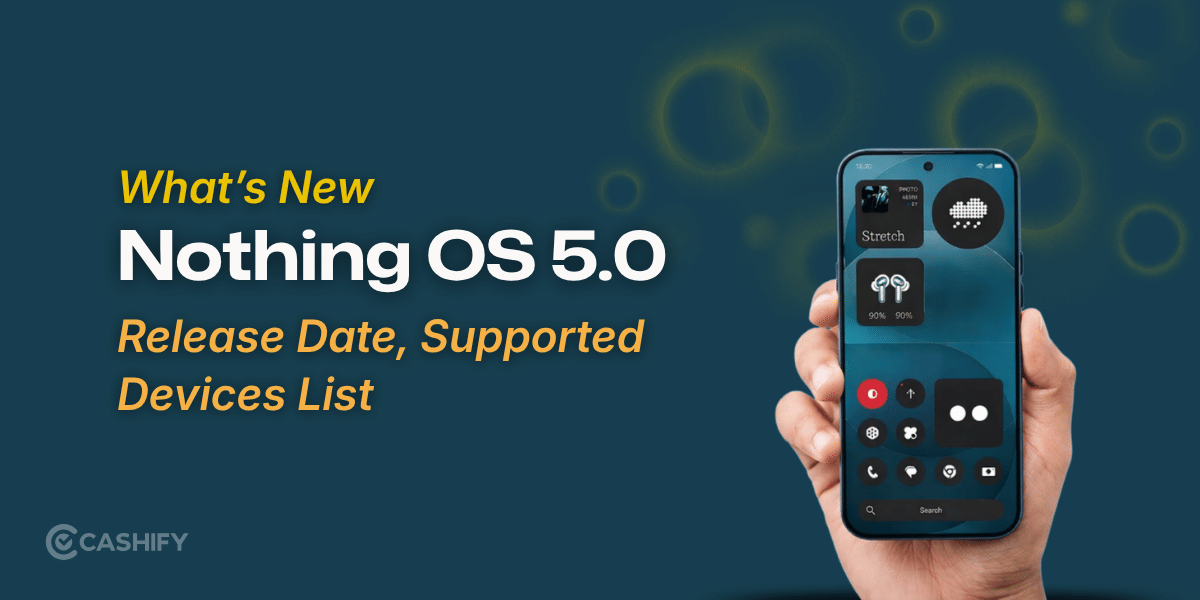
The update also introduces a new Micrographics clock face for the Lock Screen. It displays the date, time, weather and upcoming calendar events in a single layout, allowing users to check important information at a glance.
Two new widgets, Collector and Away Time, are also included. Collector allows users to create visual collections of favourite objects, while Away Time tracks how long they spend away from their phones. Home Screen editing has also been improved, allowing users to move multiple apps and widgets together.
Also Read: CMF Speaker S And M Launching On 12 October! Check Out The Specs Here
Nothing OS 5.0 Update Adds New AI Features
Nothing has expanded its AI-powered tools with several improvements to Essential Space and Essential Voice.
Essential Voice offers faster and cleaner speech transcription, while Smart Collections helps organise saved content. Another addition, Essential Apps Builder, allows users to describe an app using natural language and create AI-powered mini-apps directly on their phones without coding.
Some Essential Space improvements will arrive separately through Google Play, so not every feature will necessarily become available immediately after installing the system update.
Android 17 Features and Performance Improvements
Since Nothing OS 5.0 is based on Android 17, the update also brings platform-level improvements. These include separate panels for Notifications and Quick Settings, cross-platform Quick Share and updated privacy controls.
Users can swipe down from the left side of the screen to access notifications and from the right to open Quick Settings. Quick Share also supports sharing files with iPhones through a QR code, alongside compatible Android devices.
Nothing has further worked on touch response, memory management and background app retention. These changes are intended to improve multitasking, app switching and overall system responsiveness.
Are you still browsing through your broken screen? Don’t worry! Book at-home mobile phone screen repair with Cashify—an affordable and one-stop destination for all your mobile phone needs. In case you break your screen within 1 month of repair, we will replace your screen again—for FREE.