Ever sent a voice note on your OnePlus 10 Pro and thought, “Wait… is that my speaker making that sound?” Sometimes those little crackling sounds show up, even on short messages, and it can get really frustrating. Maybe it started yesterday, maybe last week, but now it’s hard to ignore. You can try a few simple steps at home to get your top speaker working properly. If those don’t work, we’ll show how to get professional help to resolve the OnePlus 10 Pro top speaker crackling problem.
Also read: How Do I Check My Android Hardware Health?
Why Your OnePlus 10 Pro Top Speaker Might Crackle?
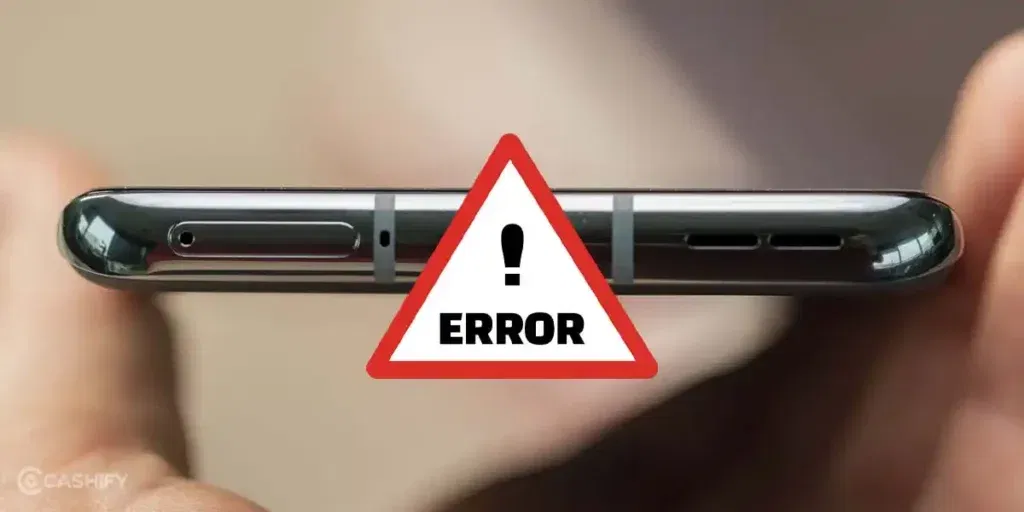
Let’s first look at the key reasons that cause the OnePlus 10 Pro top speaker crackling issue:
App-Specific Audio Issues
Certain messaging apps, like WhatsApp or Telegram, may sometimes mismanage audio encoding. If crackling occurs only during voice notes but not during calls, the app could be the reason.
Software Glitches
Sometimes, the issue isn’t hardware-related at all. Updates or app conflicts can create glitches in audio processing, affecting how sound plays through the top speaker. Voice note distortion can appear after installing a new OS update or messaging app update.
Speaker Hardware Wear
Frequent high-volume playback or accidental drops can damage the speaker diaphragm. This physical wear or misalignment often leads to OnePlus 10 Pro top speaker crackling problem.
Moisture Exposure
If your phone has been exposed to sweat, rain, or high humidity, moisture can reach the top speaker. Water contact can corrode the speaker’s internal components, causing intermittent crackling or muffled audio.
Dust or Debris in the Speaker
Over time, tiny dust particles or lint can accumulate in the top speaker grille. Even small blockages can distort the sound and make voice notes or calls crackly.
Also read: 8 Signs That Your Android Phone Motherboard Needs Repair!
What You Can Try Before Repairing Your OnePlus 10 Pro?
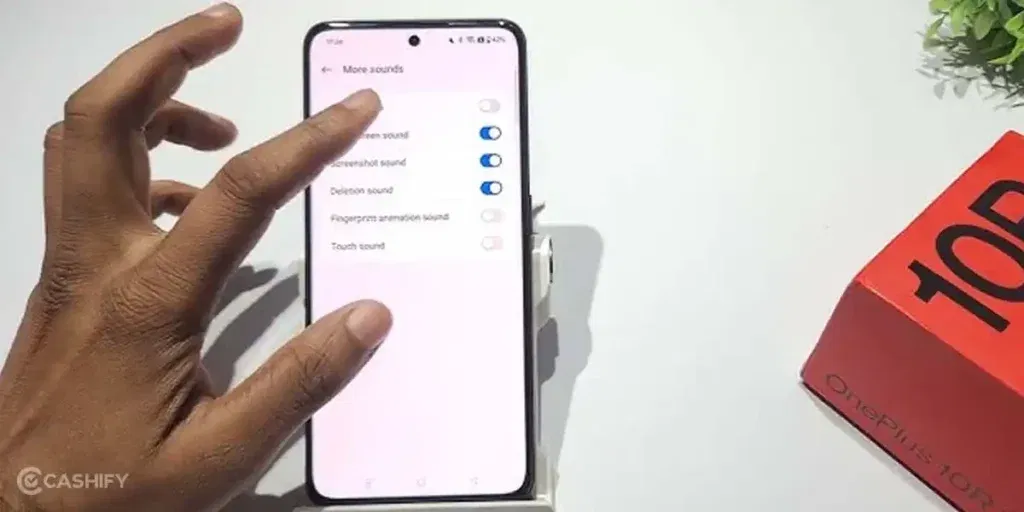
Before rushing to repair, try these simple steps to fix the OnePlus 10 Pro top speaker crackling issue:
Check Audio Settings
Go to Settings > Sound & Vibration and ensure that volume levels are balanced. Also, check if Dolby Atmos or other audio enhancement features are enabled or disabled to see if they affect clarity.
Test Different Apps
Send voice notes through multiple apps like WhatsApp, Telegram, or Signal. If cracklinghappens only in one app, consider updating or reinstalling that app.
Update Your OS
Check if your OnePlus 10 Pro is running the latest OxygenOS version. Updates often include fixes for audio-related bugs.
Restart Your Phone
A quick restart can clear temporary glitches in the audio system. Turn off your phone, wait a few seconds, and turn it back on. This often fixes minor sound issues.
Clean the Top Speaker
Use a soft brush or compressed air to gently remove dust and lint. Avoid inserting sharp objects, as they can damage the speaker’s diaphragm.
Also read: Vivo Y83 Pro Aux Jack Not Working? Repair It Fast With Cashify
Why Choose Cashify For OnePlus 10 Pro Speaker Repair?
If you have tried all the quick fixes and your OnePlus 10 Pro top speaker is still crackling, it’s time to get professional help. Sometimes the problem could be due to a deeper hardware fault or a software glitch that you can’t fix yourself.
Note: DIY methods can be risky and may worsen the problem, so it’s better to rely on certified repair professionals.
At this stage, Cashify offers a reliable solution for your OnePlus 10 Pro top speaker crackling problem. Here are the benefits of choosing Cashify and how you can easily book your mobile phone repair:
Easy Booking Options
You can do it online through the website or app, or visit one of Cashify’s 200+ stores in major cities.
Steps to book your repair:
- Open the Cashify app or website and go to Mobile Repair.
- Select OnePlus as the brand and OnePlus 10 Pro as your model.
- Choose “Speaker” as the issue to repair.
- Enter your address for doorstep service.
- Pick a date and time that suits you.
- Confirm the booking and wait for the trained technician to fix your phone.
Convenient Service and Transparent Pricing
Cashify ensures your mobile repair is hassle-free:
- A trained technician can come to your home or office, no queues, no travel.
- You pay only after the repair is complete.
- Pricing is shared upfront with no hidden charges.
- Cost depends on the phone’s condition, keeping it fair and transparent.
High-Quality Compatible Parts
Cashify uses high-quality compatible parts for all replacements, including the OnePlus 10 Pro top speaker module. These parts are reliable and ensure the speaker works properly after the phone repair.
Use code: TECH25 to avail of a discount of up to Rs. 300 by using the (on the minimum order value of Rs. 2499).
Use code: RPR50 to avail up to 50 per cent off on a minimum spend value of Rs. 1000. (limited offer)
Also read: 8 Signs That Your Android Phone Motherboard Needs Repair!
Final Thoughts On OnePlus 10 Pro Top Speaker Crackling
So you have seen what causes the OnePlus 10 Pro top speaker crackling problem and the simple checks you can try at home. If the issue persists, Cashify offers a reliable OnePlus mobile repair solution. With professional service, transparent pricing, and high-quality parts, your phone will sound clear again for voice notes, calls, and videos.
If you have questions or need guidance, drop a comment below. I’ll be happy to guide you and help you fix the speaker issue.
Are you still browsing through your broken screen? Don’t worry! Book at-home mobile phone screen repair with Cashify, an affordable and one-stop destination for all your mobile phone needs. In case you break your screen within 1 month of repair, we will replace your screen again for FREE.