Your Oppo K11 may have once lasted an entire day on a single charge. Now, you might find the battery running low much earlier than expected. Even if you use your phone the same way, the battery seems to drain faster than before. There could be a few reasons for the sudden drop in battery life. Let’s look at the reasons behind Oppo K11 battery draining fast. We’ll also cover the repair options you can consider if the problem continues.
Also Read:What Is The Difference Between Screen Repair And Screen Replacement?
Why Is Your Oppo K11 Battery Draining Fast?
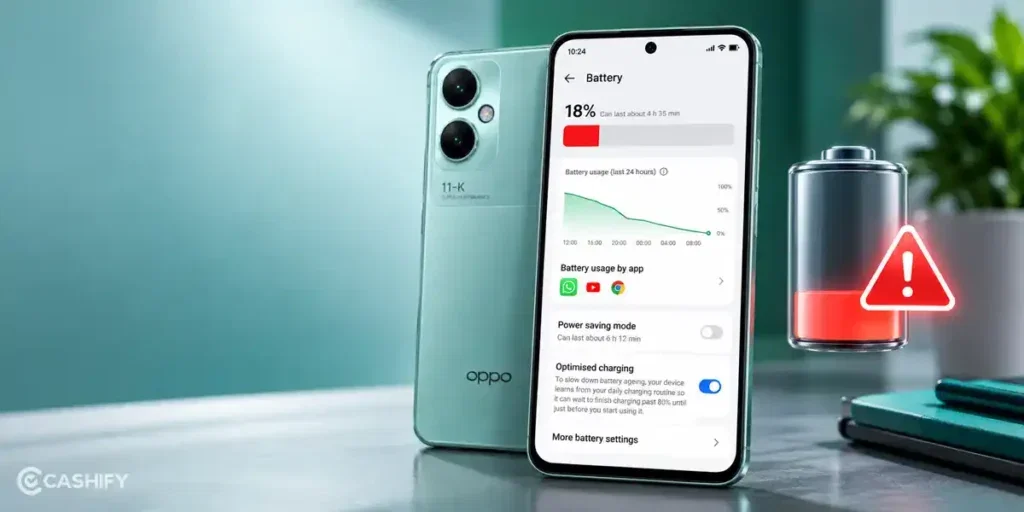
Before trying a fix, here are some common reasons behind the Oppo K11 Battery Draining fast issue:
Too Many Background Apps
Some apps continue running in the background even when you are not using them. Social media, messaging, and location-based apps can consume power throughout the day.
High Screen Brightness
The display is one of the major sources of battery consumption. High brightness and long screen-on time can cause your Oppo K11 battery to drain faster than usual.
Weak Network Signal
Your phone uses more power when searching for a stable mobile network. Poor signal strength can increase battery consumption, especially in areas with weak coverage.
Software Bugs
Certain software bugs can cause unusual battery drain. An update may also introduce temporary power consumption issues due to background processes and system changes.
Ageing Battery
A phone battery gradually loses its ability to hold a charge over time. As its capacity declines, your Oppo K11 may run out of battery much sooner than it did when new.
Heavy Gaming & Streaming
Games and video streaming put extra load on the processor, display, and network connection. Long sessions can consume a significant amount of battery power and may also cause the phone to heat up.
Also Read: Do You Lose Data When Replacing LCD Screen?
How To Fix Oppo K11 Battery Draining Fast At Home
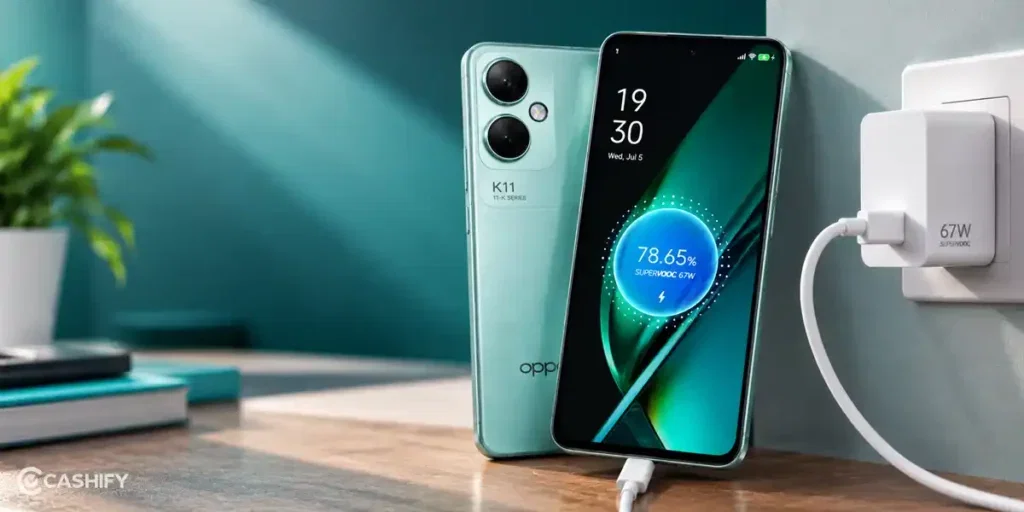
Now you know the possible reasons behind the Oppo K11 battery draining fast issue. Let’s look at some simple fixes you can try at home:
Restart Your Phone
Restarting your Oppo K11 5G can clear temporary system glitches that may affect battery performance. Turn off your phone, wait a few seconds, and switch it back on.
Enable Battery Saver
Battery Saver reduces power consumption by limiting certain background activities. You can enable it from your phone’s battery settings to make the charge last longer.
Turn Off Unused Features
Bluetooth, GPS, and mobile hotspot can consume power when active. Turn off features you do not need to reduce unnecessary battery usage.
Clear App Cache
Temporary app files can sometimes cause performance issues. Open the settings for the affected app and clear its cache. Avoid selecting the option to clear app data unless you understand its effects.
Update Your Apps
Older app versions may have bugs that affect battery usage. Open the Play Store and check whether updates are available for your installed apps.
Check For System Updates
Your phone’s software may need an update to address battery-related bugs. Open the system update section in Settings and check for an available update.
Also read: Vivo Y83 Pro Aux Jack Not Working? Repair It Fast With Cashify
Why Choose Cashify For Oppo K11 Battery Replacement?
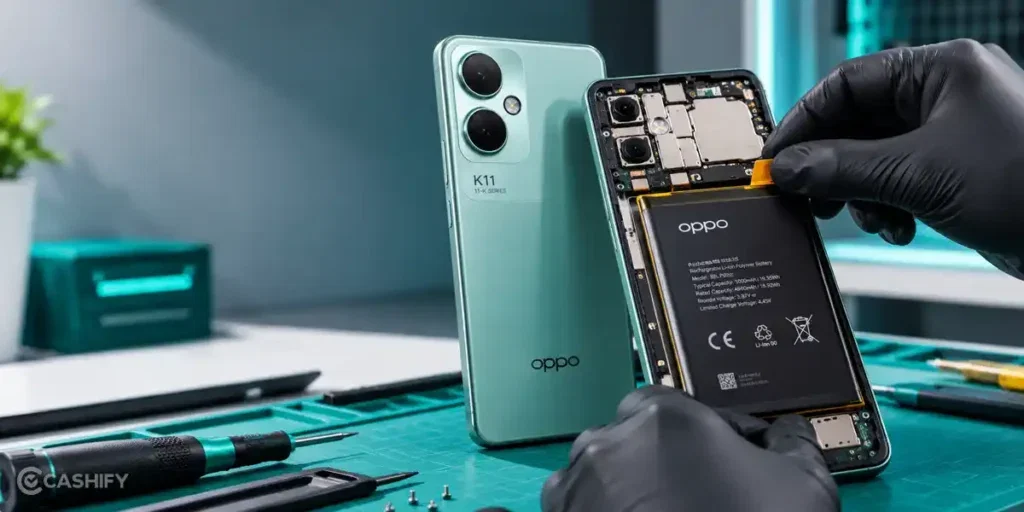
If your Oppo K11 battery still drains quickly after trying these fixes, you may need a replacement. Cashify offers a convenient solution for the Oppo K11 battery draining fast issue, with these benefits:
- Easy Online Booking: Book your Oppo K11 battery replacement through the Cashify website or app without visiting a store to make an appointment.
- Doorstep Repair Option: If the service is available in your area, a technician can visit your home. You don’t need to visit a service centre, and you can pay after the phone repair is done.
- 200+ Service Centres: Prefer an in-person visit? You can take your phone to one of Cashify’s service centres to get it checked.
- Clear Repair Charges: Know the estimated mobile repair cost before the work begins. You can review the charges before deciding to go ahead.
- High-Quality Compatible Parts: Cashify uses high-quality compatible parts for battery replacement. A new battery may help your Oppo K11 hold its charge for longer if the old one has worn out.
- 3-Month Warranty Support: The battery replacement comes with a 3-month warranty*.
(*Repair warranties are subject to discretion based on Cashify’s terms and conditions. Please refer to our warranty policy for detailed information.)
Also read: 8 Signs That Your Android Phone Motherboard Needs Repair!
How To Book Oppo K11 Battery Replacement With Cashify?
Booking a repair is simple and takes just a few steps. Follow the steps below to book your Oppo K11 battery replacement with Cashify:
- Open the Cashify app or website
- Go to the Phone Repair section
- Select Oppo as your phone brand
- Choose Oppo K11 from the list
- Select Battery as the issue
- Enter your address and contact details
- Choose a suitable time slot
- Review the details and confirm your booking
Also Read: How Can Cashify Smart Repair Service Enhance Your Mobile Repair Experience?
Frequently Asked Questions About Oppo K11 Battery Draining Fast
Q. Does fast charging make the Oppo K11 battery drain faster?
No, but frequent exposure to excessive heat can reduce battery life over time.
Q. Why does my Oppo K11 lose charge when switched off?
A small drop can occur, but significant battery loss may indicate a battery or hardware issue.
Q. Will replacing the Oppo K11 battery improve backup?
Yes, if the existing battery has degraded and can no longer hold a charge properly.
Q. Can I use my Oppo K11 if its battery is swollen?
No. Stop using or charging the phone and get it checked by a repair technician.
Also read: Pixel 6A Detected Water In USB Port? Get Your Best Fix Today!
Final Thoughts On Oppo K11 Battery Draining Fast
To sum up, if you are facing the Oppo K11 battery draining fast issue, a battery replacement may be a better choice than buying a new phone.
Cashify offers doorstep mobile phone repair service, high-quality compatible parts, clear pricing, and warranty support for eligible repairs.
If you have any questions about Oppo mobile repair, feel free to leave a comment below. I’ll be happy to help!
Also check: RPR50 to get up to 50 per cent off on a minimum spend of Rs. 1,000. This is a limited-time offer.
Are you still browsing through your broken screen? Don’t worry! Book at-home mobile phone screen repair with Cashify, an affordable and one-stop destination for all your mobile phone needs. In case you break your screen within 1 month of repair, we will replace your screen again for FREE.