You turn the volume all the way up, but your Redmi Note 12S still does not sound as loud as it used to. Voices can be difficult to hear during calls, and music or videos may sound lower than expected. It usually starts gradually, so the change is easy to miss at first. If you’re dealing with the Redmi Note 12S speaker not loud issue, the first step is to understand what is reducing the sound. We’ll look at the possible causes and the fixes that can help bring the speaker volume back to normal.
Also Read: Broken iPhone Screen? Get It Fixed By Cashify At A Cheaper Price!
Why Your Redmi Note 12S Speaker Is Not Loud?
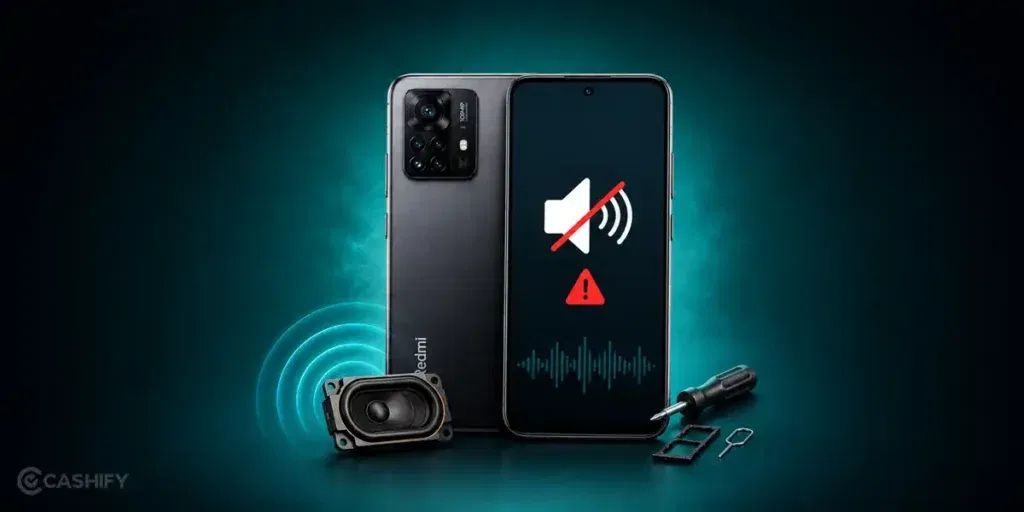
Before moving to the fixes, let’s first find out why the Redmi Note 12S speaker not loud issue happens.
The Speaker Mesh Is Trapping Fine Dust
The speaker opening can collect very fine dust over time. It may not look blocked from the outside, but even a thin layer can reduce the sound coming out. This usually happens if the phone is often kept in a pocket, bag, or dusty place.
Moisture Left Behind After Water Exposure
The phone does not have to fall into water for this to happen. Using it in heavy rain, near steam, or with wet hands can leave small amounts of moisture around the speaker. As a result, the sound may become lower or slightly muffled until the moisture dries out.
The Speaker Diaphragm Has Started Wearing Out
Inside the speaker is a tiny diaphragm that creates sound. After long-term use at high volume, it can lose its strength. The speaker still works, but it may no longer sound as loud or as clear as it did before.
Sound Is Being Limited By An App
Some music players, games, or audio apps can change the phone’s sound settings without you noticing. Even after closing the app, the volume may still feel lower than normal until the settings are reset.
A Previous Drop Has Affected The Speaker
Even if the phone looks perfectly fine after a fall, the speaker inside may have shifted slightly. This can reduce the sound output without causing any visible damage to the phone.
Also Read: Do You Lose Data When Replacing LCD Screen?
How To Fix Redmi Note 12S Speaker Not Loud At Home
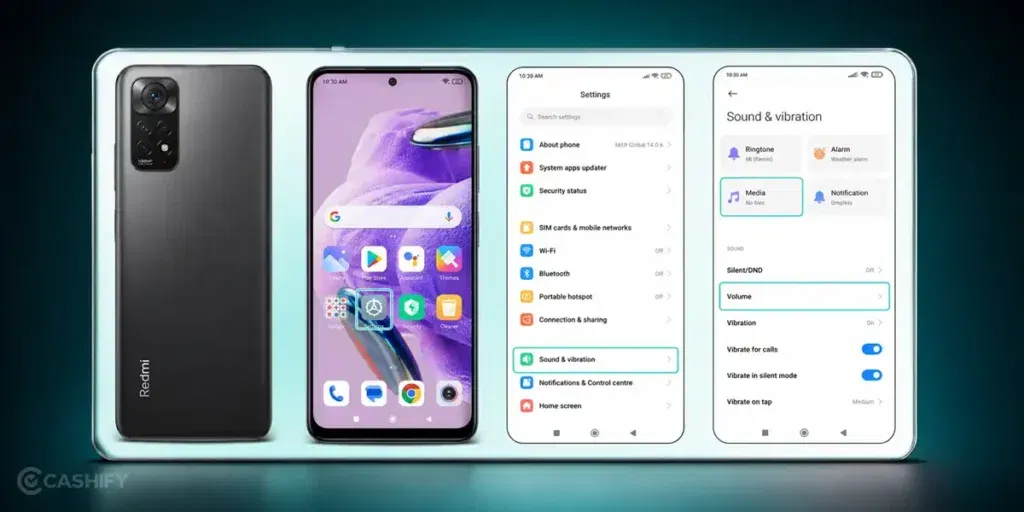
Now that you know the possible causes, here are some ways to fix the Redmi Note 12S speaker not loud issue:
Test The Speaker With Different Audio Sources
Play a YouTube video, a ringtone, and a song from your music app. This will help you check if the speaker volume is low everywhere or only in a particular app. If the sound is normal in some apps, you can reset or reinstall the one causing the problem.
Turn Off Bluetooth
Switch off Bluetooth from the Quick Settings panel and play audio again. Your phone may still be connected to a wireless device in the background, even if you are not using it.
Restart Your Redmi Note 12S
Restarting the phone can refresh background services and clear temporary issues. Once the phone turns back on, play a video or ringtone again and check if the speaker volume has improved.
Run The Built-In Speaker Test
Open the CIT hardware test menu on your Redmi Note 12S and run the speaker test. Listen carefully to the test sound. If it sounds clear, the speaker is likely working properly.
Update The Phone
Go to Settings > About phone > System update and install any available updates. Once the update is complete, test the speaker again to see if the volume has improved.
Remove The Phone Case For A Few Minutes
Take off the phone case and play audio again. Compare the sound with and without the case. If you notice a difference, replacing the case with one that leaves more space around the speaker can help.
Also read: 8 Signs That Your Android Phone Motherboard Needs Repair!
How To Book Redmi Note 12S Speaker Repair with Cashify
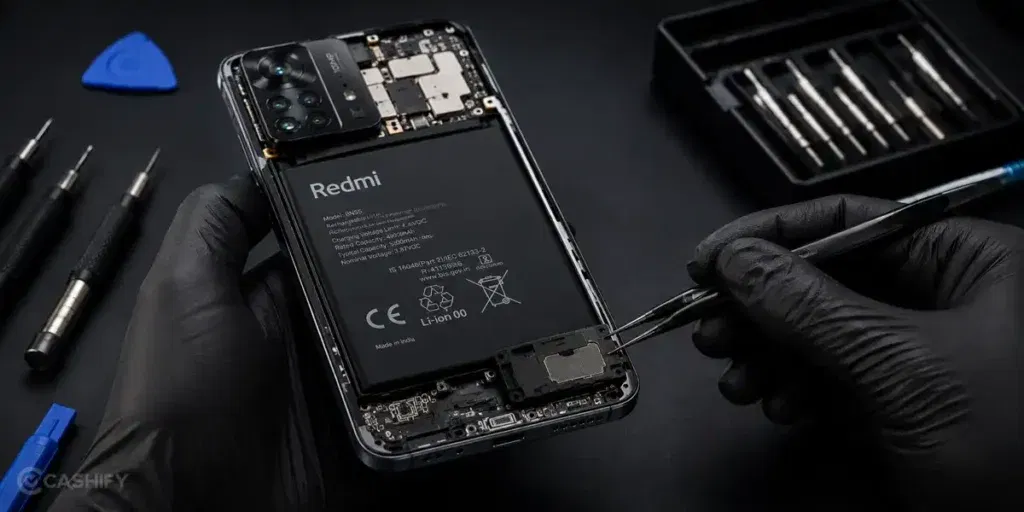
If the Redmi Note 12S speaker not loud issue is still there, it may be time to get the phone checked. A professional inspection can help identify the exact problem and confirm whether you need a mobile phone repair.
Once you’ve decided to get it repaired, the next step is choosing a service you can rely on. With Cashify, you can book a mobile repair from the comfort of your home without visiting a service centre.
Follow these steps to book a Redmi Note 12S speaker repair:
- Open the Cashify app or website.
- Go to Phone Repair.
- Select Xiaomi.
- Choose Redmi Note 12S.
- Select Speaker as the repair option..
- Enter your address.
- Pick a convenient time slot.
- Confirm your booking.
Use code: TECH25 to avail a discount of up to Rs. 300 (on the minimum order value of Rs. 2499).
Use code: RPR50 to avail up to 50 percent off on a minimum spend value of Rs. 1000 (limited offer).
Also read: Vivo Y83 Pro Aux Jack Not Working? Repair It Fast With Cashify
What You Get with Cashify’s Speaker Repair Service?
Apart from repairing the speaker, Cashify offers several benefits that make the entire repair process easier and more convenient:
| Doorstep Speaker Repair | Your Redmi Note 12S is inspected and repaired at your home, so you don’t have to visit a repair shop. |
| 200+ Cashify Service Centres | If you prefer an in-store repair, you can visit any of the 200+ Cashify service centres across India. |
| Speaker Check Before Repair | The technician checks the speaker and related audio components first to identify the exact issue before starting the phone repair. |
| High-Quality Compatible Speaker Parts | If the speaker needs replacement, high-quality compatible parts are used to restore clear and balanced sound. |
| Repair Cost Shared In Advance | You receive the repair estimate before the work begins. You only pay after the repair is completed. |
Also read: Pixel 6A Detected Water In USB Port? Get Your Best Fix Today!
Service Charges For Redmi Note 12S Mobile Repair At Cashify:
| Repair Service | Current Charge (*) |
|---|---|
| Speaker Replacement | Rs. 999 |
| Screen Replacement | Rs. 4,499 |
| Battery Replacement | Rs. 2,299 |
| Receiver Replacement | Rs. 999 |
| Charging Jack Replacement | Rs. 999 |
| Mic Replacement | Rs. 999 |
*The prices are subject to change as per market rates. Please check the website for the current repair fee estimation for your mobile.
Final Thoughts
To sum up, the Redmi Note 12S speaker not loud issue can often be improved with simple fixes. In some cases, the sound may still stay low even after trying them. When that happens, it usually needs a proper check by a technician. This helps find the exact issue and get the right repair done.
Cashify makes the process easy with doorstep service, trained technicians, clear pricing, and simple online booking.
If you have any questions, feel free to drop a comment below. I’ll be happy to help with Xiaomi mobile repair.
Are you still browsing through your broken screen? Don’t worry! Book at-home mobile phone screen repair with Cashify, an affordable and one-stop destination for all your mobile phone needs. In case you break your screen within 1 month of repair, we will replace your screen again for FREE.