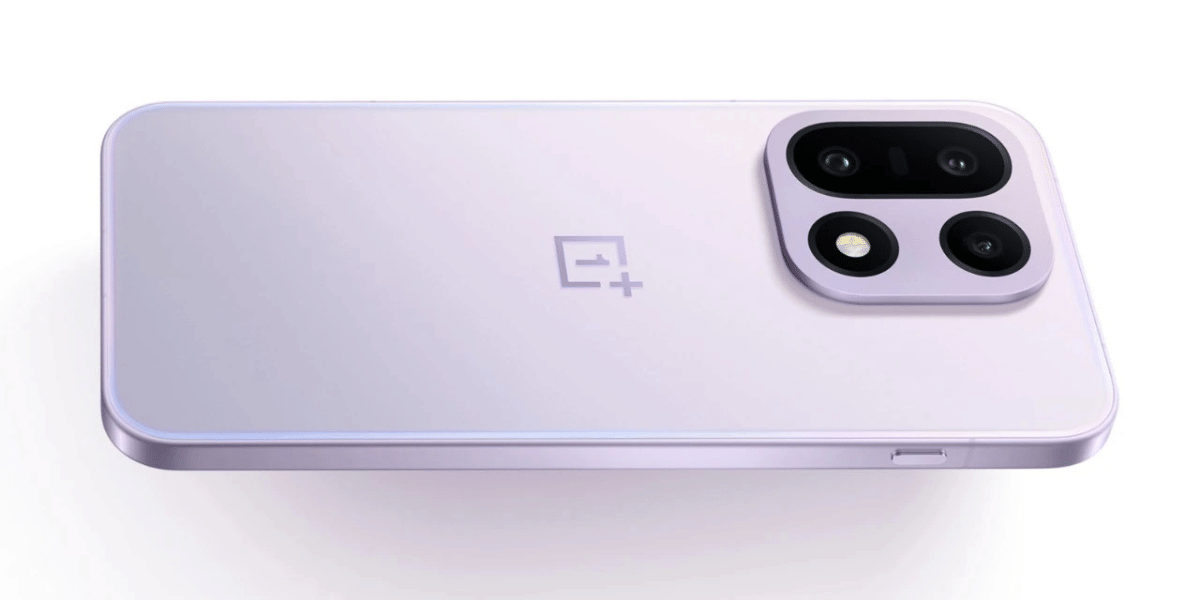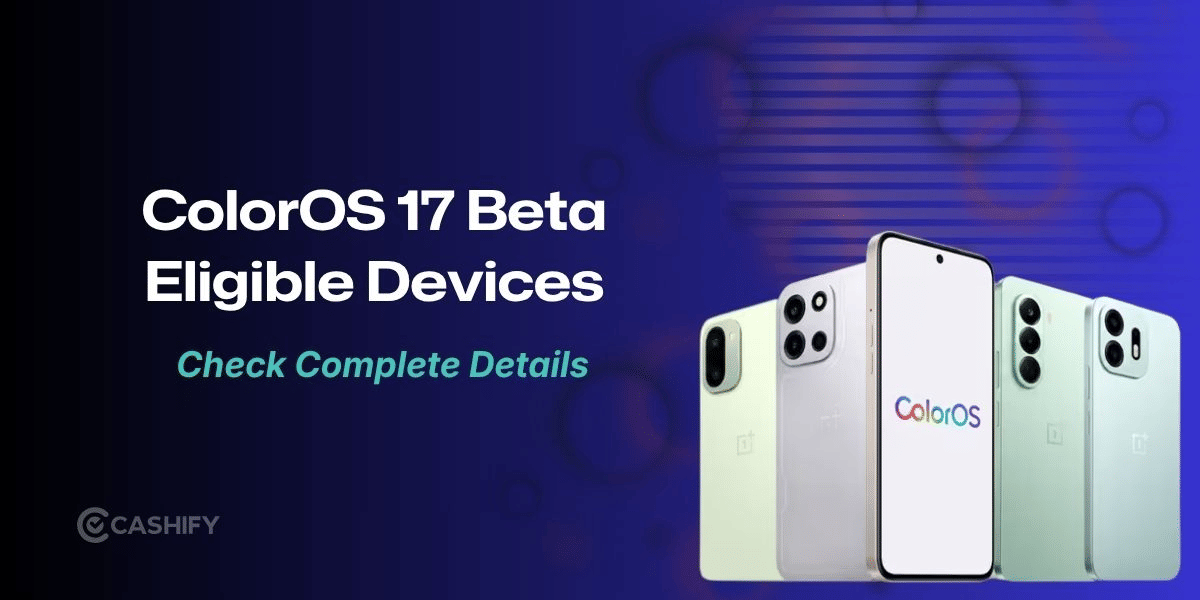
OnePlus has opened registrations for the ColorOS 17 Open Beta program in India, allowing users of five smartphones to try the upcoming software before its wider release. The eligible devices include the OnePlus 15, OnePlus 15R, OnePlus 13, OnePlus 13R and OnePlus 13s.
Registrations are open from October 9 to October 12. Selected users will receive the beta update over the air (OTA) after their applications are approved. However, since this is pre-release software, users may encounter bugs, performance issues and app compatibility problems.
OPPO and OnePlus have also confirmed the global and Indian launch of ColorOS 17 for October 13, making the beta program an early opportunity for eligible users to try the new software.
ColorOS 17 Open Beta: Eligible OnePlus Phones And Firmware Versions
Users must install the required firmware version on their smartphones before applying for the beta program. Here are the eligible models and their supported builds.
Smartphone | Required firmware version |
|---|---|
OnePlus 15 | CPH2745_16.0.10.500(EX01) or CPH2745_16.0.10.601(EX01) |
OnePlus 15R | CPH2767_16.0.10.500(EX01) or CPH2767_16.0.10.600(EX01) |
OnePlus 13 | CPH2649_16.0.10.501(EX01) or CPH2649_16.0.10.600(EX01) |
OnePlus 13R | CPH2691_16.0.10.500(EX01) or CPH2691_16.0.10.600(EX01) |
OnePlus 13s | CPH2723_16.0.10.500(EX01) |
The program is limited to eligible, unbranded Indian units. Carrier-locked variants, including models sold through operators such as T-Mobile and Verizon, are not supported.
Also Read : ColorOS 17 Global Launch Date Confirmed: 5 Major Improvements To Expect
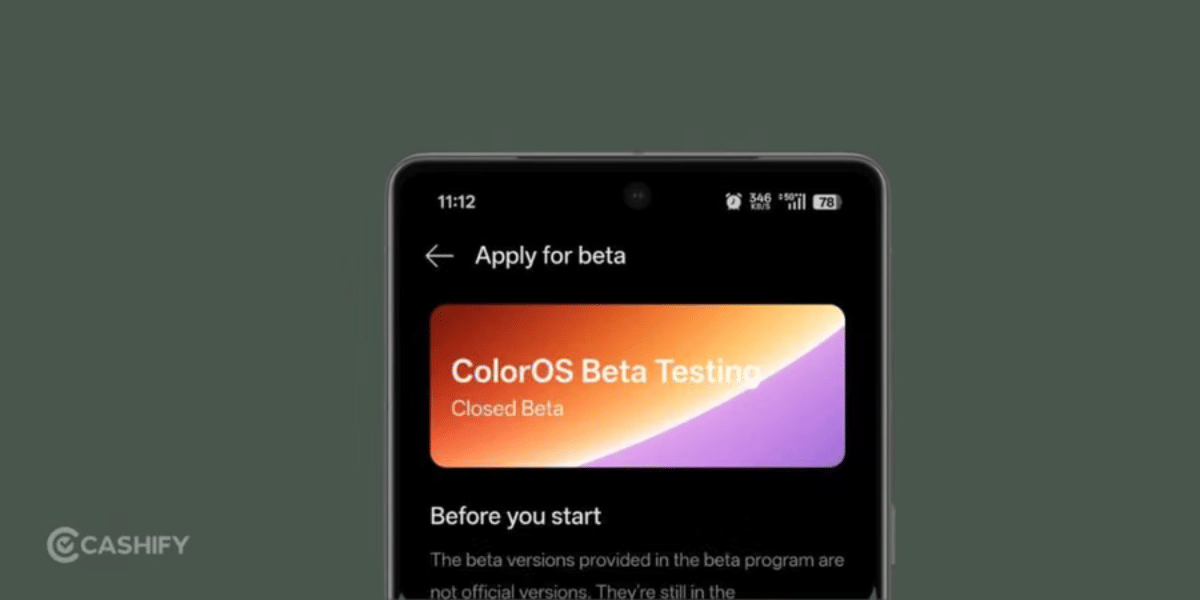
How To Apply For The ColorOS 17 Open Beta
If your OnePlus smartphone is running the required firmware, follow these steps to submit your application:
- Open Settings and go to About device.
- Tap the Up to date banner.
- Select the three-dot menu in the top-right corner.
- Open Beta program and follow the on-screen instructions to register.
Once your application is approved, you can download the update by navigating to Settings > About device > Download Now.
Also Read: The Best Smartphones To Buy During This Big Billion Day Sale!
Things To Know Before Installing The Beta Update
Before joining the ColorOS 17 Open Beta program, OnePlus users should keep a few important points in mind.
- Back up your data: Create a full backup before installing the beta software to protect your photos, files and other important information.
- Check battery and storage: Your phone must have at least 30% battery charge and 4GB of free internal storage.
- Expect possible bugs: Some third-party apps may crash, drain more battery or fail to launch properly.
- Allow time for optimisation: The phone may heat up, consume more battery or feel slower immediately after installation. These issues may settle after background optimisation, including around two hours of idle time or charging with the screen off.
- Know the downgrade risks: Returning to a stable version through a local rollback package will erase the phone's internal storage. Back up your data before proceeding.
Users can also report bugs through the built-in feedback tool by dialling *#800# in the stock phone app or by visiting Settings > Help & feedback.
With registrations open until October 12 and the ColorOS 17 launch scheduled for October 13, eligible OnePlus users have a limited window to apply. However, those who rely on their phones for daily work may prefer to wait for the stable release rather than install beta software.
Are you still browsing through your broken screen? Don’t worry! Book at-home mobile phone screen repair with Cashify—an affordable and one-stop destination for all your mobile phone needs. In case you break your screen within 1 month of repair, we will replace your screen again—for FREE.