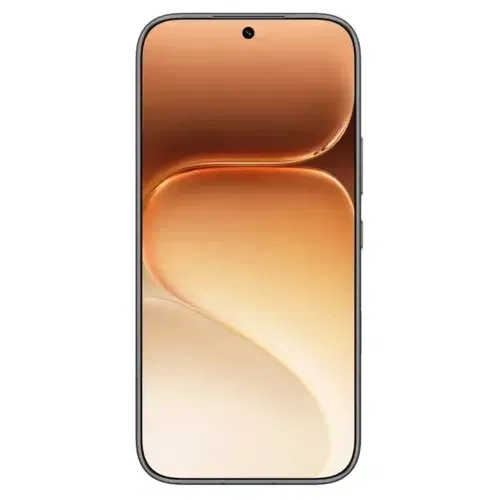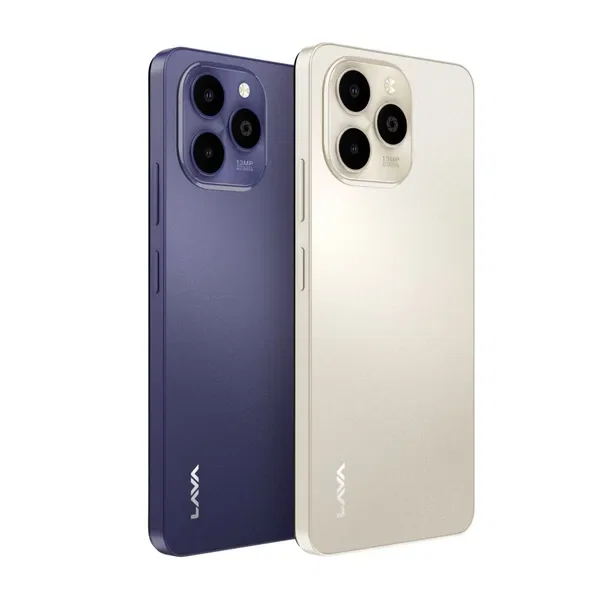
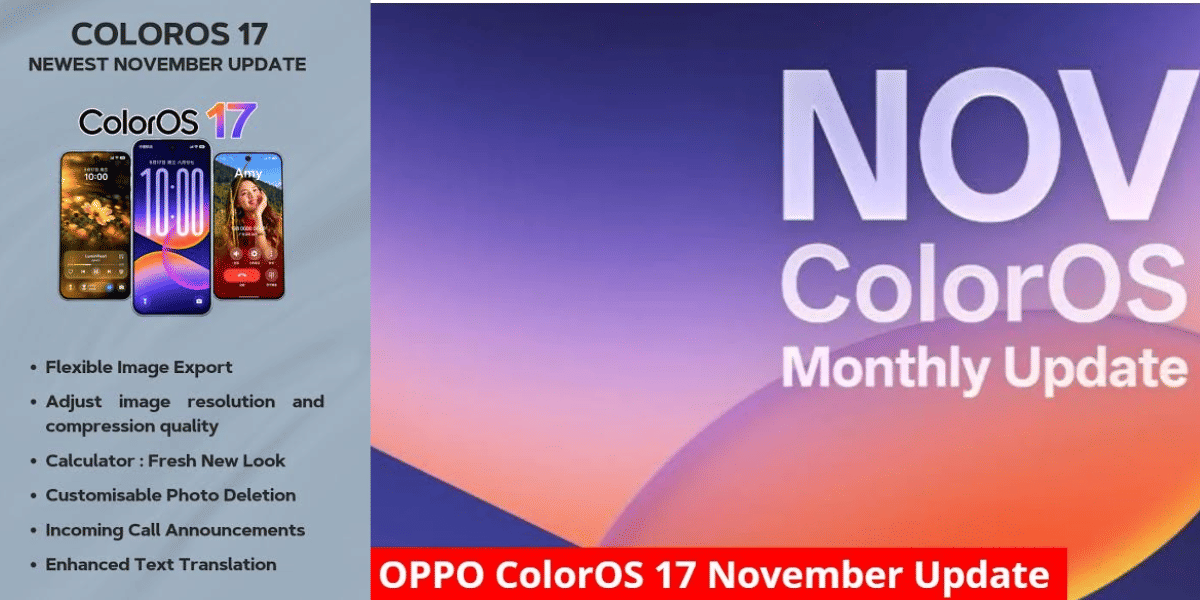
Oppo has started rolling out the ColorOS 17 November update in India. The update brings flexible photo export, customisable photo deletion, incoming call announcements, a redesigned Calculator and AI-powered translation features to eligible Find X10, Find X9, Find X8 and Reno16 smartphones.
Oppo has begun rolling out its November 2026 ColorOS 17 update for eligible smartphones in India. The latest update focuses on improving everyday smartphone features, including photo management, phone calls, calculations and translations.
The ColorOS 17 November update also brings improvements to OSee, O+ Connect and Home Screen widgets. According to Oppo, the rollout started on November 1 and will be completed by November 30, 2026.
Several smartphones from the Oppo Find X10, Oppo Find X9, Oppo Find X8 and Oppo Reno16 series are included in this month's update.
ColorOS 17 November Update: Eligible Oppo Smartphones
The following Oppo smartphones are scheduled to receive the November ColorOS 17 update:
- Oppo Find X10 Pro Max
- Oppo Find X10
- Oppo Find X9 Ultra
- Oppo Find X9 Pro
- Oppo Find X9s
- Oppo Find X9
- Oppo Find X8 Pro
- Oppo Find X8
- Oppo Reno16 5G
The update is rolling out in phases, so availability may vary depending on the device and region.
Also Read : ColorOS 17 Update: Check Which OPPO Reno 15 Phones Are Getting It And How To Install
ColorOS 17 November Update Features
One of the major additions in the November update is Flexible Image Export. The feature allows users to select the image size before saving or sharing a photo.
Users can choose between Small (25%), Medium (50%), Large (75%) and Original quality presets. There is also an option to enter a custom long-edge size in pixels. Additionally, users can adjust compression quality from Lowest to Best, with an estimated file size appearing during the process.
Oppo has also improved photo deletion options. Users can now choose whether to delete an image from both the phone and cloud or remove it only from the device to free up storage space.
Cloud-backed photos remain in the Recently Deleted folder for 60 days, while other deleted photos are retained for 30 days.
Incoming Call Announcements
The Phone app now supports incoming call announcements, allowing the smartphone to read out the caller's name. Users can configure announcements to play all the time or only when Bluetooth devices or headphones are connected.
However, this feature is available on devices that come with Oppo's Phone app.
Redesigned Calculator
Oppo has redesigned the Calculator app with separate Basic, Scientific and Converter tabs. It also gets a History section, allowing users to check previous calculations.
The converter supports multiple categories, including currency, temperature and speed, making it easier to perform quick conversions.
Also Read : ColorOS 17 For Tablets Arrives: Pad 3 Receives The First Update
AI Translation and OSee Improvements
The ColorOS 17 November update also improves the translation experience. Text translation can now match the tone of the original sentence, while users can look up individual word meanings.
Meanwhile, OSee, Oppo's camera tool for scanning documents and reading codes, now supports landscape mode and object identification.
O+ Connect and Home Screen Improvements
Oppo has also updated O+ Connect to version 17.100.10 or later. The updated feature allows a smartphone and tablet to connect to the same PC simultaneously.
Additionally, a remotely connected PC can now unlock automatically using a saved password.
The update introduces new Home Screen widgets, including One-tap Boost, Storage Cleaner, Battery Usage and Contacts. Users can also return hidden apps to the Home Screen when exiting them.
Alongside these additions, Oppo has included general stability improvements.
ColorOS 17 November Update Availability
Oppo started rolling out the November ColorOS 17 update on November 1, 2026, and the phased rollout is scheduled to finish by November 30.
Eligible users may receive the update at different times depending on their smartphone model and region. Users can check for the latest software update through their phone's Settings app.
Are you still browsing through your broken screen? Don’t worry! Book at-home mobile phone screen repair with Cashify—an affordable and one-stop destination for all your mobile phone needs. In case you break your screen within 1 month of repair, we will replace your screen again—for FREE.