You plug in your Samsung Galaxy S23 FE 5G, but nothing happens. No charging sign, no response, even though the cable is connected properly. You might try adjusting the cable or switching chargers, but the problem doesn’t go away. Problems like this can show up suddenly and make it hard to figure out what’s actually wrong. Let’s look at what could be behind Samsung Galaxy S23 FE 5G charging jack not working and the quick fixes you can try.
Also Read:What Is The Difference Between Screen Repair And Screen Replacement?
Common Reasons Behind Samsung Galaxy S23 FE 5G Charging Jack Problems
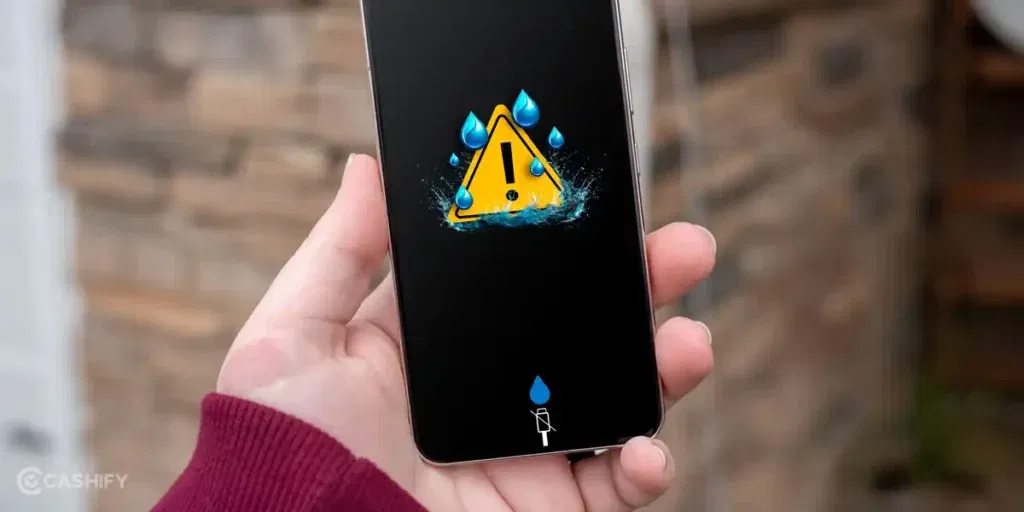
Before we discuss the fixes, let’s see what causes the Samsung Galaxy S23 FE 5G charging jack not working issue:
Port Gets Slightly Pressed from Daily Use
Keeping the phone in tight jeans or a crowded bag can put pressure on the charging area. Over time, the port shape can change slightly. The cable may still go in, but it won’t hold firmly.
Charging While Using the Phone
Using the Samsung Galaxy S23 FE 5G while it is charging can put stress on the port. Small movements keep pulling the cable from different angles. This slowly loosens the connection inside.
Moisture from Hands or Environment
Even a little moisture from hands or humid weather can affect the port. It may not damage it instantly, but over time it can reduce how well the cable connects. This can lead to unstable charging.
Cable Not Fully Reaching Inside
Some cables stop just short of making full contact inside the port. This can happen with slightly worn or non-original cables. The phone may show charging, but it disconnects easily.
Repeated Half-Insertion of Cable
Sometimes people plug the cable in quickly without pushing it all the way. Doing this again and again can affect the inner contact points. The result is a loose or inconsistent connection.
Also Read: Do You Lose Data When Replacing LCD Screen?
Quick Ways To Fix Samsung Galaxy S23 FE 5G Charging Jack At Home
You can try these simple steps to fix the Samsung Galaxy S23 FE 5G charging jack not working problem at home:
Clean the Port Gently
Turn off your phone first. Use a wooden toothpick or a soft brush to remove anything inside the port. Do it slowly and avoid pushing too hard. This helps the cable go in fully.
Try a Different Cable
Switch to another cable, preferably the original Samsung one. A worn or loose cable tip can fail to connect properly. This quick check helps you rule out cable issues.
Plug the Cable in Straight
Insert the cable straight into the port. Avoid twisting or pushing it at an angle. A straight fit helps the connector sit properly inside.
Check Charging from Both Sides
Flip the USB cable and plug it in again. Sometimes one side connects better than the other. This can help you get a stable connection.
Restart the Phone Before Charging
Turn off your phone and switch it back on before plugging in the charger. This clears minor system glitches that may affect charging.
Also read: Vivo Y83 Pro Aux Jack Not Working? Repair It Fast With Cashify
Get Samsung Galaxy S23 FE 5G Charging Jack Fixed With Cashify
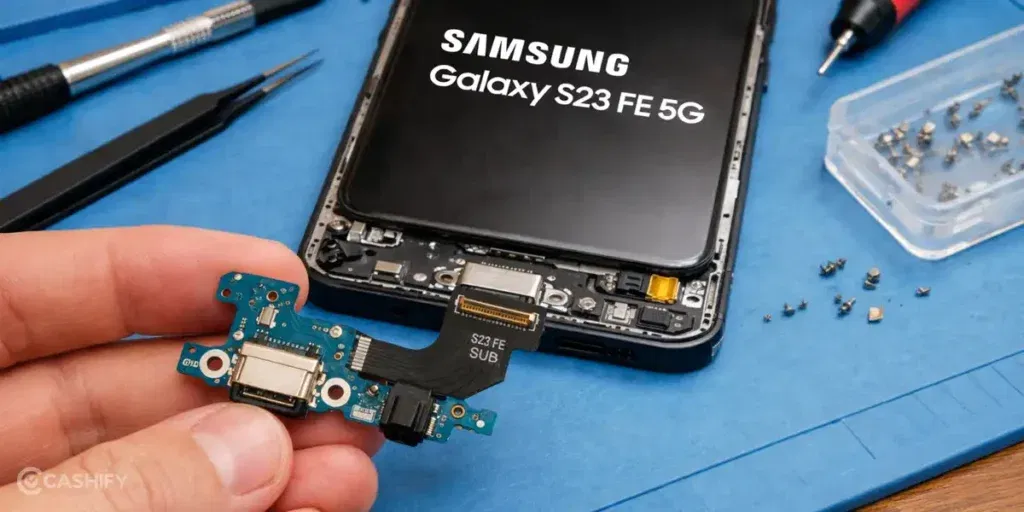
If the Samsung Galaxy S23 FE 5G charging jack not working issue is still there after trying the basic steps, it is better to get it repaired. Problems with the charging jack do not go away on their own. Over time, the connection can get worse and charging may stop completely. Getting it fixed at the right time helps avoid more trouble later.
Cashify makes it easy to get your phone repaired without any confusion.
Choose a Repair Option That Suits You
You can decide how you want to get the mobile phone repair done. If you prefer staying at home, you can book a doorstep service. If you are comfortable visiting a store, you can go to a nearby Cashify centre. Both options are simple and easy to manage.
Steps to Book Your Repair
Booking your Samsung mobile repair takes only a few minutes. Follow these steps:
- Visit the Cashify website or open the app
- Go to the Mobile Repair section
- Select Samsung as your phone brand
- Choose Samsung Galaxy S23 FE 5G from the list
- Select Charging Jack as the issue
- Enter your address
- Choose a time slot that works for you
- Confirm your booking
Repair Done with Care
Your phone is handled by trained technicians. They check the charging jack properly and fix the connection so it works as expected again. This helps you avoid the same issue again and again.
High Quality Compatible Parts Used
Only high-quality compatible parts are used. This helps the charging cable fit properly and keeps the connection stable after the phone repair.
Clear Pricing
You know the cost before the mobile repair starts. There are no hidden charges. You pay only after the work is done.
Also read: 8 Signs That Your Android Phone Motherboard Needs Repair!
Final Thoughts
Charging jack issues on your Samsung Galaxy S23 FE 5G can happen for different reasons. I have shared simple steps you can try before going for a repair. If the problem still does not go away, Cashify can help you get it fixed in a simple and reliable way.
If you have any questions about the Samsung Galaxy S23 FE 5G charging jack not working issue, feel free to ask. I’ll be happy to help.
Use code: TECH25 to avail of a discount of up to Rs. 300 by using the (on the minimum order value of Rs. 2499).
Use code: RPR50 to avail up to 50 per cent off on a minimum spend value of Rs. 1000. (Limited Offer)
Are you still browsing through your broken screen? Don’t worry! Book at-home mobile phone screen repair with Cashify, an affordable and one-stop destination for all your mobile phone needs. In case you break your screen within 1 month of repair, we will replace your screen again for FREE.