Ever tried watching a video on your POCO X7 and noticed a faint mark on the screen? Sometimes it’s barely visible at first, but over time it can become distracting and make everything on your display look strange. It can bother you even during simple scrolling or browsing. You can try a few easy steps at home to fix it. If those don’t work, we’ll show how to get professional help to remove the screen burn mark on POCO X7.
Also read: 8 Signs That Your Android Phone Motherboard Needs Repair!
Why Screen Burn Marks Appear On POCO X7?
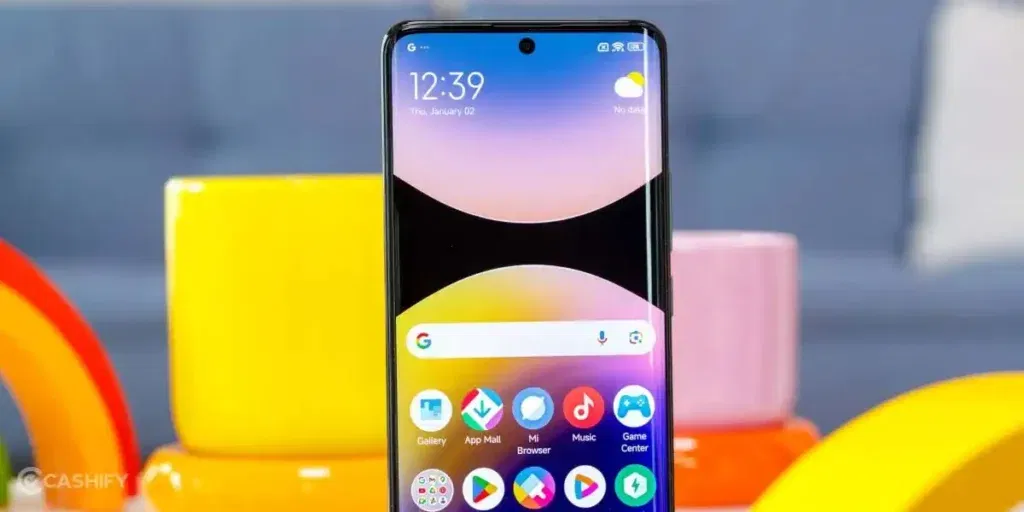
Before we explore the fixes, let’s first understand why a screen burn mark appears on POCO X7:
Always-On Display Overuse
The POCO X7’s Always-On Display shows the clock, notifications, and battery icons continuously. Leaving it on for long periods can stress certain pixels and cause uneven wear. Over time, this may result in faint outlines or ghost images on the screen.
High-Brightness Outdoor Usage
Many users increase the POCO X7 brightness to maximum under sunlight for better visibility. Continuous use at high brightness puts extra strain on AMOLED pixels. This constant stress accelerates pixel aging and increases the likelihood of screen burn marks.
Gaming with Fixed HUDs
Games like BGMI, Free Fire, or Call of Duty have fixed HUD elements such as mini-maps, health bars, and scores. Playing for long sessions without breaks keeps these areas lit constantly. This repeated exposure can leave subtle burn marks in those parts of the display.
Video Apps with Persistent Controls
Streaming apps such as YouTube or Netflix often display playback controls, captions, or watermarks that remain on screen. Watching videos for hours at high brightness causes these static elements to stress the pixels. Eventually, faint outlines can appear where these controls were.
Delayed System Updates or MIUI Bugs
Occasionally, system glitches or pending MIUI updates can lock certain pixels in place temporarily. This may make parts of the screen appear darker or discoloured, mimicking a burn mark.
Device Heating During Heavy Use
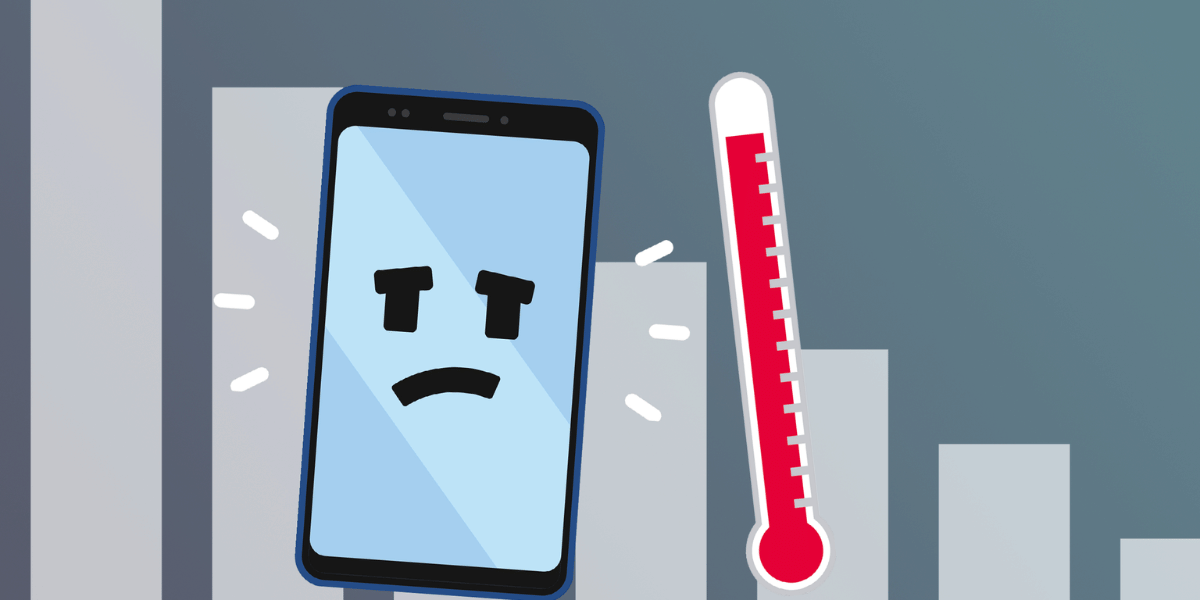
Extended gaming, video playback, or fast charging can make the POCO X7 warm to the touch. Higher temperatures accelerate pixel wear, which can worsen any existing burn marks or cause new faint discolouration.
Also read: Vivo Y83 Pro Aux Jack Not Working? Repair It Fast With Cashify
Quick Ways To Reduce A Screen Burn Mark On POCO X7
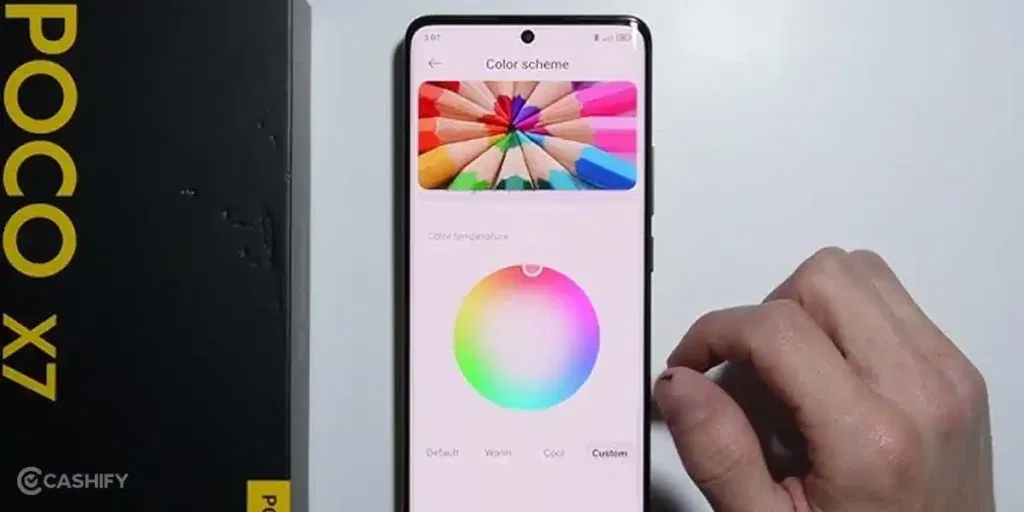
Before rushing to repair, try these simple and effective steps to fix a screen burn mark on POCO X7:
Run a Pixel-Refreshing App
Use apps that display moving colours or patterns across the screen. These apps help “unstick” pixels that are showing ghost images. Running the app for a few hours can make the burn mark less visible.
Use Colour Inversion or Cycling Tools
Some apps invert colours or cycle patterns in the affected areas. This forces all pixels to work evenly again, which can reduce the appearance of faint outlines.
Lower Brightness and Adjust Display Settings
Reducing brightness and turning on dark mode can ease the strain on the burnt pixels. While it won’t remove the mark completely, it can gradually make it less noticeable.
Apply a Screen Saver or Full-Screen Colour Shift
Full-screen colour-shifting tools or built-in screen savers refresh all pixels at once. Using them for a few hours can help worn pixels recover and fade the ghost images.
Restart or Soft Reset Your Phone
Sometimes, what looks like a burn mark is caused by temporary pixel glitches. Restarting the POCO X7 can recalibrate the display and make faint marks less obvious.
In some cases, the screen burn mark on the POCO X7 may not improve with DIY solutions. Deep or persistent marks may require hardware-level solutions, such as screen replacement.
Also read: 8 Signs That Your Android Phone Motherboard Needs Repair!
Why Choose Cashify For Screen Repair?
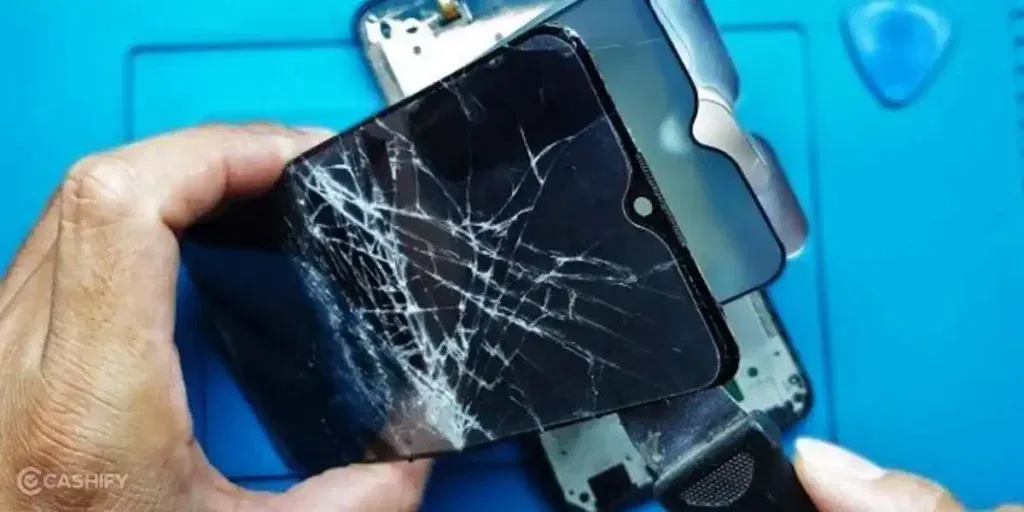
Cashify offers certified POCO mobile repair services at affordable rates. Here’s why it’s a good choice:
- Certified Technicians: Skilled technicians handle POCO X7 screens carefully to ensure replacement or repair restores the display fully.
- Transparent Pricing: Mobile repair costs are shared upfront, so there are no surprises. You only pay once the work is completed.
- High-Quality Compatible Parts: Cashify uses high-quality compatible parts to ensure long-lasting performance.
- Convenience: You can book a mobile phone repair online or visit one of Cashify’s 200+ stores across India. Doorstep service is available if you prefer not to travel.
Also read: How Do I Check My Android Hardware Health?
Preventing Future Screen Burn Marks On POCO X7
Once you have repaired the screen burn mark on POCO X7, take these steps to prevent it in the future:
Enable Dark Mode
Using dark mode reduces stress on pixels and protects the screen from bright, static images.
Lower Screen Timeout
Set the screen timeout to 30–60 seconds to avoid static images staying on the display too long.
Avoid Constant Static UI Elements
Keep navigation bars, floating widgets, and app controls moving when possible to prevent uneven pixel wear.
Rotate Wallpapers Regularly
Changing wallpapers often refreshes the screen and prevents repeated stress on the same pixels.
Also Read: Do You Lose Data When Replacing LCD Screen?
FAQs About Screen Burn Mark On POCO X7
Q. Can a screen burn mark on POCO X7 disappear on its own?
A. Minor burn-in may fade slightly over time, but deeper marks usually need pixel refresher apps or professional repair.
Q. Does the warranty cover screen burn marks?
A. Typically, burn marks are considered wear and tear, so they may not be covered under standard warranties.
Q. Can using low brightness prevent burn-in completely?
A. Lower brightness slows down pixel aging but does not entirely prevent burn marks.
Q. Is it safe to use screen burn-in fixer apps?
A. Yes, these apps are safe and can refresh pixels, but results may vary depending on the severity of the burn mark.
How To Book Screen Repair On Cashify?
You can follow these simple steps to book your phone repair with Cashify:
- Open the Cashify app or website and go to Mobile Repair.
- Select POCO as the brand and POCO X7 as your model.
- Choose “Screen” as the issue to repair.
- Enter your address for doorstep service.
- Pick a date and time that suits you.
- Confirm the booking and wait for the trained technician to fix your phone.
Also Read: Charging issue? Get your OnePlus 6 Charging Jack fixed at your home
Final Thoughts On Screen Burn Mark On POCO X7
So you have seen what causes a screen burn mark on POCO X7 and what quick steps you can try at home. If the burn mark persists or worsens, Cashify offers certified POCO X7 screen repair services. With expert technicians and transparent pricing, your phone can look and perform like new again.
For any questions or further guidance, feel free to leave a comment below. I’ll be happy to help you fix your screen and enjoy your POCO X7 without distractions.
Use code: TECH25 to avail of a discount of up to Rs. 300 by using the (on the minimum order value of Rs. 2499).
Use code: RPR50 to avail up to 50 per cent off on a minimum spend value of Rs. 1000. (limited offer)
Are you still browsing through your broken screen? Don’t worry! Book at-home mobile phone screen repair with Cashify, an affordable and one-stop destination for all your mobile phone needs. In case you break your screen within 1 month of repair, we will replace your screen again for FREE.