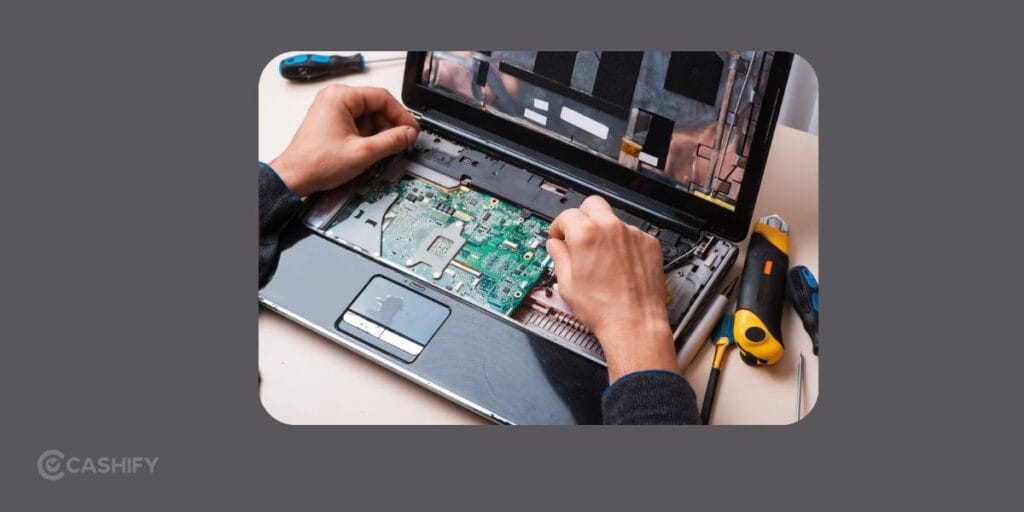
Most of us keep using their laptops until something completely stops working. A flickering screen, overheating, or random shutdowns happen commonly. They often seem minor at first. But these small issues can quickly turn into expensive repairs if left unchecked. Actually, your laptop usually gives plenty of warning before a major failure. Knowing these laptop repair signs helps you act early, save money, and avoid losing important files.
Here are five signs that tell you it’s time to take your laptop seriously.
Also read: OnePlus 13R Mobile Repair: Notorious Problems & Frequently Asked Fixes!
1. Your Laptop Keeps Overheating
If your laptop becomes unusually hot during simple tasks like browsing or watching videos, it shouldn’t be ignored.
A warm laptop is normal. A laptop that feels too hot to touch or keeps shutting down is not.
Common reasons
- Dust blocking the cooling vents
- Cooling fan not working properly
- Old thermal paste
- Heavy background applications
What you can do
- Place the laptop on a hard, flat surface.
- Clean visible dust from the air vents.
- Close unnecessary programs running in the background.
- Restart the laptop after long hours of use.
If the laptop still overheats regularly, internal cleaning or fan replacement may be required. Continuing to use it in this condition can damage the motherboard or processor.
2. The Screen Starts Flickering Or Shows Strange Lines
A flickering display is one of the most common laptop repair signs.
Sometimes the problem is software-related. In many cases, though, the display cable or screen panel has developed a fault.
Try these checks first
- Restart the laptop.
- Update your display driver.
- Connect an external monitor.
- Adjust the screen angle gently to see if the flickering changes.
If the external monitor works perfectly but your laptop screen doesn’t, the issue is likely with the display assembly or cable.
Professional inspection helps prevent complete screen failure.
Also read: Screen Repair Vs Screen Glass Repair: Know The Whole Truth!
3. The Battery Drains Too Quickly or Won’t Charge Properly
A laptop battery naturally loses capacity over time. But if it drops from 80% to 20% within minutes or refuses to charge, it’s time to act.
Things you can try
- Check the charging cable and adapter.
- Clean the charging port carefully.
- Reduce screen brightness.
- Close battery-hungry applications.
- Run your laptop’s battery health check.
If battery health is poor, replacing it is usually the safest solution.
At Cashify, battery replacements come with a 3-month warranty, giving users added confidence after the repair.
4. The Laptop Suddenly Becomes Very Slow
If your laptop now takes several minutes to start or freezes during everyday work, the issue may be more than just age.
Possible causes
- Failing SSD or hard drive
- Low available storage
- Malware
- Excessive startup applications
- Hardware issues
Before booking a repair
- Delete unnecessary files.
- Remove unused applications.
- Scan for viruses.
- Disable unwanted startup programs.
- Restart the laptop instead of leaving it on for days.
If performance doesn’t improve, a technician can diagnose the actual cause instead of relying on guesswork.
5. Strange Noises, Random Shutdowns, or Frequent Crashes
Grinding sounds, clicking noises, repeated blue screens, or sudden shutdowns usually indicate an internal hardware problem.
Ignoring these laptop repair signs can result in permanent data loss.
Here’s what you should do immediately
- Back up important files.
- Stop forcing the laptop to restart repeatedly.
- Disconnect external accessories.
- Note down any error messages you see.
Professional diagnosis can identify the faulty component before the damage spreads.
Also Read: Do You Lose Data When Replacing LCD Screen?
Can You Choose Cashify For Laptop Repairs?
Once you have identified these laptop repair signs, it’s time to look out for laptop repair near me, who is reliable. Cashify is a certified platform for mobile and laptop repairs. It provides laptop repair for major brands like Apple, HP, Dell, Lenovo, Acer, and Asus. You can book a doorstep laptop repair, where a technician picks up your laptop, repairs it, and returns it after the work is completed. If you prefer, you can also visit the nearest Cashify store.
Some advantages include:
- Skilled and qualified technicians
- Quality-tested replacement parts
- Doorstep pickup and drop service
- Repair support for multiple laptop brands
- 6-month warranty on replaced screens
- 3-month warranty on replaced spare parts like batteries
- Safe handling of your device and personal data
This gives users a convenient way to get their laptop repaired without spending time searching for multiple repair options.
Ways To Keep Your Laptop Healthy!
A little care can prevent many common repair issues.
- Clean the air vents every few weeks.
- Keep software and drivers updated.
- Avoid blocking ventilation while using the laptop.
- Use the original compatible charger.
- Back up important files regularly.
- Don’t ignore unusual sounds or repeated crashes.
Small habits like these can extend your laptop’s lifespan.
Also read: What Is The Difference Between Screen Repair And Screen Replacement?
In The End
Most major laptop failures don’t happen overnight. They begin with small warning signs that are easy to miss. Spotting these laptop repair signs early gives you time to fix the issue before it becomes expensive causes data loss.
Basic troubleshooting works for minor software problems. If the issue keeps returning or involves the screen, battery, motherboard, charging port, or internal hardware, professional repair is the safer choice.
Cashify’s doorstep laptop repair service make it easier to get your laptop checked by skilled technicians. This way delay is avoided. You can also visit the stores for the same.
If you’ve just bought a new phone and don’t know what to do with your old phone, then here’s your answer. Sell your old mobile to Cashify and get the best price for it. If you are planning to buy a new phone, check out Cashify’s refurbished mobile phones. You can get your favourite phone at almost half price with a six-month warranty, 15-day refund and free delivery.