At first, the mic problem on the Vivo X200 Pro may seem small. Someone on a call may say your voice sounds low, or your voice notes may not sound clear anymore. Since the rest of the phone works normally, it can be hard to understand what changed. Problems like this can happen because of settings, dust around the mic area, or internal damage. Let’s look at the possible fixes for the Vivo X200 Pro mic issue repair and when you may need professional help.
Also read: How To Fix Vivo V11 Pro Screen Issues? Replace It Affordably!
Why Your Vivo X200 Pro Mic Is Not Picking Up Voice Properly?
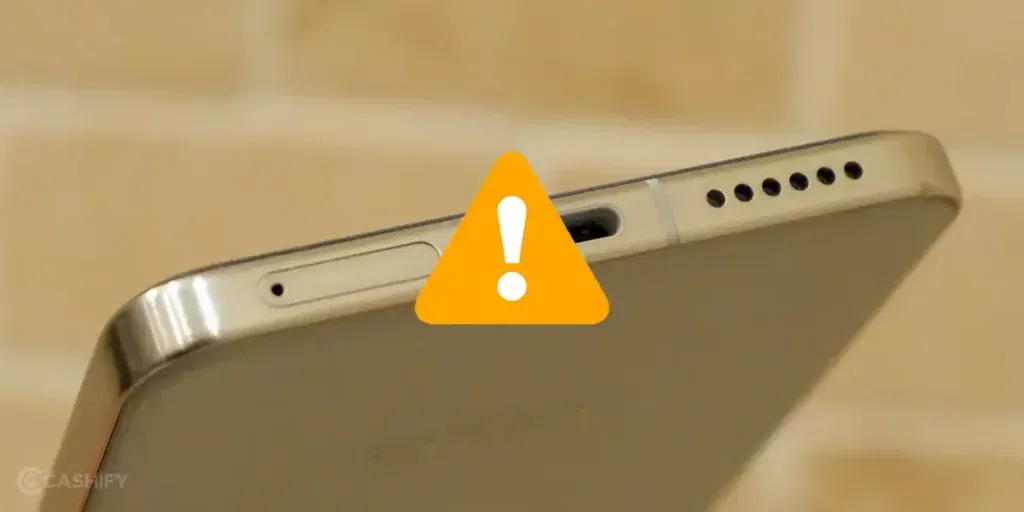
Before trying any Vivo X200 Pro mic issue repair, let’s first look at why the mic is not picking up voice properly:
Noise Cancellation Not Working Properly
Sometimes the phone tries to block background noise too aggressively. Because of this, parts of your voice may also get reduced during calls or recordings.
Dust Pushed In By Phone Covers
Some thick covers slowly collect dust around the bottom mic area. Over time, the dirt gets pushed deeper and starts affecting voice pickup without you noticing it.
Voice Breaking Only During Speaker Calls
In some cases, the mic works normally on regular calls but starts acting up during speaker mode or video calls. This can happen because the secondary mic is not working properly.
Charging Port Area Affecting The Mic
On many phones, the mic sits close to the charging area. Dust, pocket lint, or moisture around the port can sometimes affect voice clarity too.
Bluetooth Devices Creating Mic Confusion
The phone may stay connected to old wireless earbuds or smart devices in the background. Because of this, the voice input may switch away from the phone mic without you realising it.
Also read: How Do I Check My Android Hardware Health?
Simple Things To Check Before Vivo X200 Pro Mic Issue Repair
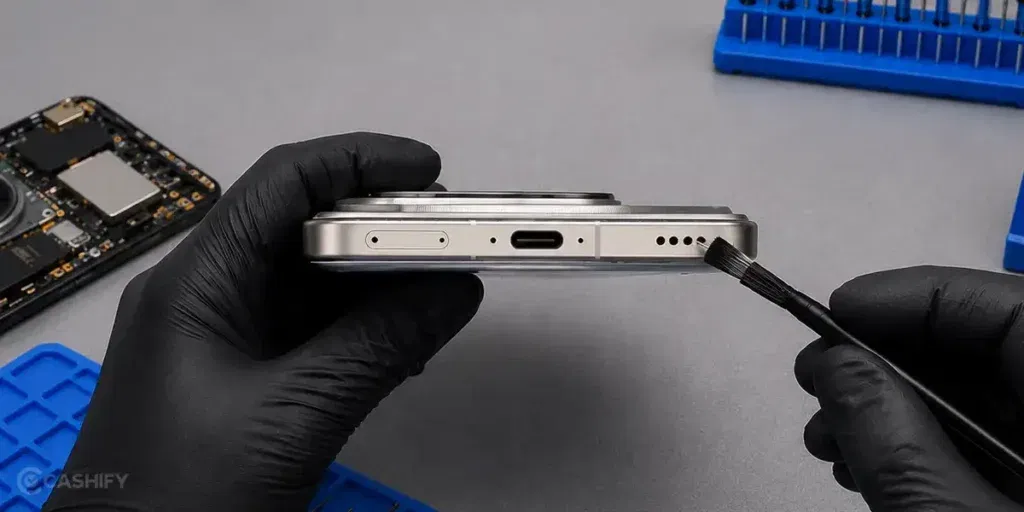
So, these were some common reasons that might lead to the Vivo X200 Pro mic issue repair. Before thinking about a major fix, here are a few simple things you should check first:
Restart Your Vivo X200 Pro
Restart your Vivo X200 Pro once, then test the mic again during a call or while recording a voice. Temporary glitches sometimes get cleared after a fresh restart.
Record A Quick Voice Note
Open the recorder app and record your voice for a few seconds. This helps you check whether the mic is working properly.
Turn Bluetooth Off For A While
Disable Bluetooth and make another call. The phone may sometimes switch voice input to a connected wireless device.
Update The Phone Software
Check for pending software updates in settings and install them if available. After the update, restart the phone and test the mic again.
Remove The Cover Before Testing
Take off the phone cover and try recording your voice again. This helps you check if the mic area is getting blocked.
Clean Around The Mic Area Carefully
Use a soft brush or dry cloth to clean the mic holes gently. Avoid using pins or sharp objects while cleaning.
Also read: 8 Signs That Your Android Phone Motherboard Needs Repair!
When Professional Vivo X200 Pro Mic Repair Is Needed
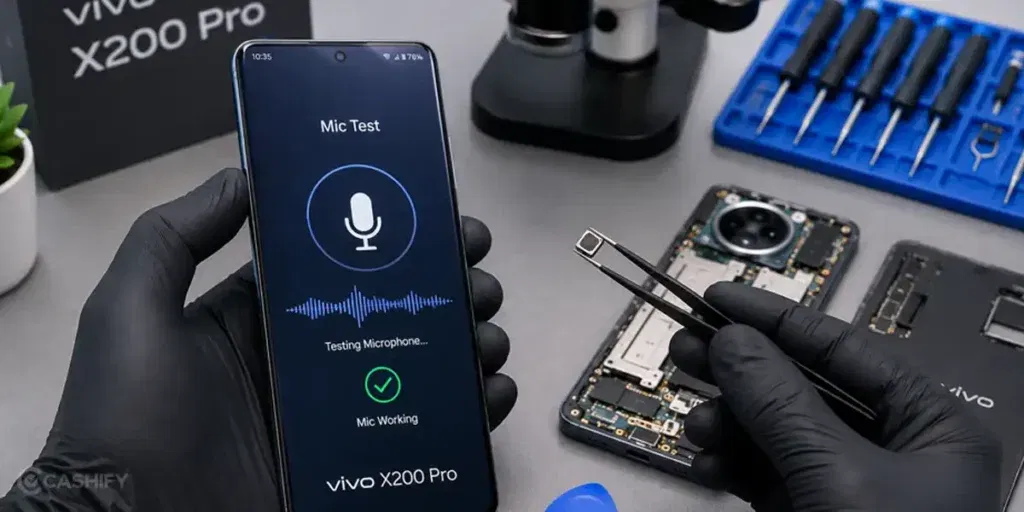
If your voice is still not reaching clearly during calls or recordings after trying the basic fixes, the mic may need proper repair. Instead of trying random fixes again and again, it is usually better to get the phone checked by a trained technician.
Cashify gives you a simple way to book the Vivo X200 Pro mic issue repair from home itself. You do not have to spend time visiting nearby repair markets or waiting at service centres. The repair booking can be completed online in a few simple steps:
- Open the Cashify app or website
- Go to Phone Repair
- Select Vivo
- Choose Vivo X200 Pro
- Pick Mic Issue from the problem list
- Add your address details
- Select the time slot you prefer
- Confirm your booking
Once the booking is placed, a mobile repair expert visits your location and checks the device. Along with the phone repair service, you also get a few useful benefits:
| Service Feature | What You Get |
| Repair At Your Doorstep | No need to travel with the phone to different repair shops. |
| Experienced Technicians | The mic issue is checked and repaired by trained mobile phone repair experts. |
| Price Shown Before Repair | You can see the expected repair cost before the service begins. |
| Quality Compatible Parts | Good-quality compatible parts are used during the repair if replacement is needed. |
Also read: Vivo Y83 Pro Aux Jack Not Working? Repair It Fast With Cashify
Final Thoughts
You’ve seen some of the common reasons behind Vivo X200 Pro mic problems and the simple fixes you can try before going for a repair. In many cases, small checks and basic troubleshooting can help bring the mic back to normal. If the issue still continues, professional Vivo X200 Pro mic issue repair at Cashify can help fix the problem safely and properly. With doorstep service, trained technicians, upfront pricing, and easy online booking, getting your phone repaired becomes much more convenient.
If you still have questions about the mic issue or the Vivo mobile repair process, feel free to leave a comment below.
Use code: TECH25 to avail a discount of up to Rs. 300 (on the minimum order value of Rs. 2499).
Use code: RPR50 to avail up to 50 per cent off on a minimum spend value of Rs. 1000 (limited offer).
Are you still browsing through your broken screen? Don’t worry! Book at-home mobile phone screen repair with Cashify, an affordable and one-stop destination for all your mobile phone needs. In case you break your screen within 1 month of repair, we will replace your screen again for FREE.