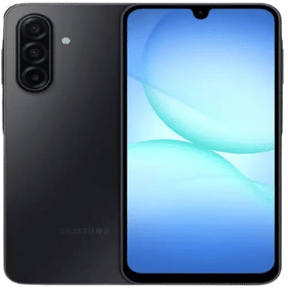
Calls on your Vivo Y19 may not sound as clear as they used to. You put the phone near your ear, but the voice on the other side feels too low or unclear at times. In some cases, you may even move to a quieter place just to hear properly. Problems like this can appear slowly or start after a drop or long-term use. Let’s look at what may be causing the Vivo Y19 receiver problem and the possible ways to fix it.
Also Read:What Is The Difference Between Screen Repair And Screen Replacement?
What Causes Vivo Y19 Receiver Problem During Calls?
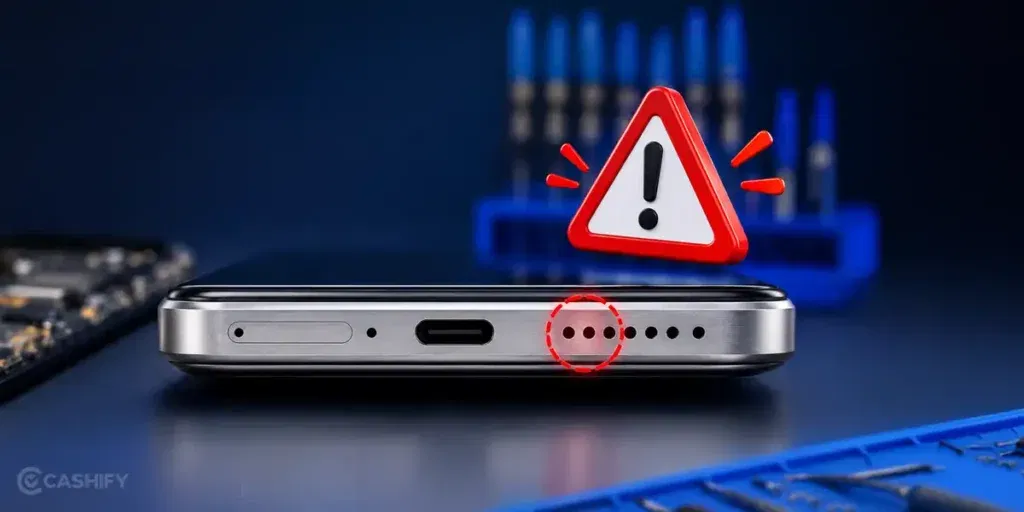
To fix the Vivo Y19 receiver problem, let’s first understand what may be affecting the call sound:
Sound Getting Blocked By Old Screen Protectors
Some thick or poorly fitted screen protectors can partly cover the top receiver area. Over time, dust also collects around the edges and affects call sound.
Receiver Mesh Filled With Pocket Dust
Phones carried in pockets daily slowly collect fine dust near the earpiece mesh. This can make voices sound softer even when the volume is high.
Call Sound Changing After Software Updates
Sometimes the receiver volume changes after a system update. Calls may suddenly sound lower even though the hardware is working normally.
Moisture Around The Top Speaker Area
Using your Vivo Y19 with wet hands or in humid conditions can affect the receiver sound. The audio may become unclear until the moisture dries properly.
Receiver Sound Dropping After A Minor Fall
Even a small drop can loosen tiny parts connected to the earpiece. Because of this, the sound may become lower during calls without any visible damage outside.
Also Read: Do You Lose Data When Replacing LCD Screen?
Easy Ways To Fix Vivo Y19 Receiver Problem At Home
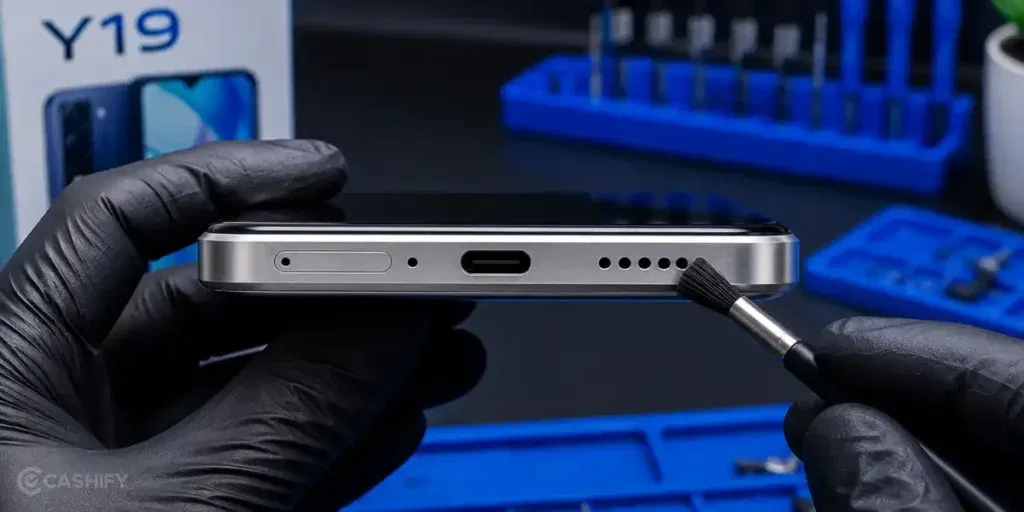
Here are some simple ways to fix the Vivo Y19 receiver problem at home before going for a professional repair:
Clean The Earpiece Area Carefully
Use a soft brush or dry cloth to clean the top receiver area gently. This can help remove dust affecting the call sound.
Remove The Screen Protector Once
Take off the screen protector and make a test call. If the protector is covering the receiver slightly, the sound may improve immediately.
Increase Call Volume During A Live Call
Press the volume up button while a call is active. Sometimes the call volume gets lowered separately from the media volume.
Restart The Phone Before Testing Again
Restart the Vivo Y19 once and make another call. This can refresh temporary call-related glitches running in the background.
Try Calling Without Bluetooth Connected
Turn Bluetooth off for a few minutes and test the receiver again. This helps check if the sound is shifting to another connected device.
Test Calls In Safe Mode
Start the phone in Safe Mode and make a quick call. If the sound becomes normal, a third-party app may be affecting the receiver.
Also read: 8 Signs That Your Android Phone Motherboard Needs Repair!
How To Book Vivo Y19 Receiver Problem Repair With Cashify
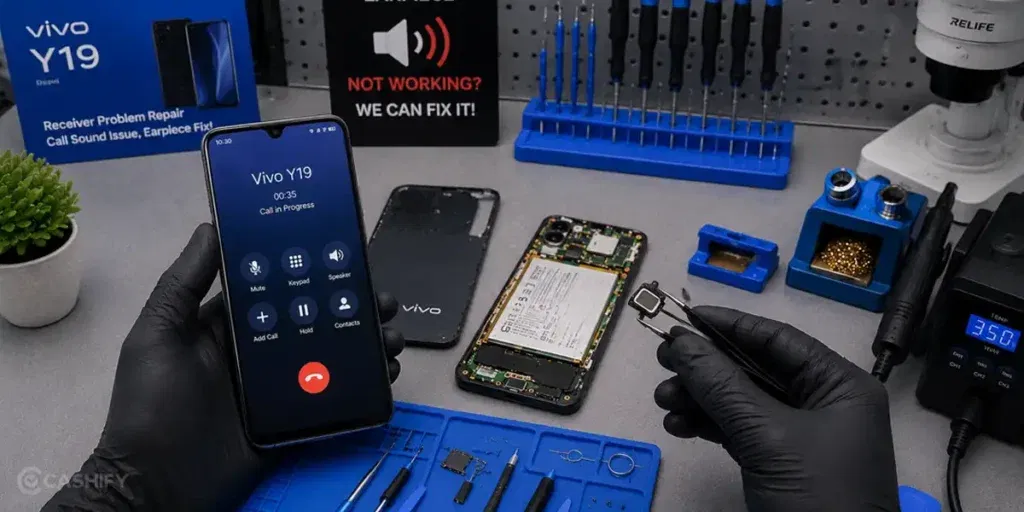
Still dealing with the Vivo Y19 receiver problem after trying the home fixes? In that case, the receiver may need proper repair from a trained technician.
Instead of wasting time searching for local repair shops, you can book the mobile repair easily through Cashify. The process is simple, and the service comes with a few useful advantages as well:
Proper Receiver Checking Before Repair
The technician first checks whether the issue is coming from the earpiece, sound settings, or internal receiver parts before starting the phone repair.
No Last-Minute Repair Charges
You get to see the mobile phone repair cost beforehand, so there is better clarity about the service price from the beginning.
Sound Quality Kept In Mind During Repair
High-quality compatible parts are carefully used to help restore clear, balanced call sound after the repair.
Repair Support Without Extra Running Around
You can book the Vivo mobile repair online in a few simple steps instead of visiting different markets looking for help.
Also read: Vivo Y83 Pro Aux Jack Not Working? Repair It Fast With Cashify
FAQs About Vivo Y19 Receiver Problem Repair
Q. Why is the call sound low on my Vivo Y19?
Low call sound on the Vivo Y19 can happen because of dust around the receiver area, software issues, or internal earpiece damage. In some cases, the problem may start after a drop or moisture exposure.
Q. Can I fix the Vivo Y19 Receiver problem at home?
Yes, you can try a few basic fixes at home. Cleaning the receiver area, restarting the phone, removing the screen protector, or checking Bluetooth connections may help improve the call sound.
Q. Why can I hear properly on speaker mode but not through the earpiece?
This usually means the main loudspeaker is working fine, but the top receiver area may be affected. The issue could be linked to the earpiece mesh or internal receiver parts.
Q. Is it safe to open the Vivo Y19 at home for receiver repair?
Opening the phone at home is not recommended unless you have proper repair experience. Incorrect handling can damage the display or other internal parts.
Q. How long does Vivo Y19 Receiver problem repair usually take?
Most receiver repairs are completed within a few hours. The exact repair time may vary depending on the issue and part availability.
Also read: Pixel 6A Detected Water In USB Port? Get Your Best Fix Today!
Final Thoughts
To sum up, the Vivo Y19 receiver problem can start with small changes in call sound and slowly become more noticeable over time. In this guide, we covered a few simple fixes that may help improve the receiver’s sound before going for a repair.
If the issue still continues, getting the receiver checked by a professional becomes the better option. Choosing a reliable repair service also helps make sure the phone is repaired properly without affecting other parts. Cashify offers a simple and convenient way to get the Vivo Y19 receiver problem fixed by trained technicians.
Use code: TECH25 to avail a discount of up to Rs. 300 (on the minimum order value of Rs. 2499).
Use code: RPR50 to avail up to 50 per cent off on a minimum spend value of Rs. 1000 (limited offer).
Are you still browsing through your broken screen? Don’t worry! Book at-home mobile phone screen repair with Cashify, an affordable and one-stop destination for all your mobile phone needs. In case you break your screen within 1 month of repair, we will replace your screen again for FREE.