I have my phone out at every group outing, and the best compliments I receive are often: ‘Wow, you’ve clicked a great picture’.Well, having a smartphone that clicks superb pictures and takes some of the most nostalgic memories inside its camera is definitely a precious asset to hold. But sometimes it so happens that, amidst a chaotic moment, you open your camera, and your phone camera is blurry and not able to focus! So, why is your phone camera blurry? What could be the reasons? Well, to debunk this and give you the perfect guide so that your phone camera doesn’t embarrass you next time, here is our article.
Why Is My Phone Camera Blurry And Not Focusing? Here Are The Fixes You Should Know
If you just turned your camera on and suddenly the screen is turning blurry, and even after waiting for a few seconds the camera does not return to its proper position, this means that your camera has an issue. We often think that the camera is too close to the object or is covered that is why the blurry situation is appearing, but not very often; sometimes, it is a major problem that needs to be fixed. So, what are the possible causes of your phone camera's blurry problem? Well, here are the causes.
Possible Hardware Issues for Phone Camera Blurry Problems
- One camera stays blurry: If only one lens consistently fails to focus while others work normally, its autofocus mechanism or camera module may be faulty.
- Clicking or buzzing sounds: Unusual sounds while focusing can indicate a problem with the autofocus or optical image stabilisation (OIS) mechanism.
- Shaky camera preview: Persistent shaking or vibrating images may point to an OIS or camera-module issue.
- Problem continues everywhere: If the camera remains blurry after restarting and across different apps, hardware becomes more likely.
- Condensation inside the lens: Fog or moisture behind the camera glass can interfere with focusing and image quality.
Also Read: Telephoto Vs Zoom Lens: What’s the Difference?
Possible Software Issues for Phone Camera Blurry Problems
- Started after an update: A recent system or camera-app update can introduce bugs affecting autofocus or image processing.
- Works in another app: If another camera app produces sharp images, the default camera app may be the culprit.
- Restart temporarily fixes it: A restart clearing the issue suggests a temporary software glitch or background-process conflict.
- Autofocus works intermittently: Inconsistent focusing can result from camera-app bugs, incorrect settings, or temporary software conflicts.
Now that you know the causes, it is time to fi your phone’s camera issue and tell you how to fix the phone camera blurry situation.
Phone Camera Blurry? Try These Quick Checks
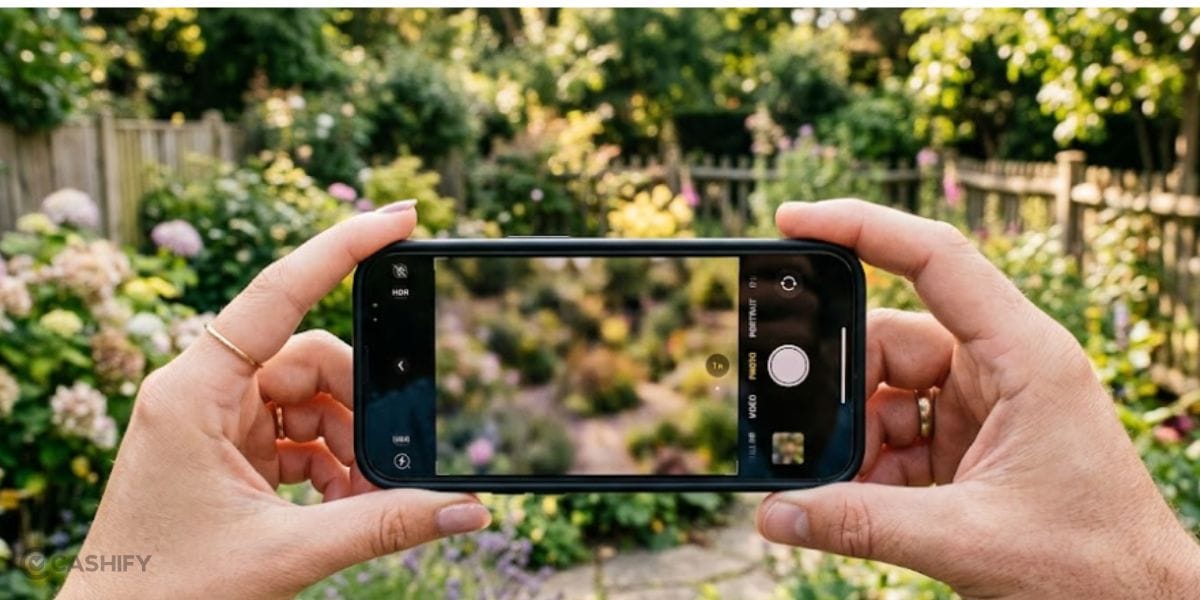
Well, now it’s time to diagnose your phone camera blurry issue and fix it with some quick fixes. So, if you are facing the phone camera blurry problem, here are the best ways to fix it:
1. Clean Your Phone’s Lens
Wipe the camera lens with a microfiber cloth to remove fingerprints, dust and oil that can cause blur.
2. Remove Lens Protection
Many phone users these days use camera lens protectors externally pasted on their phone’s cameras. So, we suggest that try to temporarily remove the camera lens protector or case to check whether it is affecting autofocus.
3. Double-Tap on the Screen
Tap or double-tap on your camera screen and your subject on the screen and check whether the camera refocuses properly.
4. Test Different Lenses
Switch between 0.5x, 1x and 2x/3x lenses. If only one remains blurry, its camera module may have an issue.
5. Restart Your Phone
Reboot the device and test the camera again to rule out temporary glitches.
6. Try Another Camera App
If photos look sharp in another app, the default camera software could be causing the problem.
7. Test Distance Photography
Try to click photos of both nearby and distant objects. If everything remains blurry, autofocus may not be working correctly.
Also Read: How To Check Samsung Phone Activation Date: Know The Steps Here
Be It Phone Camera Blurry Case Or Any Other Hardware Issue, Fix It By Visiting Cashify
Tried every fix but your phone camera is still blurry, shaky or refusing to focus? The problem could be hiding inside the camera module, autofocus mechanism or OIS hardware. Instead of letting a faulty camera ruin your precious moments, it may be time to get professional help. Cashify’s phone repair services can help diagnose and fix camera-related hardware issues through trained technicians and convenient service options. Whether your camera needs inspection, component replacement or a professional repair, Cashify makes the process simple and hassle-free. So, if your phone camera continues to disappoint despite basic troubleshooting, get it checked by Cashify and bring your camera back to life!
In A Nutshell
That’s it from this guide on your phone camera blurry problem. There’s nothing to panic, or worry about. We have almost covered all the bases and have shared practical troubleshooting steps, including cleaning the lens, removing lens protectors, tapping to focus, testing different lenses, restarting the phone, trying another camera app, and photographing subjects at different distances. So, we hope you’ll fix your phone’s camera now and keep coming back for more such guides!
Are you still browsing through your broken screen? Don’t worry! Book at-home mobile phone screen repair with Cashify—an affordable and one-stop destination for all your mobile phone needs. In case you break your screen within 1 month of repair, we will replace your screen again—for FREE.