Vivo is one of the most active smartphone brands in India. Vivo smartphones are the best in terms of camera quality and design. They perform exceptionally well and have a fantastic user experience. The only problem with Vivo smartphones is that they do not have a fixed time for launching new devices. This has messed…
Xiaomi has come out as the titan of the smartphone industry in India. They have a range of smartphones, covering from low budget to high end to premium flagship devices. For an average user, it is puzzling to identify the Xiaomi mobile phone in its huge portfolio. So to ease your search, we have compiled…
Welcome to the upcoming mobile phones list for 2022. The smartphone boom despite an economic slowdown amidst a pandemic in the Indian market is as surprising to you as it is for us. India is one of the fastest-growing markets in the world for phones and unsurprisingly this is attracting manufacturers to give their best.…
There are many options of smartphones available under the 50000 category, however not every smartphone can be an immediate buy. Here are some tips that can help you find the best smartphone under 50000 for you, if you are confused or do not know where to start from. Isn’t it amazing that you can get…
Cashify’s best Mobile Phones Under Rs. 45,000 list has a set of premium smartphones. The list is specially curated for the smartphone buyers with premium choices. aThe list has a huge range of smartphones that fall in this price range. This vast range opens up alternatives for smartphone buyers to buy a new phone. The…
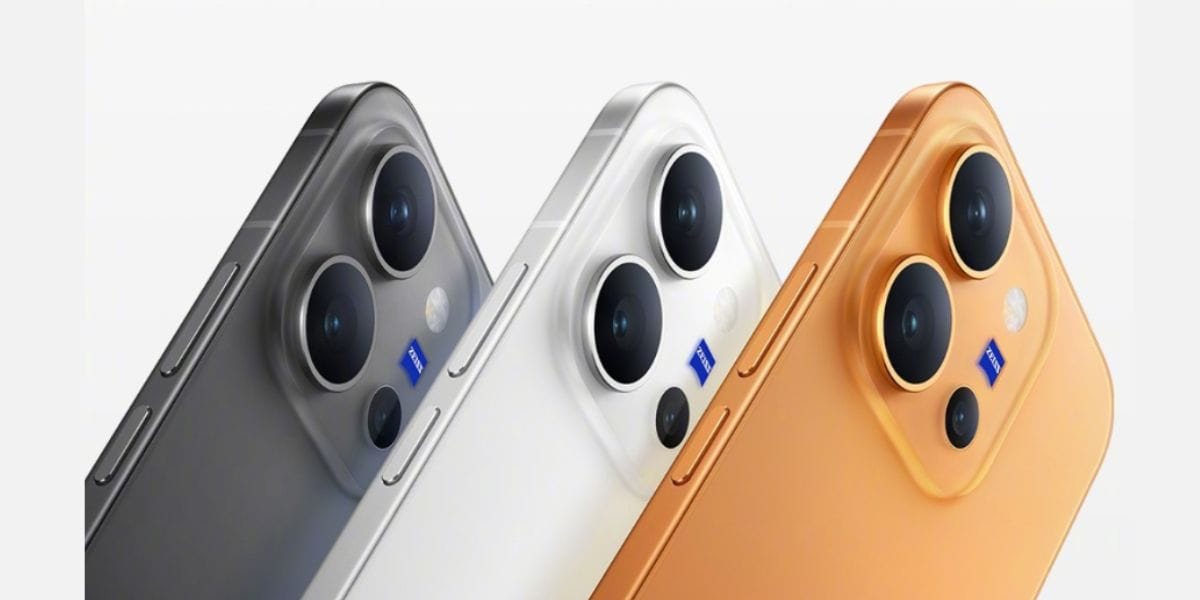
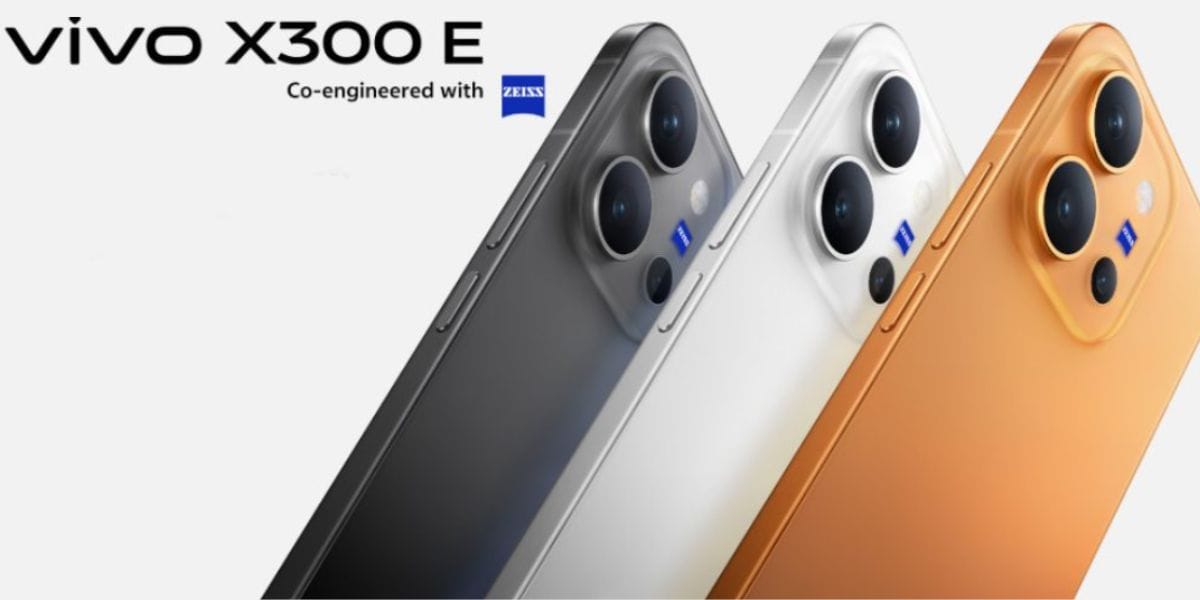
The Vivo X300 series is currently the best choice for camera lovers if you are seeking a phone from the Vivo brand. This series launched with some impeccable camera qualities and has impressed audiences worldwide, all thanks to the ZEISS photography technology paired with decent AI specs. So, if you have justbought the Vivo X300…
If you are an Airtel user and recently upgraded your phone or are planning to switch to a new device, you might be wondering how to transfer your Airtel eSIM from one phone to another. Don’t worry, this process is easier than it sounds. In this guide, I’ll walk you step by step through transferring…
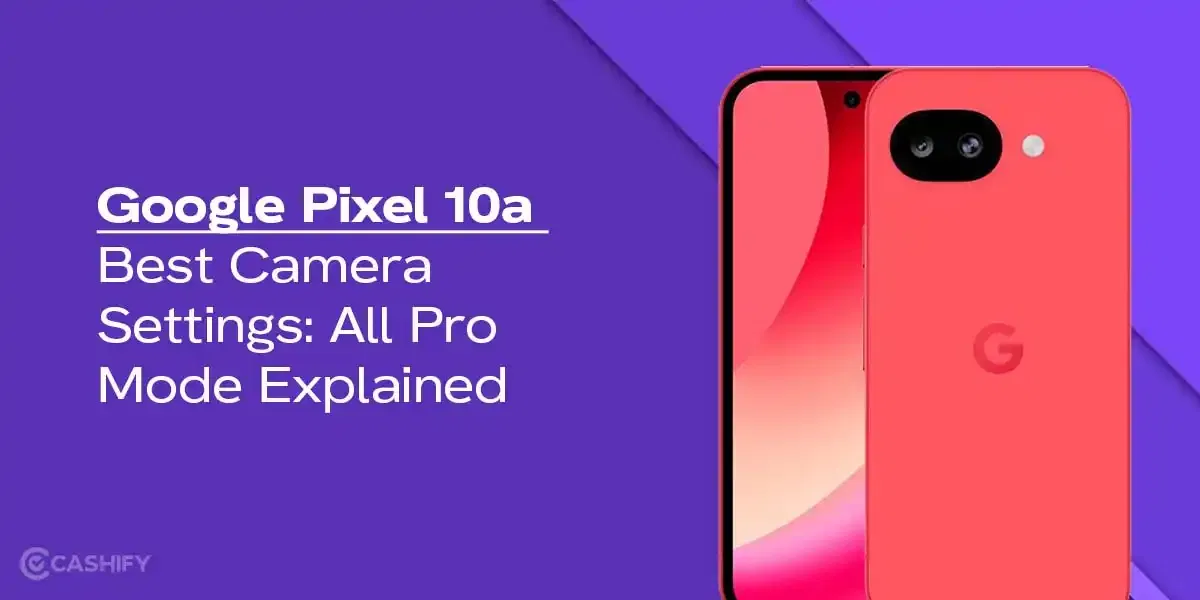
Google Pixel 10a has launched recently, and if you are on a hunt to grab a good camera phone with some ‘pixel-level’ photography specs, then this phone is surely worth buying. In this blog, we bring you the best Google Pixel 10a camera settings, explore all the pro modes, video recording, long exposure shots, and…
Camera settings are the most important factor in the final image. I’ve been an Apple iPhone 15 user for a long time, and I’ve explored every essential setting possible, and I’ve also achieved the best images possible. Today, I will explore the best camera settings for the iPhone 15, which you should consider for future…
If you use Snapchat regularly, you probably enjoy sharing moments through your Story- whether it’s a quick selfie, a fun outing, or something you just felt like posting at the moment. But sometimes, after posting, you might change your mind. Maybe you uploaded the wrong photo, shared something too personal, or simply want to keep…
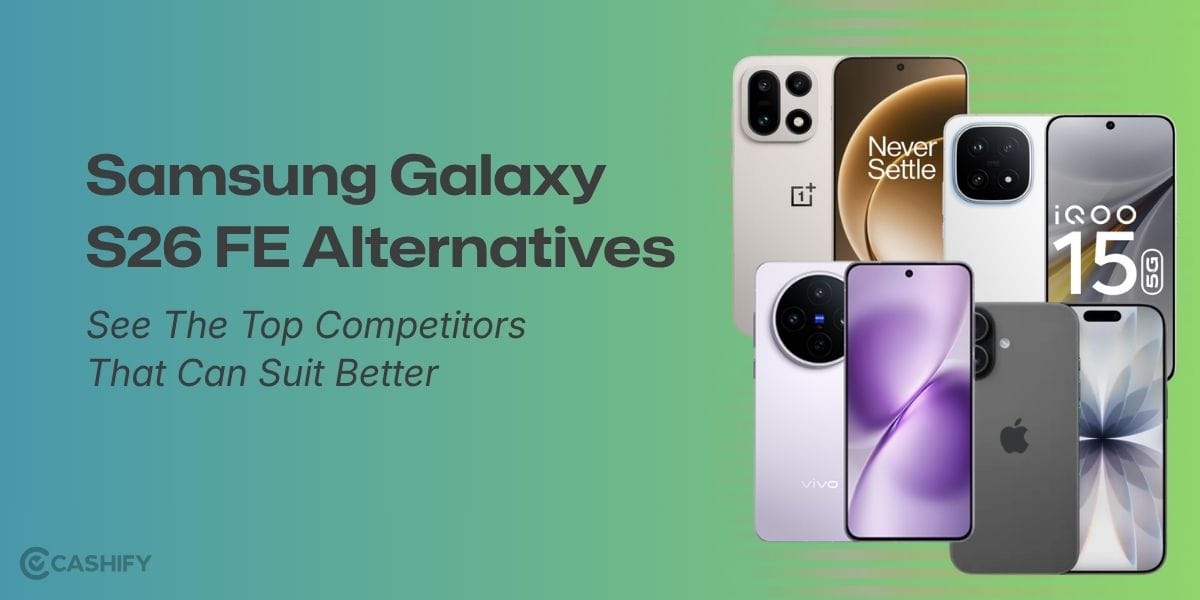
Check out this blog and explore the best Samsung Galaxy S26 FE alternatives, including the Galaxy S26, iPhone 17, iQOO 15, OnePlus 15, and Vivo X200T, and find the right pick for your needs.
Ready for the same BGMI action on smaller budget phones with a lighter load? Well, BGMI Lite is launching soon, bringing a similar BGMI experience in just under 1GB, suitable for light-grade smartphones. Dive into this article to know all about the BGMI Lite release date, specs, etc.
Found a phone camera blurry issue? Discover the possible hardware and software causes, quick troubleshooting steps, and when professional repair may be needed to restore clear, focused photos.