Plain Paper, HP Photo Papers, HP Matte Brochure or Professional Paper, HP Matte Presentation Paper, HP Glossy Brochure or Professional Paper, Other Photo Inkjet Papers, Other Matte Inkjet Papers, Other Glossy Inkjet Papers, Light/Recycled
Print Margin
-
Top/Bottom/Left/Right margin
Supported Media
-
60 g/m2
Interface
Yes
-
USB support
Yes
Yes
Ethernet Support
-
Yes
Duplex Printing
Yes
Yes
Max Print Resolution
5760,1440 dpi
-
Mobile Printing Capability
Yes
-
Print Photo
Yes
-
Print Speed, Black (Normal Quality Mode)
33 per min
9 per min
Print Speed, Color (Normal Quality Mode)
15 per min
15 per min
First Page Out (Black)
-
14 Seconds
Duty Cycle
-
5000 Pages
First Page Out (Color)
-
16 Seconds
Monthly Duty Cycle
-
5000 Pages
Print Resolution (Black)
-
1200,1200 dpi
Print Resolution (Color)
-
4800,1200 dpi
Recommended Monthly Print Volume
-
400,800 Pages
Copy Resolution
360,360 dpi
-
Maximum Copies
20 Pages
99 Pages
Reduction/Enlargement
25 to 400%
25 to 400%
Copier Resize
-
25400%
Bit Depth Colour
48 bit
24 bit
Maximum Scan Area
216,297 mm
216,297 mm
Scan to
Scan-to E-mail Fax Archive to E-mail
E-mail
Scan to USB
Yes
Yes
Scan Type
JPEG, TIFF, PDF, BMP, PNG
Single-sided
Scanner Type
Flatbed
Flatbed, ADF
Scan Resolution
-
12,001,200
Method
-
Contact Image Sensor (CIS)
Scan Features
-
JPG, TIFF, PDF, BMP, PNG, Front Panel Scan; Copy; Fax; HP Software; EWS
Sensor Type for Scan
-
Flatbed
TWAIN Compliant
-
Version 2.1
Consumption (Active)
12 Watt
-
Operating Humidity Range
20,80
15,80
Operating Temperature Range
10,40 Celsius
15,30 Celsius
Consumption (off)
0.3 Watt
0.1 Watt
Rated Frequency
50 HZ-60 HZ
50 HZ-60 HZ
Rated Voltage
100 V-240 V
100 V-240 V
Print Languages & Standard
ESC / P-R
HP PCL3 GUI
Operating System
Microsoft Windows 98SE, NT, 2000, XP, Vista or Windows 7, Windows 8/8.1/10, MAC OS, NetWare, UNIX or Linux
Windows 10, 7; macOS v10.14 Mojave, macOS v10.15 Catalina, macOS v11 Big Sur
Processor Speed
-
800 MHz
In The Box
Printer, Accessories, Power Cord, Warranty Card User Manual
Printer, Accessories, Power Cord, Warranty Card User Manual
Google has been creating Android which runs almost all the phones ever since Android publically came out into the market. However, after revolutionising the entire smartphone market, Google started creating its own smartphones and entered the flagship segment with the finest and refined variants from the brand in the Google Nexus Series. However, the series…
POCO emerged as a gaming-centric brand of Xiaomi. It got a lot of fame in a concise time interval, mostly due to the impressive packaging offered at a jaw-dropping price tag. Although the company started with just two smartphone models, it has expanded its smartphone portfolio to multiple devices. So, to get a deeper look…
The Chinese smartphone brand Huawei is one such company that have a lot of devices in its portfolio. However, the Huawei phone doesn’t currently run on Android OS, but their overall performance seems to be top-notch compared to other premium smartphones. Moreover, the company routinely adds new members to almost every other smartphone series it…
LG grew as one of the most innovative smartphone manufacturers in the market over the years. The company has introduced numerous devices offering the trendiest features that other manufacturers fail to deliver. As a result, their smartphone portfolio is continuously growing, and it is becoming difficult to keep track of all the smartphone launches. Hence,…
Motorola is one of the few brands that come into your mind when you think of stock Android smartphones. The company offers a decent range of smartphones that give a pure Android experience along with modern hardware. Motorola smartphone line-up is definitely vast, with the company catering budgets of almost all the users in the…
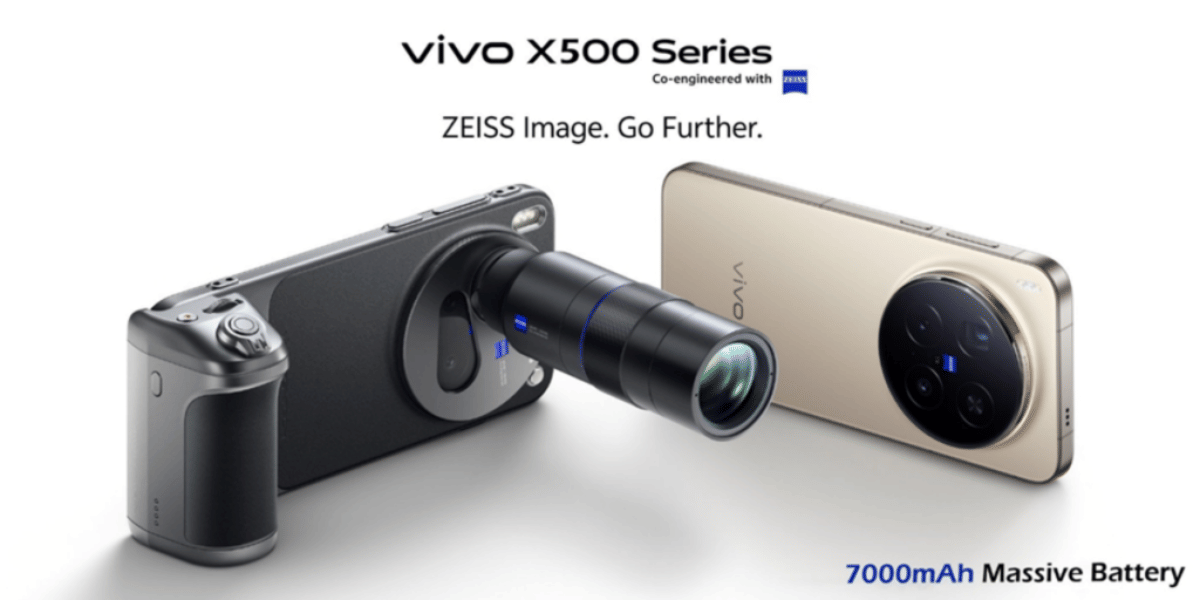
The Vivo X300 series is currently the best choice for camera lovers if you are seeking a phone from the Vivo brand. This series launched with some impeccable camera qualities and has impressed audiences worldwide, all thanks to the ZEISS photography technology paired with decent AI specs. So, if you have justbought the Vivo X300…
If you are an Airtel user and recently upgraded your phone or are planning to switch to a new device, you might be wondering how to transfer your Airtel eSIM from one phone to another. Don’t worry, this process is easier than it sounds. In this guide, I’ll walk you step by step through transferring…
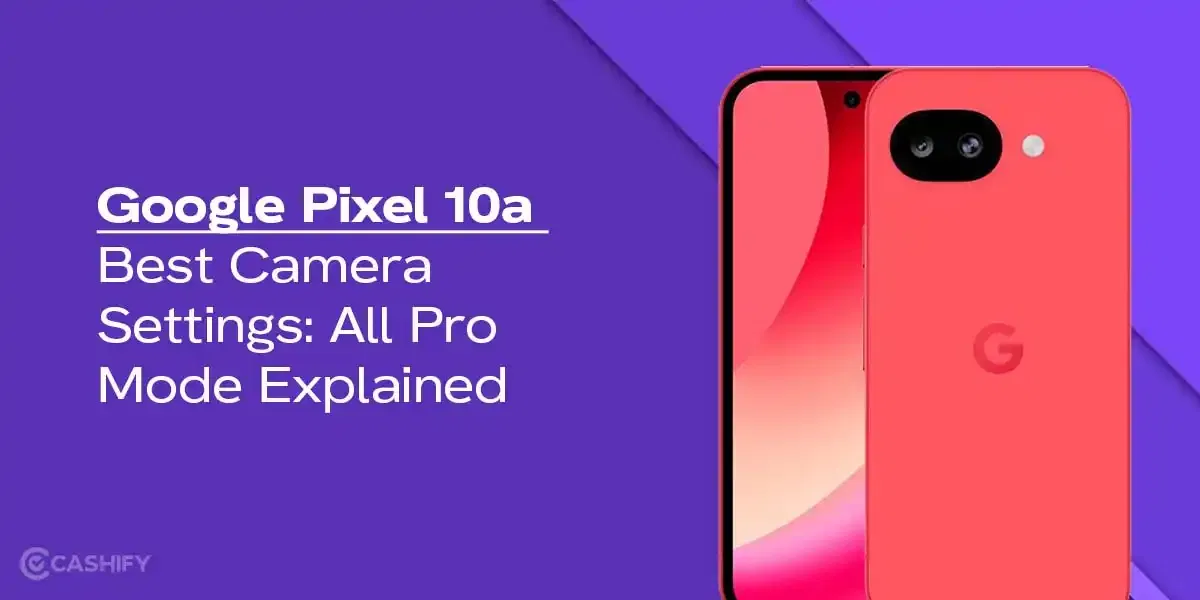
Google Pixel 10a has launched recently, and if you are on a hunt to grab a good camera phone with some ‘pixel-level’ photography specs, then this phone is surely worth buying. In this blog, we bring you the best Google Pixel 10a camera settings, explore all the pro modes, video recording, long exposure shots, and…
Camera settings are the most important factor in the final image. I’ve been an Apple iPhone 15 user for a long time, and I’ve explored every essential setting possible, and I’ve also achieved the best images possible. Today, I will explore the best camera settings for the iPhone 15, which you should consider for future…
If you use Snapchat regularly, you probably enjoy sharing moments through your Story- whether it’s a quick selfie, a fun outing, or something you just felt like posting at the moment. But sometimes, after posting, you might change your mind. Maybe you uploaded the wrong photo, shared something too personal, or simply want to keep…
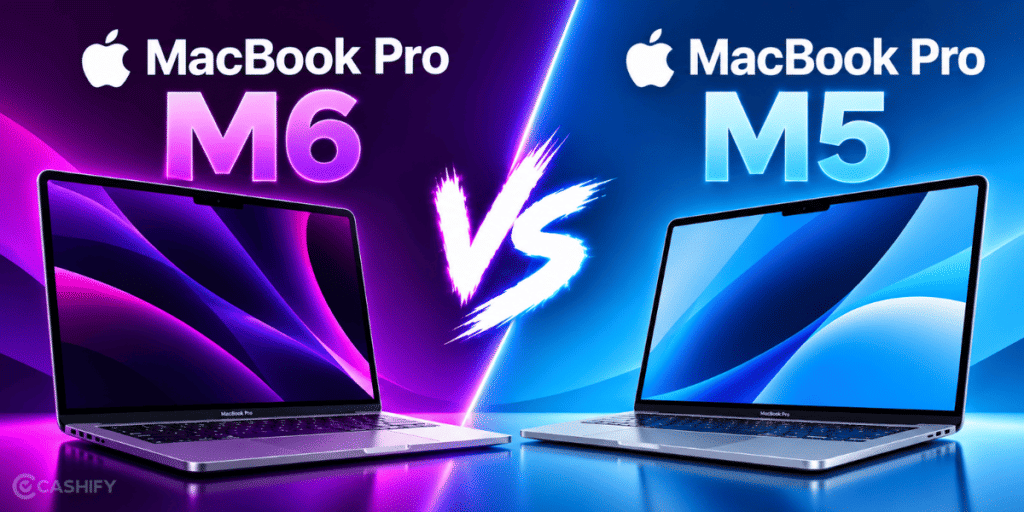
MacBook Pro M6: Is it the best-ever performance-centric laptop launched by Apple? Well, to find out, check out this article where we discuss all the key details of this laptop and tell you whether this laptop is worth it or not.
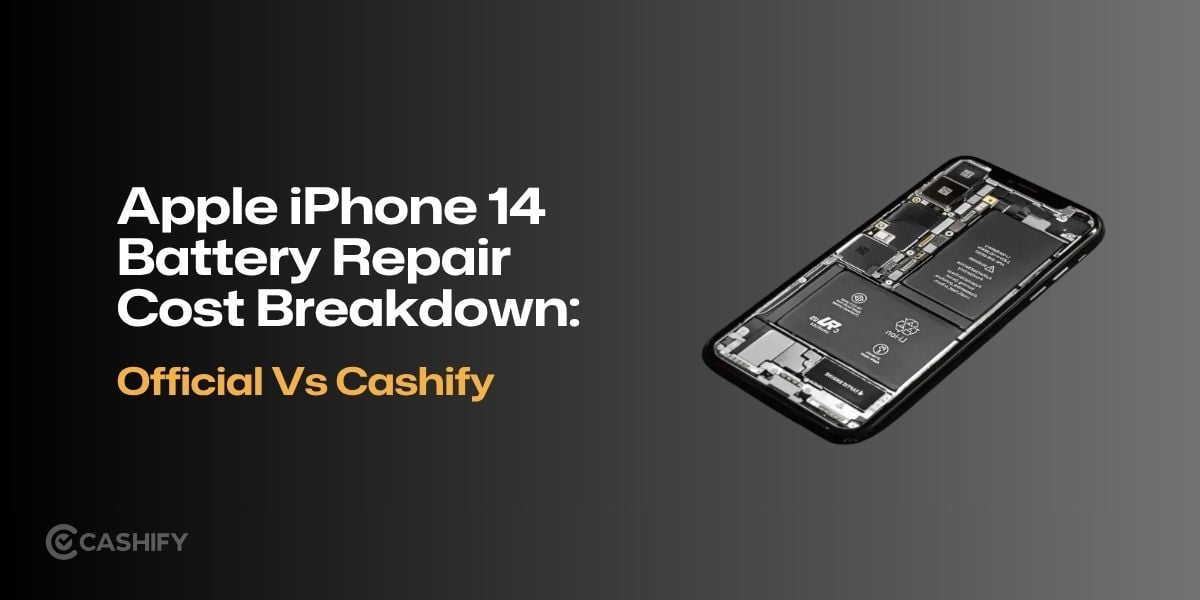
The Apple iPhone 14 battery repair cost varies between Apple and Cashify, with Cashify listed at a lower replacement price. Compare battery replacement prices, warranty coverage and repair options to choose the right service for your iPhone 14.
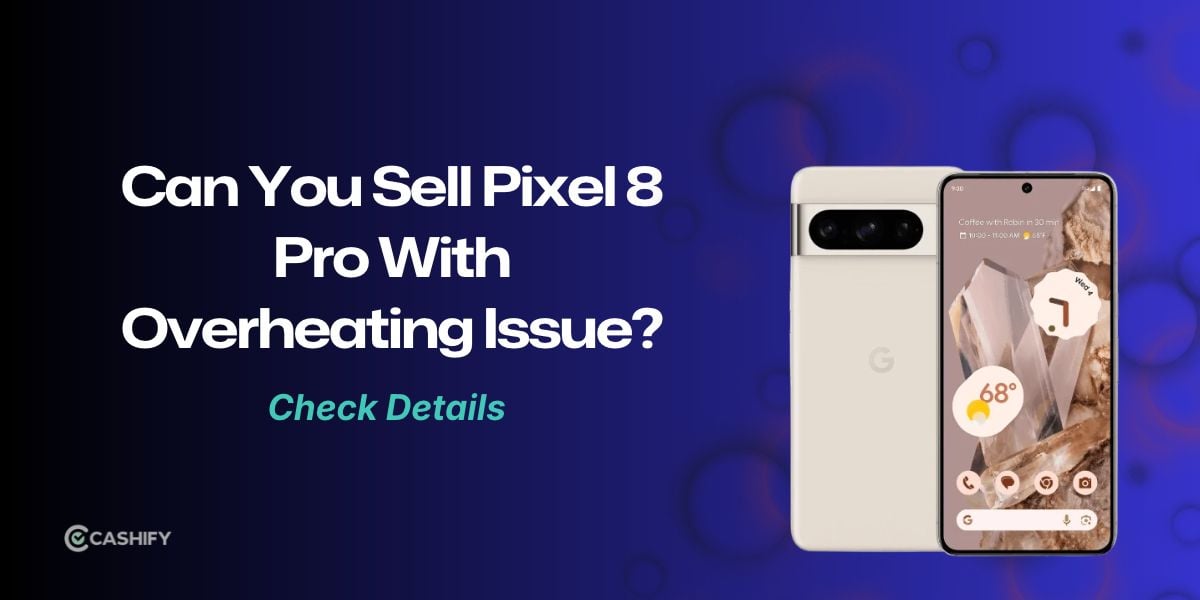
If your Pixel 8 Pro is overheating, read this blog to find out the quick fixes, whether you need to repair it or sell it. Also, find where to sell your Pixel 8 Pro in that case.
Wired earphones are making a comeback in 2026, especially with USB Type-C becoming the standard on modern devices. The Samsung AKG IC100, JBL Tune 310C, Sennheiser CX 80U, and Marshall Mode offer options across different price ranges. The Samsung AKG IC100 is my top pick for its sound quality, comfort, and built-in DAC.