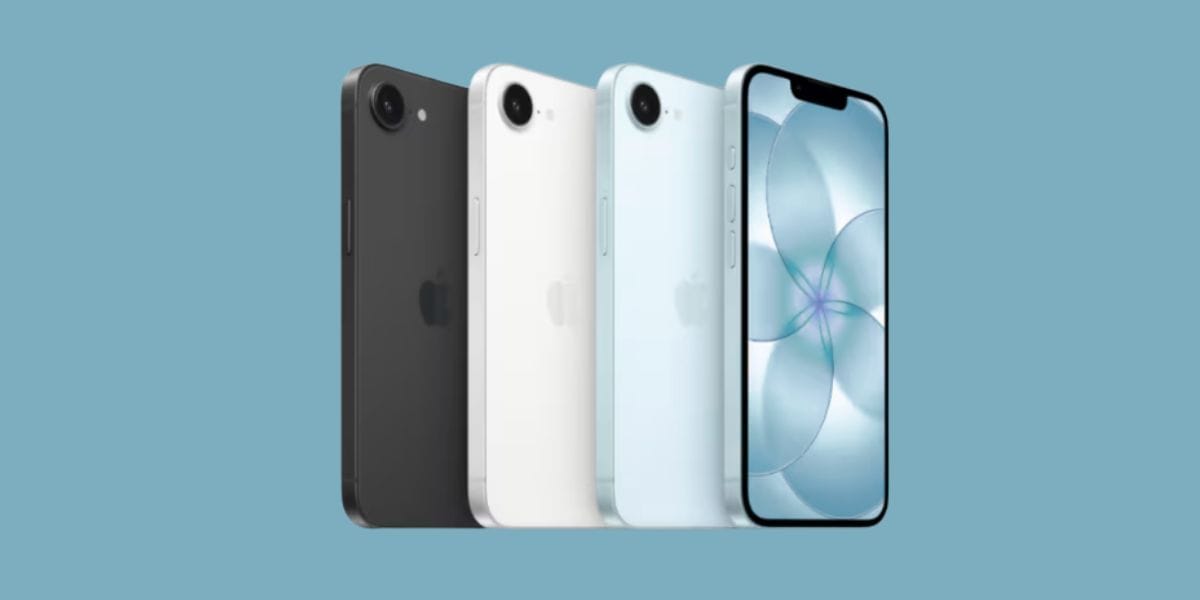
Google Pixel 10a has launched recently, and if you are on a hunt to grab a good camera phone with some ‘pixel-level’ photography specs, then this phone is surely worth buying. In this blog, we bring you the best Google Pixel 10a camera settings, explore all the pro modes, video recording, long exposure shots, and more such amazing explanatory settings inside your camera, which will help you take the best pictures. So, without further ado, let us begin and show you the best camera settings for the Pixel 10a.
Also Read: Best Google Gemini AI Photo Editing Prompts
Google Pixel 10a Camera Highlights: See What Shines Out?
The Google Pixel 10a got its due as the budget-friendly flagship. However, with not much as an ‘Upgrade’ to offer, people started to doubt its performance, value for money and started to predict that the Pixel 9a is a better choice.
However, if you talk about camera specs, the Google Pixel 10a comes up as a surprisingly impressive phone. No matter if the features are the same as the Pixel 9a, but with newer flagship specs, more AI features, and more Camera-specific features, the Pixel 10a shines bright.
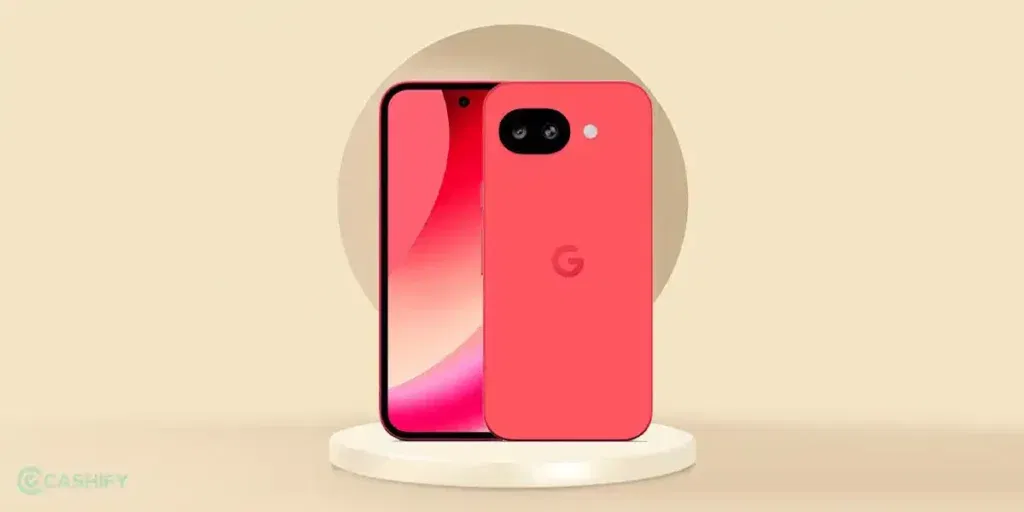
Pixel 10a’s AI specs and camera settings shine out, making it a highlight camera choice. Especially, if you talk of its price tag, which is 50K, then at the 50K price point, the Pixel 10a is the best camera phone.
So, before we move towards the best Google Pixel 10a camera settings, let us explore all the details and camera modes of this phone.
Also Read: Google Pixel 10a vs iPhone 17 Camera Comparison: Which Is Better?
Google Pixel 10a Camera Details
| Modes | Resolution Details | Key Features |
| Main Camera | 48 MP Wide (f/1.7) | OIS, Quad PD, 4K/60fps video |
| Ultrawide | 13 MP (120° FoV) | Landscape shots, Macro Focus |
| Portrait | 48 MP Main | AI bokeh, adjustable depth |
| Night Sight | 48 MP Main | Astrophotography, low-light |
| Selfie | 13 MP (f/2.2) | 96.1° FoV, 4K video |
| Zoom | Up to 8x (AI) | Super Res Zoom (Digital) |
| Add Me | Main + Ultrawide | Group shots with the photographer |
So, now, it’s time for the Best Google Pixel 10a Camera Settings. So here are the best ways and settings to get yourself the most amazing shots. Let’s begin.
Best Google Pixel 10a Camera Settings
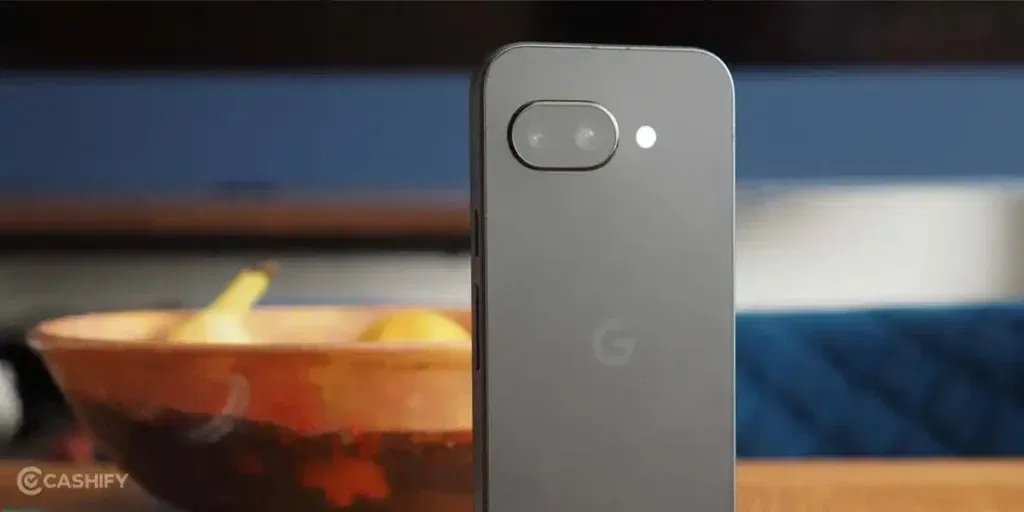
Here are the best camera settings for Pixel 10a:
Set Manual Focus On
Use manual focus settings if you are a street photographer or wildlife photographer. Google’s autofocus is good, but in crowded places or for more precise shots, you should always prefer manual focus mode.
Increase Brightness During Daylight Shots
Pixel 10a’s normal camera mode is slightly on the low-brightness side; however, it processes to normal lighting and exposure after clicking.
But still, if you want to click a better saturated or a brighter shot like iPhone, increase brightness by clicking in the centre and increasing the sunlight line, and it will be one of the best camera settings for Pixel 10a. For better light settings, here is a detail on white balance.
Keep White balance around 5300K
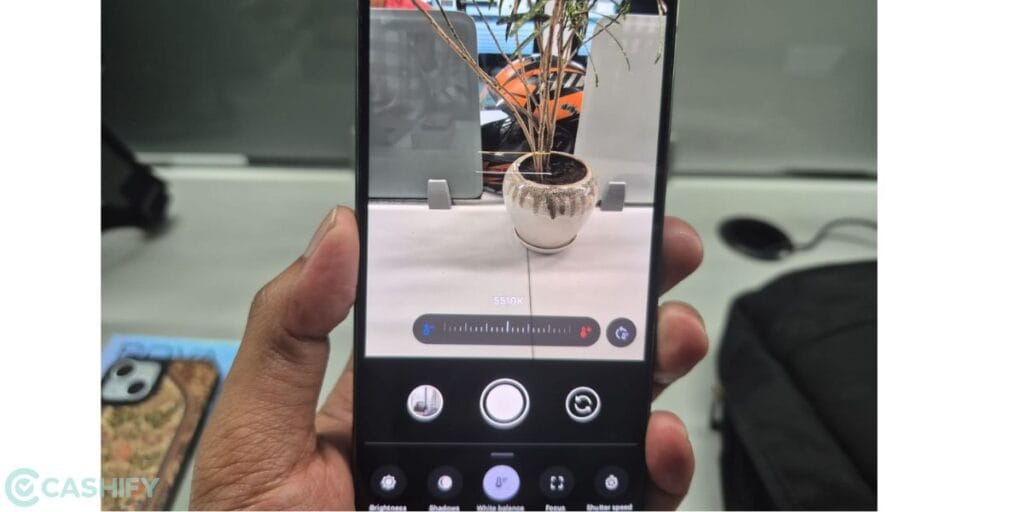
To get neutral colour-based clicks and photos that look healthier in terms of lighting, effects, and colour ratio, keep the white balance settings around 5200 or 5300K.
Also Read: Best Camera Settings For Motorola Signature: All Modes Explained
Use UltraHDR Mode For Daylight Shots And Night Sight For Low-Light Shots
If you are a normal camera user, don’t want to try on much modes, and do less with your phone’s camera, then the Ultra HDR mode and Night Sight mode are the best Google Pixel 10a camera settings for you. Use HDR for daylight clear shots, and use Night Sight mode for low-light shots; that’s the best way for you to get low-effort yet great captures.
Use Long Exposure Shot Mode For Street Photography
If you are doing outdoor photography, street photography, or taking a picture in a crowded market, then you can try the specific ‘Long-exposure’ mode on your Pixel 10a’s camera. This gets blurry moving shots, fast metro captures, and gets good, filmy pictures in crowded areas.
Use Camera Coach
The Google Pixel 10a also comes with a ‘camera coach’ mode, which is an AI mode that will literally tell you if you should move closer, tilt the phone for a better angle, or if you’re blocking the light.
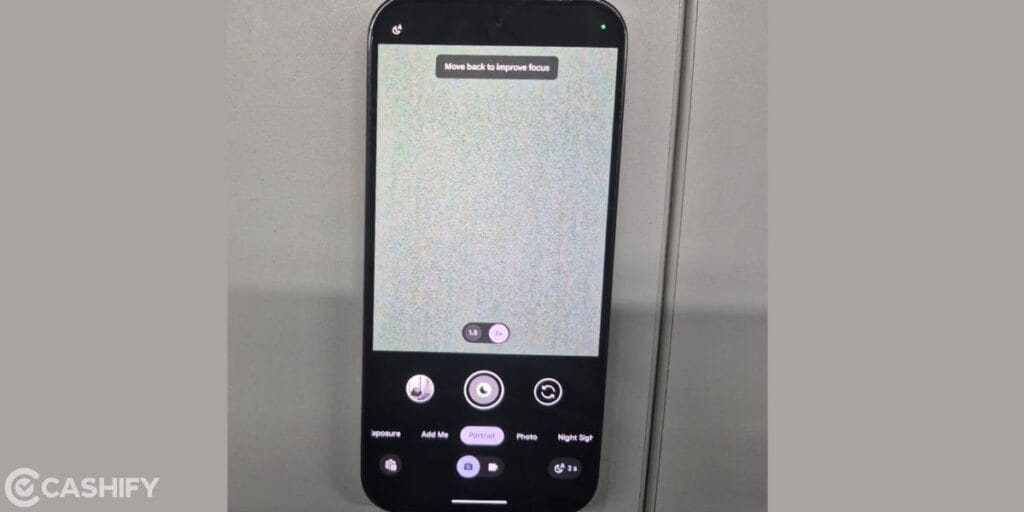
Use this mode for better shots if you are a noob and do not know how to use your camera very well. Even professional photographers can use this, as it won’t do any harm but will surely do better. In terms of AI features, this is the best Google Pixel 10a camera settings.
Also Read: Best camera settings for Realme 16 Pro Plus
Apps That Can Enhance Your Best Google Pixel 10a Camera Settings
Here are some of the photo-editing apps and video-editing apps that can be the best choice if you wish to edit photos, give your photos an aesthetic touch-up, or want to edit your videos in a professional way:
- Adobe Lightroom Mobile.
- Snapseed.
- VN Editor.
- VSCO.
- Canva.
End Note
Wrapping up, the Google Pixel 10a proves that you don’t need a “Pro” price tag to achieve flagship-level photography. By mastering manual focus, leveraging the AI-powered Camera Coach, and making the best of this phone’s advanced processing, you can capture stunning, professional-grade shots with ease. So, use the best Google Pixel 10a camera settings, and enjoy pro-level photography for your phone.
Also Read: Android 17 Beta New Features And Release Date: All Details Here
If you’ve just bought a new phone and don’t know what to do with your old phone, then here’s your answer. Sell old mobile to Cashify and get the best price for it. If you are planning to buy a new phone, check out Cashify’s refurbished mobile phones. You can get your favourite phone at almost half price with Six-month warranty, 15 days refund and free delivery.