iPad Pro 11-inch (3rd generation) Price in India and Variants
iPad Pro 11-inch (3rd generation) starts at Rs. 71,900 for the 128GB Wi-Fi-only model. This price is based on the Flipkart listing for the newer model. If you want to buy a refurbished iPad to save money, then buy it from Cashify at 48,899 rupees in Superb condition.
The 128GB, 256GB, and 512GB storage variants have 8GB of RAM, while the 1TB and 2TB variants have 16GB available at different prices. The cellular (5G) models cost an additional Rs. 14,000 over the Wi-Fi models, across all storage variants.
Also Read: Redmi Turbo 5 Review: Redmi’s Best All-Rounder Yet?
iPad Pro 11-inch (3rd generation) Box Contents
The iPad Pro 11-inch (3rd generation) packs the following items inside the box:
- Phone
- Type-C cable
- SIM ejector tool In SIM card supported model
- Documentation
iPad Pro 11-inch (3rd generation) Specs at a glance
Before we talk in detail about the iPad Pro 11-inch (3rd generation), let’s see what the on-paper specs look like:
- Display: 11 inches Liquid Retina IPS LCD screen
- Chipset: Apple M1
- RAM & ROM: 128GB 8GB RAM, 256GB 8GB RAM, 512GB 8GB RAM, 1TB 16GB RAM, 2TB 16GB RAM
- Software: iPadOS 14.5.1, upgradable to iPadOS 26.5
- Rear camera: 12MP, 10MP
- Selfie camera: 12MP
- Battery: 7538 mAh
- Weight: 466 grams
- Dimensions: 247.6 x 178.5 x 5.9 mm
iPad Pro 11-inch (3rd generation) Design and Build
The iPad Pro 11-inch (3rd generation) follows Apple’s familiar design language and looks almost identical to the iPad Pro (2020) and even the much newer M5-powered iPad Pro. The 11-inch model retains the same dimensions and slim profile as its predecessor but is slightly lighter, weighing 466g (Wi-Fi) and 468g (5G).
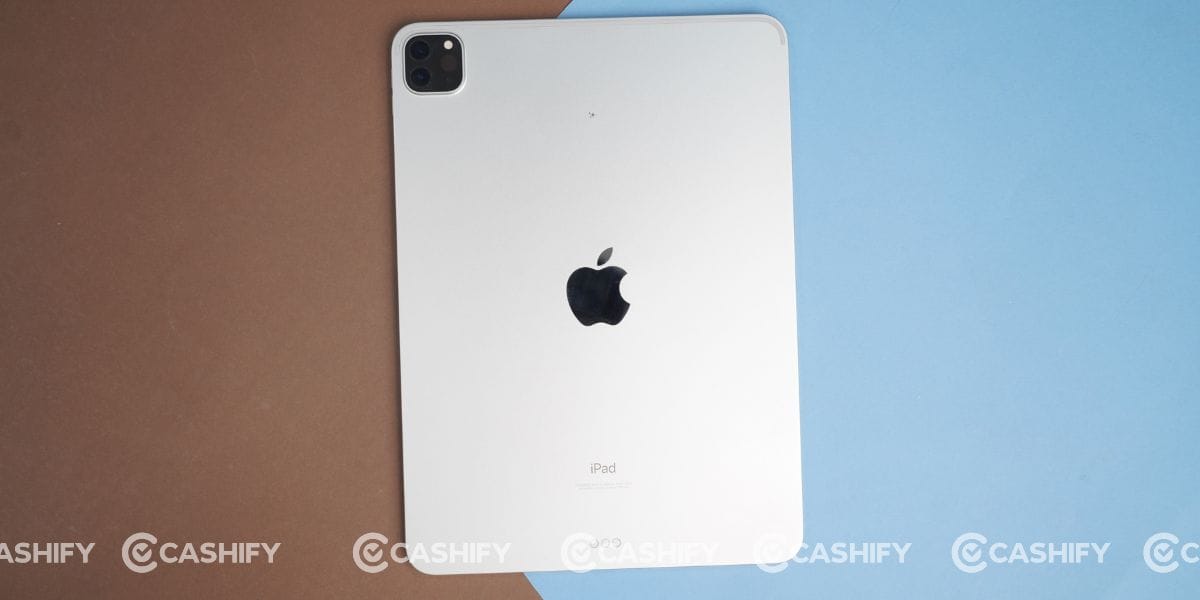
It features a premium matte aluminium chassis that feels solid and comfortable in hand. The flat edges house the antenna bands, while the 5G variant also gets a small pill-shaped antenna cutout on the right side.
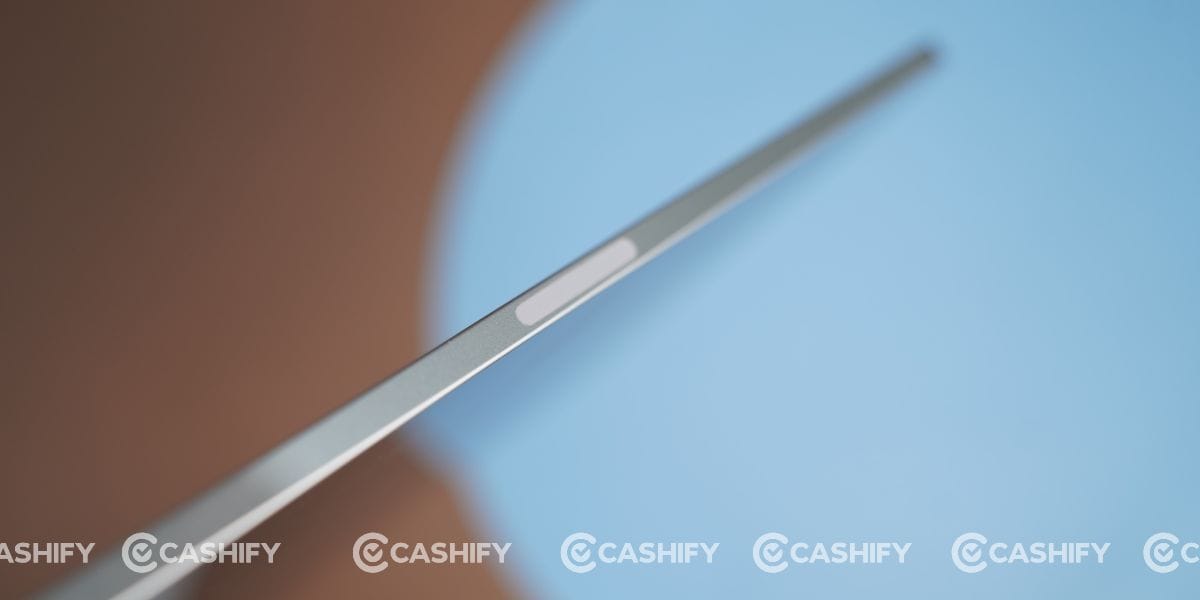
One thing I really liked during my long-term use is that the matte finish does an excellent job of resisting fingerprints, keeping the tablet looking clean even after hours of use. Like every Apple product, the rounded corners and precision-built frame give it a premium feel.
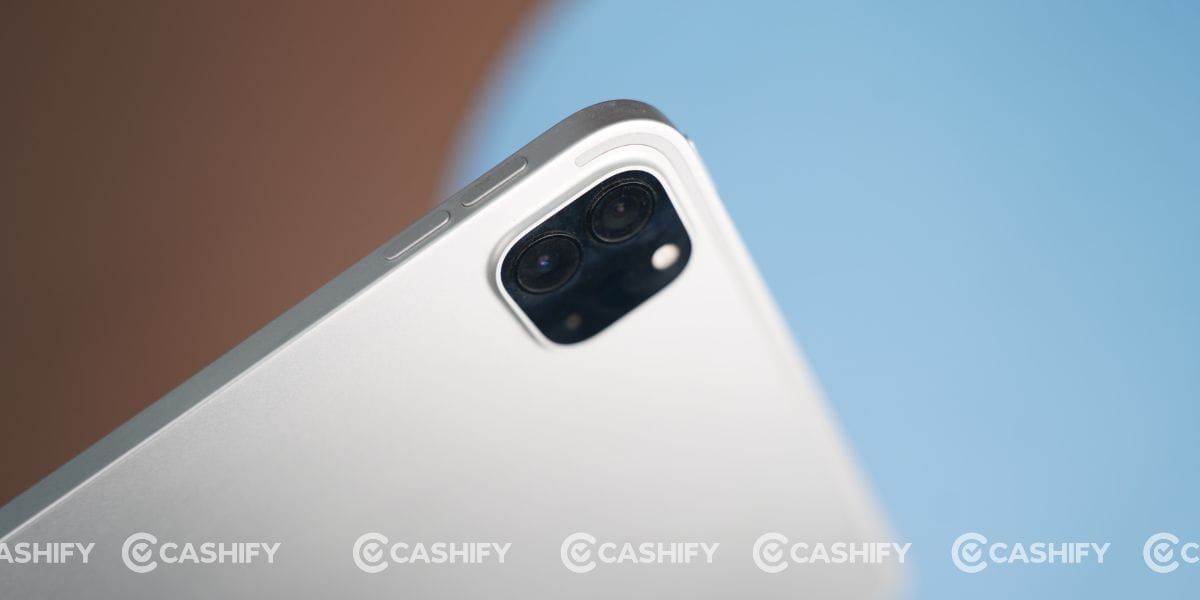
At just 5.9mm thick, the iPad Pro is incredibly easy to hold for long periods. Whether I was walking around the office, taking notes, working, or watching movies, its lightweight design never felt tiring.
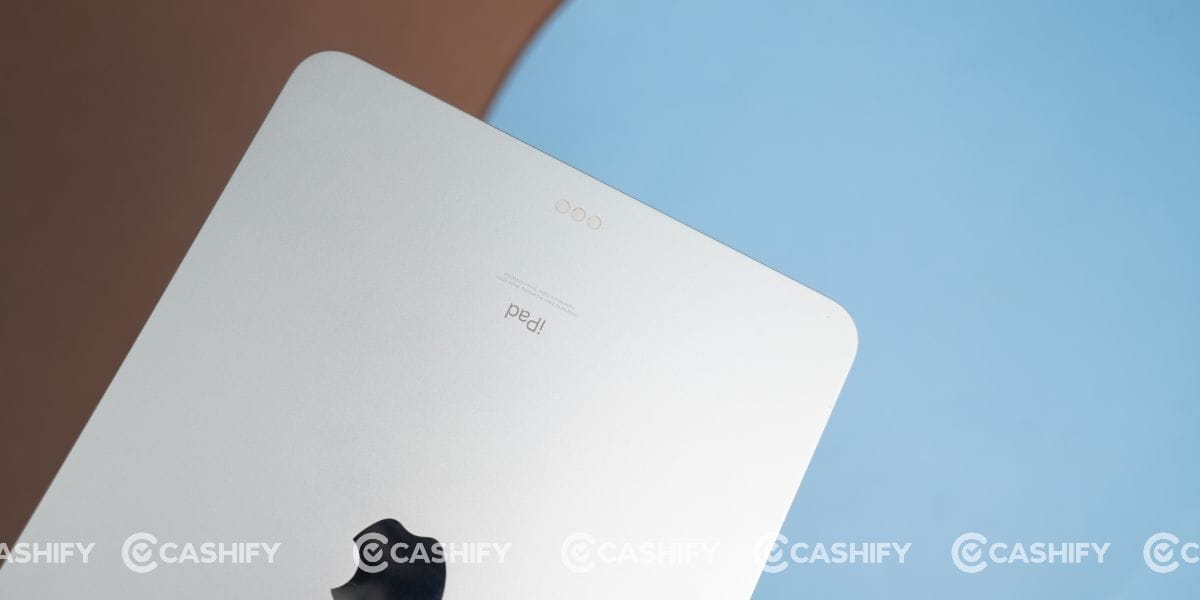
In fact, throughout my iPad Pro 11-inch (3rd generation) long-term review, I mostly used it without a case because the aluminium back provided enough grip and never felt slippery in everyday use.
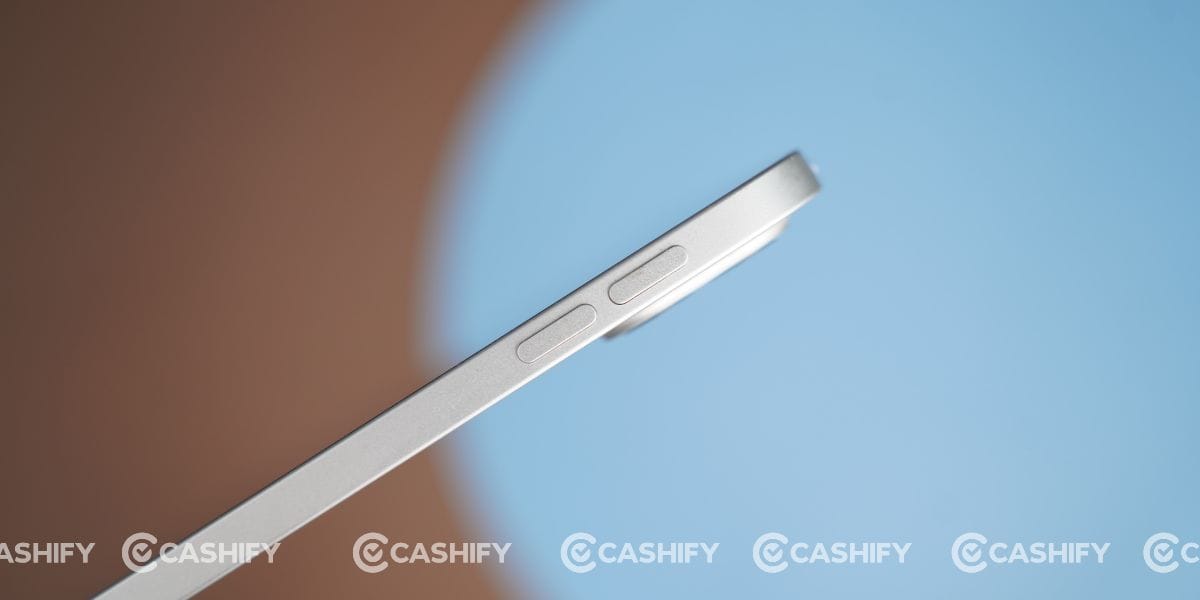
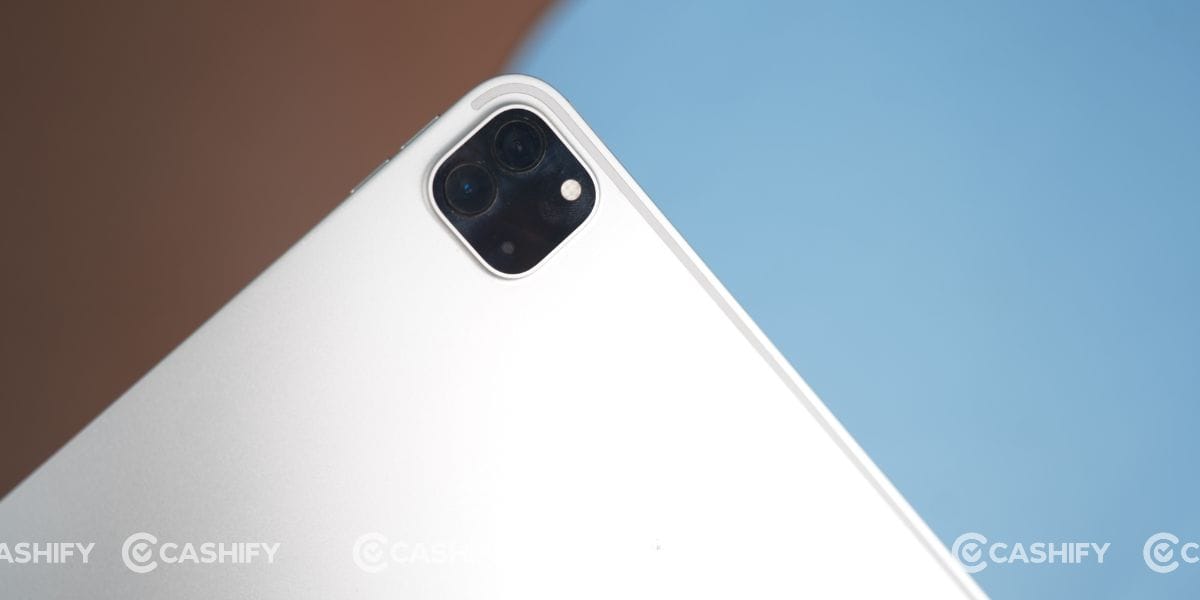
Coming to the ports and button placement, the rear houses a dual-camera module in the top-left corner along with the iconic Apple logo at the centre. At the bottom, you’ll find Apple’s Smart Connector with three contact pins for accessories such as the Magic Keyboard.
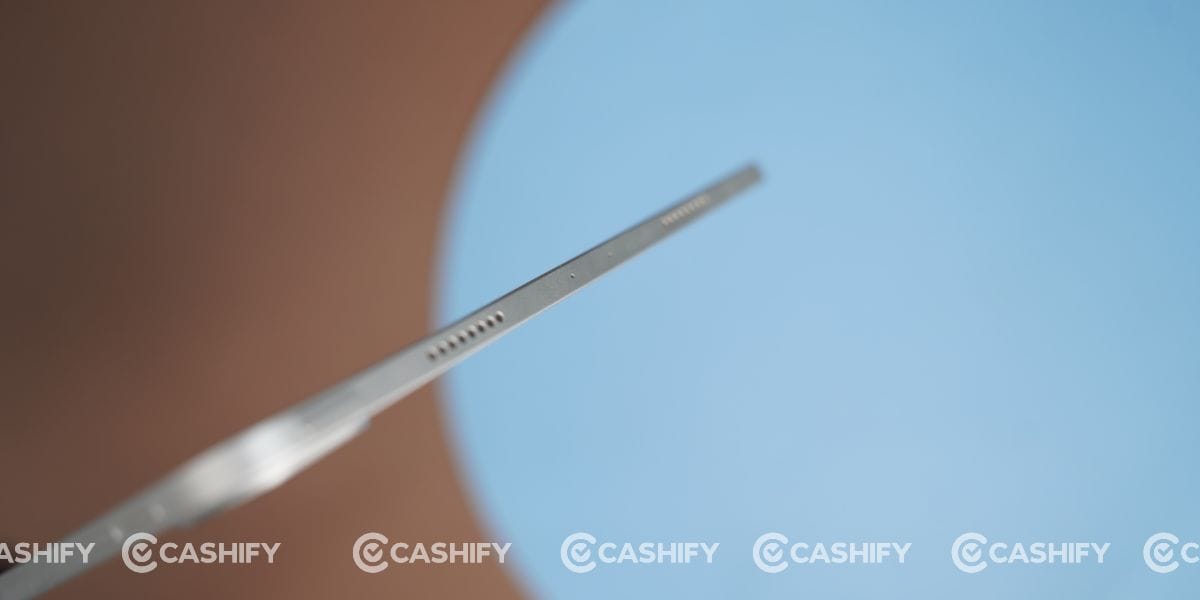
The top edge features the power button, dual microphones, and two speaker grilles, while the volume buttons are positioned on the right side.
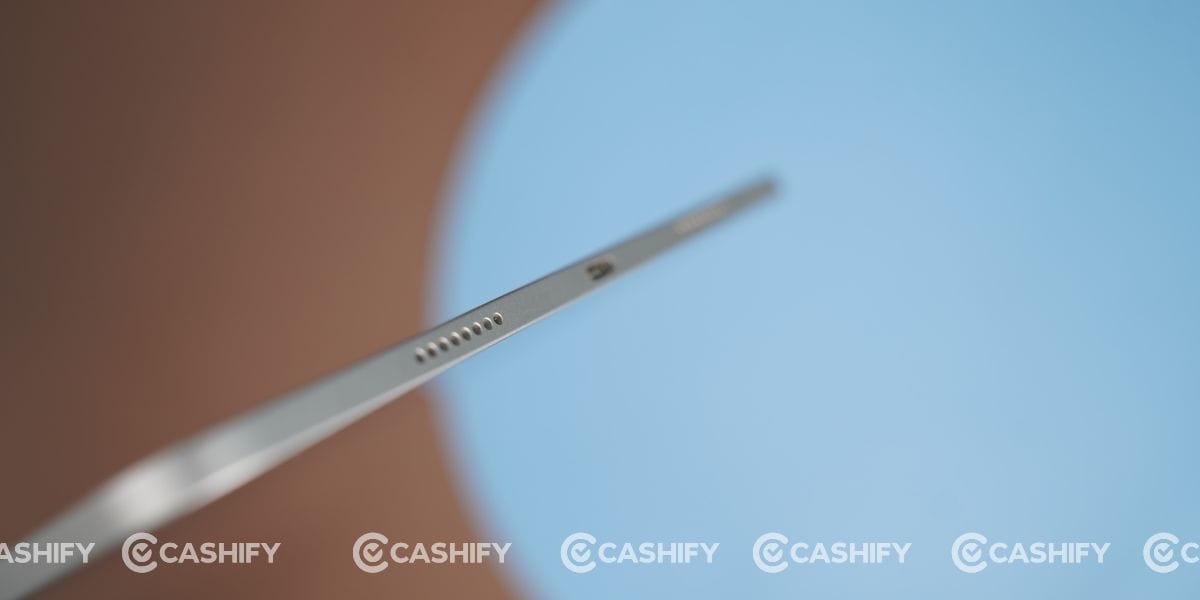
At the bottom, there are another two speakers alongside a Thunderbolt/USB 4 Type-C port that supports data transfer speeds of up to 40Gbps, making it ideal for connecting external SSDs, cameras, docks, and other high-speed accessories. This thoughtful port selection makes the iPad Pro far more versatile than most tablets available even today.
iPad Pro 11-inch (3rd generation) Camera
If you’re expecting smartphone-level photography, then this isn’t the tablet for that. However, during my iPad Pro 11-inch (3rd generation) long-term review, I realised that Apple has focused on making the cameras practical rather than flashy.
Most of my camera usage involved Google Meet video calls and scanning documents. In both situations, the iPad performed exceptionally well. The 12MP Ultra Wide front camera produces clear video with natural skin tones and good dynamic range under indoor lighting. Voices also remained clear thanks to the quality microphones, making online meetings much more comfortable.

The rear camera is equally useful for everyday tasks. I frequently scanned books and documents, and the output remained sharp enough for sharing or saving digitally. The autofocus is quick, while image processing keeps text readable without much effort.
That said, don’t buy this iPad expecting flagship smartphone photography. Photos from the rear camera are decent but lack the flexibility and image quality you’ll find on modern iPhones.

Instead, think of it as a productivity-focused camera system that’s built for video calls, document scanning, online classes, and office work. For those purposes, it still ranks among the best cameras available on any tablet today.
iPad Pro 11-inch (3rd generation) Battery and Charging
Battery life continues to be another strong reason to recommend this tablet in my iPad Pro 11-inch (3rd generation) long-term review. Apple claims up to 10 hours of web browsing or video playback, and my experience was almost identical during long-term usage.
While browsing the web over Wi-Fi, using Google Docs, watching YouTube, or streaming Netflix, I consistently managed close to 10 hours of screen time. During BGMI gaming sessions, battery life naturally dropped to around seven hours, which is still impressive considering the level of performance the M1 chip delivers.
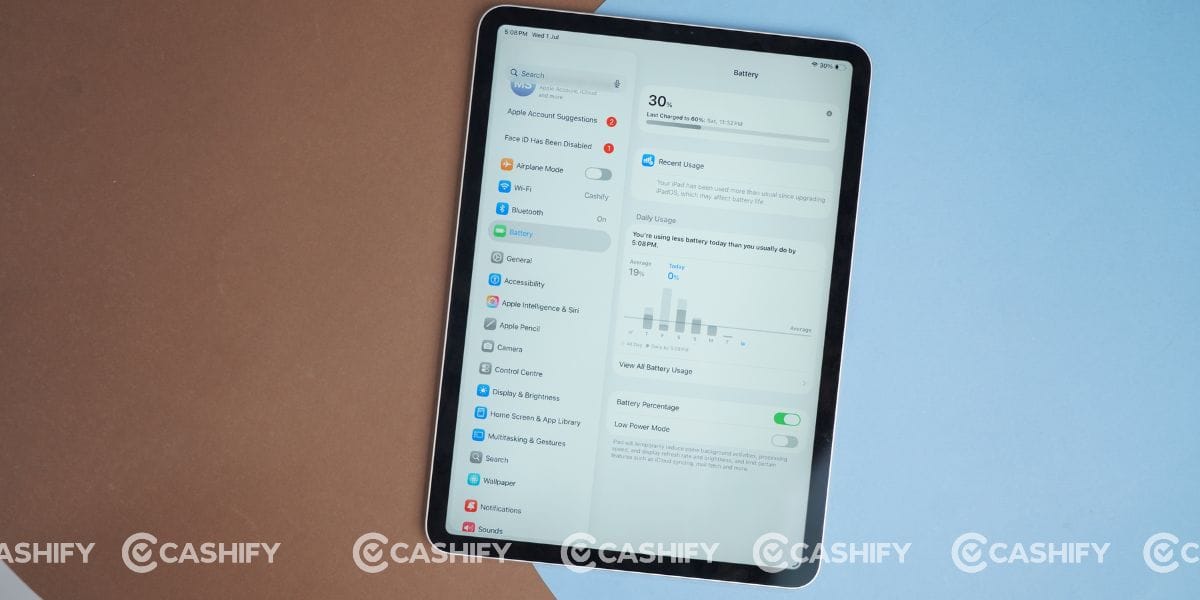
With my regular usage, the tablet easily lasted nearly two days before I had to plug it in. That meant I never had battery anxiety during office work, meetings, or traveling.
I already had an Apple 20W charger, which I bought for my Apple iPhone 15. It takes about 2 hours to fully charge the iPad, which feels slightly slow by today’s fast-charging standards. However, because the battery backup is so reliable, I rarely found myself needing a quick top-up during the day.
Overall, the battery experience remains dependable even in 2026. Unless you’re gaming continuously or editing heavy files for hours, the iPad Pro comfortably lasts through an entire workday without any concerns.
iPad Pro 11-inch (3rd generation) Display
The display is undoubtedly one of the biggest highlights of this iPad Pro 11-inch (3rd generation) long-term review. Even after several years, the 11-inch Liquid Retina display still feels premium. It features a 2388 x 1668 resolution, a 120Hz ProMotion refresh rate, True Tone, and up to 600 nits of brightness.
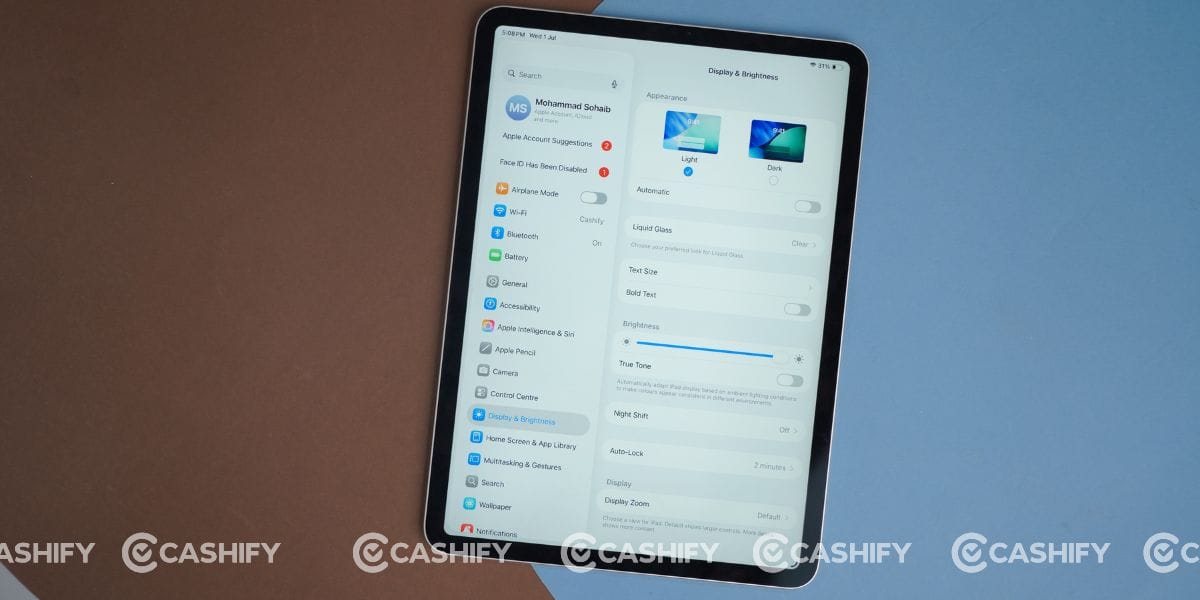
While it doesn’t get the latest Tandem OLED panel found on newer iPad Pro models, I never felt the LCD panel was outdated during my daily usage.
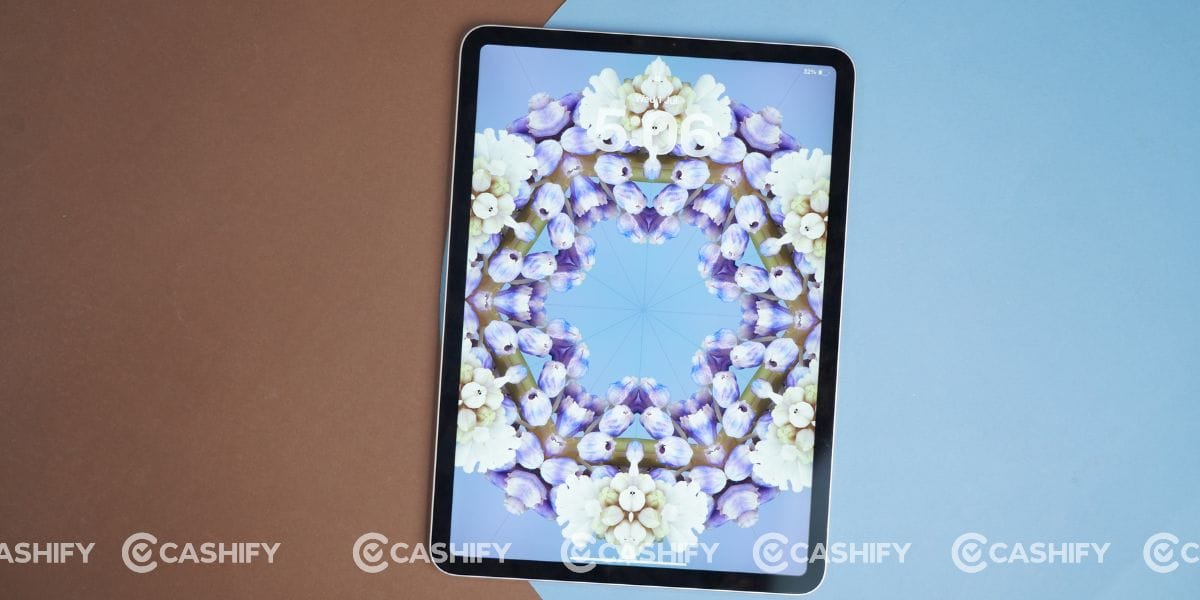
I spent most of my time browsing Chrome and Safari, reading documents on Google Docs, watching YouTube, and streaming movies on Netflix. The display delivered vibrant colours, excellent viewing angles, and sharp text throughout. Thanks to the 120Hz refresh rate, scrolling feels buttery smooth, whether you’re reading websites or switching between apps. Moreover, the thin bezels make the experience even more immersive.
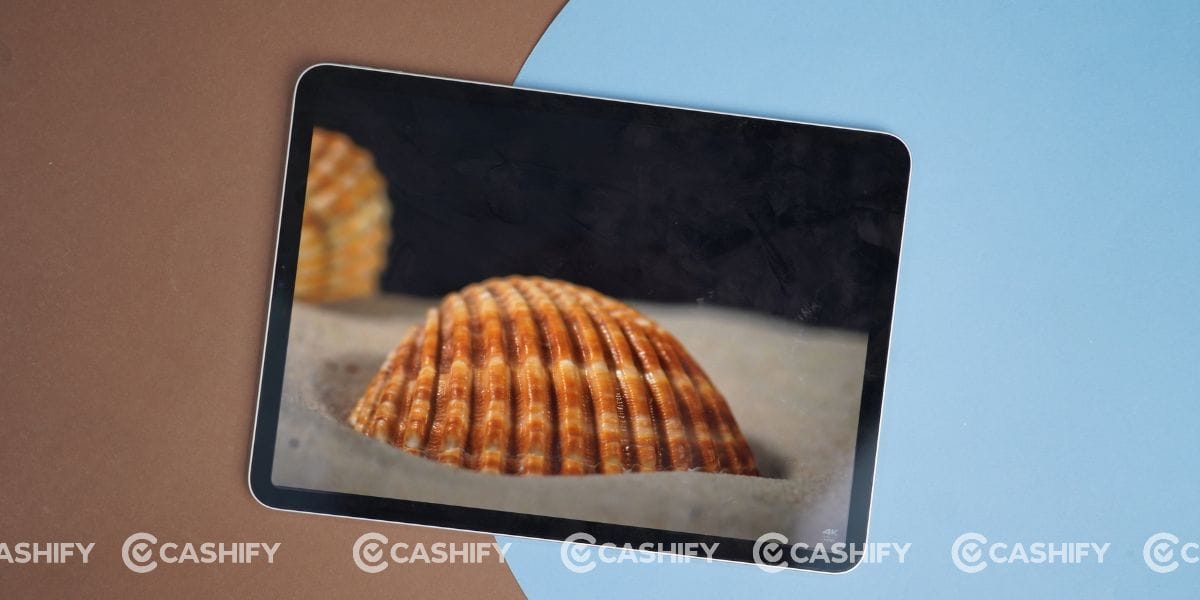
Outdoor visibility is also impressive. I never struggled to read emails or browse the web under daylight. During long working sessions, the True Tone feature automatically adjusted the colour temperature, making the screen more comfortable for my eyes.
Of course, if you compare it with the latest OLED-equipped iPad Pro, you’ll notice deeper blacks and better HDR performance on the newer model. However, for everyday productivity, entertainment, online meetings, and casual content consumption, this display still performs exceptionally well. Even in 2026, I don’t think most users will complain about the viewing experience.
iPad Pro 11-inch (3rd generation) Performance
Performance is where this iPad Pro 11-inch (3rd generation) long-term review truly surprised me. Despite being powered by Apple’s M1 chip, which launched years ago, the tablet still feels incredibly fast in 2026. Throughout my usage, I never noticed lag, frame drops, or app crashes.
My daily routine included Chrome, Safari, Google Docs, YouTube, Netflix, and frequent multitasking between multiple applications. Everything opened instantly, while switching between apps remained smooth. I also played BGMI for extended sessions. The game ran flawlessly with stable frame rates, and more importantly, I never experienced noticeable heating.
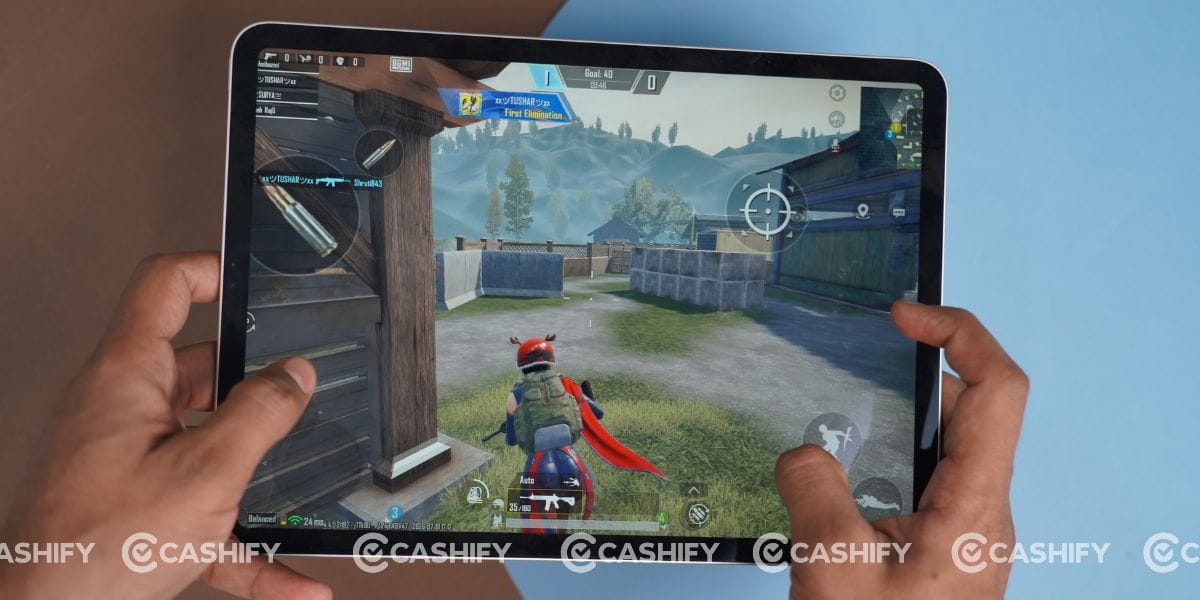
The M1 chip continues to offer more power than most users actually need. Even after years of software updates, the tablet never felt slow. App loading times remain quick, animations stay smooth, and multitasking feels effortless.
The only limitation I noticed wasn’t the processor; it was the storage. My review unit had 128GB storage, and as an Apple iPhone 15 user with the same storage, I’ve already faced storage issues multiple times. I believe the same will happen here if you plan to keep this iPad for several years. Large games, offline movies, and files can quickly fill the storage. If your budget allows, I’d strongly recommend considering the 256GB variant for better long-term usability.
iPad Pro 11-inch (3rd generation) Software and UI
The iPad Pro 11-inch (3rd generation) long-term review wouldn’t be complete without talking about software. My review unit is currently running iPadOS 26.5, and even after years of updates, the overall experience remains smooth and polished.
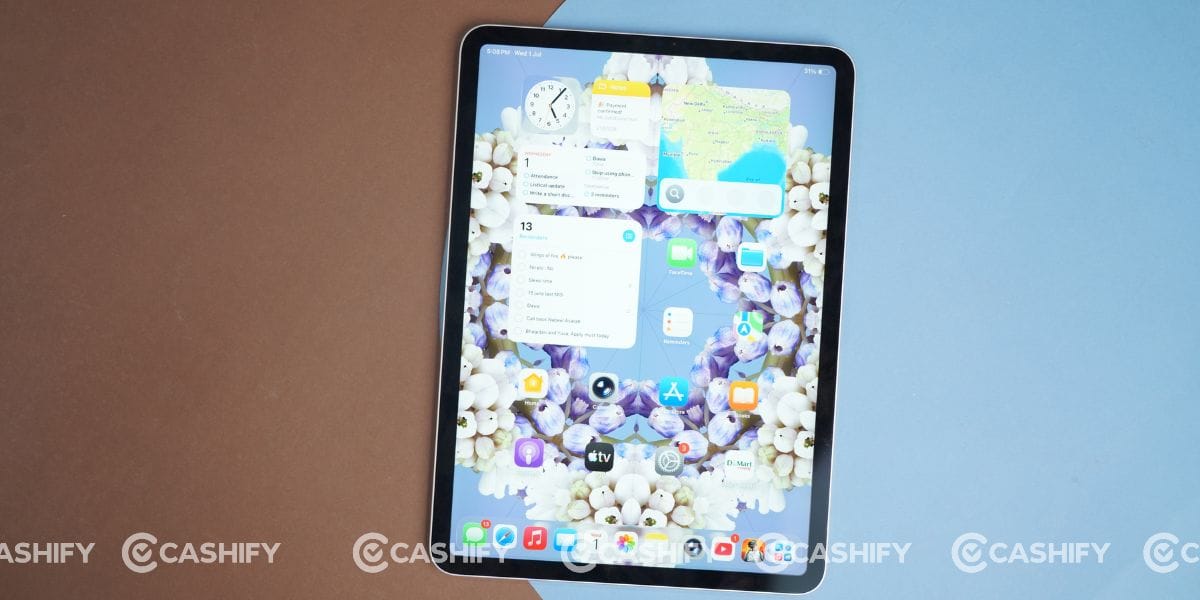
Apple’s software optimisation is one of the biggest reasons this iPad still feels modern. Opening apps, switching between multiple windows, browsing the web, and editing documents all happen without delays.
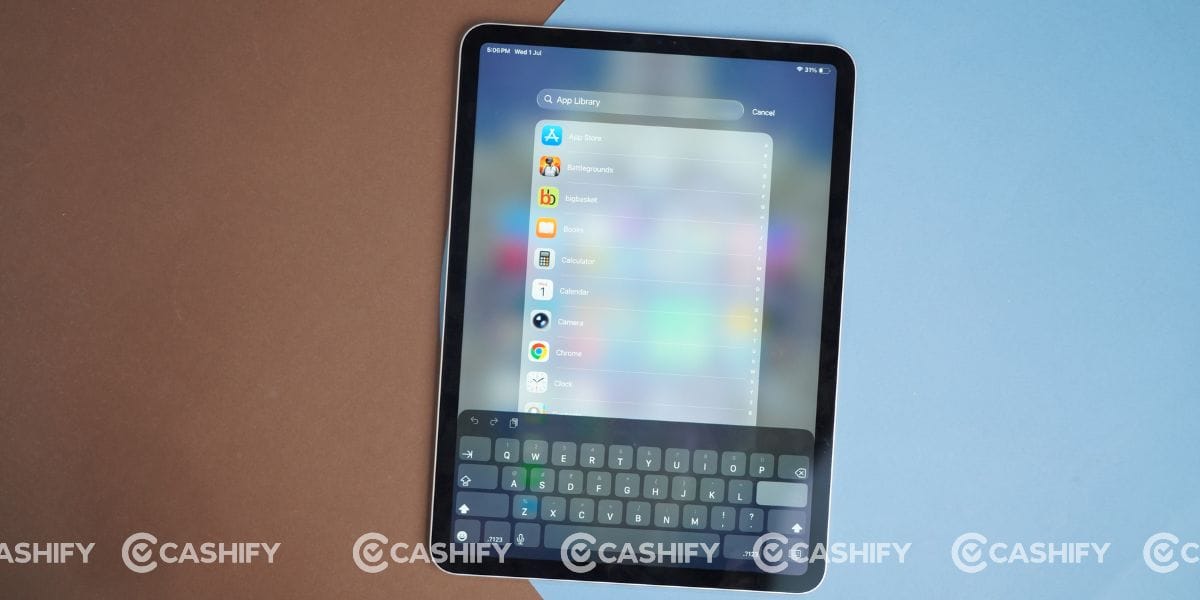
Features like Split View and Stage Manager also improve productivity, especially if you regularly work with Google Docs and Chrome simultaneously.
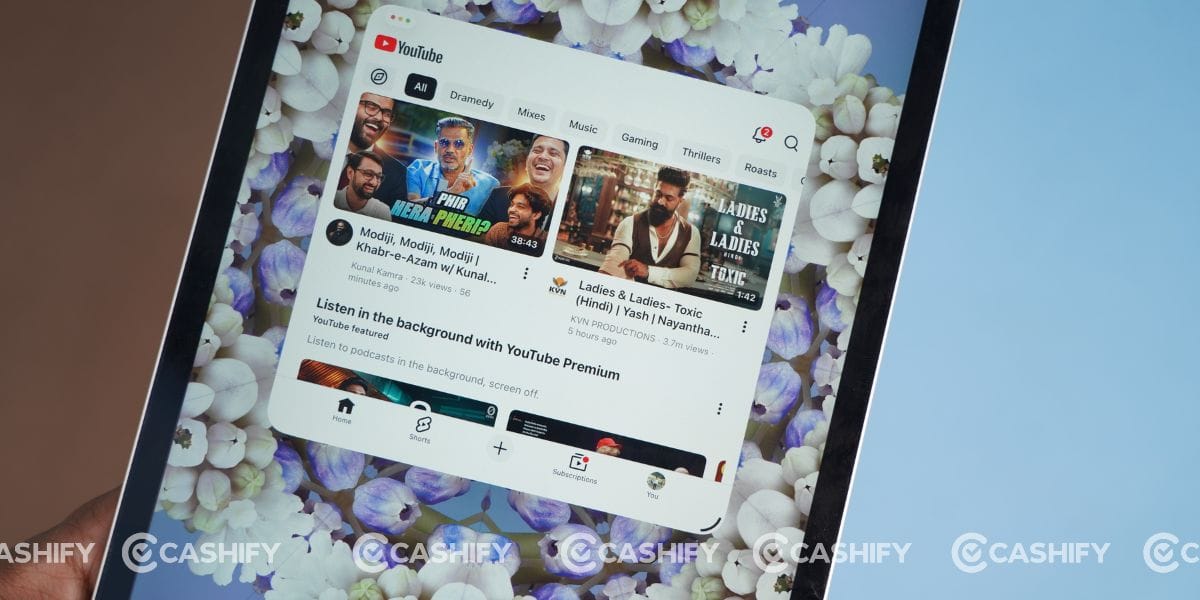
I also appreciate how consistent the software experience has remained over time. Animations are fluid, gestures feel natural, and system apps continue to receive useful improvements.
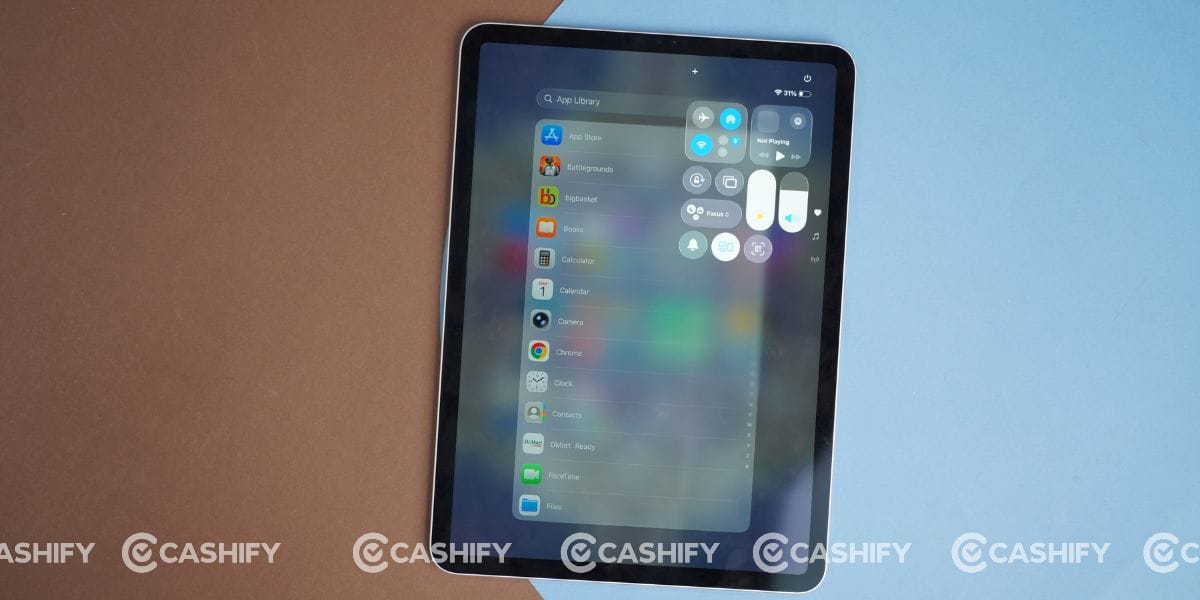
Unlike many Android tablets, most popular applications are well optimised for the larger display, making everyday usage more enjoyable.
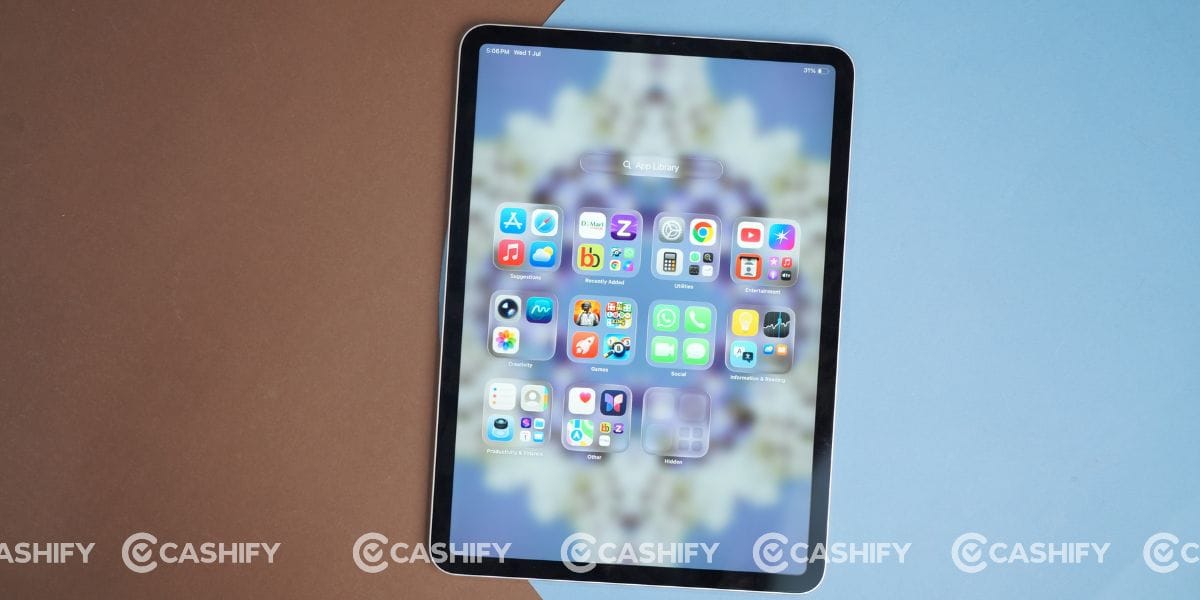
That said, iPadOS still has a few limitations. It has become much better for productivity, but it still doesn’t fully replace macOS if your workflow depends on desktop-class applications or advanced file management. Even so, for students, professionals, and casual users, the software experience remains one of the biggest strengths of this iPad.
The iPad Pro 11-inch (3rd generation) may no longer be Apple’s latest tablet, but it still delivers where it matters. The M1 chip remains incredibly powerful, the 120Hz Liquid Retina display is excellent, battery life is dependable, and iPadOS 26.5 keeps the experience smooth.
If you can find this tablet at a good price in 2026, it’s still an easy recommendation for work, media consumption, gaming, and everyday productivity. My only suggestion is to skip the 128GB variant if you plan to use it for several years, as storage can become a limitation over time. Otherwise, this iPad continues to offer excellent value even against newer models.