Google Pixel 9 Pro Price in India and Variants
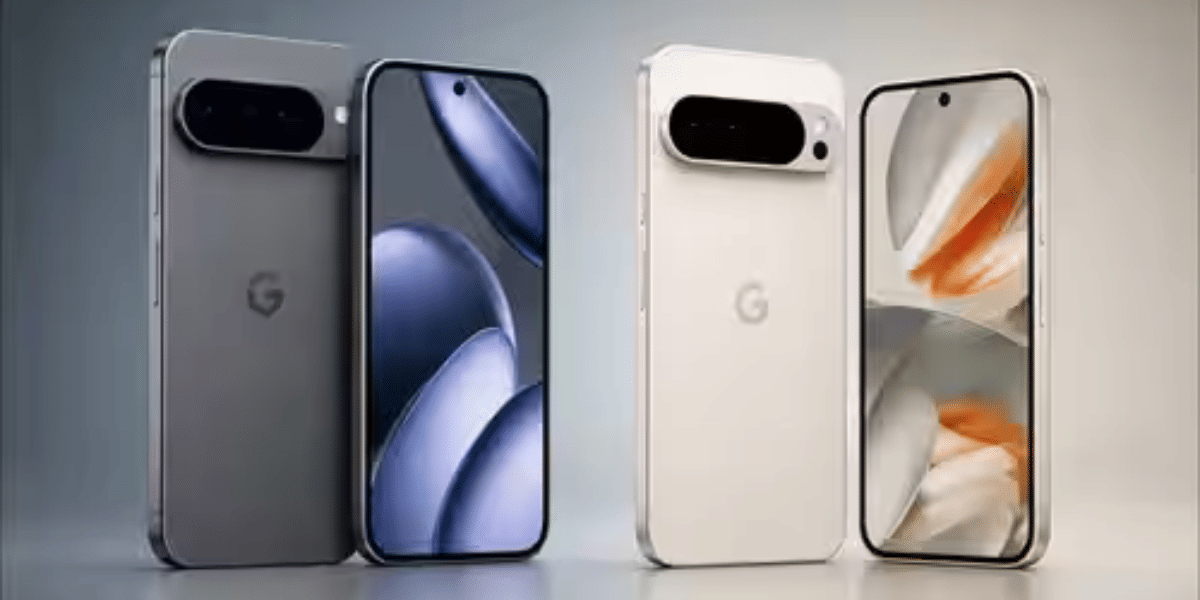
Google Pixel 9 Pro price is 85,499 in India. This price is for 16GB RAM and 256GB storage. Other variants are also avilable on multiple platforms, where you can check the price and decide whether to purchase. This phone is available in Porcelain, Rose Quartz, Hazel, and Obsidian.
Also Read: Google Pixel 9 Pro XL Long Term Review: A Photographer’s Dream
Google Pixel 9 Pro Box Contents
The Google Pixel 9 Pro packs the following items inside the box:
- Phone
- Type C cable
- SIM ejector tool
- Protective cover
- Documentation
Google Pixel 9 Pro Specs at a glance
Before we talk in detail about the Google Pixel 9 Pro, let’s see what the on-paper specs look like:
- Display: 6.3 inches LTPO OLED screen
- Chipset: Google Tensor G4 (4 nm)
- RAM & ROM: 128GB 16GB RAM, 256GB 16GB RAM, 512GB 16GB RAM, 1TB 16GB RAM
- Software: Android 14
- Rear camera: 50MP, 48MP, 48MP
- Selfie camera: 42MP
- Battery: 4700mAh
- Weight: 199 grams
- Dimensions: 152.8 x 72 x 8.5 mm
Google Pixel 9 Pro Design and Build
The Google Pixel 9 Pro has an amazing yet Google signature design with a glass back, protected by Gorilla Glass Victus 2 against accidental damage. It fits perfectly in a single hand with proper grips.
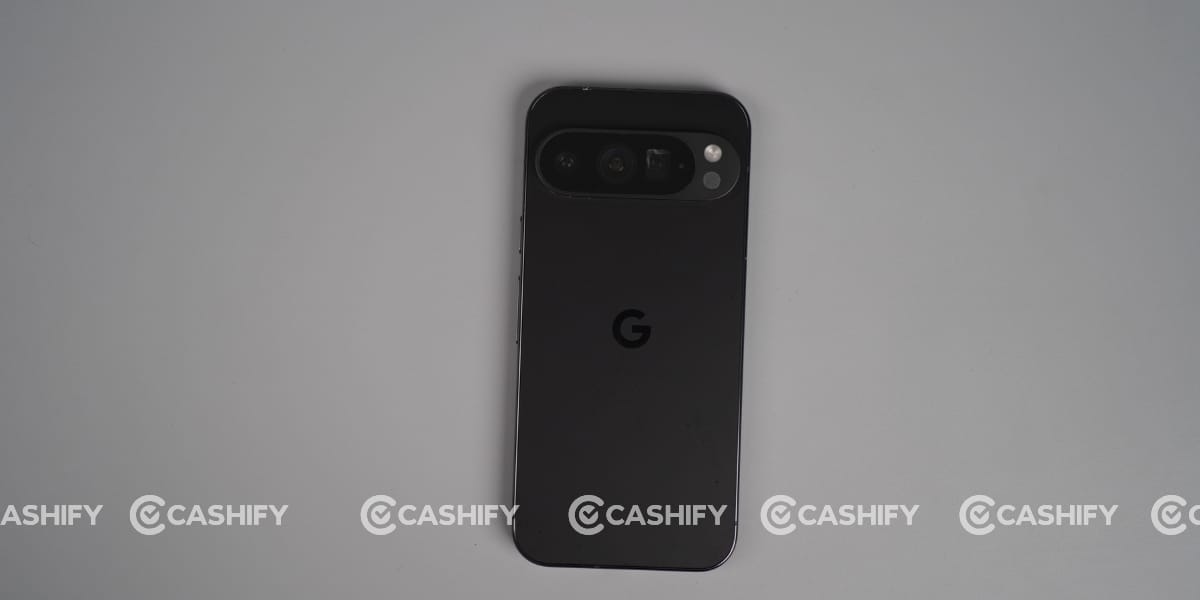
I was using its black colour, and it looked amazing. This also weighs 199 grams, making it comfortable to wear for a long time without wrist fatigue.
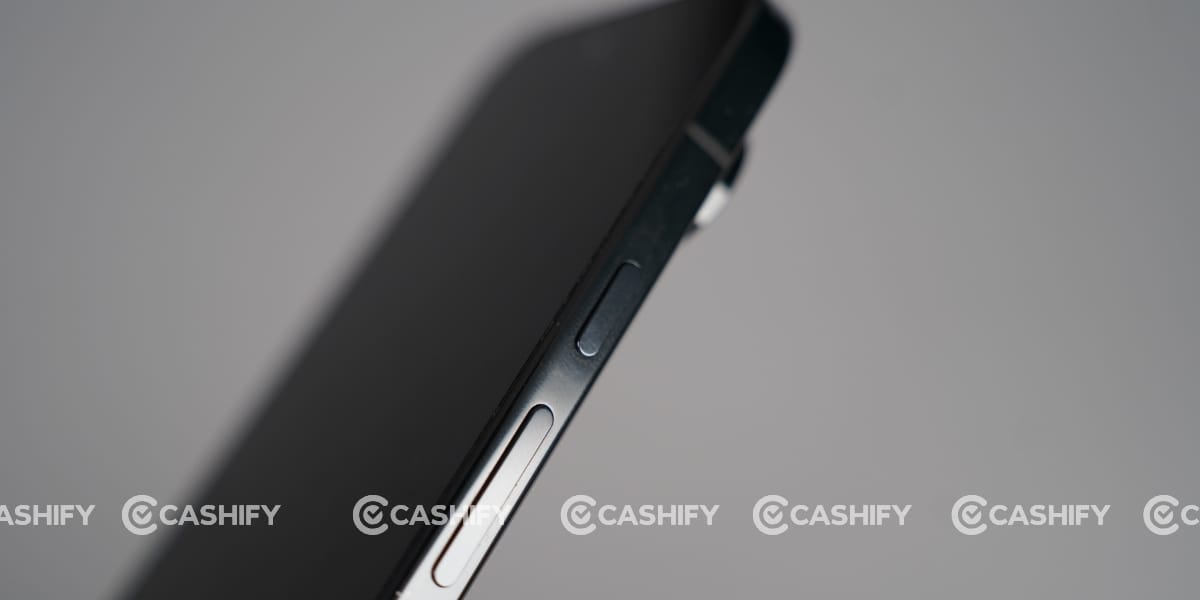
This phone has an aluminum frame, which provides greater strength, and the front glass also features Gorilla Glass Victus 2 to protect the screen from damage. But it takes fingerprints and stains on the back; moreover, after long-term use, it collects dust on the back or gets rubbed over time.
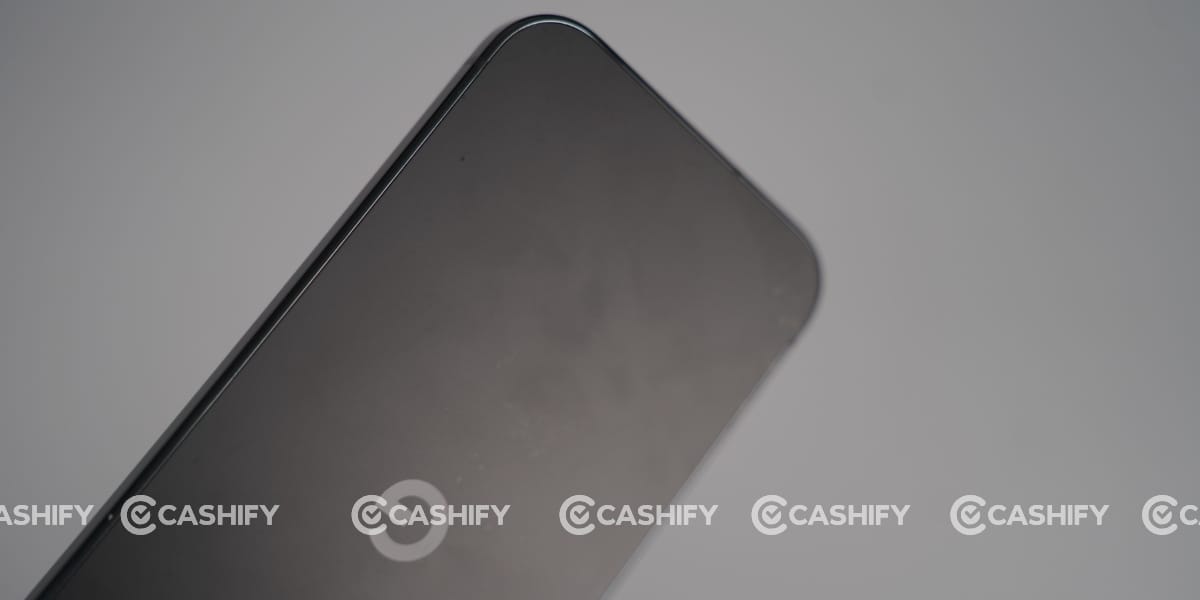
Google stayed with its flat design, with rounded corners. I’m already a user of the Apple iPhone 15, and I like flat design for daily use and even more protection against screen damage or accidental touches, which I experienced with the Motorola Edge 60 Pro, which I reviewed in a long-term review last week.
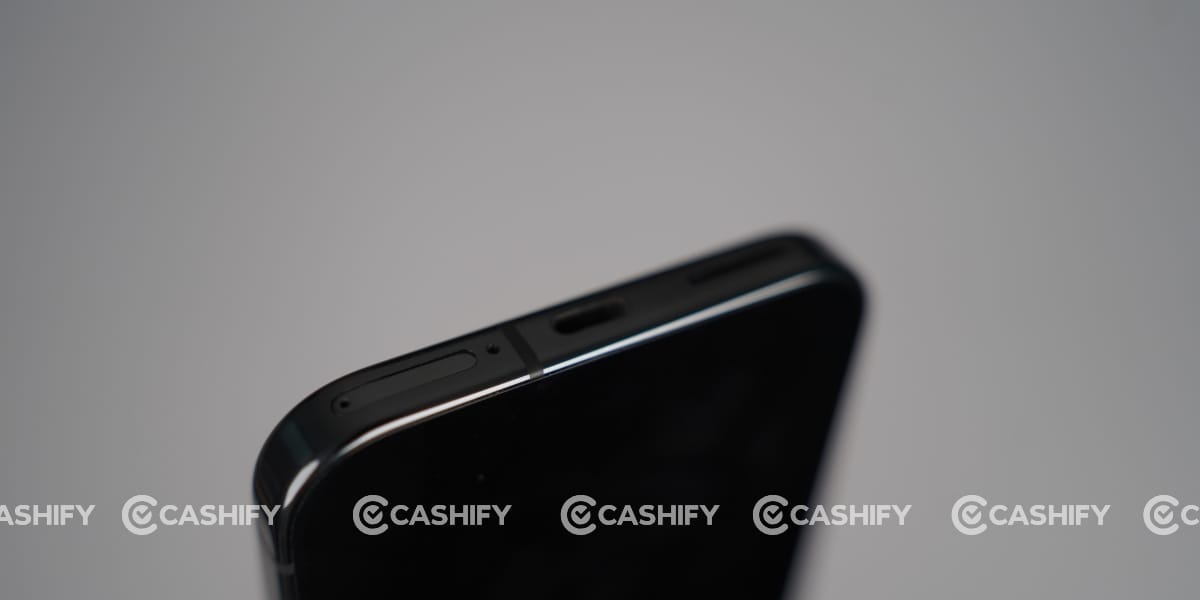
Google Pixel 9 Pro comes with IP68 dust-tight and water-resistant protection, allowing it to be immersed up to 1.5 meters for 30 minutes.
Also Read: Motorola Edge 60 Pro Long-Term Review: Great Phone, But This Dirty Back Is a Problem
Google Pixel 9 Pro Camera
The camera is the main feature of the Google Pixel 9 Pro, as I observed. I’m also a bit of a fan of Google’s colour contrast and how naturally AI processes the final results, without over-smoothing like Vivo or adding extra colours like Realme.
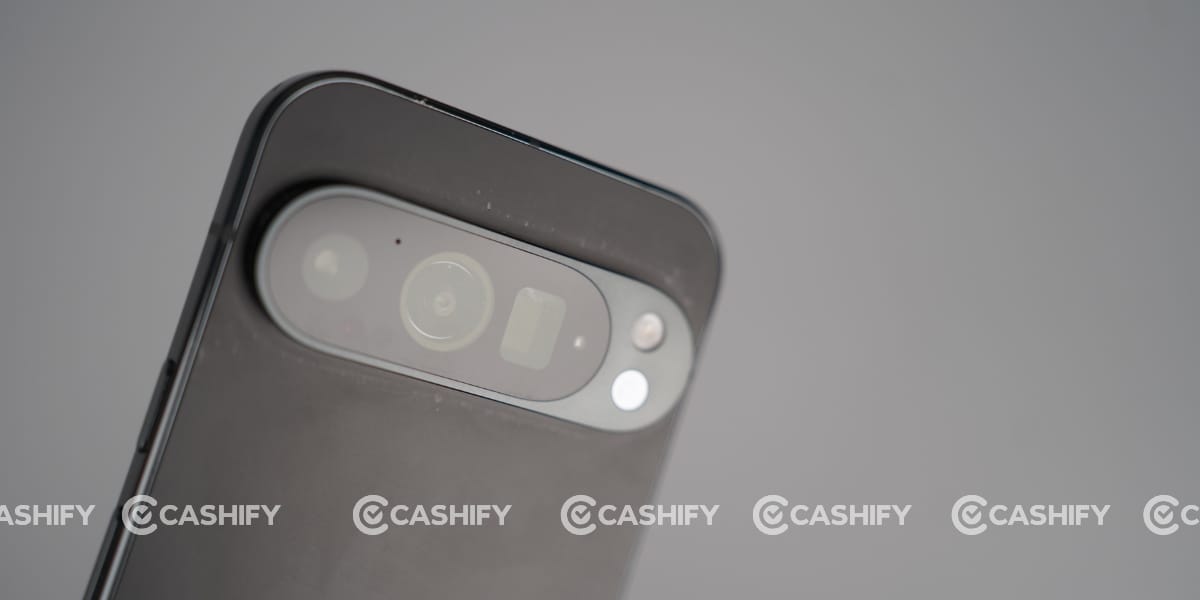
This phone has a 50MP wide, 48MP telephoto, and 48MP ultrawide sensor. During the Google Pixel 9 Pro long-term review, I clicked a lot of image but at this time I’m sharing a few samples that I clicked during golden hour or magic hour.

Since the camera hardware is the same as that of the Google Pixel 9 Pro XL, the experience is nearly identical. However, the location of the photos is completely different.

The golden hour is the best time to take photos. The background colors are amazing. The sky looks great with a gradient of colors. The buildings reflect real colors.

The reds do not look over-processed. The whites do not turn yellow. I also noticed that the buildings’ intricate details are great.

I clicked pictures of flowers and close-up objects. The colors of the objects turned out to be extremely natural. The reds, yellows, and greens of the flowers looked exactly as they should.


This is the best part of the Google Pixel 9 Pro. The image processing is great. The image is not enhanced in any way. It looks as if the image is clicked by the naked eye.

The experience of clicking portraits is also great. The skin tone looks great in the Google Pixel 9 Pro. Whether the light is soft or slightly harsh, the image is processed well.

I also clicked a few images with the front camera, and the results were identical to those on the Google Pixel 9 Pro XL. The image is not enhanced in any way.

The image is clicked exactly as you see it. You can record 8K videos at 30fps with the rear camera and 4K at 30fps with the front camera
Google Pixel 9 Pro Battery and Charging
Google Pixel 9 Pro comes with a 4700 mAh battery capacity offring amazing battery life even after one year of usage. I got almost 8-9 hours of screen time with a mix of usage. While I played BGMI and other heavy games then, I got 6 to 7 hours of screen time with a single charge. To add more, it can last over a full day, like 25–30 hours, with moderate use.
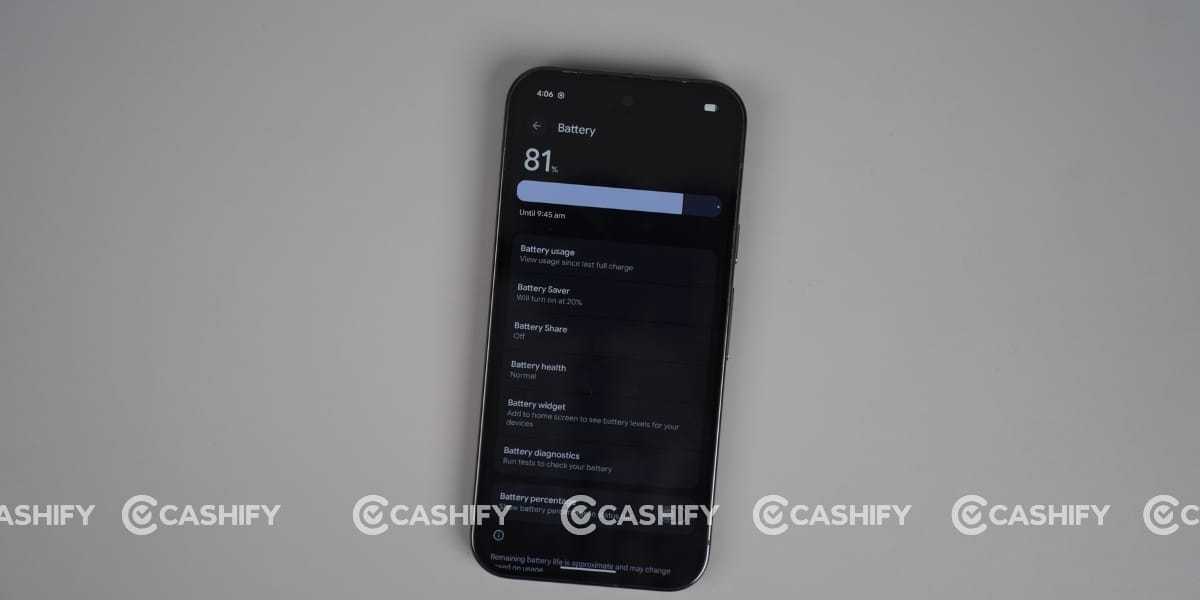
During my Google Pixel 9 Pro long-term review, I used to charge it with a 20W Apple charger, where it took almost one and a half hours to charge fully. But it also supports 21W wireless (w/ Pixel Stand) and 12W wireless (w/Qi-compatible charger).
The phone also offers reverse wireless charging to charge your earbuds and smartwatches. Bypass charging also powers this phone directly from the charger, bypassing the battery, which significantly reduces heat and prevents battery degradation during heavy use like gaming.
Google Pixel 9 Pro Display
The Google Pixel 9 Pro features a 6.3-inch LTPO OLED display with a resolution of 1280 x 2856 pixels and a pixel density of approximately 495 PPI. This display is slightly smaller than the XL variant but provides an equally premium viewing experience.
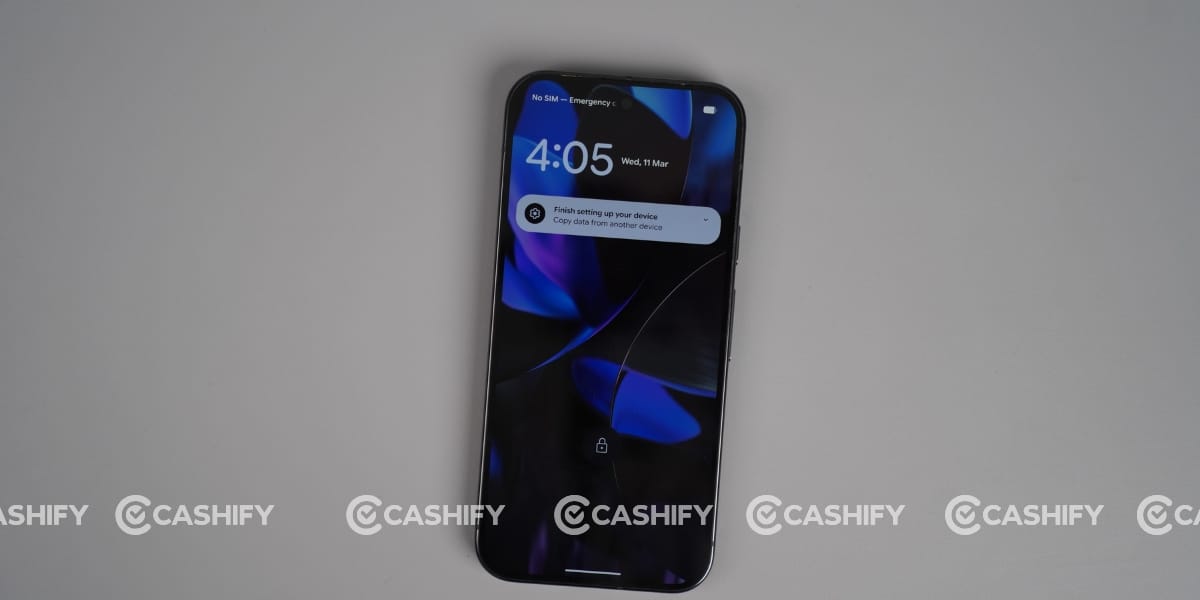
Its display experience was amazing and supports HDR10+, so streaming videos on YouTube, Netflix, and Amazon Prime Video looks great. The display is not oversaturated with colours, which I think is an advantage when streaming videos or reels.
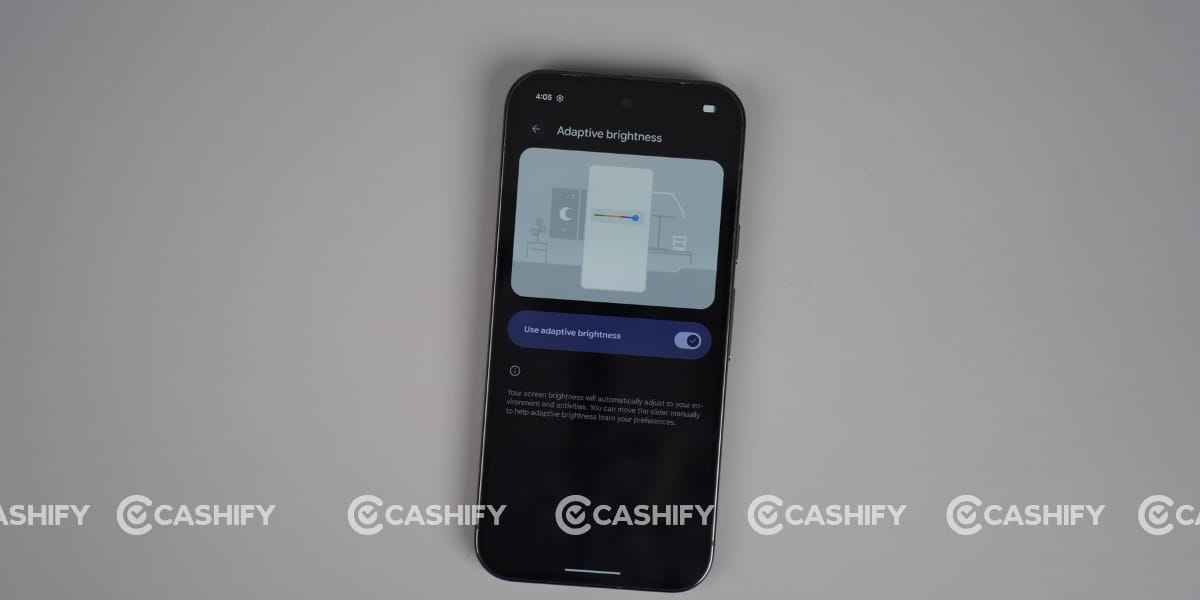
It also supports a 120Hz refresh rate, and I mostly used it in adaptive mode for smooth scrolling and interacting with other UI elements. However, if you want to conserve battery life, you can also choose a lower refresh rate.
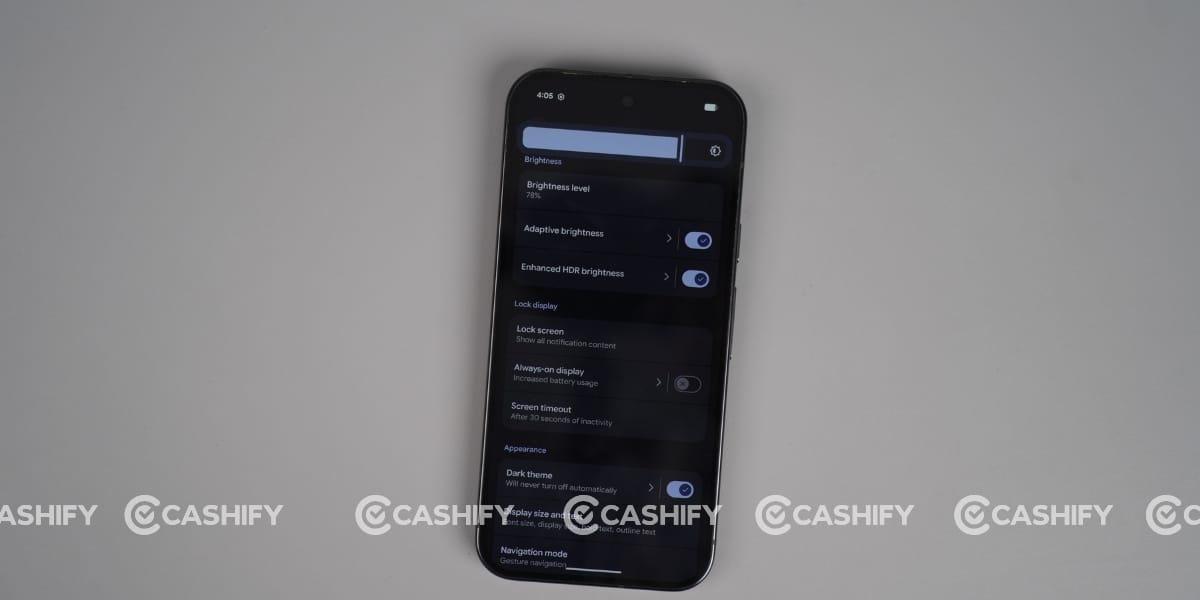
In terms of display brightness, the Google Pixel 9 Pro performs well. I didn’t experience any major display visibility issues while using this device in direct sunlight. The contrast levels on this display are also great, and it looks good with deep blacks and controlled whites.
The display on the Google Pixel 9 Pro is good in terms of sharpness and smoothness. The display is not just good on paper but also in practice.
Google Pixel 9 Pro Performance
Google Pixel 9 Pro comes with Google Tensor G4 (4 nm), which offers excellent real-world optimisation. This chip is not about raw numbers; it’s tuned for Pixel UI smoothness. Apps open fast, animations stay fluid, and everyday usage feels consistently stable.
Google’s custom TPU handles features like HDR processing, voice typing, Magic Editor, and real-time image enhancement effortlessly. This is where Tensor clearly stands out. Good power efficiency. Because it’s built on a 4nm process, it delivers reliable battery life and doesn’t drain aggressively during normal use.
But when you compared to Snapdragon 8 Gen 3 or newer chips, Tensor G4 delivers noticeably lower CPU and overall benchmark scores. Gaming performance is also average, and I’ve had so many heating issues while playing BGMI. So, I can say heavy gaming is not its strong point. You may notice frame drops or lower sustained performance in demanding titles.
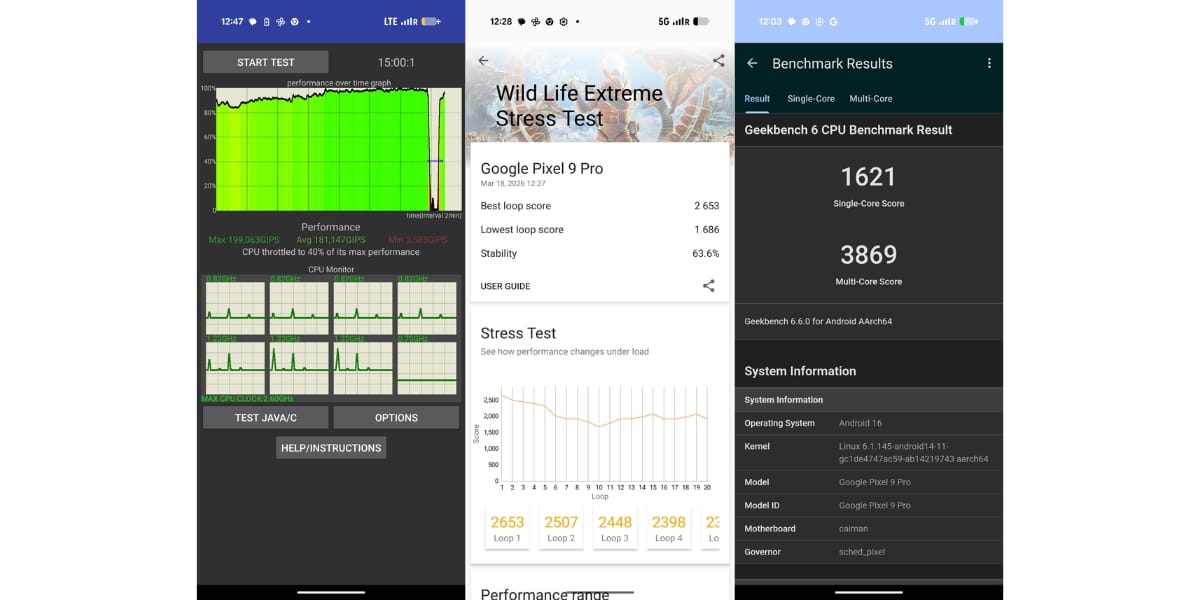
I also ran several Benchmark tests on the Google Pixel 9 Pro to assess its performance across different aspects. Its Geekbench scores are 1621 in single-core and 3869 in multi-core. The maximum in the CPU throttling test is 40 per cent. Moreover, the Antutu app was not working when I was writing this review, so I relied on Google’s score of 1,125,000 to 1,320,000. The 3D Mark Wildlife Extreme Stability Stress Test has an overall score of 63.6%.
Google Pixel 9 Pro Software and UI
Just like the Google Pixel 9 Pro XL, the Pixel 9 Pro does not aim to impress with heavy UI skins. It comes with stock Android, and honestly, that is its biggest strength. Moreover, it is a clean, smooth, and clutter-free experience, and AI is the focus, not visual aesthetics.
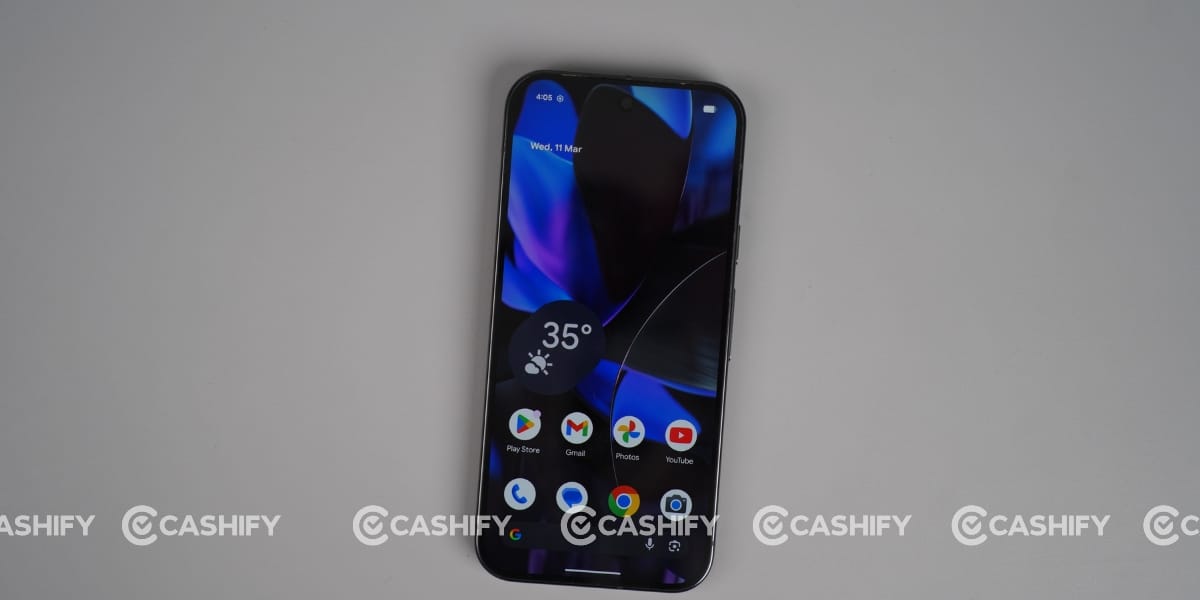
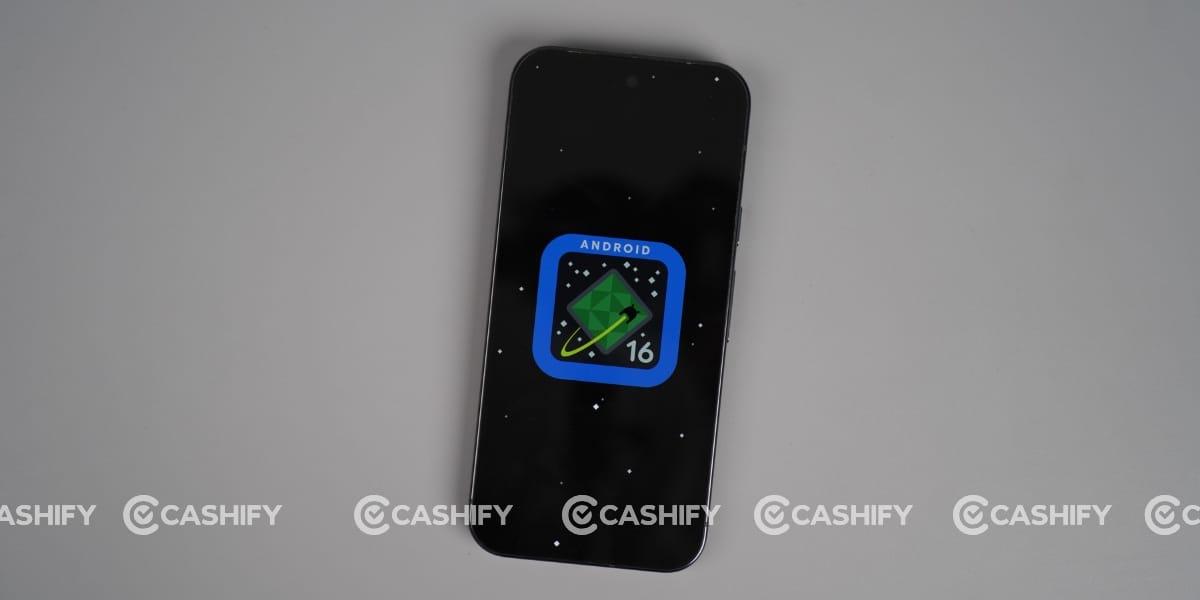
It comes with Android 14 and can be upgraded to Android 16, which is currently running. Even Google promised up to 7 major Android upgrades.
There is no bloatware at all. All you get is basic system apps and Google apps, and honestly, that is what makes the experience light and smooth.
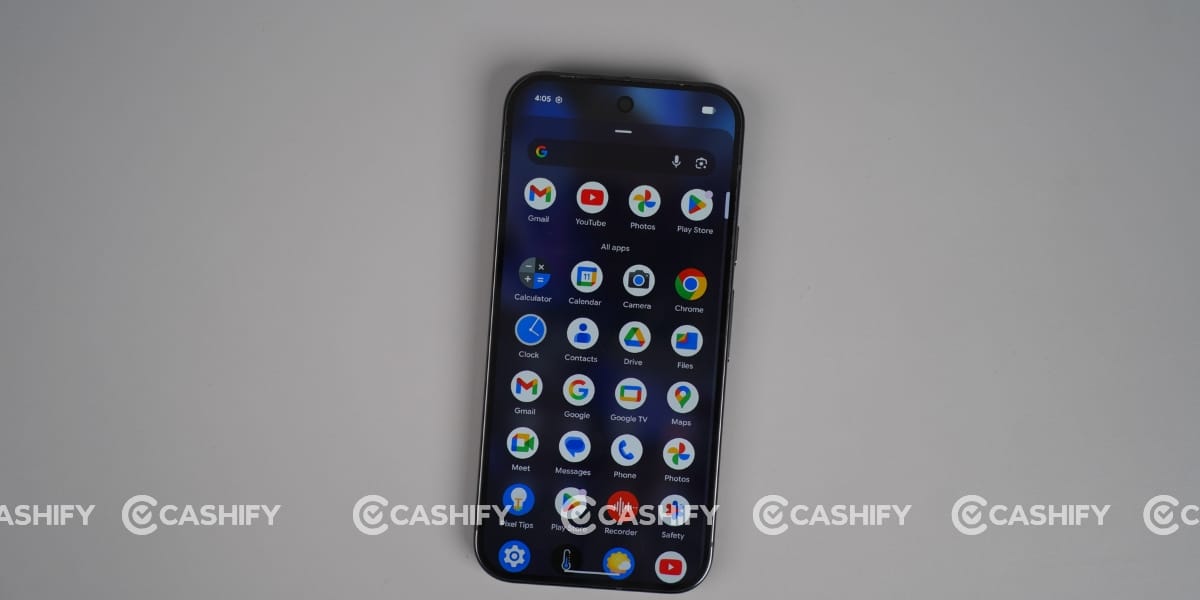
However, for those switching from Samsung’s One UI and Oppo’s ColorOS, you might find the customization options to be limited. They are pretty basic in terms of widgets, animations, and themes. It also has a nice feature: recently used app icons are available near the dock.
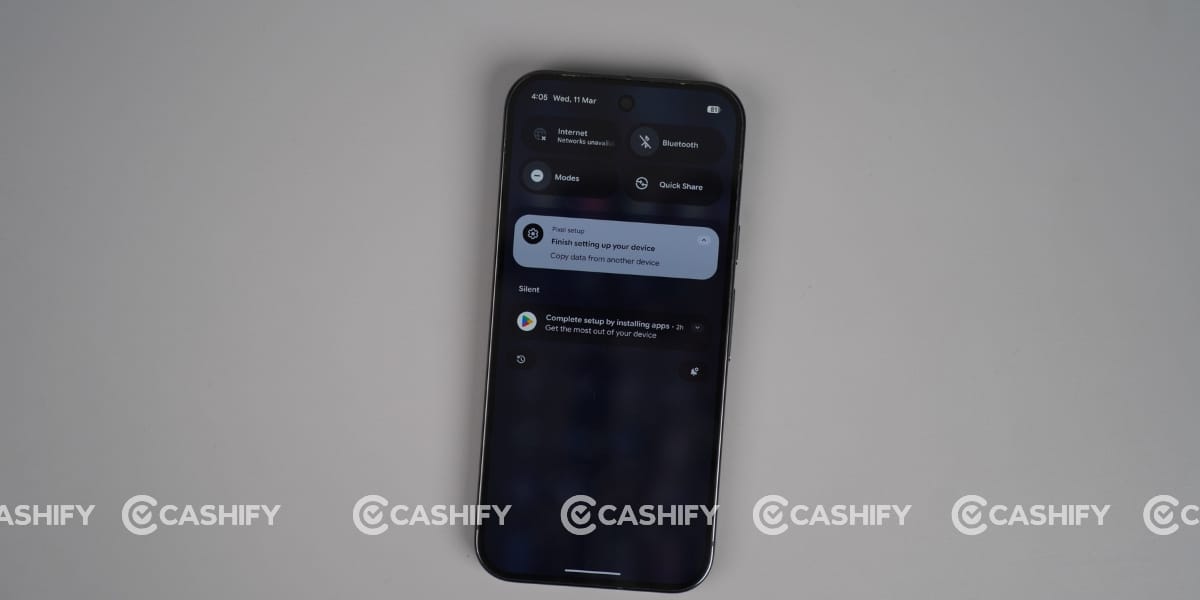
During the Google Pixel 9 Pro long-term review, I found that it truly shines in its AI capabilities. With the Pixel Studio, I managed to create some images using AI, and honestly, they turned out pretty great. It also lets you go into detail for a refined output.
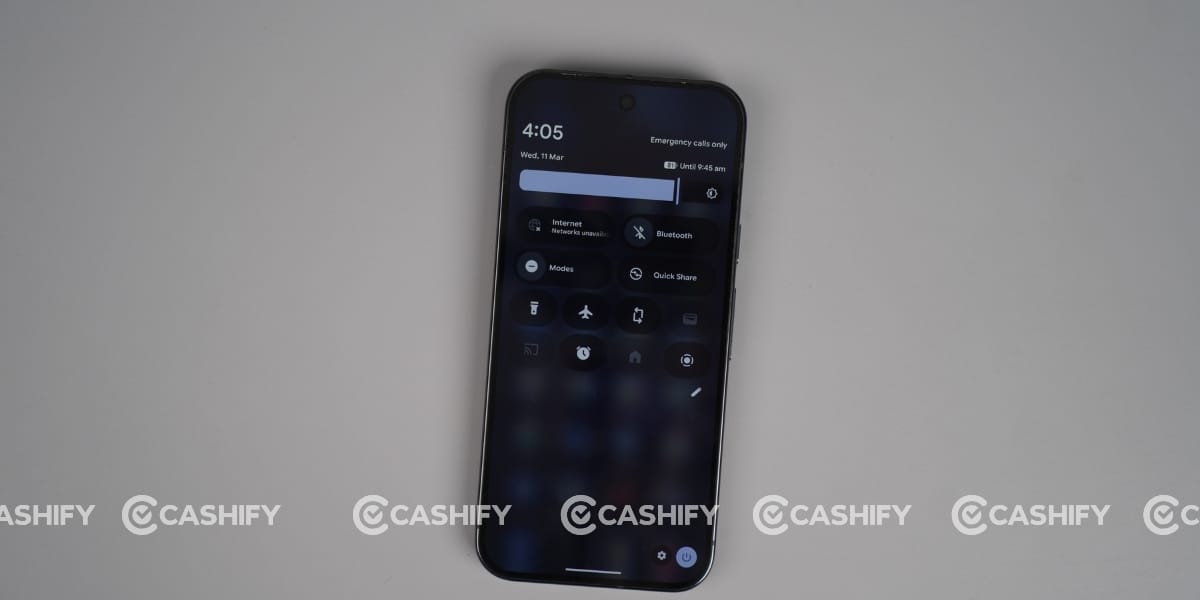
It also has Gemini Advanced, which is for better app integration and AI. This phone has some great features like Magic Editor, Add Me, Camera Coach, and Call Notes, which make day-to-day tasks pretty practical and useful. So, to sum it all up, the Google Pixel 9 Pro UI is not impressive, but it is smart, clean, and all about usability.
In this Google Pixel 9 Pro long-term review, I can clearly say this phone is not about raw power or flashy UI; it’s about experience. The camera remains its biggest strength, delivering consistent and natural results in almost every condition. The clean software, powerful AI features, and long-term updates make it a reliable choice for daily use.
However, it is not perfect. Performance is decent, but not flagship-level for gaming, and the display durability is something to keep in mind.
Overall, if your priorities are camera quality, a clean UI, and smart AI features, the Google Pixel 9 Pro still stands out as one of the most practical flagship smartphones available today.