Motorola Edge 60 Pro Price in India and Variants
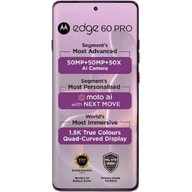
Motorola Edge 60 Pro price is 28,999 rupees in India. This price is for 8GB RAM and 256GB storage. Its 12GB RAM and 256GB storage, and 16GB RAM and 512GB storage variants are also available.
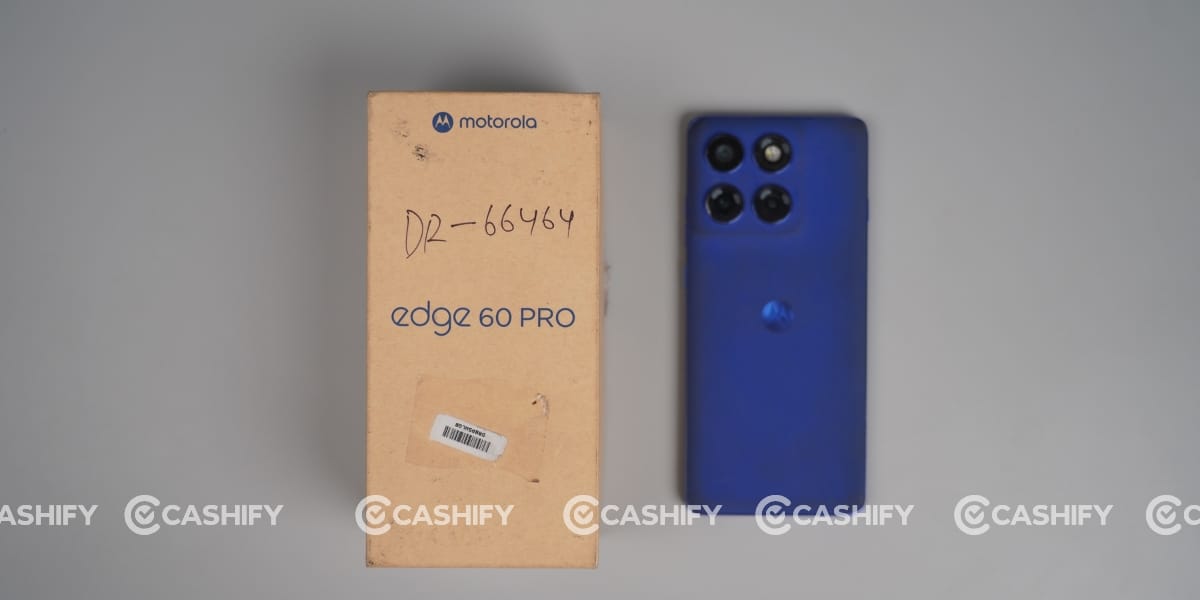
But at this time, both models are out of stock. Check out the official website to know about device availability.
Also Read: Apple iPhone 15 Pro Long Term Review: Brilliant Cameras, Frustrating Heating Issues
Motorola Edge 60 Pro Box Contents
The Motorola Edge 60 Pro packs the following items inside the box:
- Phone
- 90W Charger
- Type C cable
- SIM ejector tool
- Protective cover
- Documentation
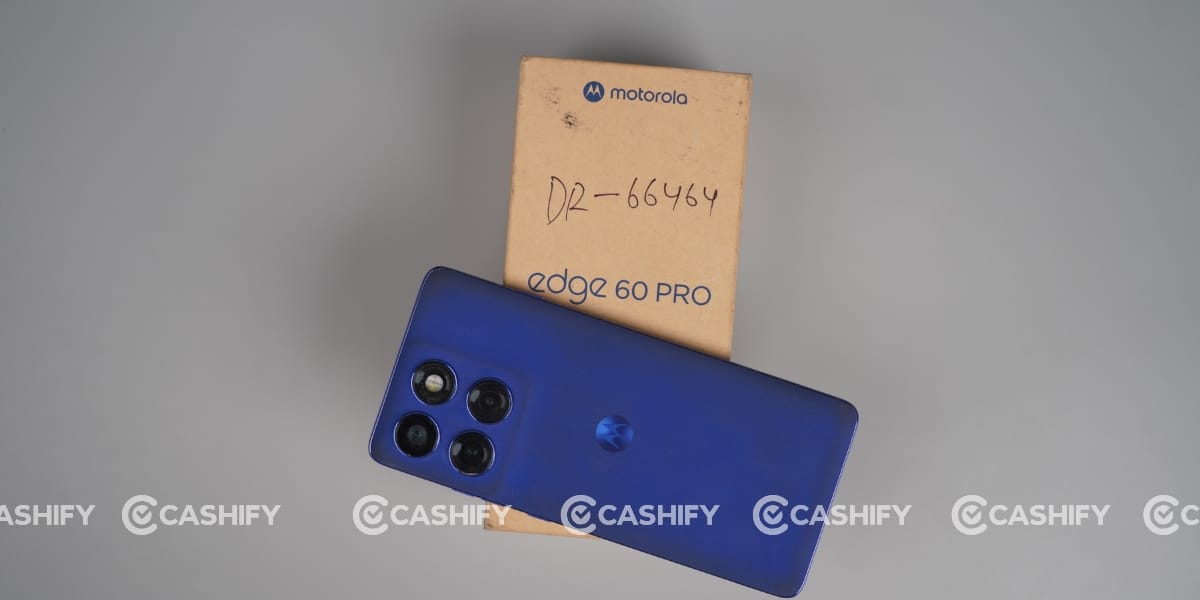
Motorola Edge 60 Pro Specs at a glance
Before we talk in detail about the Motorola Edge 60 Pro, let’s see what the on-paper specs look like:
- Display: 6.7 inches P-OLED screen
- Chipset: Mediatek Dimensity 8350 Extreme (4 nm)
- RAM & ROM: 256GB 8GB RAM, 256GB 12GB RAM, 512GB 12GB RAM, 512GB 16GB RAM
- Software: Android 15, up to 3 major Android upgrades
- Rear camera: 50MP, 10MP, 50MP
- Selfie camera: 50MP
- Battery: 6000 mAh
- Weight: 186 grams
- Dimensions: 160.7 x 73.1 x 8.2 mm
Motorola Edge 60 Pro Design and Build
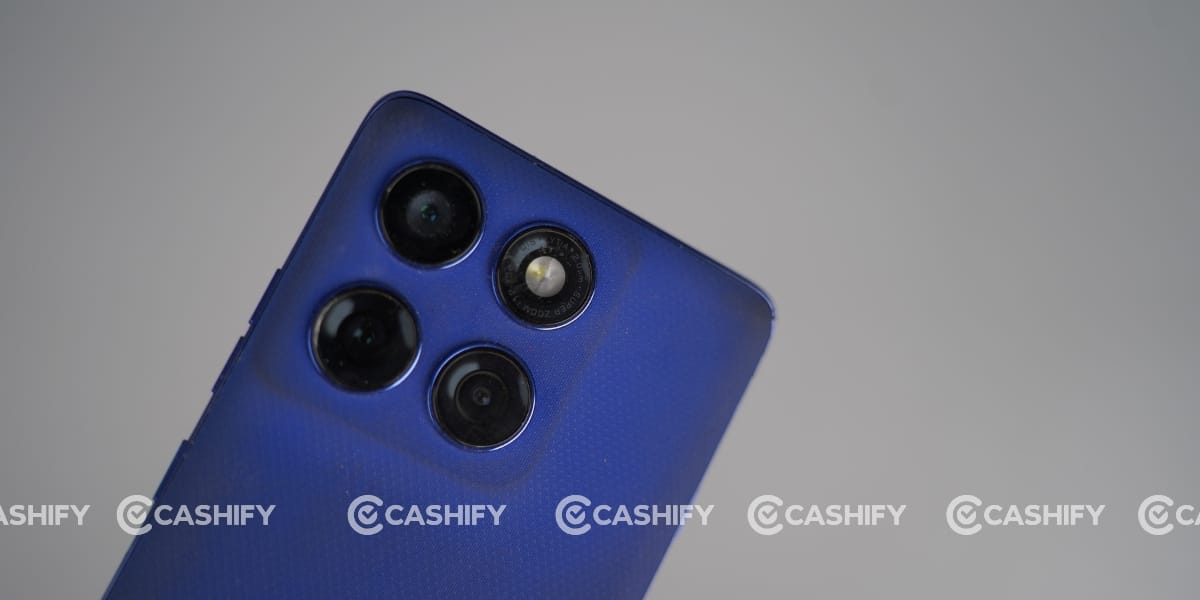
In my Motorola Edge 60 Pro long-term review, one thing that really disappointed me was the silicone polymer (eco-leather) back. It tends to attract a lot of dust and dirt.
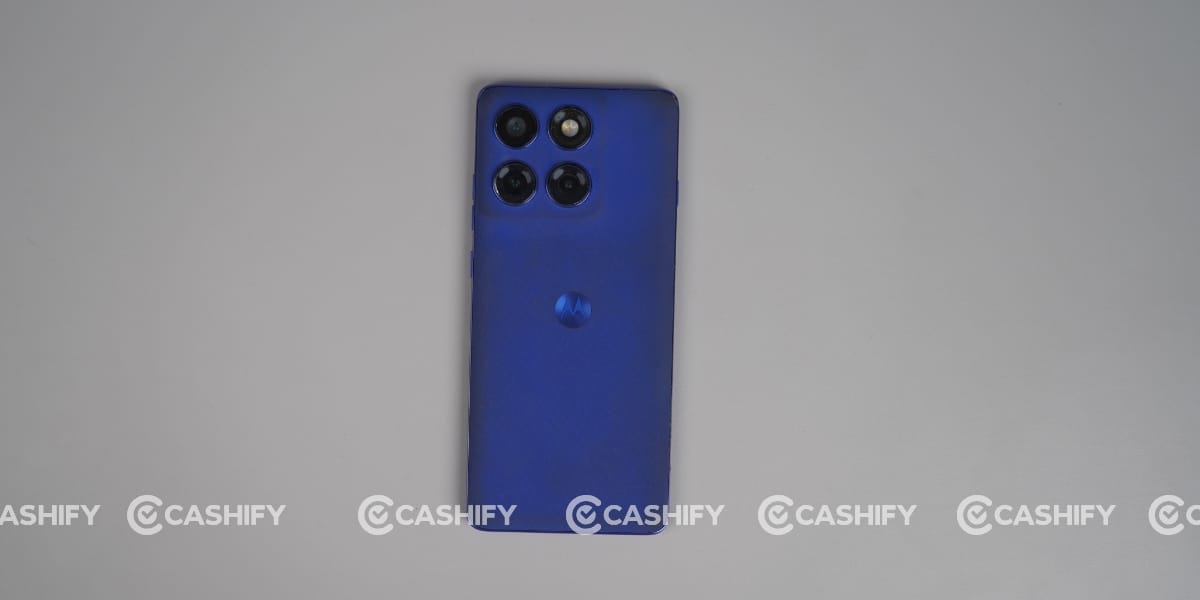
Even though the phone launched just about a year ago, you can already notice visible dirt marks if you use it without a cover.
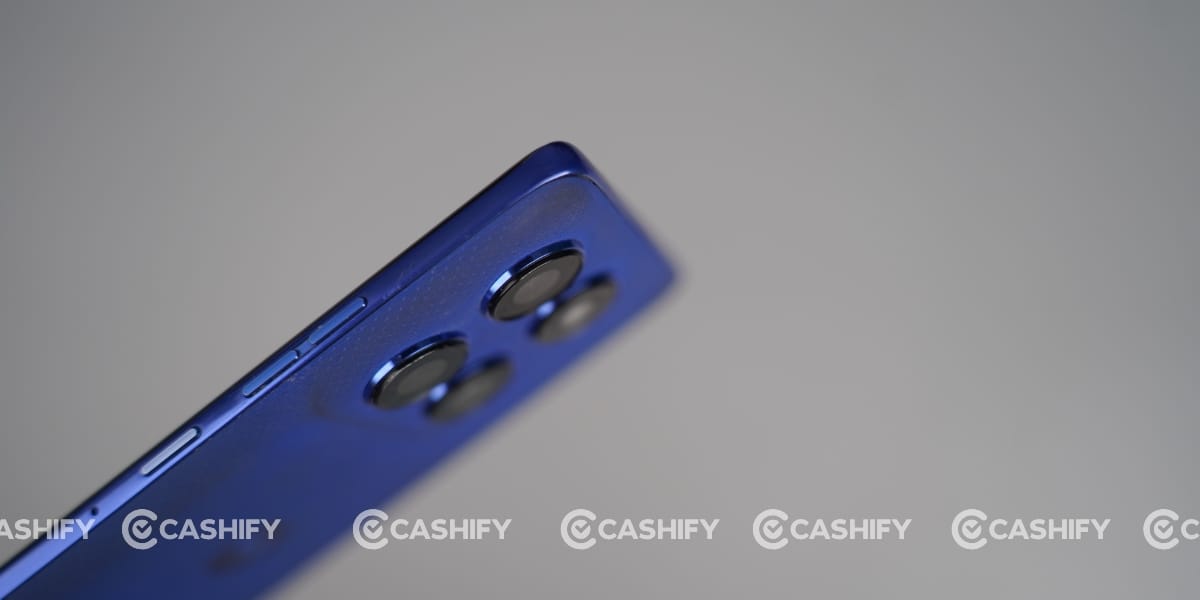
This mainly happens because the textured eco-leather surface easily traps dust particles. In addition, during long usage, the phone warms up slightly, which can cause sweat in your palm.
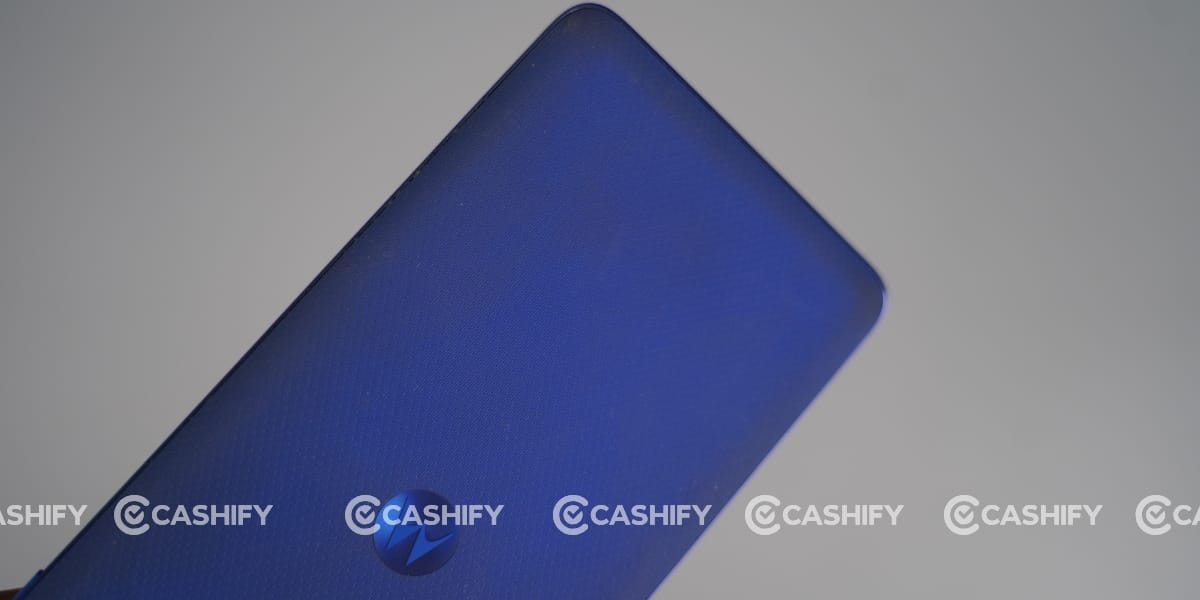
That sweat, combined with dust, sticks to the back panel and gradually makes the phone look dirty over time.
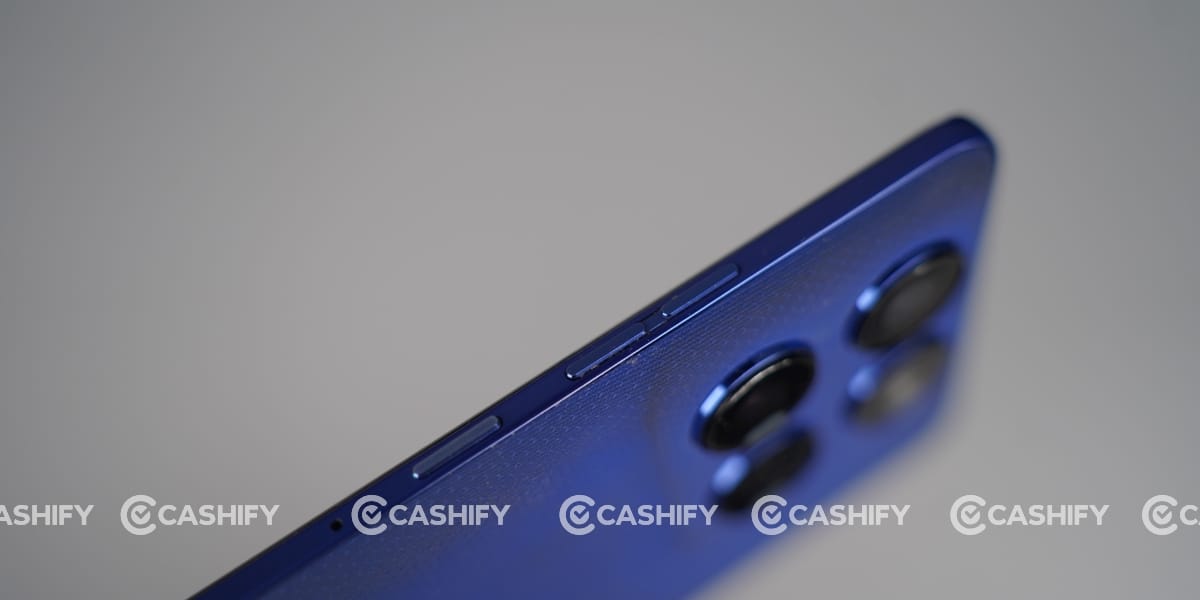
Overall, I liked the curved design with Motorola’s generational design. Its back camera does not bulge out on the back, which is why it lies perfectly on the table. This phone has body dimensions of 160.7 x 73.1 x 8.2 mm and weighs around 186 grams.
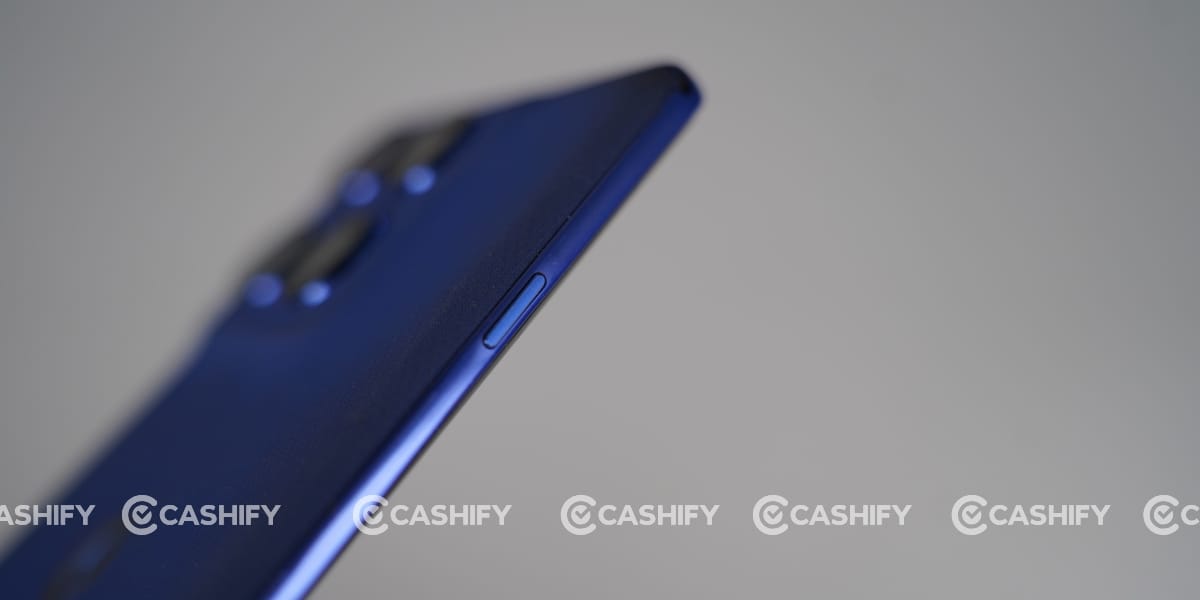
Motorola Edge 60 Pro has an IP68/IP69 rating, indicating it is dust-tight and water-resistant, with resistance to high-pressure water jets and to immersion up to 1.5m for 30 min.
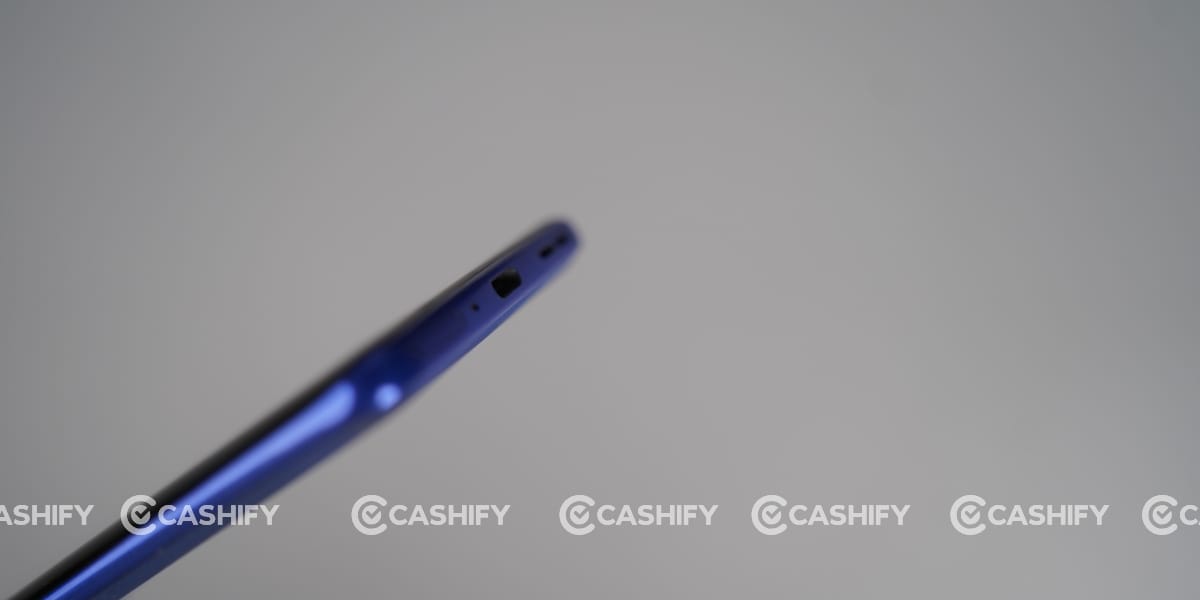
It is also MIL-STD-810H-compliant but does not guarantee ruggedness or suitability for extreme conditions.
Motorola Edge 60 Pro Camera
The Motorola Edge 60 Pro comes with a triple rear camera setup featuring a 50MP wide, 10MP telephoto, and 50MP ultrawide sensor. It delivers decent results most of the time. However, I did observe uneven colours between portrait mode and normal photo mode.
For example, you can check my sample photo where I am taking a picture with another phone. That image, which I captured in normal mode, has a slightly warm colour cast.
But in the photo where I am standing normally, the colours appear more accurate, and that one was taken in portrait mode.
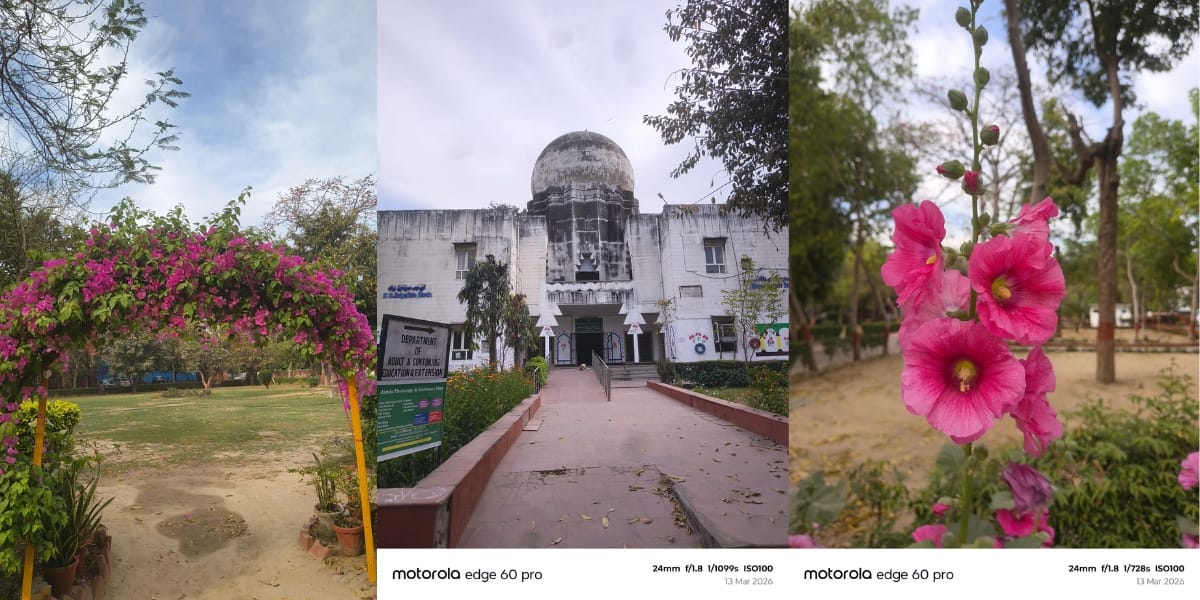
To make it clearer, I clicked both photos at the same place and in the same pose, but the colours suddenly changed in normal mode. For me, this inconsistency is a noticeable issue.
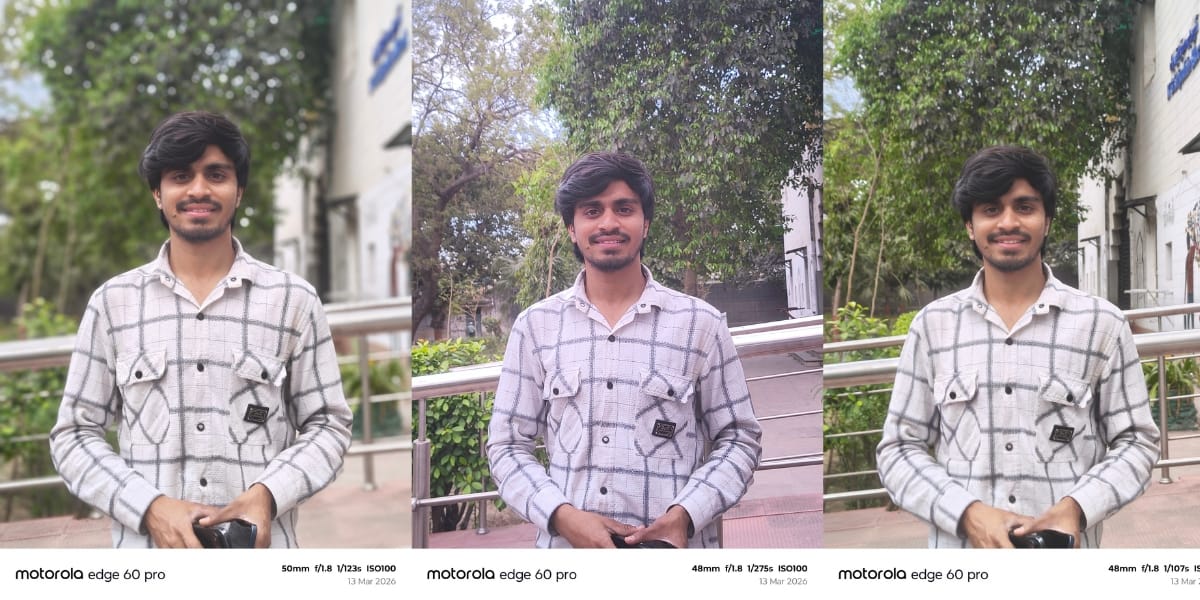
That said, portrait mode performs very well. It captures edges accurately without any major problems in the final output. As you can see in my photos, the subject separation and edge detection were handled properly.
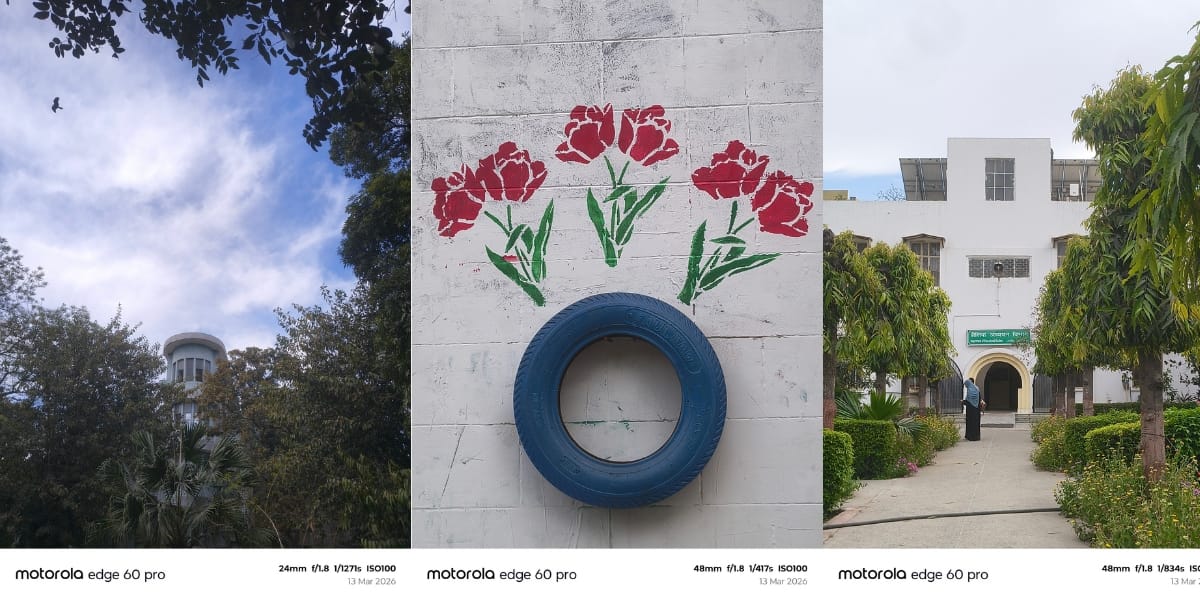
While I would not say the phone offers the best colour reproduction, it still performs reasonably well compared to other phones in the same price range.
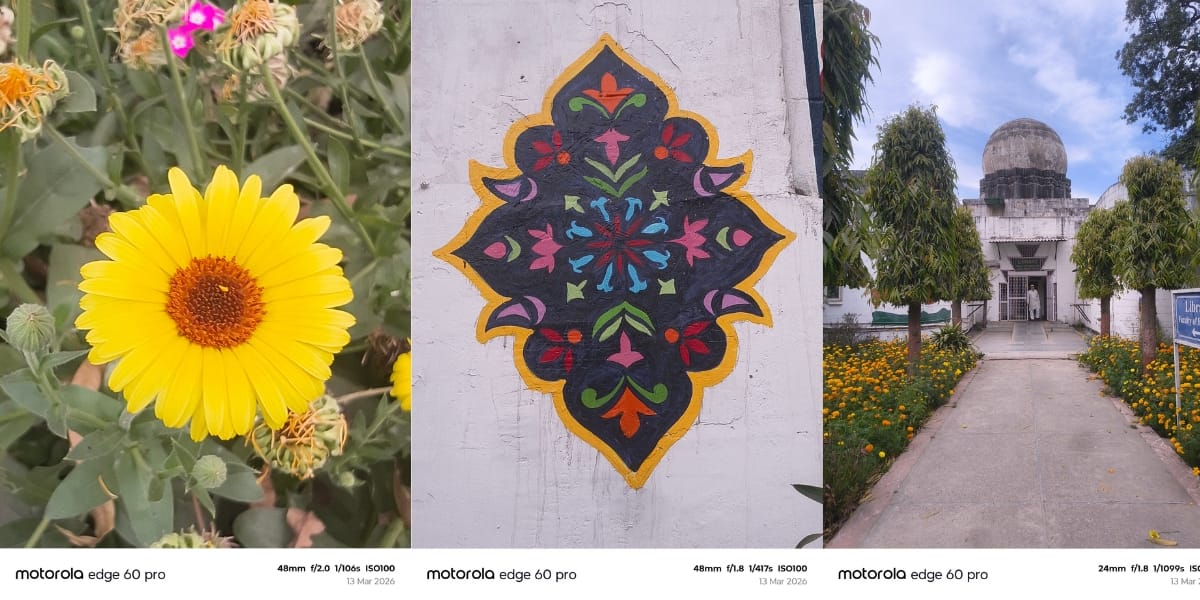
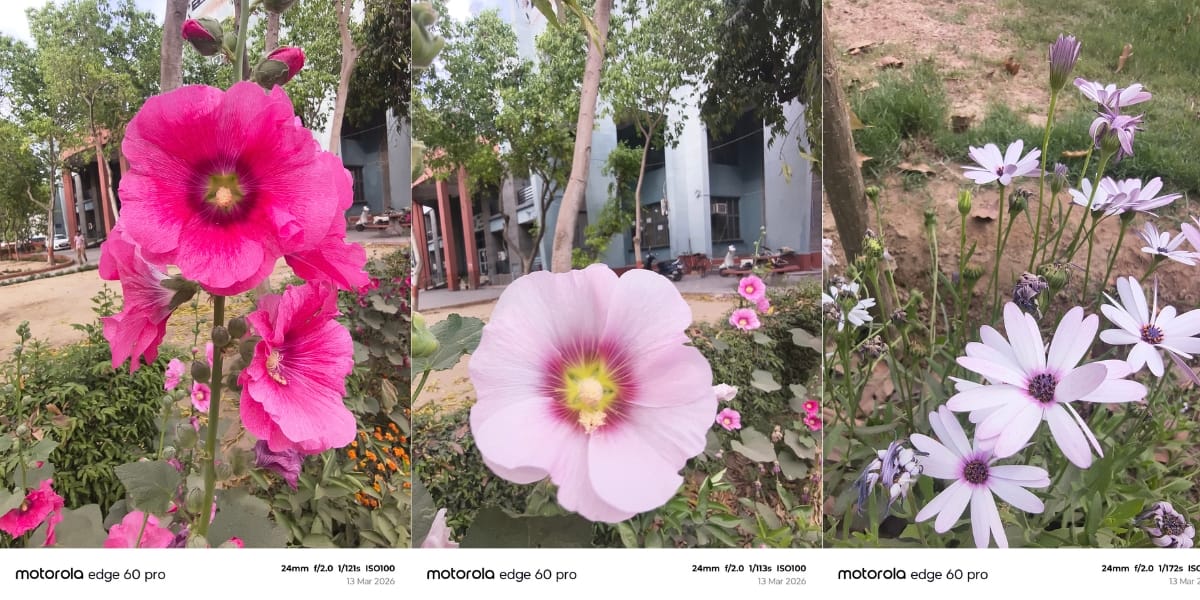
Apart from some inconsistencies in human skin tones, the camera delivers good results overall. You can notice this in shots of the sky, flowers, and buildings, where the colours and depth look quite pleasing.
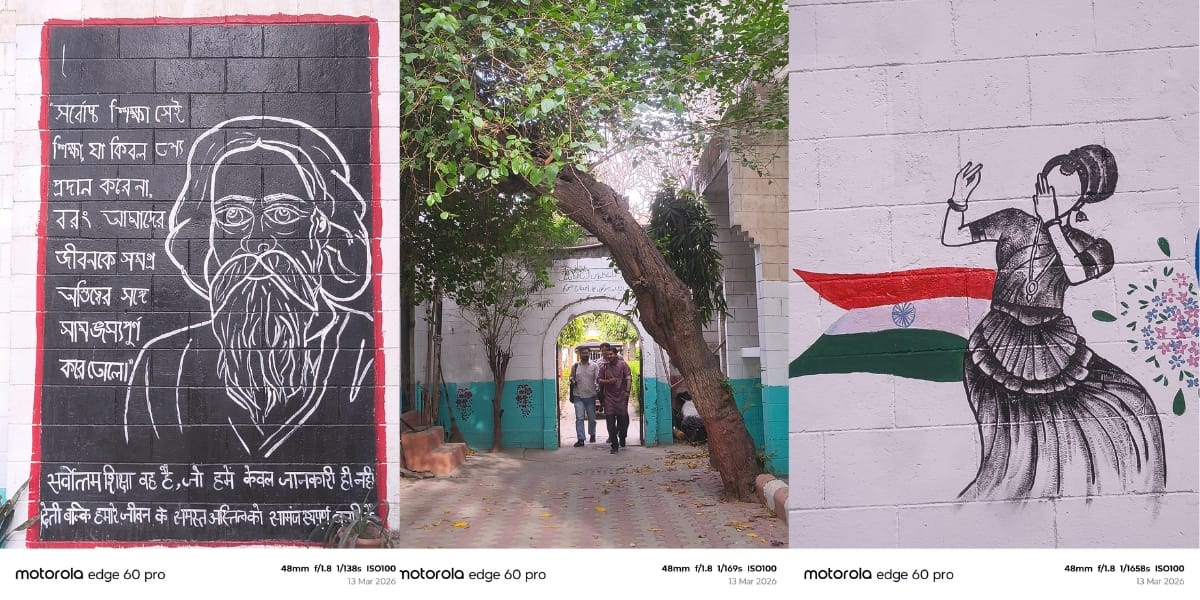
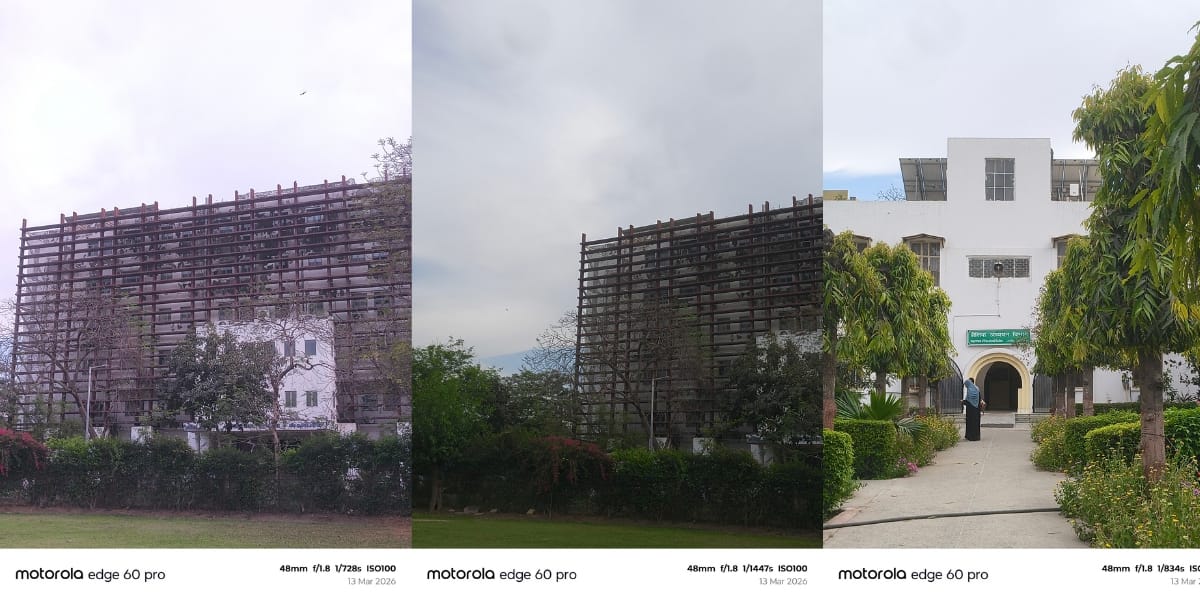
Moving on to the front camera, it has a 50MP sensor that takes amazing selfies in most conditions. You can also record 4K video at 30 fps with the rear and front cameras.
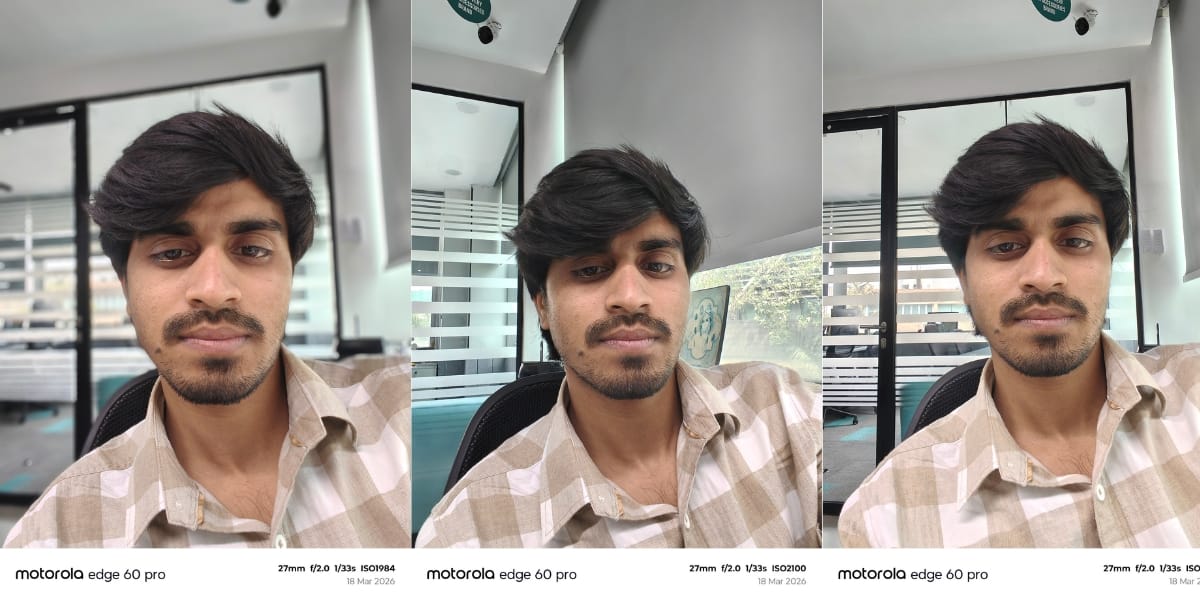
In my Motorola Edge 60 Pro long term review, I recorded a few videos, and the results were satisfactory; it captured my voice perfectly.
Motorola Edge 60 Pro Battery and Charging
The Motorola Edge 60 Pro offers long-lasting battery life with a 6000mAh battery capacity. What I was getting in the past does not matter as much, but what I am still getting after one year of usage matters more. Currently, I get around 6 to 7 hours of screen time with mixed usage. I mostly watch YouTube videos or play BGMI.
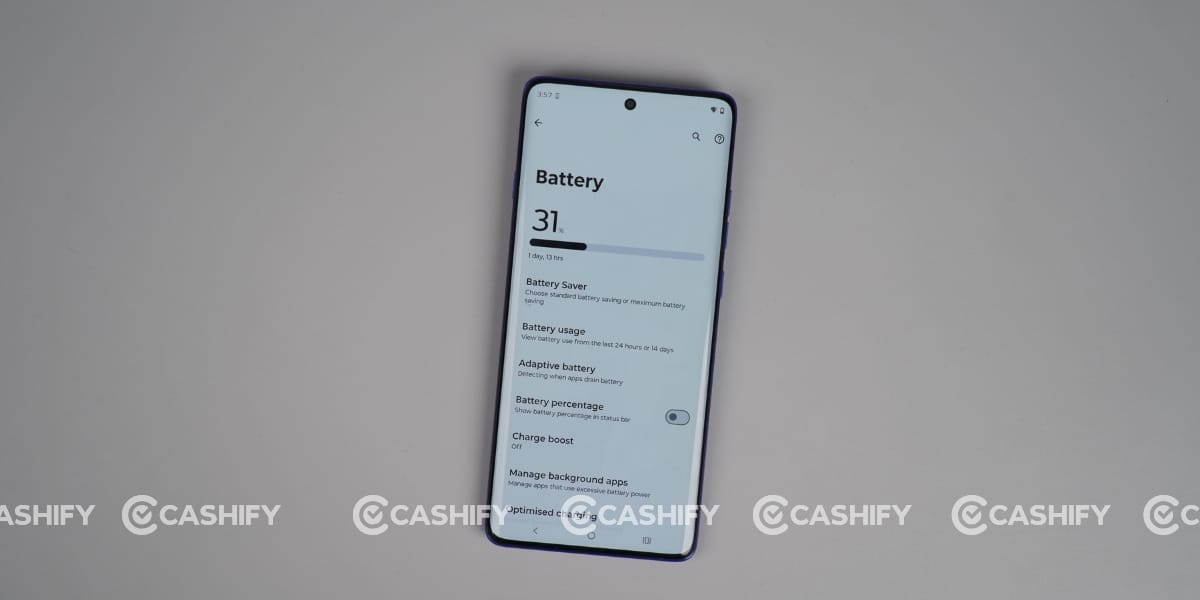
While playing BGMI, the phone’s battery drains a little faster, but overall, the battery performance is still acceptable. If you fully charge the phone and keep background activity minimal, the device can easily last two days, and sometimes even three days if nothing heavy is running in the background.
This phone comes with a 90W fast charger that juices it up in approximately 47 minutes. During the Motorola Edge 60 Pro long-term review, I even charged this phone with my Apple 20W charger, and it charged within 1 hour.
Motorola Edge 60 Pro Display
The Motorola Edge 60 Pro has an amazing curved 6.7-inch P-OLED display. Personally, I am not a big fan of curved displays because they are a little more fragile and sometimes prone to accidental touches during gaming.
No doubt, curved displays look premium and attract more users. However, this phone’s front display is protected by Corning Gorilla Glass 7i, which offers Mohs level 4 protection to help protect the screen from scratches and minor damage.
This phone also supports HDR10+, enabling high-quality video playback. I watched several dark-themed videos, and the viewing experience was excellent.
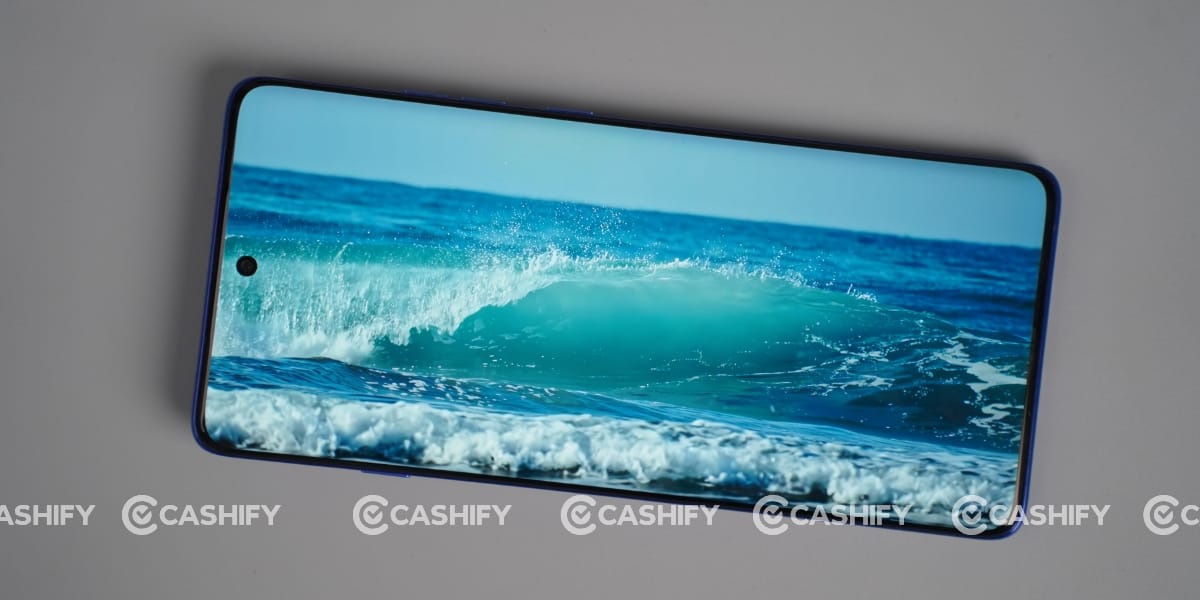
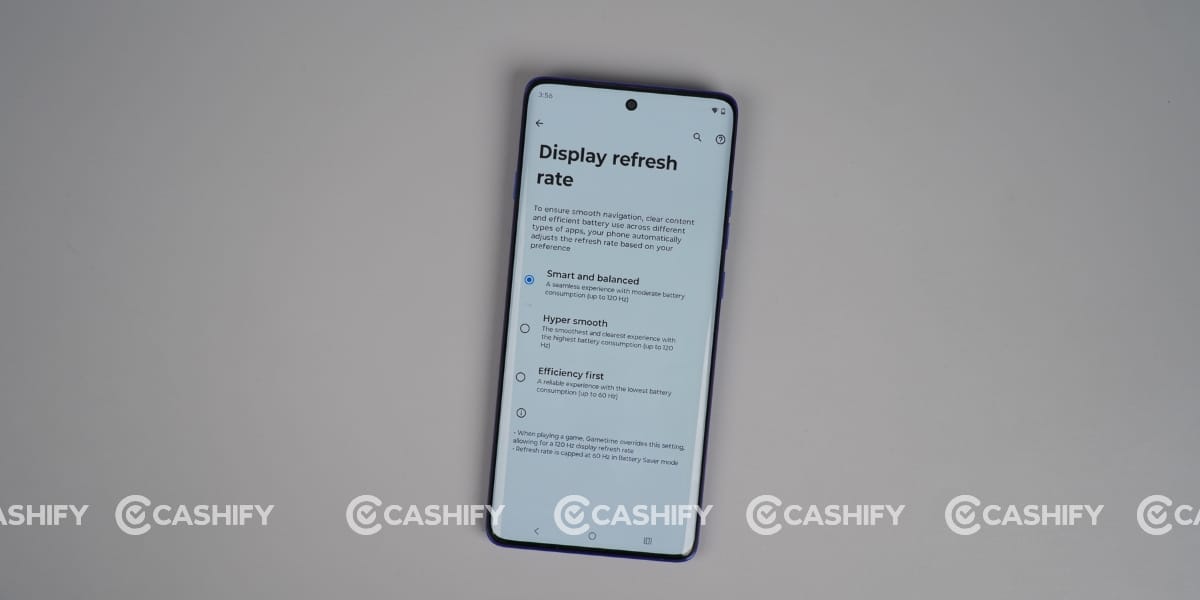
The deep blacks and colour contrast make the content look more immersive. It also comes with a 120Hz refresh rate, which makes scrolling and animations feel smooth and fast.
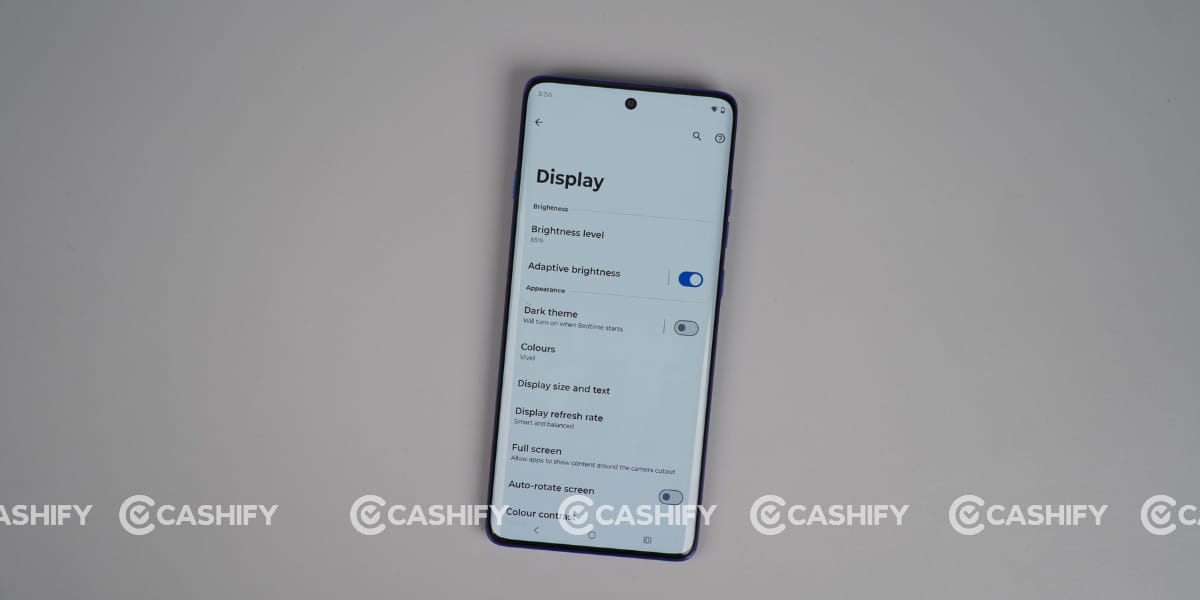
Additionally, the phone offers up to 4500 nits of peak brightness, allowing you to use it comfortably in bright sunlight with minimal reflection on the screen. Overall, the display remains clearly visible in almost every lighting condition.
Apart from the hardware quality, the phone also includes several useful display features in the settings. It has a Night Light to help reduce eye strain in low-light conditions by adding a warmer tone to the screen.
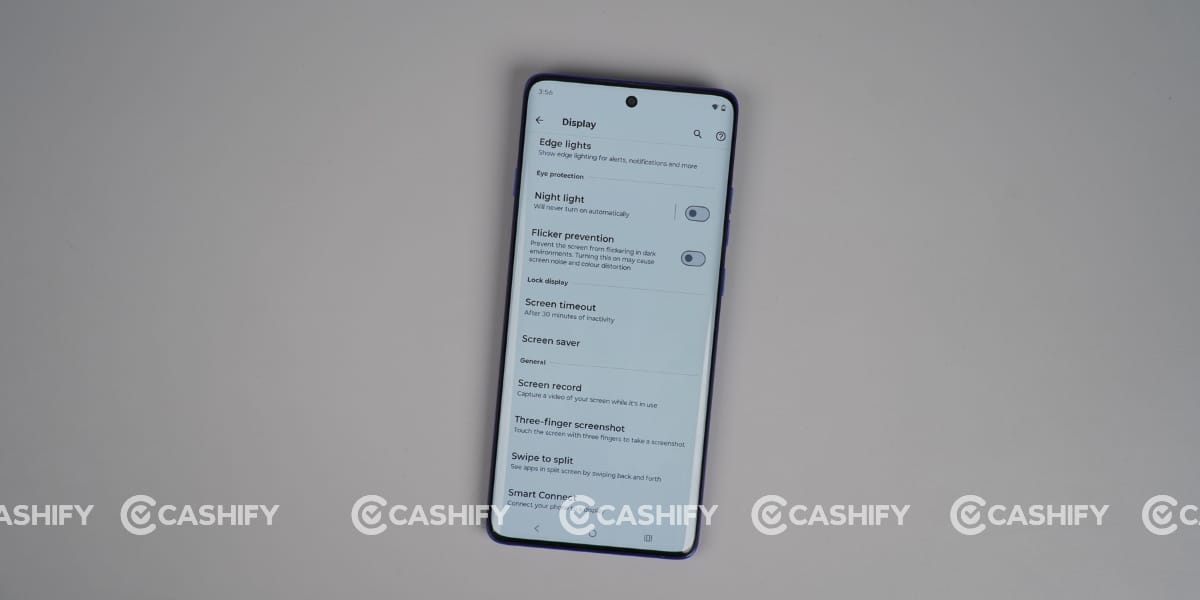
There is also a Flicker Prevention feature that reduces screen flicker in dark environments, making it easier on the eyes during extended use. The phone also supports Edge Lights for notifications, which use the curved display to show visual alerts around the edges.
These small software features improve the overall display experience and make the phone more comfortable to use for longer periods.
Motorola Edge 60 Pro Performance
The Motorola Edge 60 Pro comes with the Mediatek Dimensity 8350 Extreme (4 nm) chipset, offering smooth performance. This chip is designed to deliver a balance of performance, efficiency, and AI capabilities.
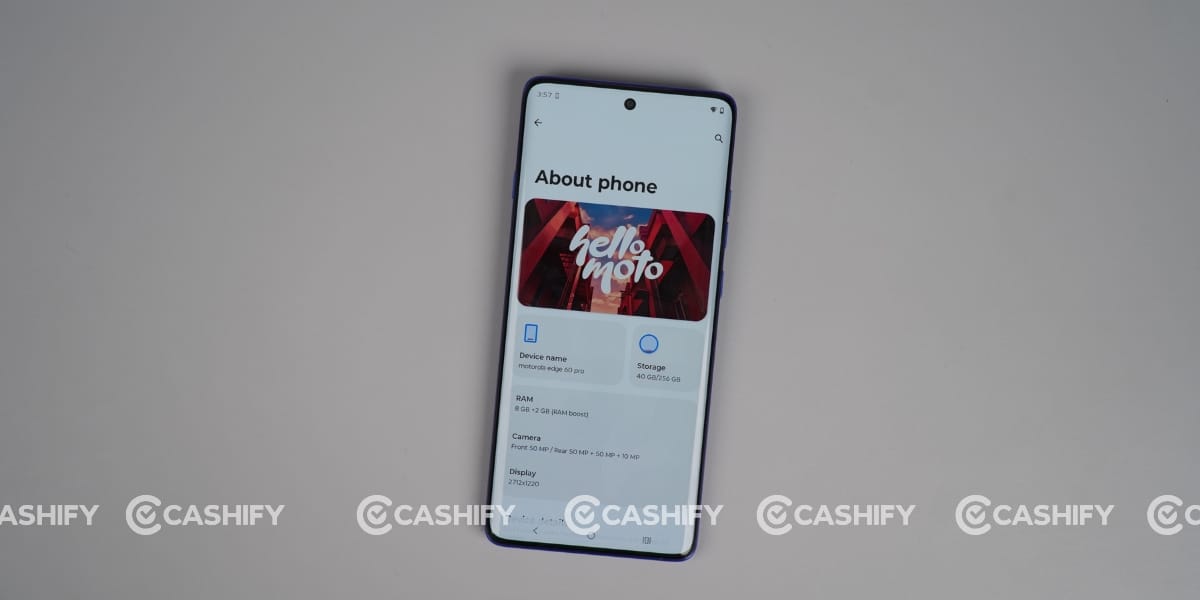
In daily usage, the phone feels fast and responsive, whether you’re multitasking, scrolling, or switching between apps. One of the best things about this phone is its UFS 4.0 storage, which helps with fast data transfer and saves battery life. It also helps manage and run multiple apps in the background simultaneously.
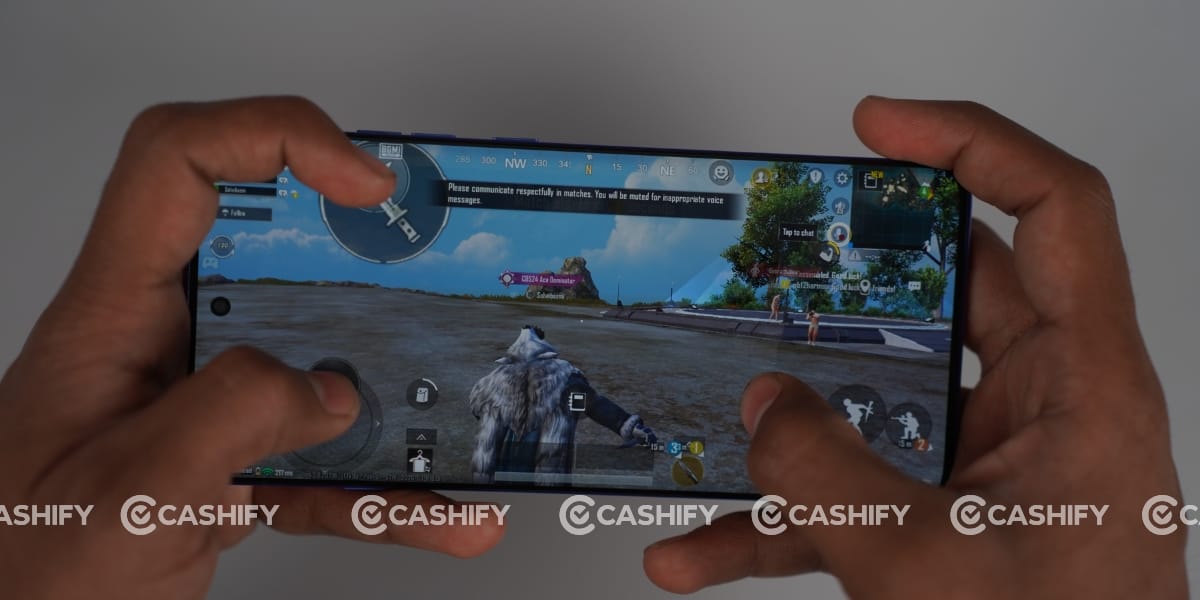
Gaming performance is also solid, with the Mali-G615 GPU handling most titles at high settings with stable frame rates. While it may not match flagship processors, it offers more than enough power for the price segment. Yes, I faced heating after playing BGMI two games in a row, but it does not affect the gaming experience.
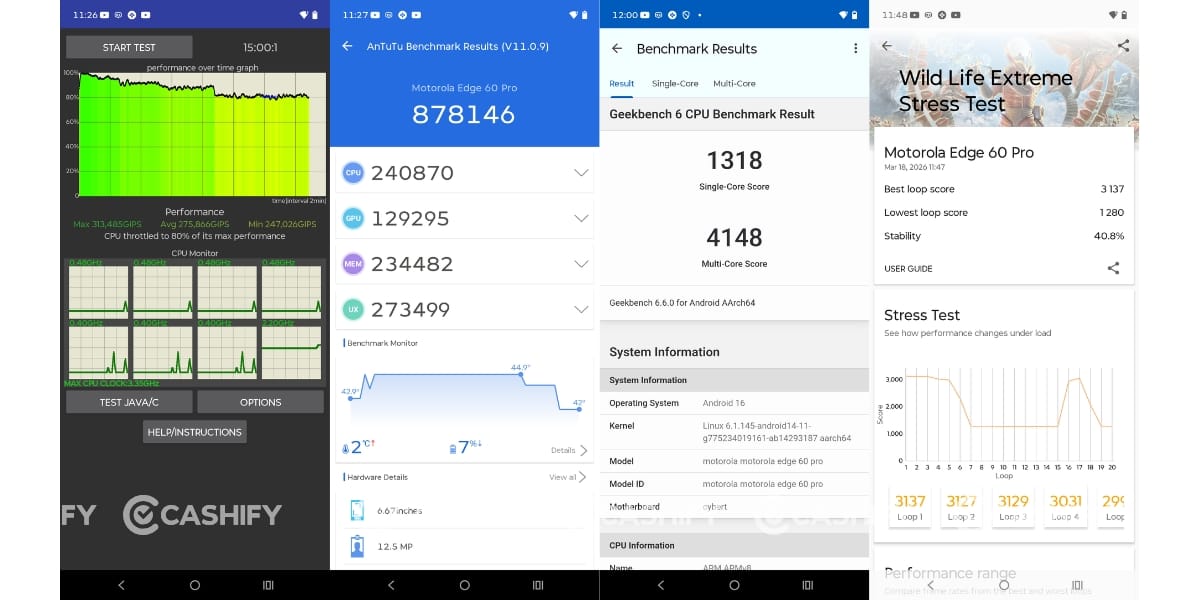
I also ran several Benchmark tests on the Motorola Edge 60 Pro to assess its performance across different aspects. Its Geekbench scores are 1318 in single-core and 4148 in multi-core. The maximum in the CPU throttling test is 80 per cent. Moreover, its Antutu score is 878146. The 3D Mark Wildlife Extreme Stress Test for stability has an overall score of 40.8%.
Motorola Edge 60 Pro Software and UI
The Motorola Edge 60 Pro runs stock Android 16, offering a clean and fast UI experience. The brand promised up to three years of updates, but I think it should be a bit longer, since most brands offer between four and seven years.
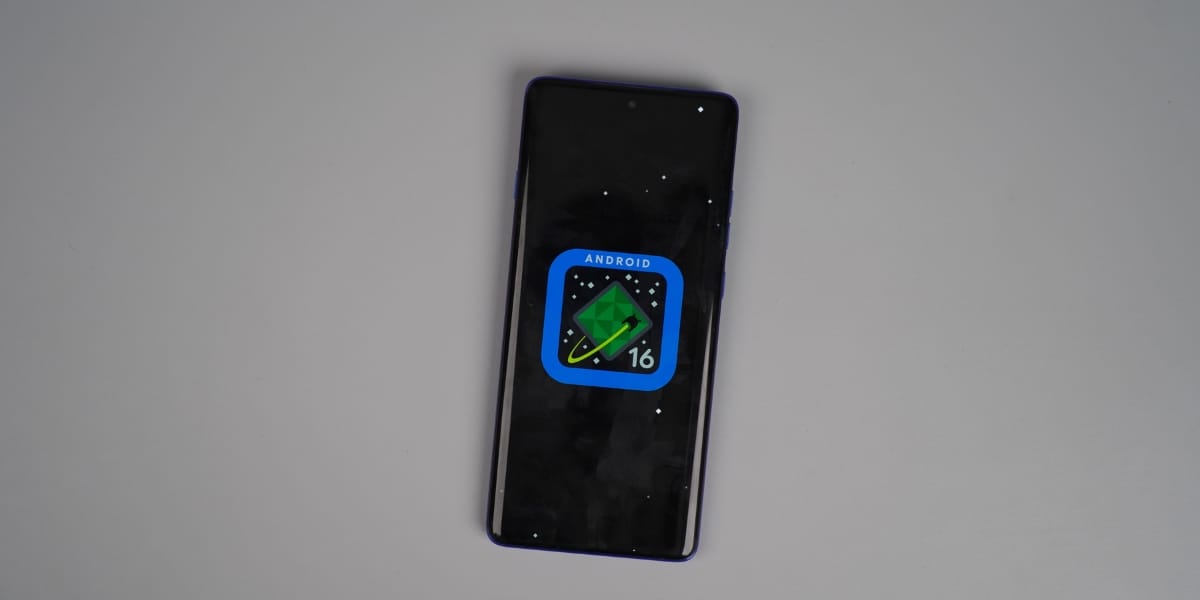
Overall, the user experience is smooth and clean; although there aren’t many customisation options, the reduced software burden ensures everything works seamlessly.
Honestly, there is no rival like the Edge 50 Pro, which underwent a long-term review in the past. Two things are also mentioned here: one thing is that you can see Newsfeed right after app widgets.
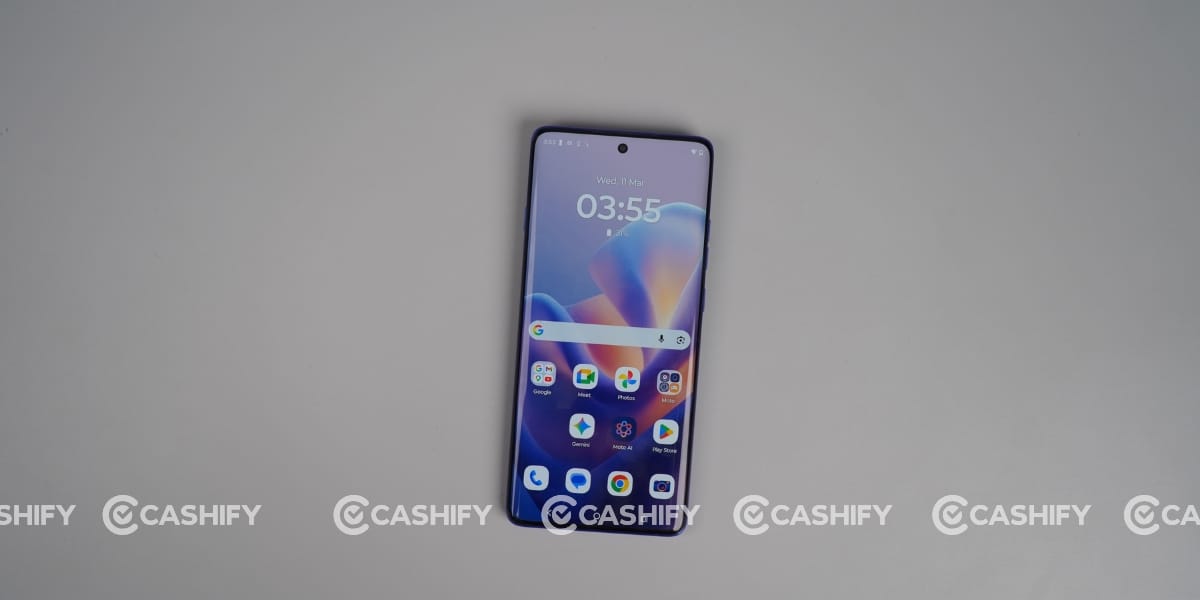
Second, this is a separate Moto AI section at the bottom of App widgets, where you can ask anything about your thoughts after logging.
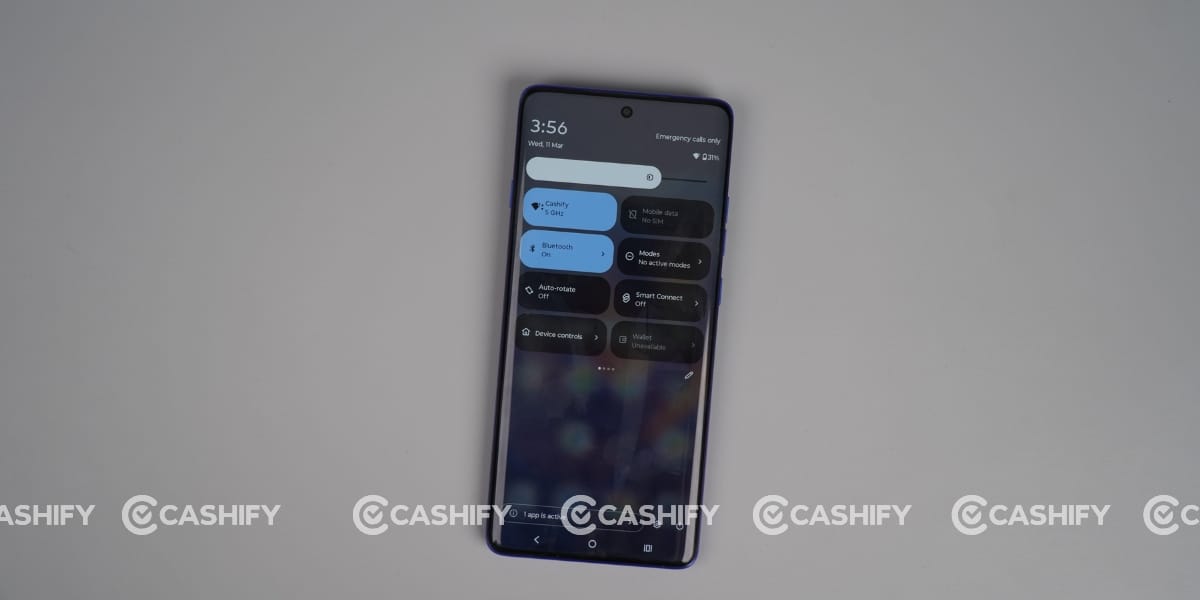
It also has separate features motoAI. So, it offers a deeply integrated, personalised AI system powering advanced camera enhancements, productivity, and device optimisation.
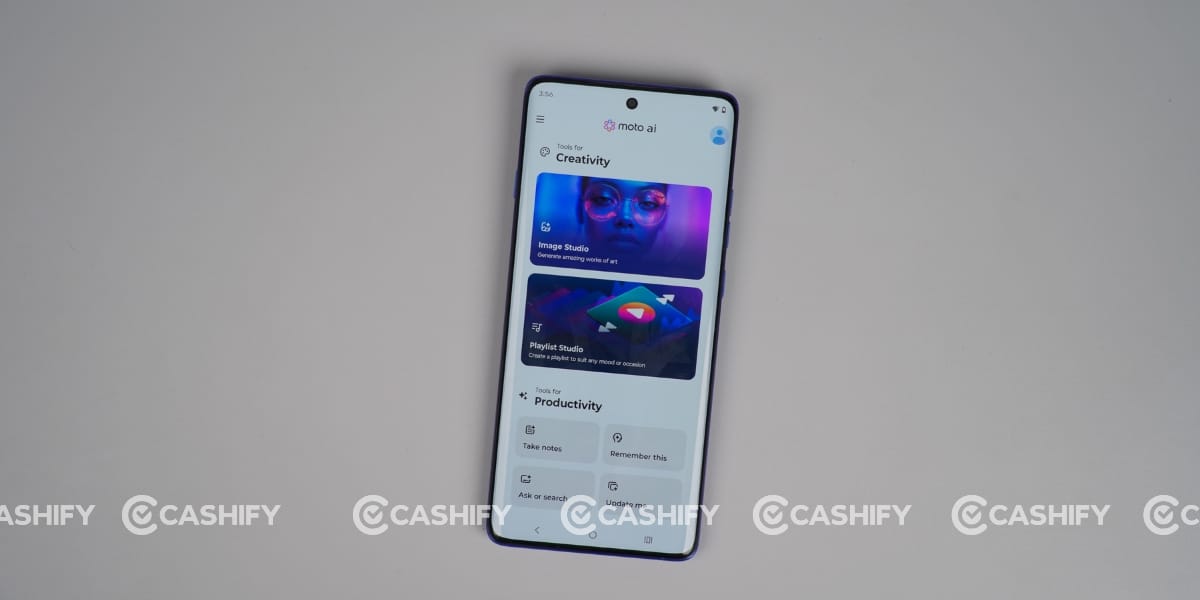
Key AI features include on-device “Catch me up” notification summaries, “Remember this” voice-command reminders, and AI-powered photo/video optimisation for lighting, colour, and contrast, etc.
In my Motorola Edge 60 long-term review, the phone stands out as a well-balanced device for users who want a premium display, clean software, and reliable battery life without spending flagship-level money. The performance is smooth for daily use and even gaming, while features like IP ratings and fast charging add real value.
However, the eco-leather back and inconsistent camera colours do hold it back slightly. Still, if your priorities are display quality, battery, and a clutter-free UI, the Edge 60 Pro remains a strong contender in its segment even after a year of launch.