Vivo X200 Pro Price in India and Variants
The Vivo X200 Pro price in India is Rs. 94,999 for the 16GB RAM + 512GB storage variant. The smartphone is available in Titanium Gray and Cosmos Black colour options. You can buy the Vivo X200 Pro through Vivo’s official online store, Amazon, Flipkart, and authorised retail stores across India.
Also Read: Google Pixel 11 Quick Review: Better Specs, Same Pixel DNA?
Vivo X200 Pro Box Contents
The Vivo X200 Pro packs the following items inside the box:
- Phone
- 90W Charger
- Type C cable
- SIM ejector tool
- Protective cover
- Documentation
Vivo X200 Pro Specs at a glance
Before we talk in detail about the Vivo X200 Pro, let’s see what the on-paper specs look like:
- Display: 6.78 inches LTPO AMOLED screen
- Chipset: Mediatek Dimensity 9400 (3 nm)
- RAM & ROM: 256GB 12GB RAM, 512GB 16GB RAM, 1TB 16GB RAM
- Software: Android 15, up to 4 major OS updates, Funtouch 15
- Rear camera: 50MP, 200MP, 50MP
- Selfie camera: 32MP
- Battery: 6000mAh
- Weight: 223 grams
- Dimensions: 162.4 x 76 x 8.2 mm or 8.5 mm
Vivo X200 Pro Design and Build
Vivo X200 Pro comes with an amazing design with a large, rounded camera module on the back. This phone felt a bit heavy in my hand, weighing 223 grams. However, this weight is common in most flagship-level phones due to bigger batteries, camera technology, and other technical aspects.
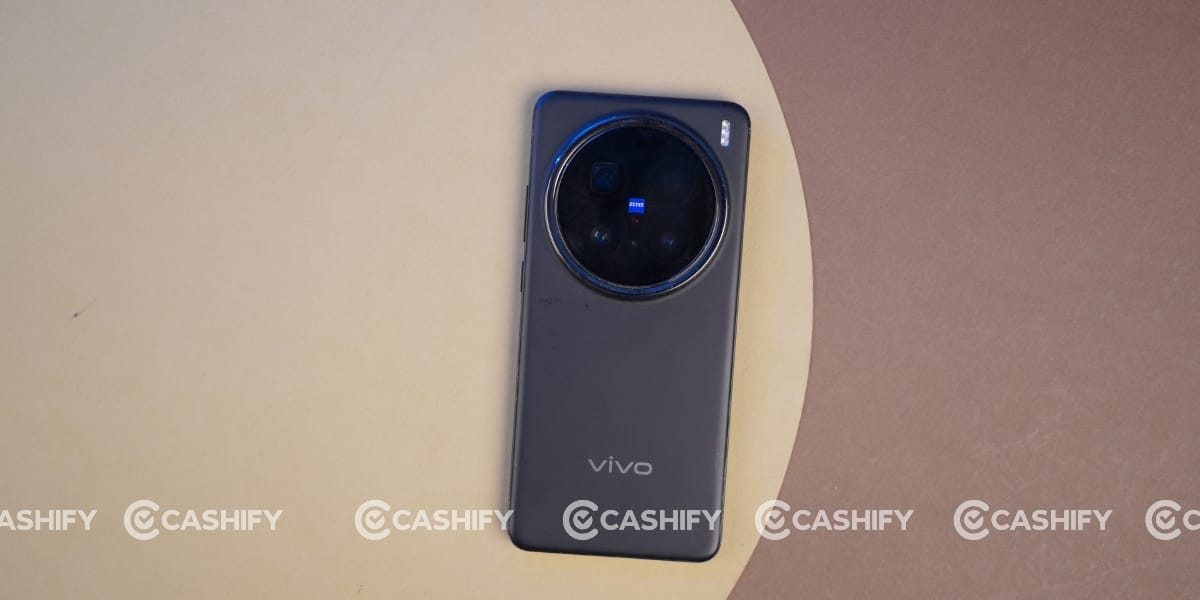
Overall, its body feels amazing to hold in one hand and comes with a glass-fibre-reinforced plastic back, which does not attract fingerprints. Its frame is also made of durable aluminium.
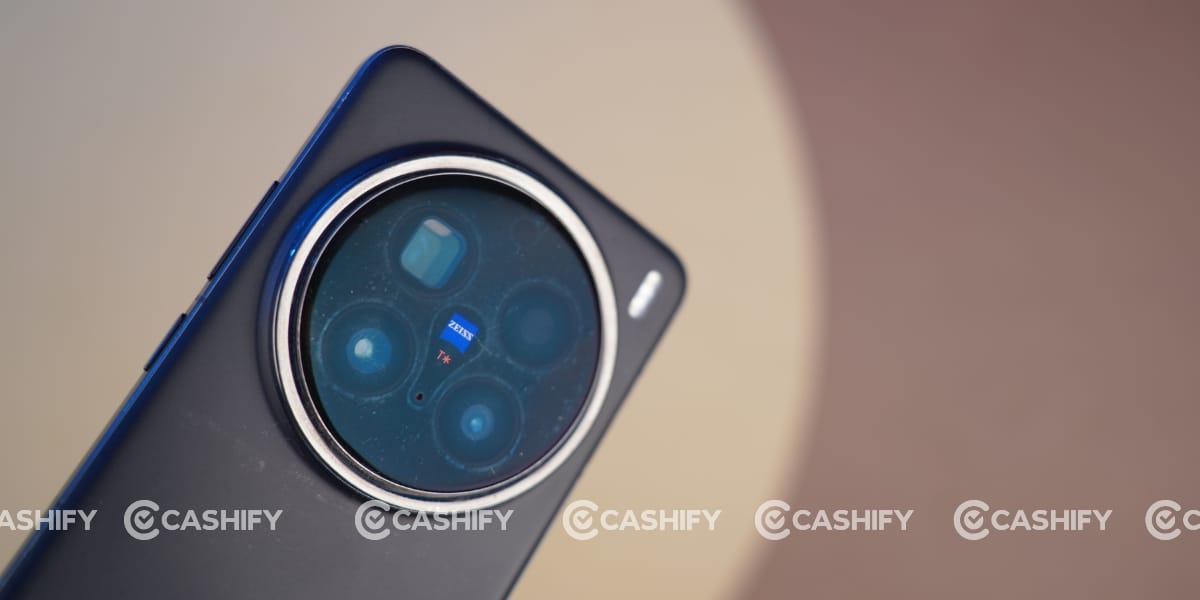
But one thing I found annoying during my Vivo X200 Pro long-term review was that the back camera module gets unusual stains immediately whenever it comes into contact with anything, such as a cloth, finger, or table. That’s why I keep cleaning it before taking any photo.
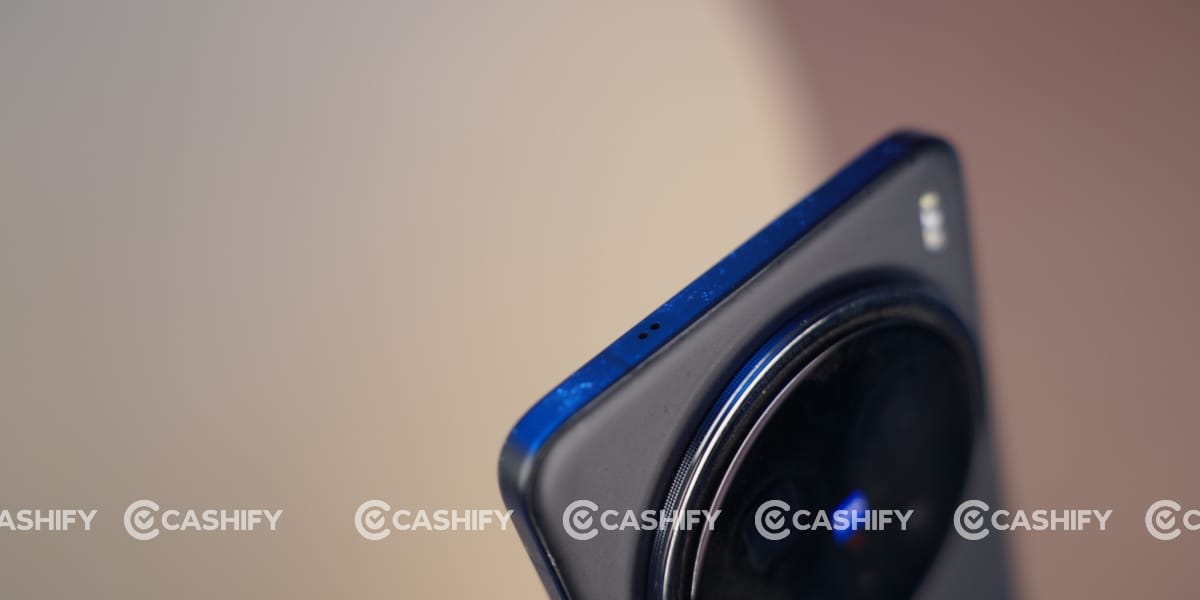
It has body dimensions of 162.4 x 76 x 8.2 mm or 8.5 mm with a quad-curved finish. So, you will see slight curves on both the front and back, which provide a better grip.
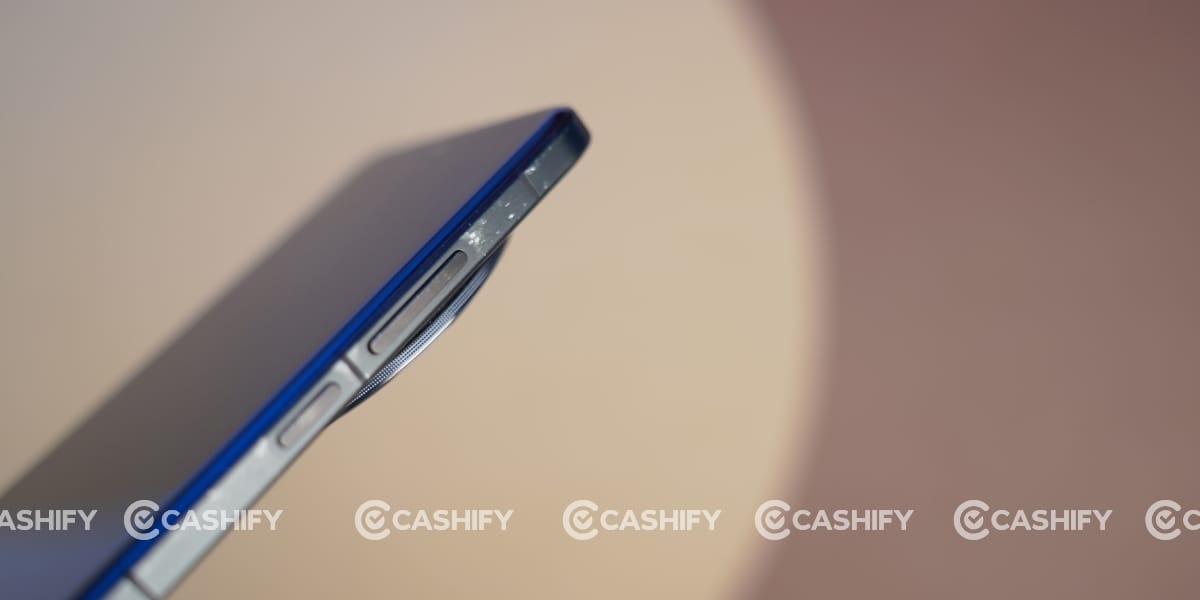
This phone also has an IP68/IP69 rating for dust and water resistance, so it can resist high-pressure water jets and can be immersed in up to 1.5 metres of water for 30 minutes.
Talking about the ports, it has a secondary speaker on the top, while the right side has the power and volume buttons. At the bottom, this phone has a Type-C port, main speaker, microphone, and SIM tray.
Vivo X200 Pro Camera
Camera is the centre point of the Vivo X200 Pro. This phone comes with a triple rear camera setup, including a 50MP wide-angle, 200MP periscope telephoto, and 50MP ultrawide sensor.
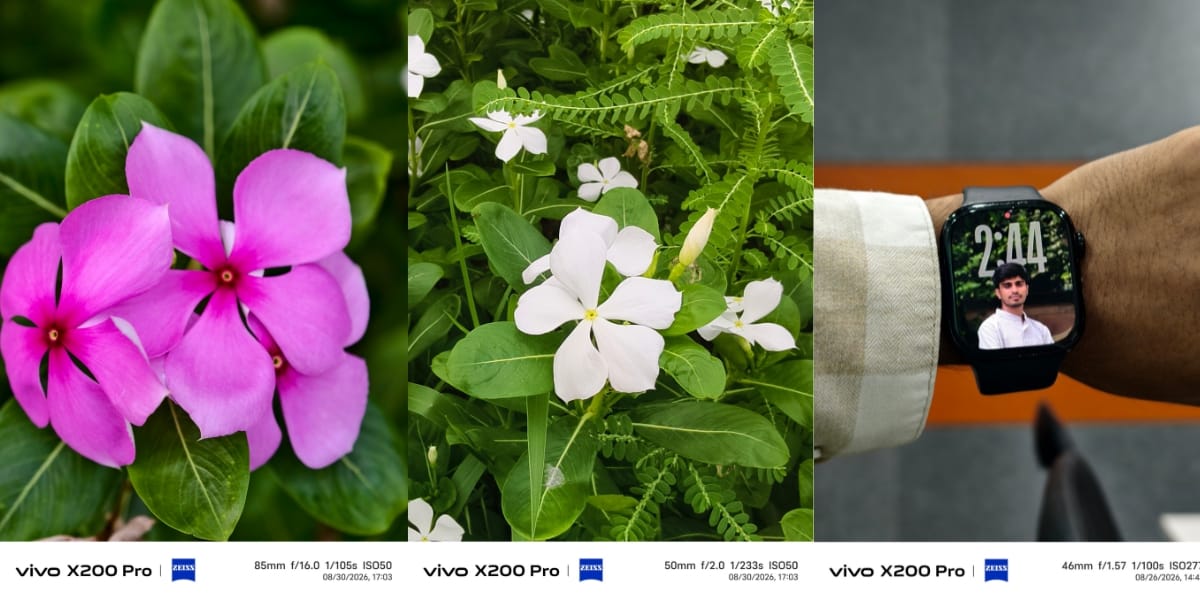
Before going into a deeper explanation, there are two types of people and two kinds of cameras as well. One type of person always likes raw, natural, and original results in their final photos, while the second type likes more saturated, enhanced, colourful, and ready-to-post-on-social-media photos.

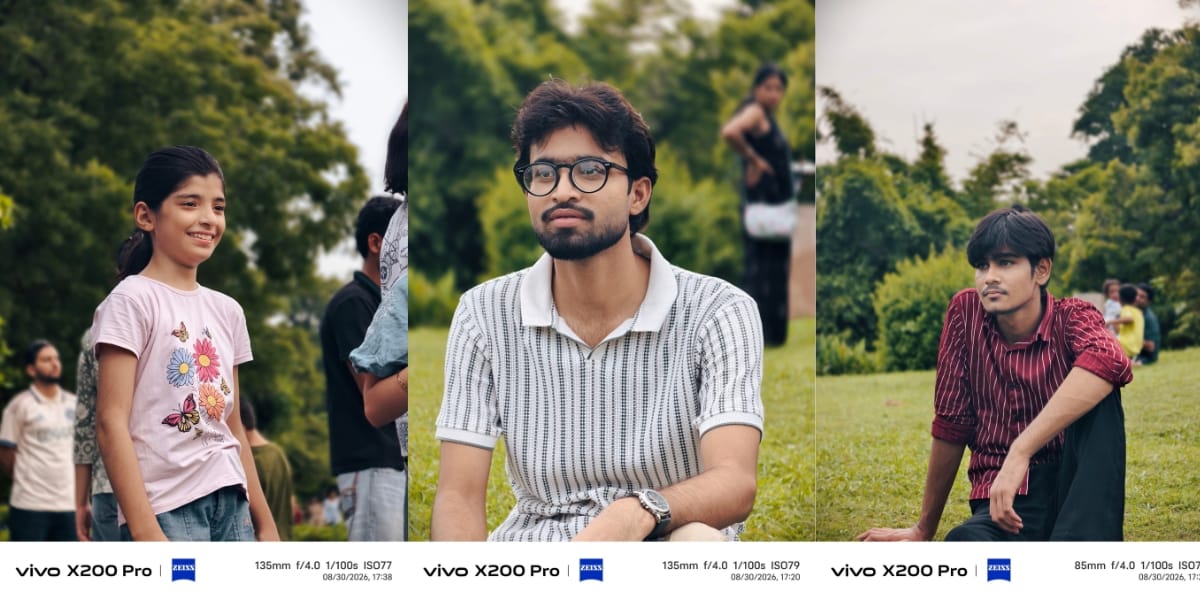
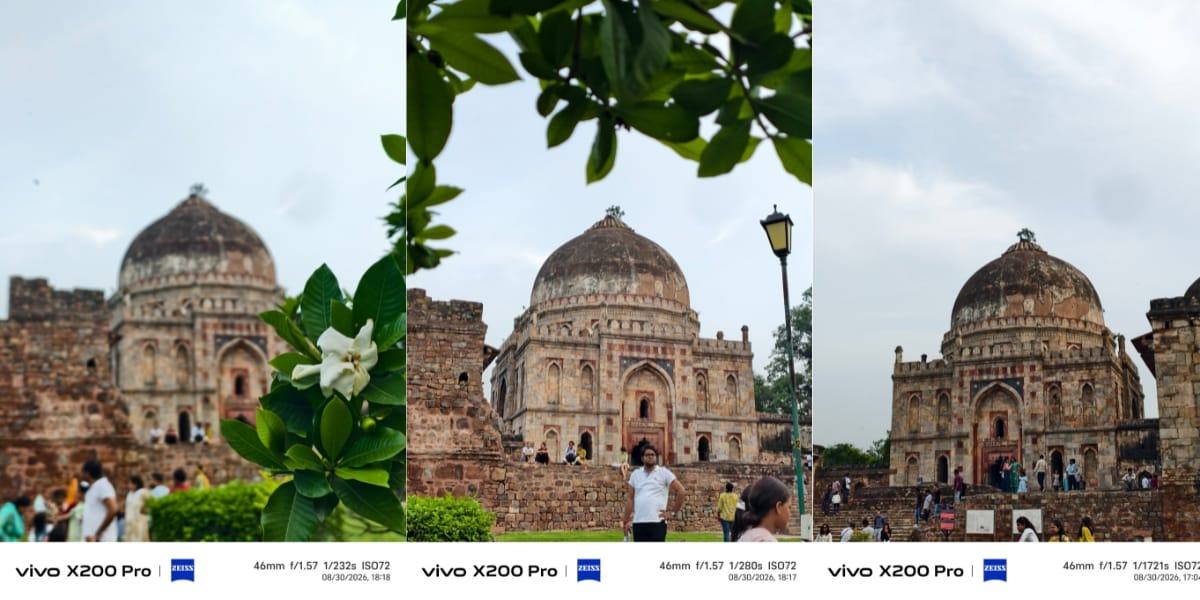
In the case of the Vivo X200 Pro, this is ideal for the second type of person. This phone offers amazing and enhanced camera results in most situations. You can see my normal and portrait mode results.
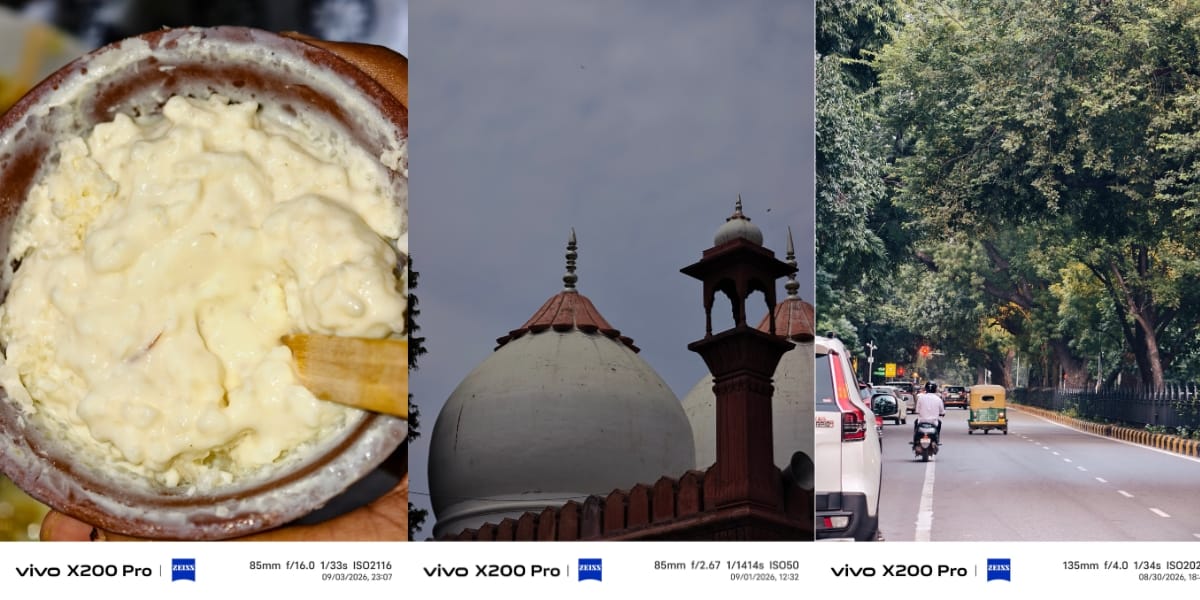
In normal mode, it stays close to reality while offering a high level of processing. It offers better depth and dynamic range. However, I felt that it sometimes overexposes the results. For example, you can see the white-coloured kurta, which looks brighter than it actually is.
I became a fan of its zooming capability. I captured multiple images at 10x zoom, and they totally retained their quality. Due to the Zeiss lens, you will get a lot of filters to capture photos in different scenarios.
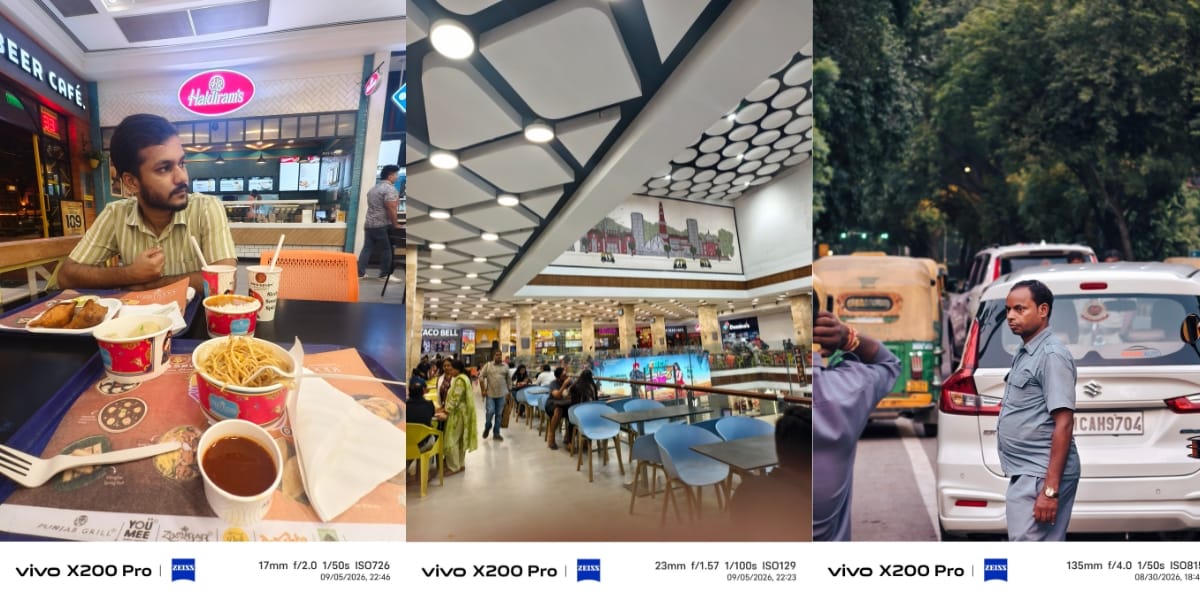
Vivo also offers modes according to the subject, such as Document mode, Portrait mode, Landscape shots, Food shots, etc. So, it depends on what you want from the phone.
Overall, Portrait mode will be the best for me. It perfectly detects the edges, even at 5x zoom. I clicked a few of my own portraits where I was standing statically, and it made sense to capture the best possible images. But I also captured a few portrait shots where children were moving continuously and still got perfect shots without any blurry results.
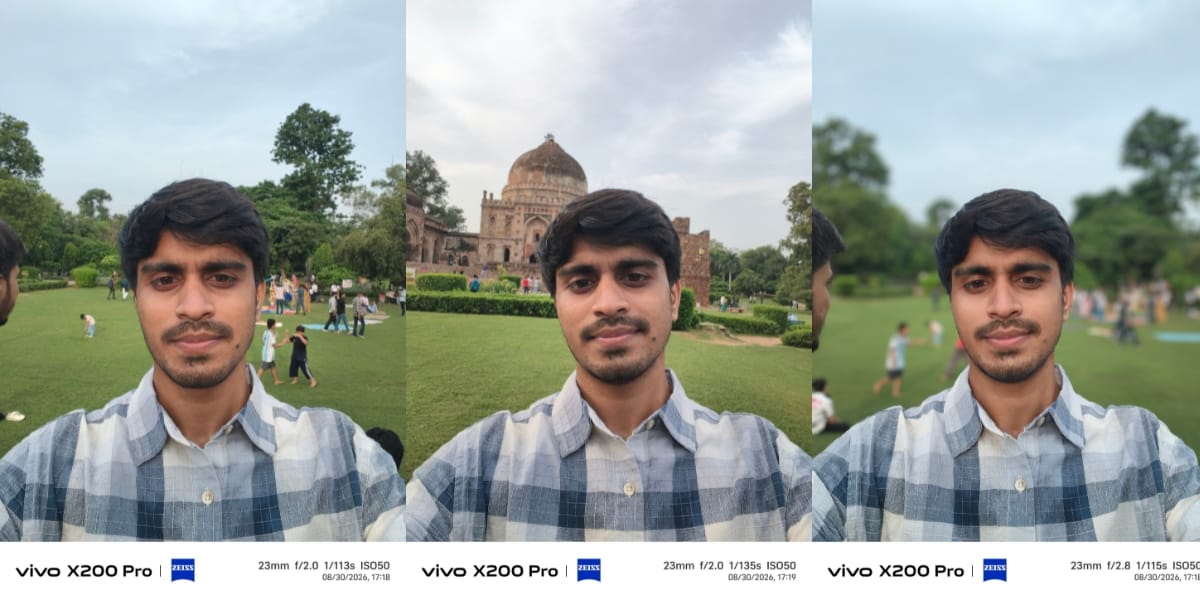
Vivo X200 Pro comes with a 32MP front camera, but it also offers amazing results in most conditions. If you are a cinematographer, then you can record 8K videos at 30fps with the rear camera and 4K videos at 30fps with the front camera. I also recorded a video in all the possible modes, so you can see the final results below.
Also Read: Vivo X300 Pro Review: The Phone That Changed Camera Standards
Vivo X200 Pro Battery and Charging
The Vivo X200 Pro delivers exceptional battery life, easily lasting a full day of heavy use or up to two days of light use, thanks to its large 6,000mAh silicon-carbon battery. Honestly, I got almost 8 hours of screen time when I watched most of the downloaded videos. However, I played BGMI a lot, so with heavy usage, it can end up offering almost 5 hours of screen time. If you are using this phone mostly for video recording or photography, it will also consume more battery.
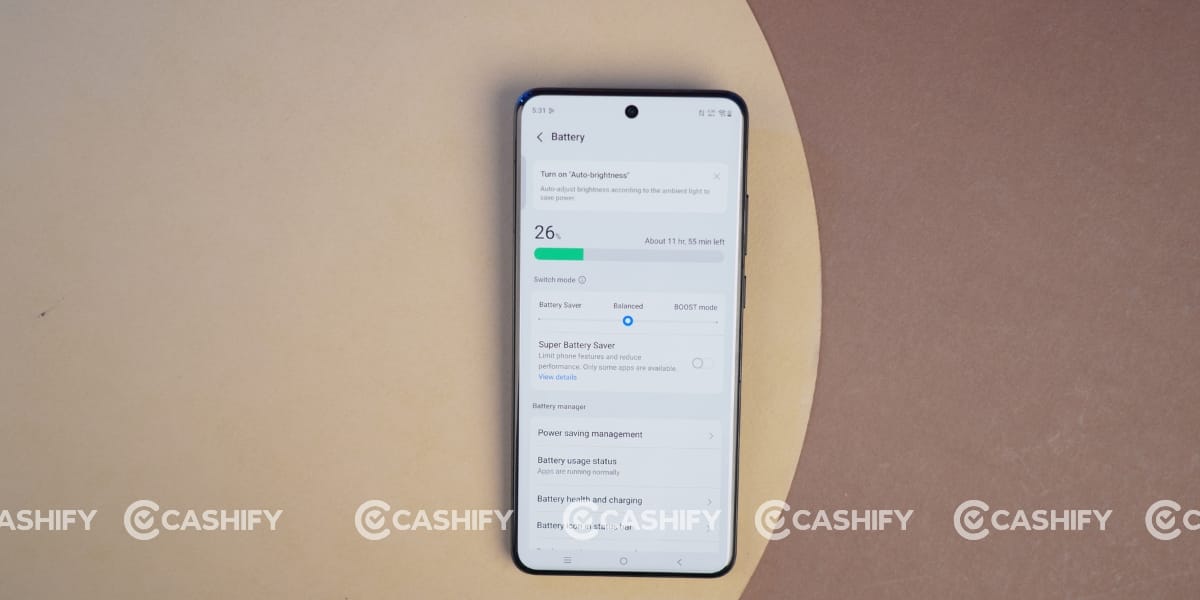
For charging, I had an Apple 30W charger, which I mostly used, and it juiced up the phone fully in around 60 to 75 minutes during my Vivo X200 Pro long-term review. However, it can be fully charged through the official 90W FlashCharge wired adapter in approximately 45 to 48 minutes, from 0 to 100 percent.
Also Read: Vivo X300 FE Review: Powerful, Stylish, And Camera-Focused
Vivo X200 Pro Display
Vivo X200 Pro comes with a large 6.78-inch 1.5K AMOLED LTPO display with 1.07 billion colours.
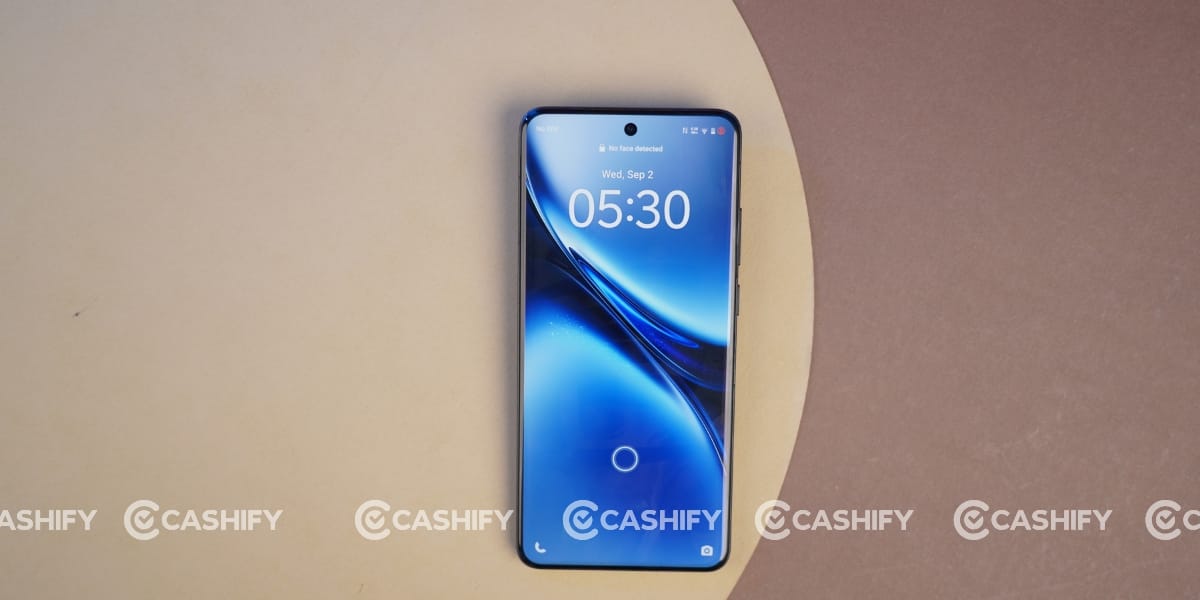
It is amazing for watching movies and videos due to its large size and sharp visuals. Moreover, it supports HDR content, so you can enjoy high-quality videos on YouTube, Netflix, Amazon Prime, etc.
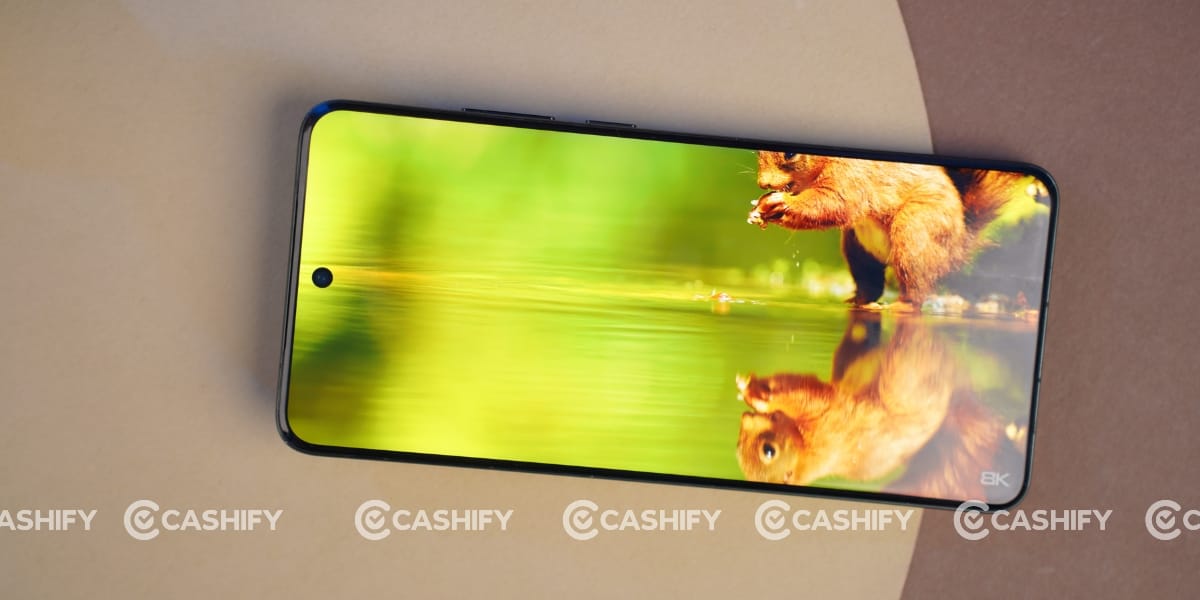
The display offers rich colours, deep blacks, and impressive contrast. During my Vivo X200 Pro long-term review, I watched a lot of movies and videos, and honestly, the overall viewing experience was amazing. The 120Hz refresh rate also makes scrolling and animations feel smooth, while the LTPO panel can dynamically adjust the refresh rate depending on the content.
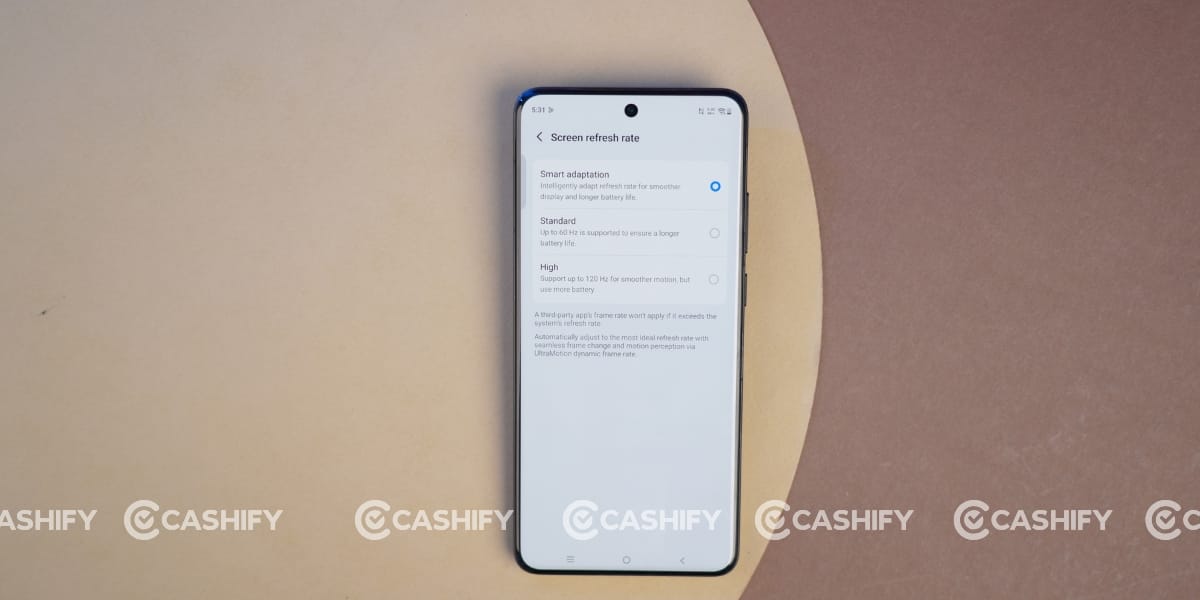
This phone has a local peak brightness of 4500 nits. My experience was good while using it in harsh lighting conditions, as everything remained clearly visible on the display without any major glare or reflections.
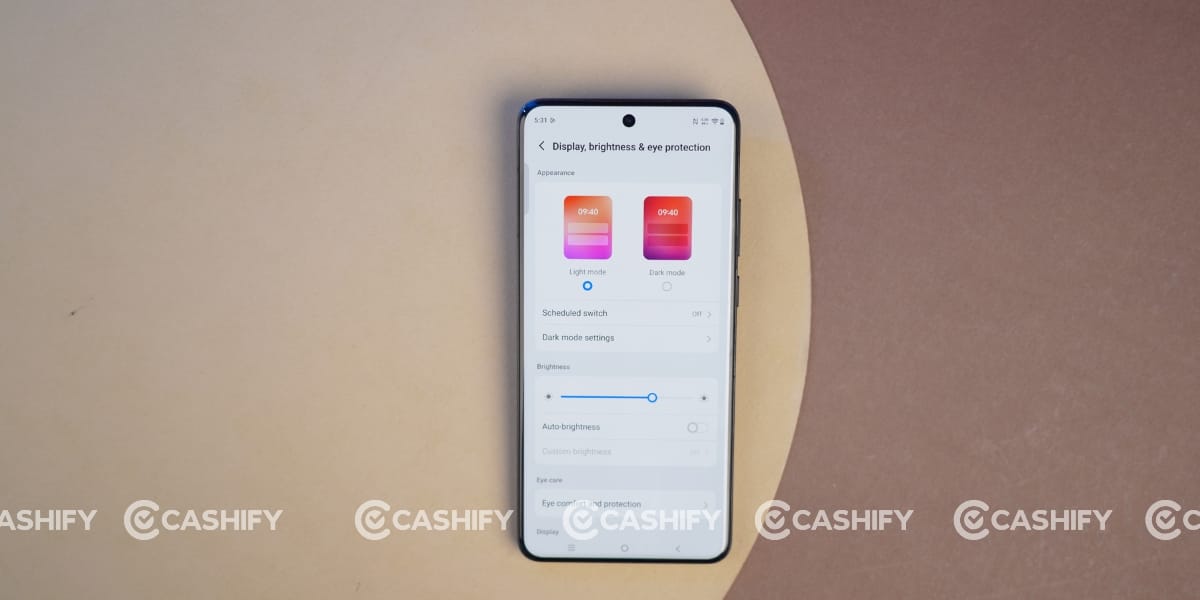
Vivo has also added multiple eye-protection features that can be adjusted according to your preference to make the display more comfortable for longer usage.
Vivo X200 Pro Performance
The Vivo X200 Pro features a MediaTek Dimensity 9400 (3nm) chipset, delivering smooth performance in daily usage. Whether I was switching between apps, browsing social media, watching videos, or using the camera, the phone handled everything smoothly without any major lag. The chipset still feels capable of handling everyday tasks with ease.
Talking about gaming, I played a lot of BGMI during my long-term usage, and the overall gaming experience was smooth with rarely any noticeable frame drops. However, I did notice heating issues during longer gaming sessions. The phone also gets warm during long photography sessions, especially when using the camera continuously. Vivo has an efficient cooling system, but in my experience, it was not always enough to control the temperature during prolonged heavy usage.
The Dimensity 9400 is a flagship chipset with an all-big-core CPU architecture and Immortalis-G925 GPU. The Indian variant also comes with 16GB LPDDR5X RAM and 512GB UFS 4.0 storage, making multitasking and app loading extremely smooth.
Overall, the Vivo X200 Pro still delivers flagship-level performance, and despite some heating during prolonged gaming and photography, my long-term experience with its performance has been quite impressive.
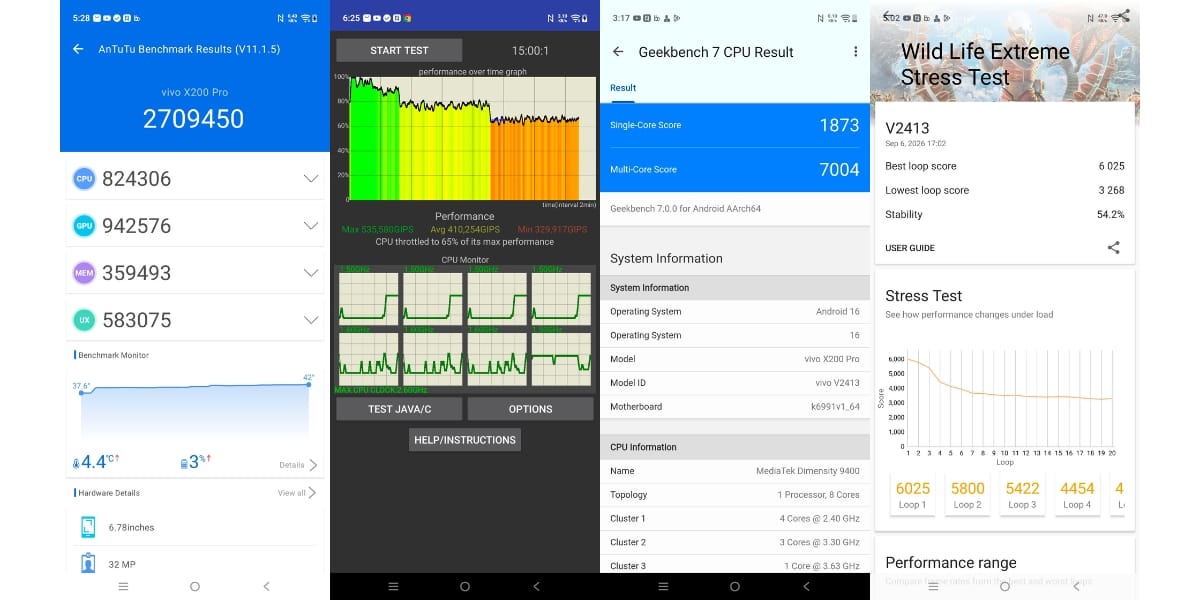
I also ran several Benchmark tests on the Vivo X200 Pro to assess its performance across different aspects. Its Geekbench scores are 1873 in single-core and 7004 in multi-core. The maximum in the CPU throttling test is 54.2 per cent. Moreover, its Antutu score is 2709450. The 3D Mark Wildlife Extreme Stress Test for stability has an overall score of 65%.
Also Read: Samsung Galaxy Z Flip7 Long Term Review: The True King Of Flip Phones
Vivo X200 Pro Software and UI
Vivo X200 Pro originally came with Android 15 and Funtouch OS 15, but I’m currently using it with OriginOS 6 after the latest update.
The new software feels cleaner and more innovative, with plenty of customisation options. You can customise the wallpaper, icons, home screen, lock screen, and other system elements.
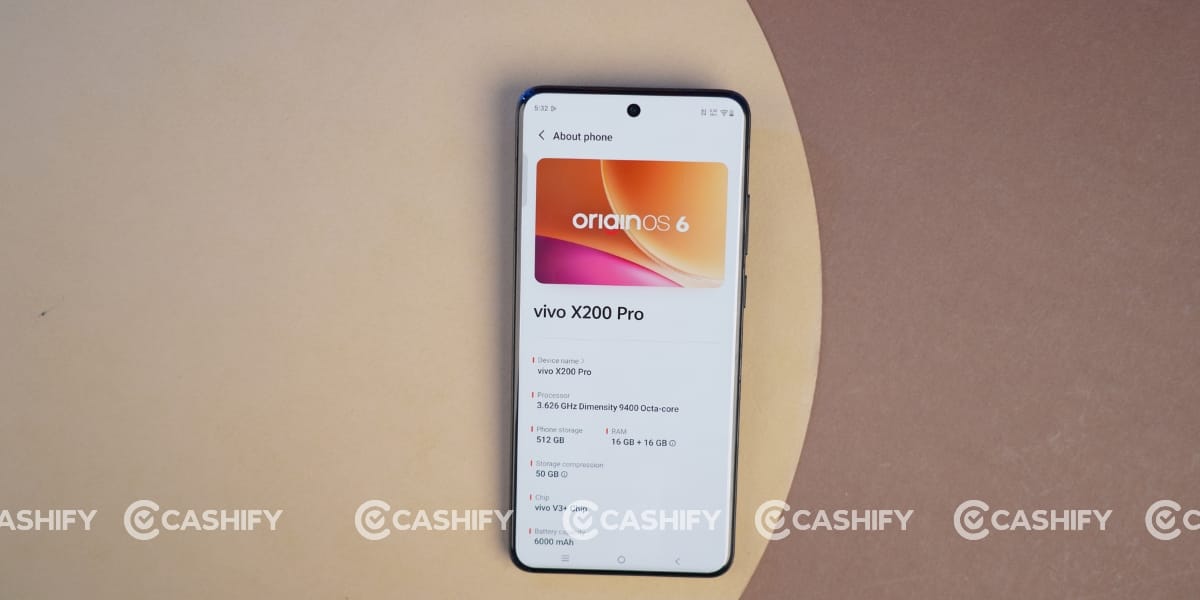
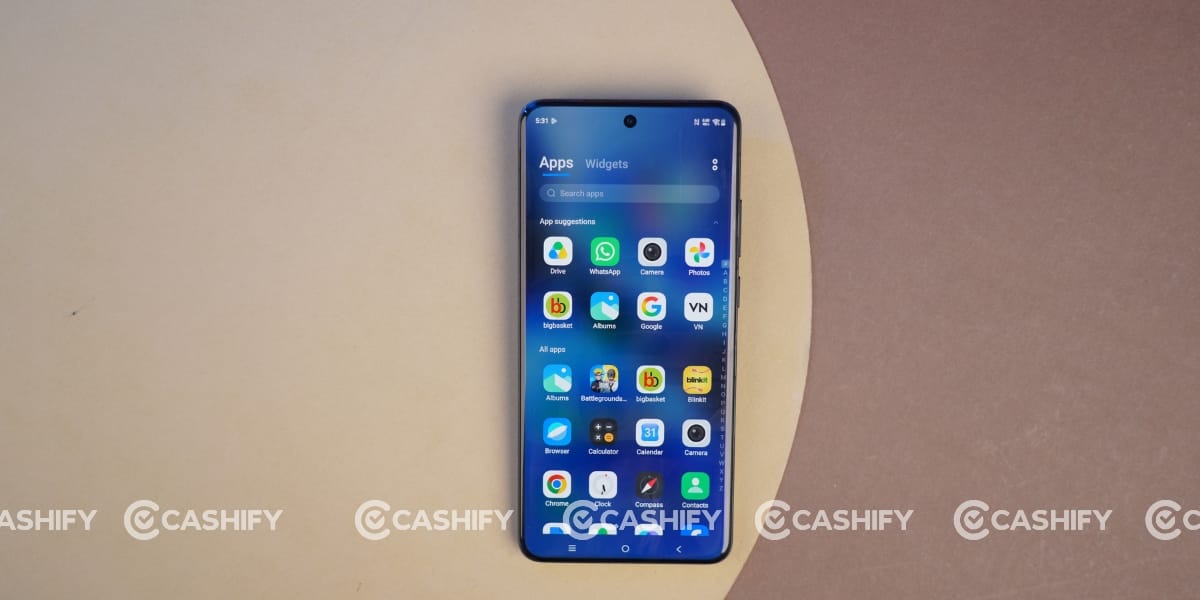
I’m using the App list with the option to sort apps from A to Z, while sorting by usage frequency is also available. Scrolling is smooth, and I rarely noticed any lag while opening or closing apps. The animations also feel much smoother with OriginOS 6.
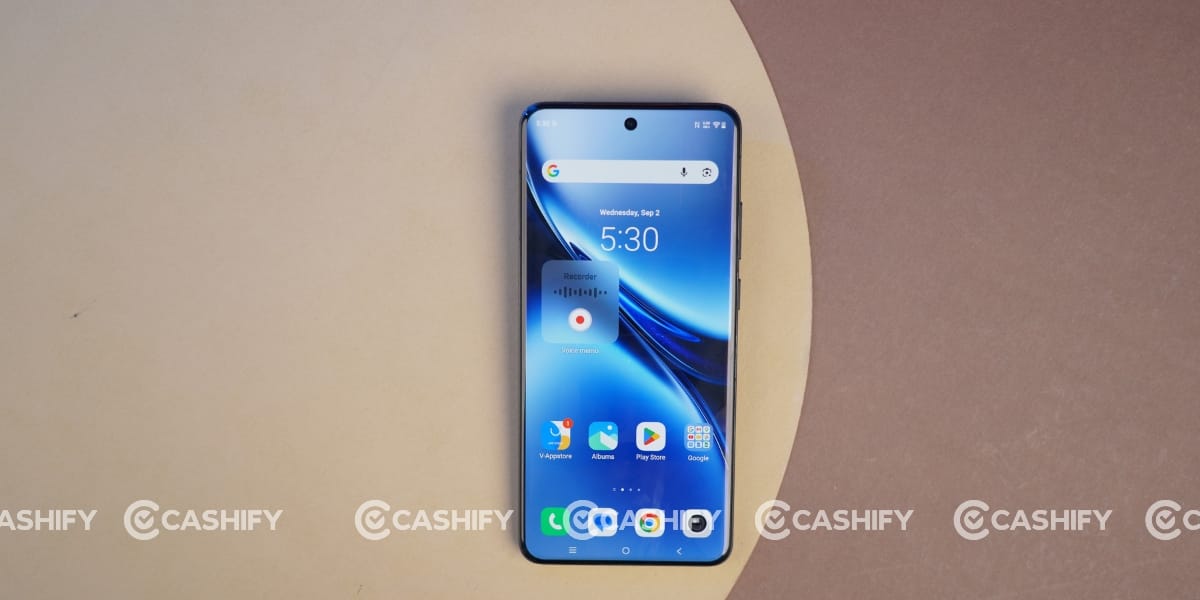
This phone also comes with multiple AI features, along with several camera-focused tools that work alongside its ZEISS camera system.
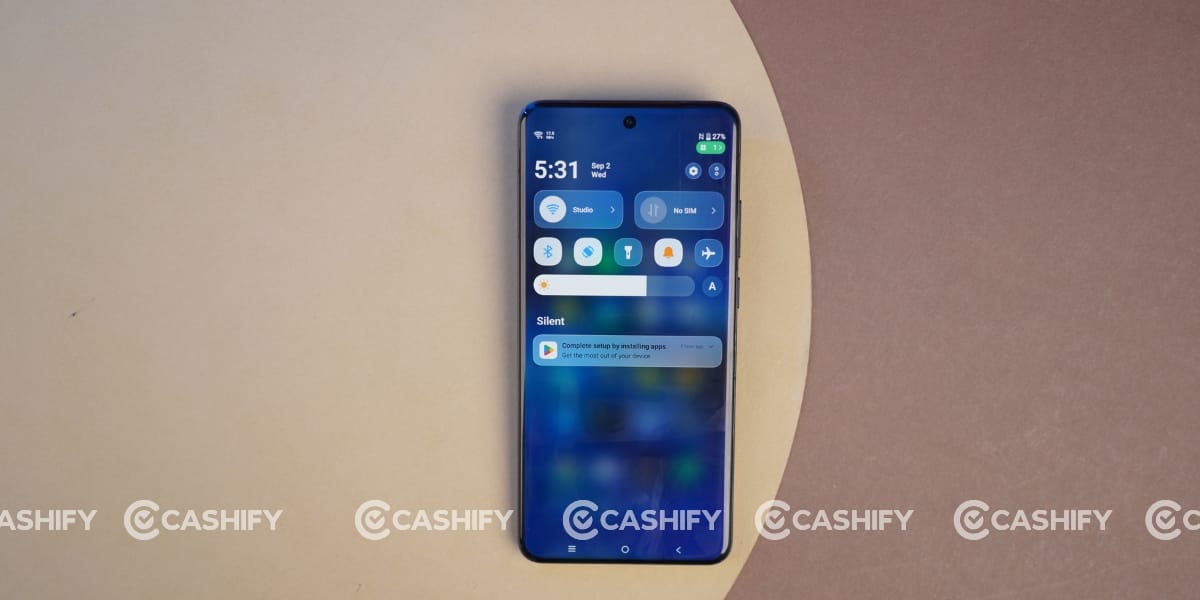
Overall, I’m quite happy with the software experience during my long-term usage, and OriginOS 6 makes the Vivo X200 Pro feel fresh even after a long time.
The Vivo X200 Pro is still an impressive flagship in 2026, especially for camera enthusiasts. Its excellent portrait shots, 10x zoom, vibrant display, long battery life, and smooth performance make it a strong all-rounder.
However, heating during long gaming and photography sessions and the easily stained camera module are a few drawbacks. Overall, if you want a camera-focused flagship, the Vivo X200 Pro is still worth considering, especially at a discounted price.