Google Pixel 11 Price in India and Variants
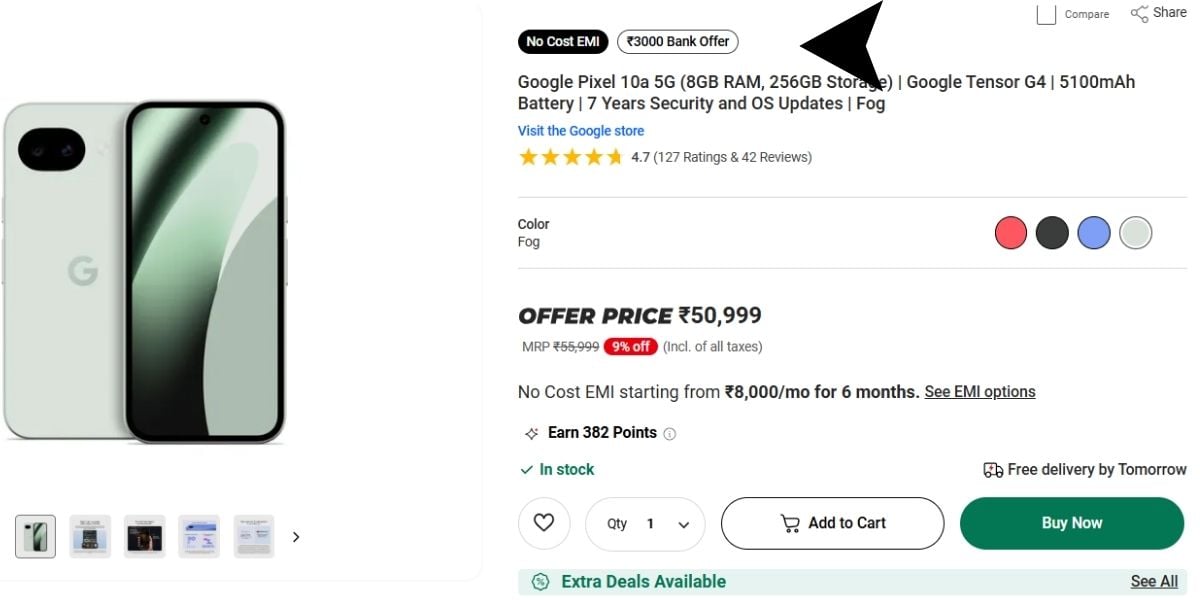
The Google Pixel 11 price in India starts at Rs. 79,999 for the 12GB RAM + 256GB storage variant. The 12GB RAM + 512GB storage model costs Rs. 99,999.
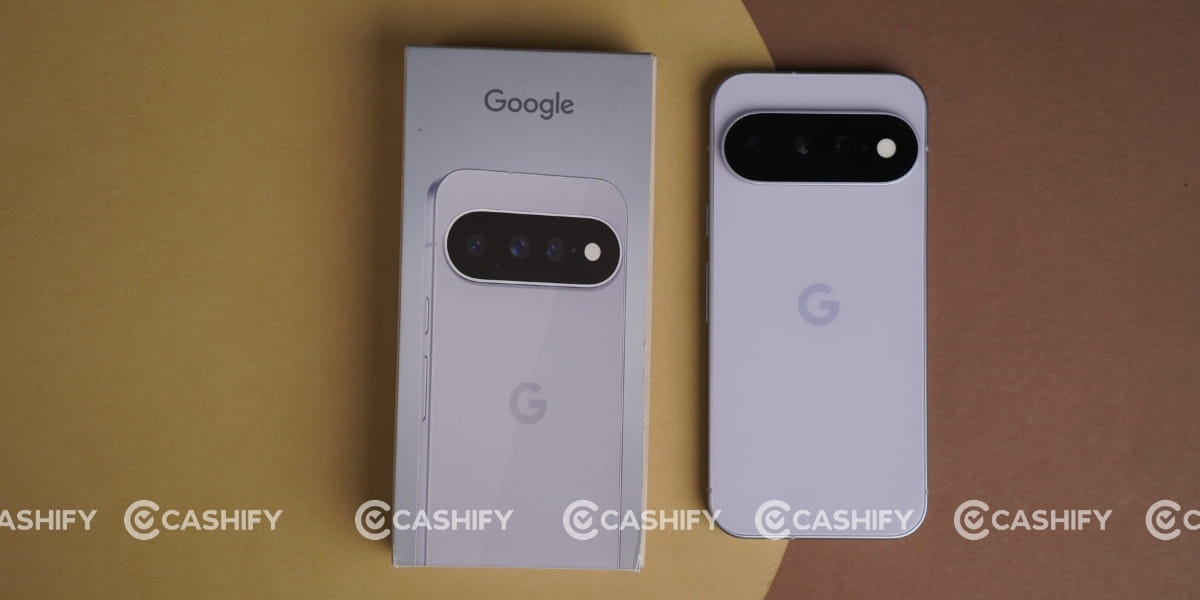
The smartphone is available in Obsidian, Porcelain, and Hazel colour options. You can buy the Google Pixel 11 through Google’s official online store, Flipkart, and authorised retail stores across India.
Also Read: Samsung Galaxy Z Flip8 Quick Review: The Flip Phone Gets Better
Google Pixel 11 Box Contents
The Google Pixel 11 packs the following items inside the box:
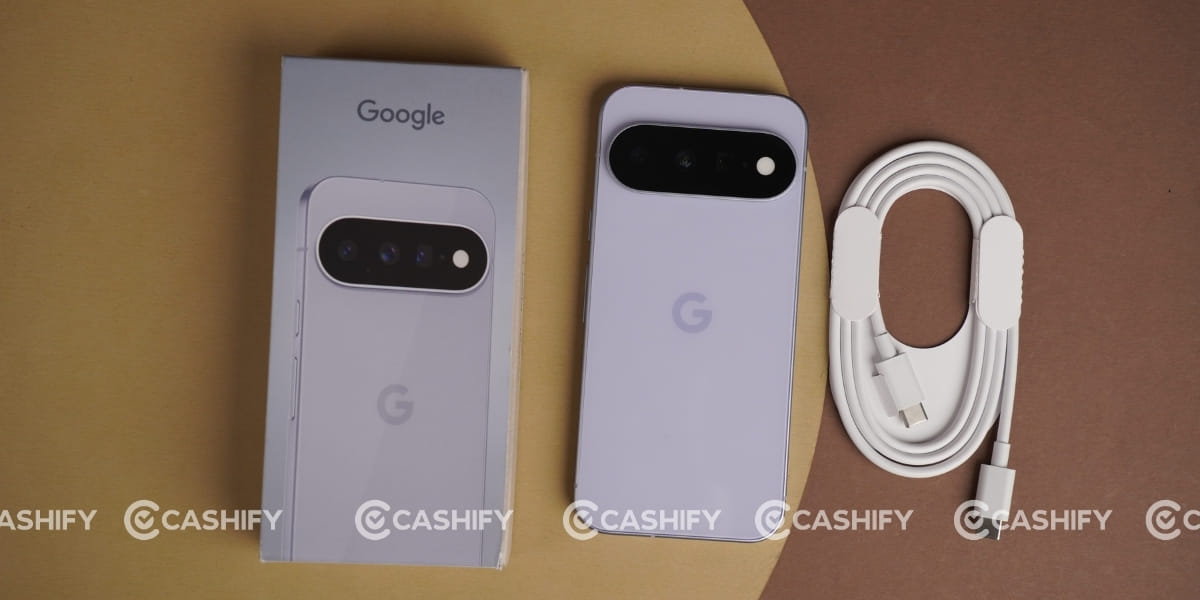
- Phone
- Type C cable
- SIM ejector tool
- Documentation
Google Pixel 11 Specs at a glance
Before we talk in detail about the Google Pixel 11, let’s see what the on-paper specs look like:
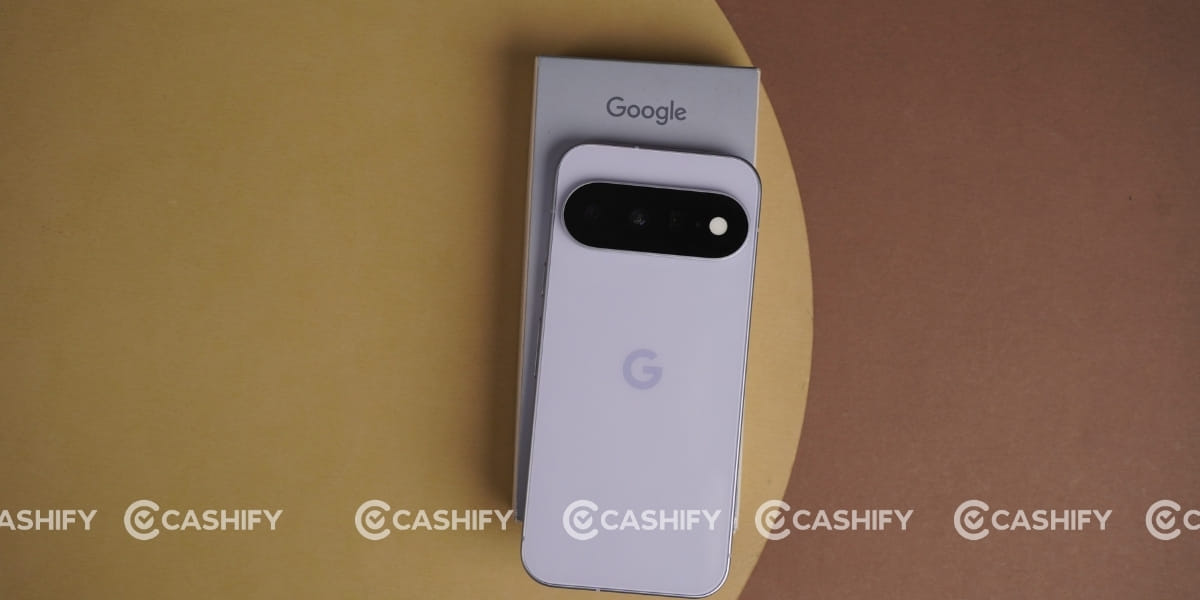
- Display: 6.3 inches OLED screen
- Chipset: Google Tensor G6 (3 nm)
- RAM & ROM: 256GB 12GB RAM, 512GB 12GB RAM
- Software: Android 16
- Rear camera: 48MP, 10.8MP, 13MP
- Selfie camera: 10.5MP
- Battery: 4985mAh
- Weight: 197 grams
- Dimensions: 152.8 x 72 x 8.6 mm
Google Pixel 11 Design and Build
Google Pixel 11 comes with a design similar to last year’s Google Pixel 10, but the newer model adds some freshness and offers a better in-hand feel. It has Gorilla Glass Victus 2 on the front and back, along with an aluminium frame for better durability.
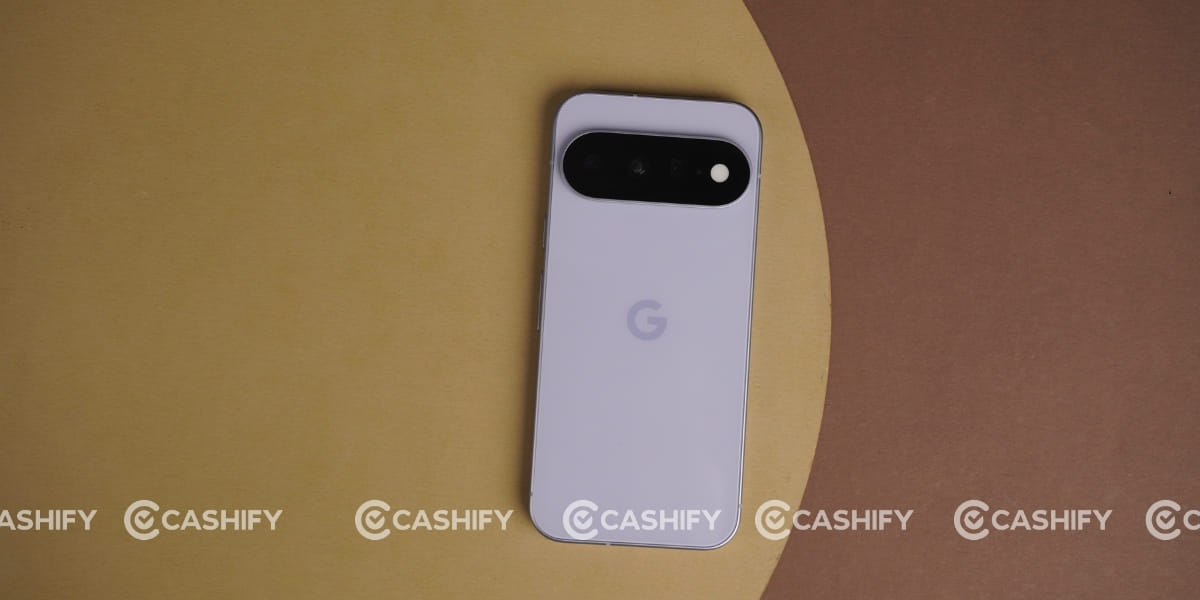
During my Google Pixel 11 quick review, I found that it fits perfectly in a single hand and comes with the same 8.6mm thickness as the Google Pixel 10. Its body weight is also 197g, which is quite good.
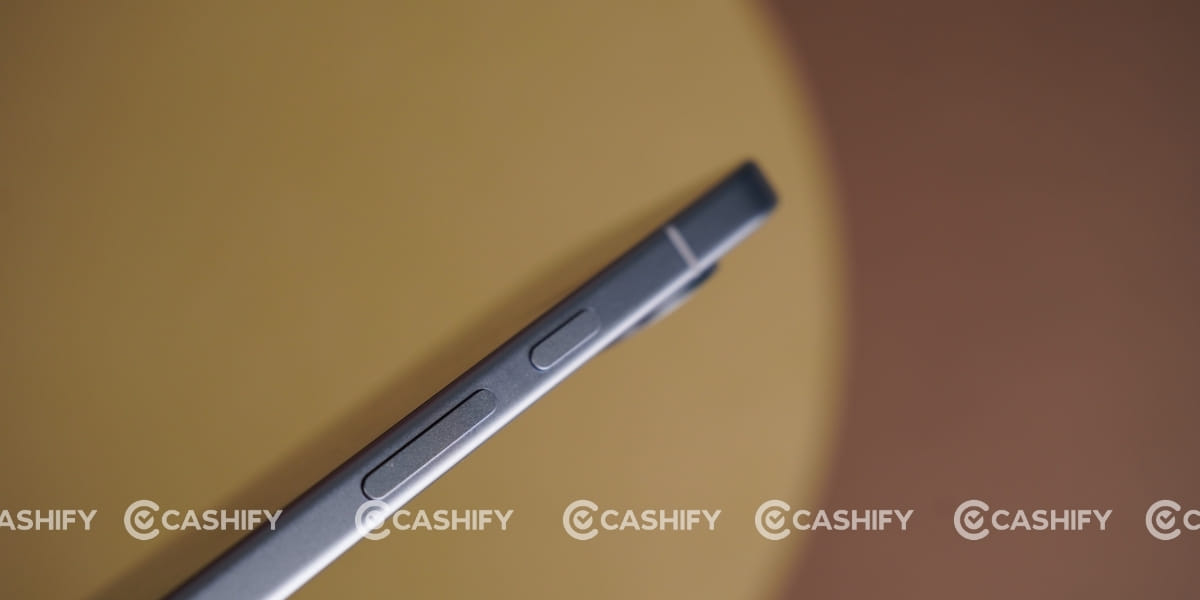
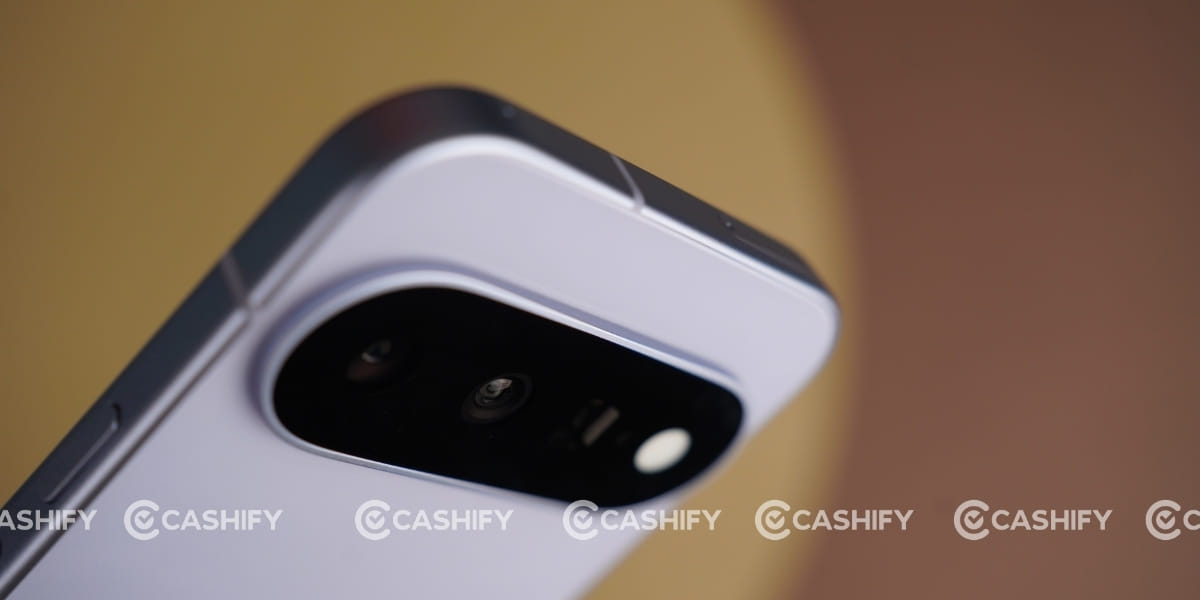
The buttons are a bit too soft to press. Google has redesigned the camera bar on the Pixel 11, making it about 40% thinner. The bar is also now covered entirely in glass rather than having the metal accent used on the Pixel 10. But make sure you will not see a flatter camera module like the Google Pixel 10a.
This phone comes with an IP68 rating for dust and water resistance, so it can be submerged up to 1.5m for 30 minutes. Regarding the ports, the right side has the volume and power buttons, while the left side has nothing.
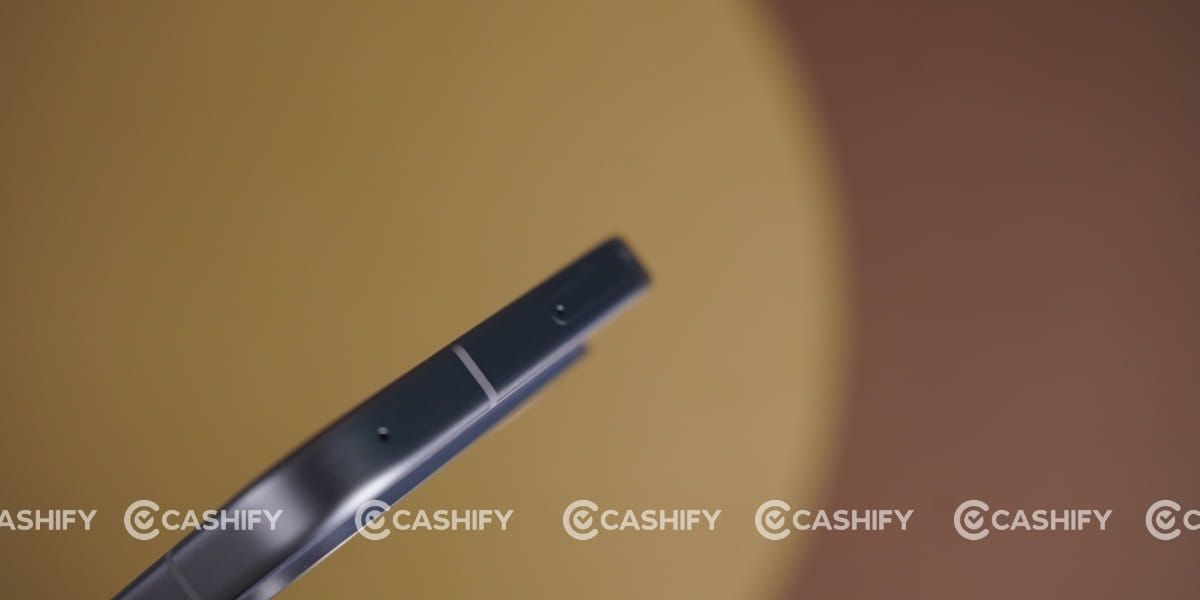
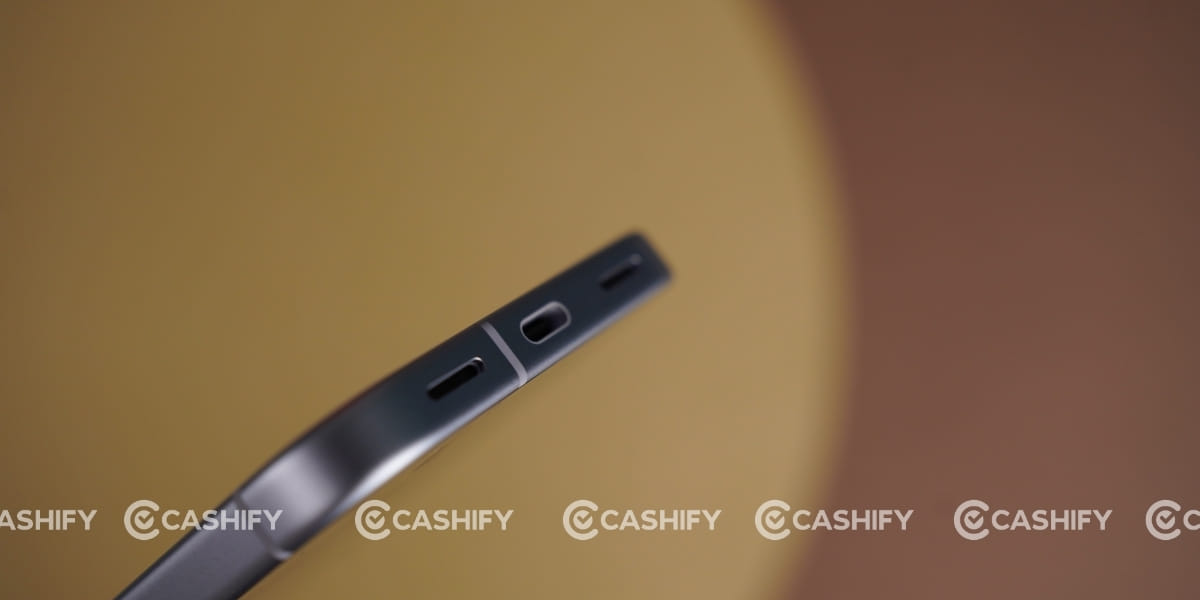
At the top, you can see the SIM tray and secondary speaker. A Type-C port, speaker, and microphone are placed at the bottom of the phone.
Google Pixel 11 Camera
Google Pixel 11 comes with an upgraded camera setup featuring a 48MP wide, 10.8MP telephoto, and 13MP ultrawide sensor.
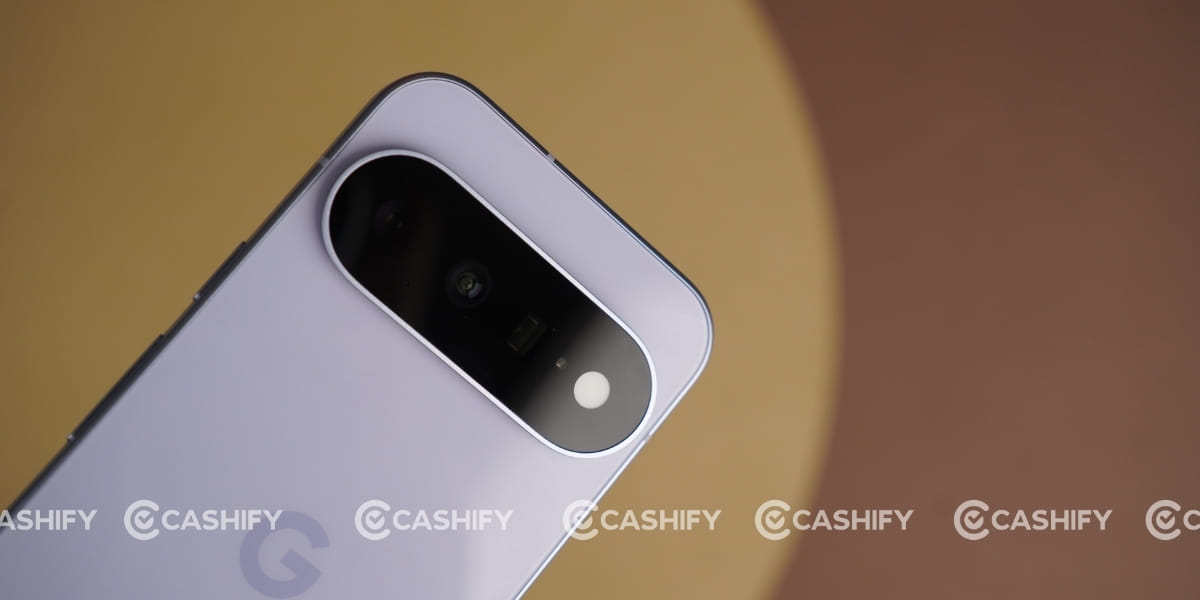
Thanks to the new Tensor G6 and upgraded ISP, it offers better low-light processing and computational zoom. The new main sensor also offers improved light sensitivity, making the overall camera experience slightly better than that of the Pixel 10.
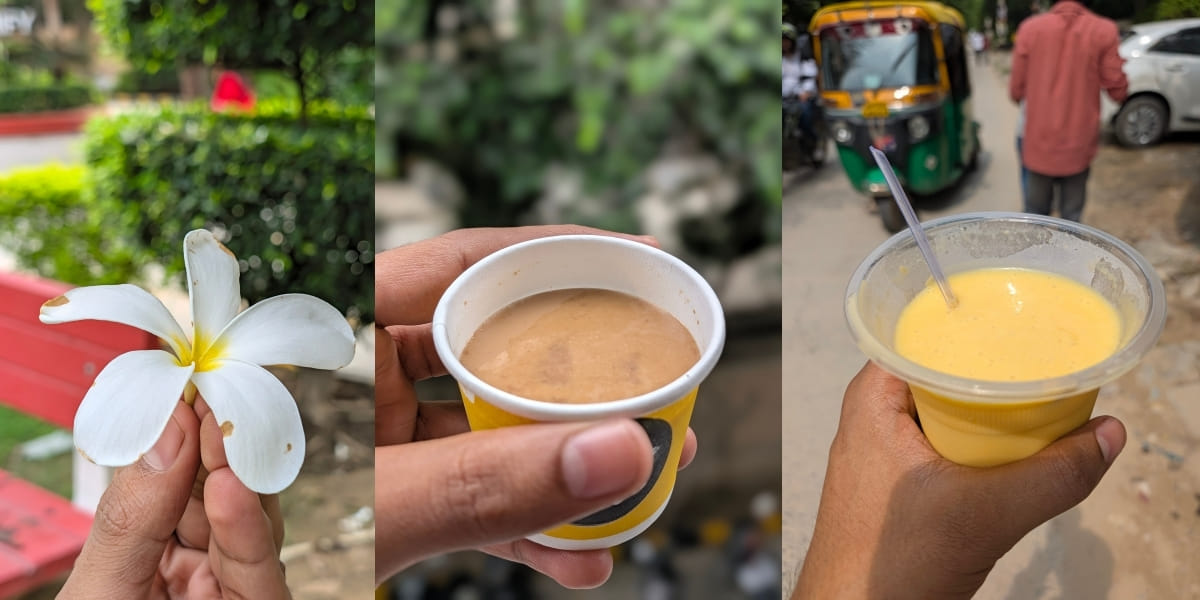
I captured a few images in similar environments, and the overall output was amazing.

Talking about its normal mode, the shots were outstanding, with rich colours, no heavy processing, amazing depth, and excellent clarity. Moreover, its ultrawide sensor and 2x mode offer some of the best shots, with proper depth and a close-to-natural look.

I loved its portrait mode. I captured a few images in a condition where there were no harsh lights around. You can see that the edge detection is almost perfect, the dynamic range was amazing, and the overall image looked excellent.

Similarly, its macro shots have also improved well. You can see the 1x image and the same subject captured in macro mode. I was stunned by the final output because I could see details that were not visible to the naked eye with impressive clarity.
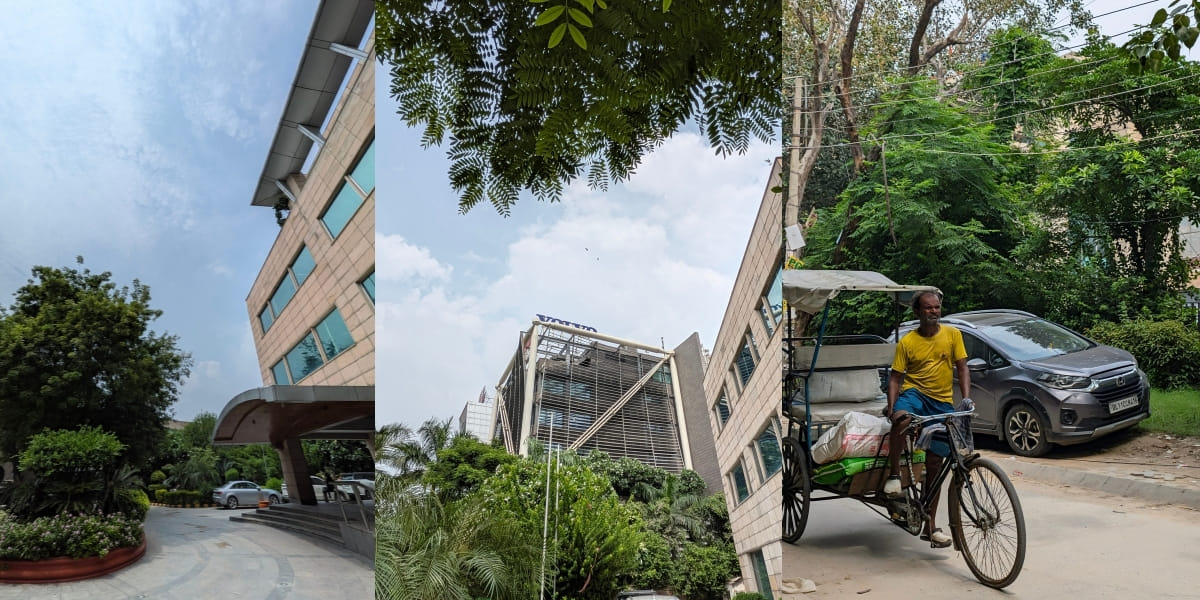
As for the front camera, it features a 10.5MP sensor and delivers excellent shots in both normal and portrait modes. You can also record 4K videos at 60fps with both the rear and front cameras.

Google Pixel 11 Display
Google Pixel 11 comes with a 6.3-inch OLED display with an 86.1% screen-to-body ratio. This phone supports HDR10+ to watch high-quality content on Netflix, Amazon Prime Video, YouTube, etc. I watched a few videos on YouTube, and its deep blacks were quite good, while the overall viewing experience was amazing.
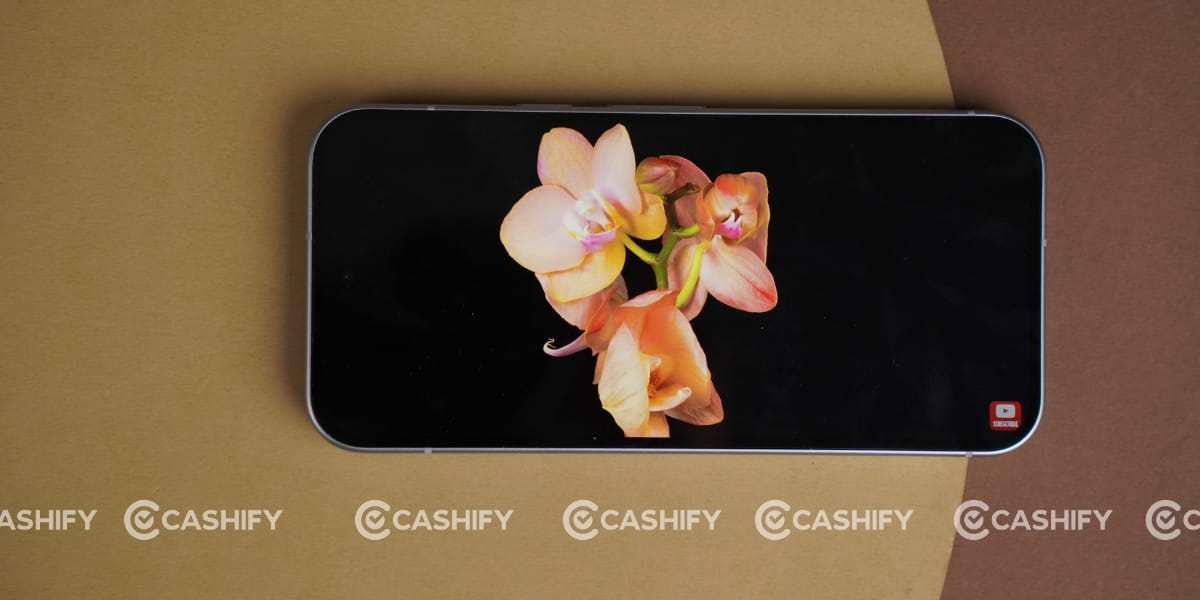
This phone also comes with a 120Hz refresh rate for smooth scrolling, app closing, and opening.
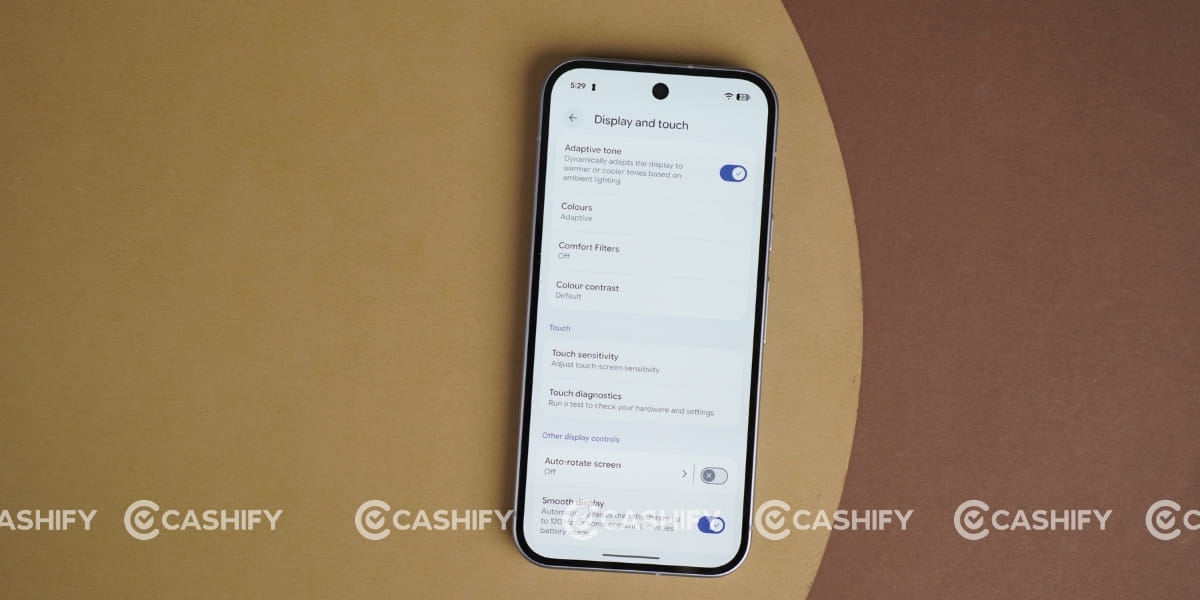
I also used this phone in bright conditions, and thanks to its 2,000 nits (HBM) and 3,000 nits (peak) brightness, the display remained clearly visible. The 1080 x 2424-pixel resolution and 422ppi pixel density also offer sharp visuals and good detail.
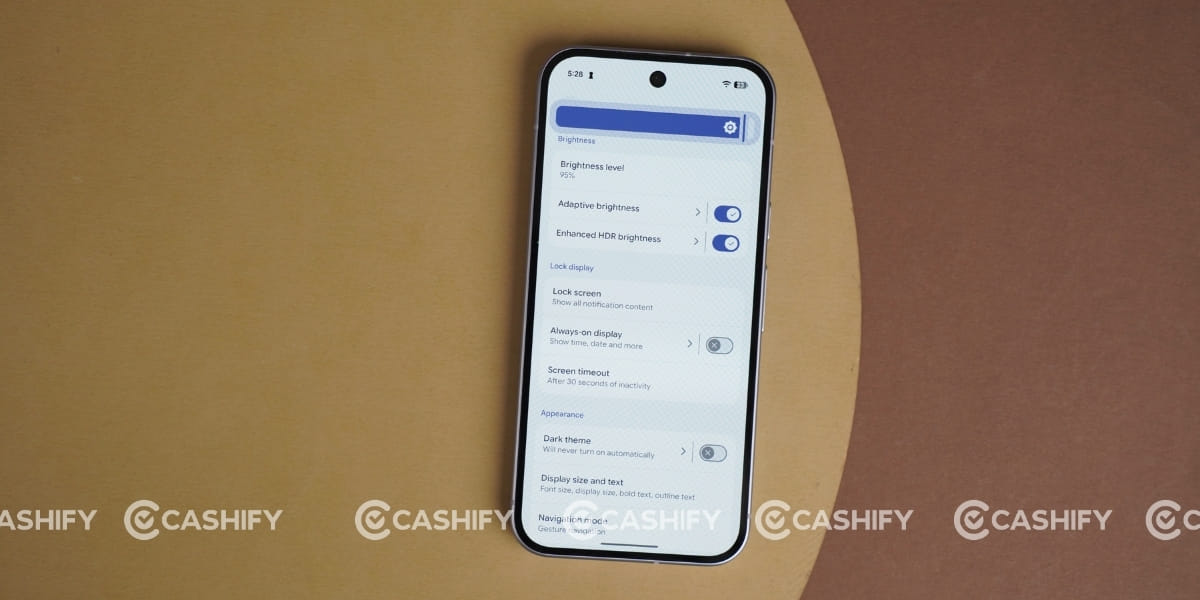
For protection, this phone comes with Corning Gorilla Glass Victus 2 with a Mohs level 4 rating, which adds extra durability and protection against everyday scratches.
Google Pixel 11 Battery
Talking about the battery, Google claims that the Google Pixel 11 offers improved battery efficiency, while the Tensor G6 is also designed to handle AI tasks with lower power consumption. However, I have not used this phone continuously for a longer period during my Google Pixel 11 quick review, so I could not properly understand the battery-drain behaviour and overall battery life. Therefore, I would prefer not to make any specific claims about its battery performance based on my limited usage.
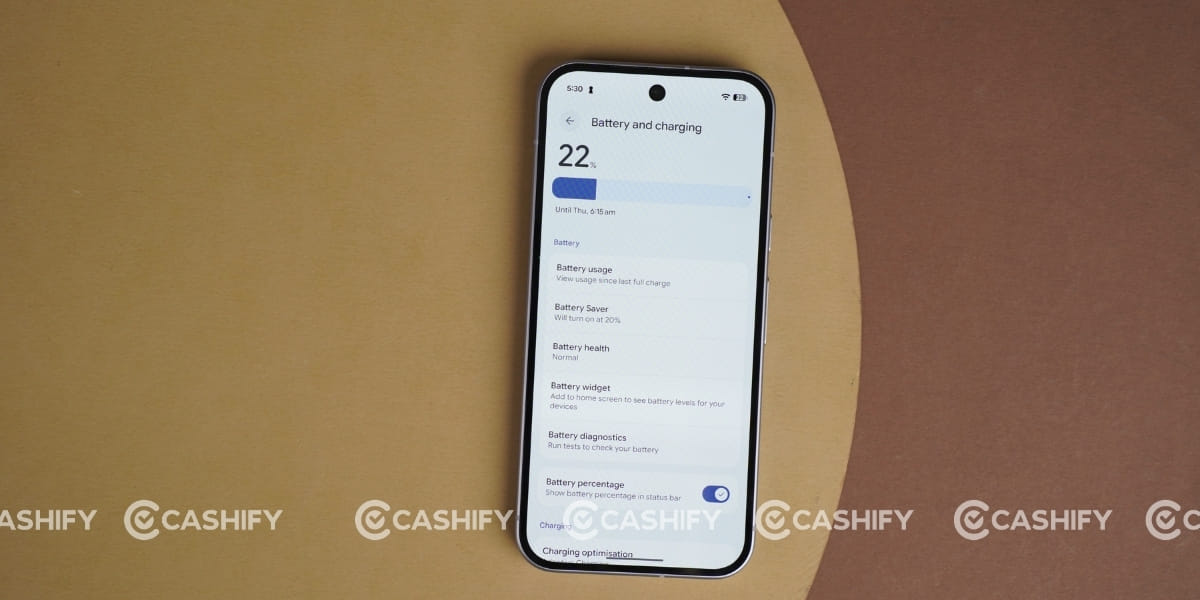
Google officially claims over 30 hours of battery life for the standard Google Pixel 11 using its smart Adaptive Battery. While its battery life reached an impressive 18.7 hours in the PCMark battery test and over 19 hours in video streaming tests.
Google Pixel 11 Performance
Google Pixel 11 comes with the latest Google Tensor G6 chipset for smooth performance. This new Tensor G6 chipset is built on a 3nm process. Compared to the Tensor G5, it brings 25% faster web browsing, 15% faster app launches, and 50% more TPU compute power, making everyday performance feel smoother and more responsive. It also improves AI and camera processing, while the upgraded Titan M3 security chip adds better protection.
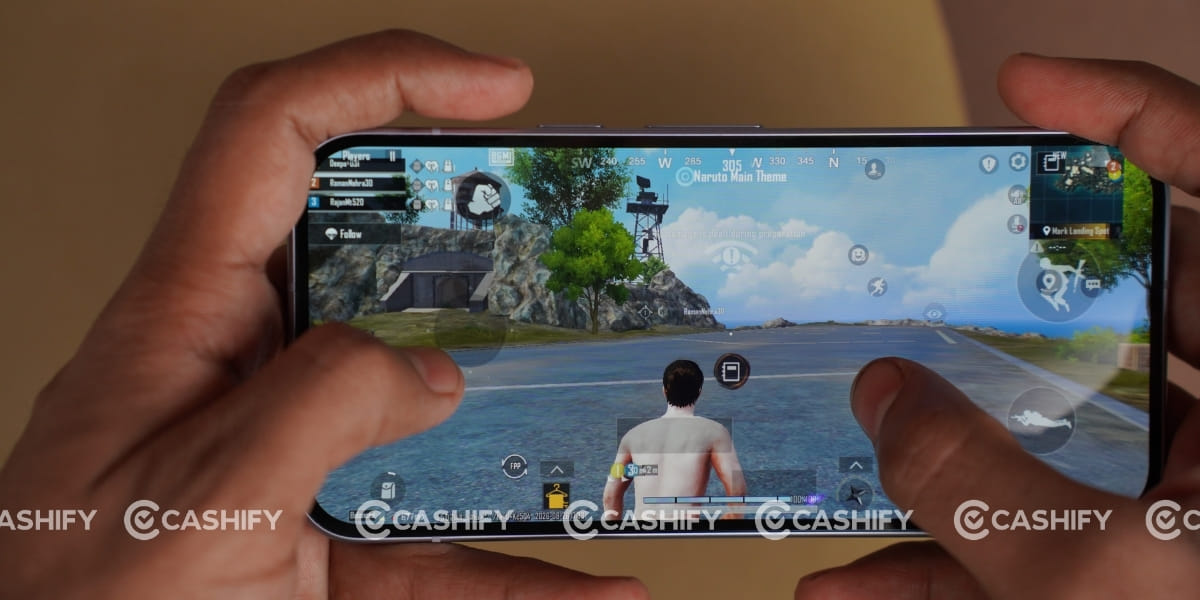
The phone comes with 12GB of RAM and starts with 256GB of storage, a welcome upgrade, as the base storage has increased from 128GB on the Pixel 10. During my Google Pixel 11 review, apps opened quickly, multitasking was smooth, and overall performance felt refined. I just played a BGMI session, and the experience was smooth. So, in a short period, I can’t provide a proper justification for the final performance, but the initial experience was great.
Google Pixel 11 Software and UI
Google Pixel 11 runs on the latest Android 17 experience with a cleaner and more refined UI.
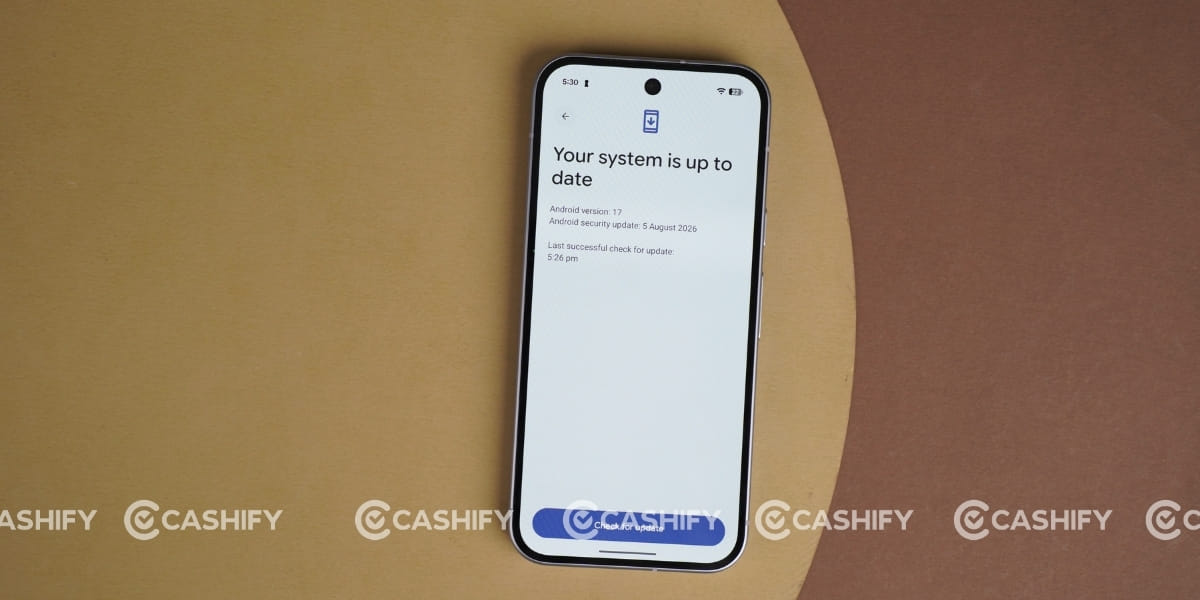
The biggest highlight is Gemini Intelligence, which makes the phone more proactive and helpful by using on-device AI for tasks such as understanding your activity and providing more personalised assistance.
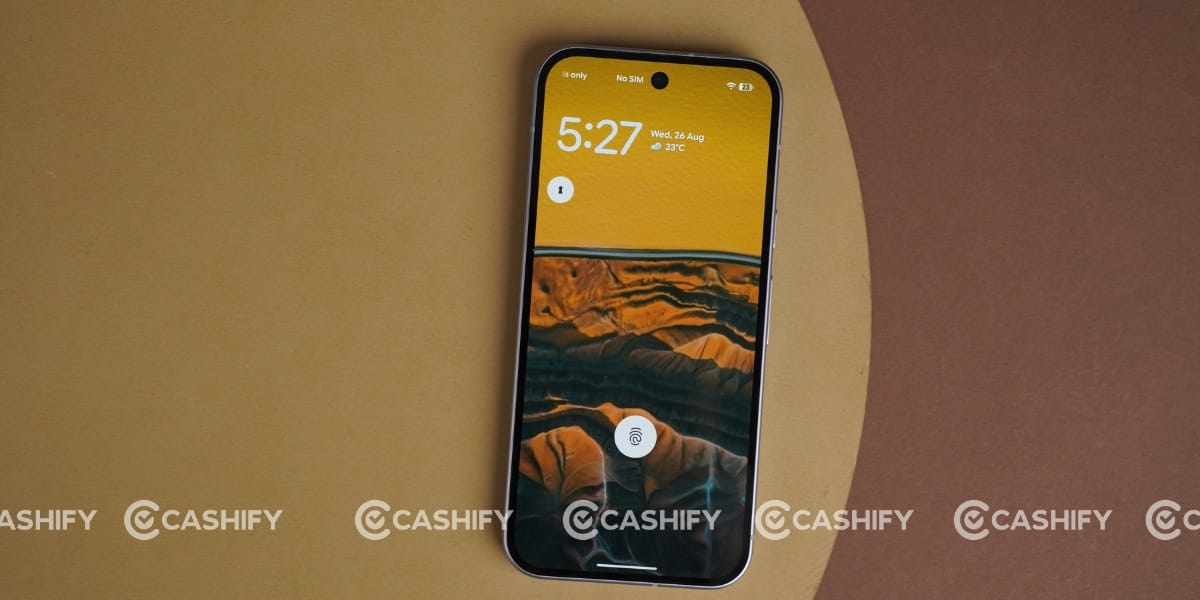
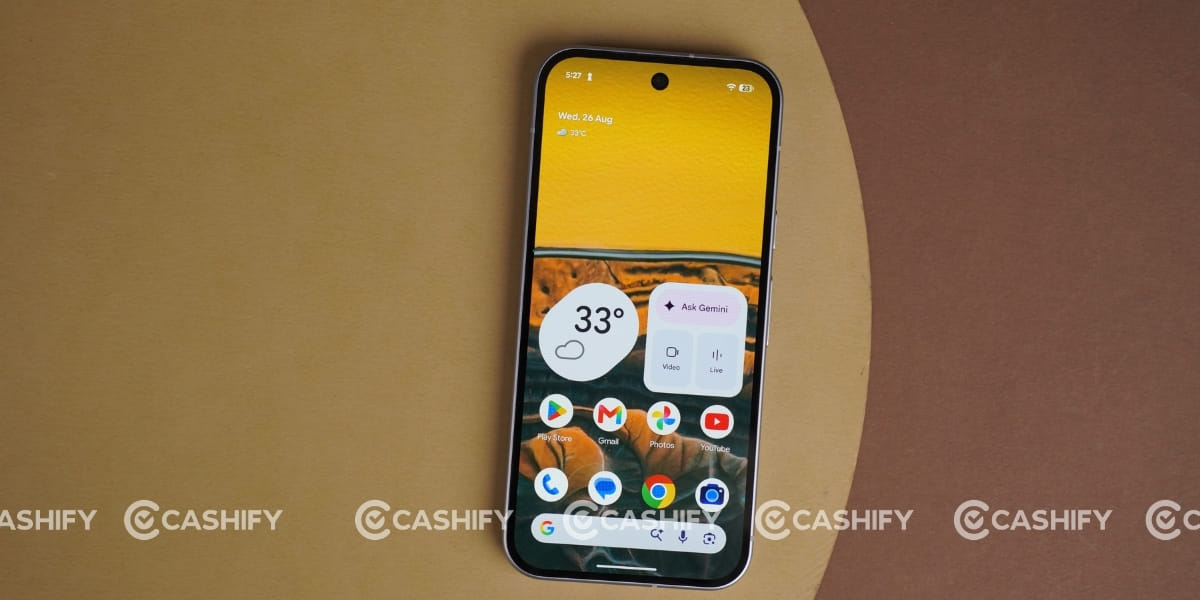
Google has also improved Gemini Nano integration, allowing several AI tasks to be processed faster directly on the device.
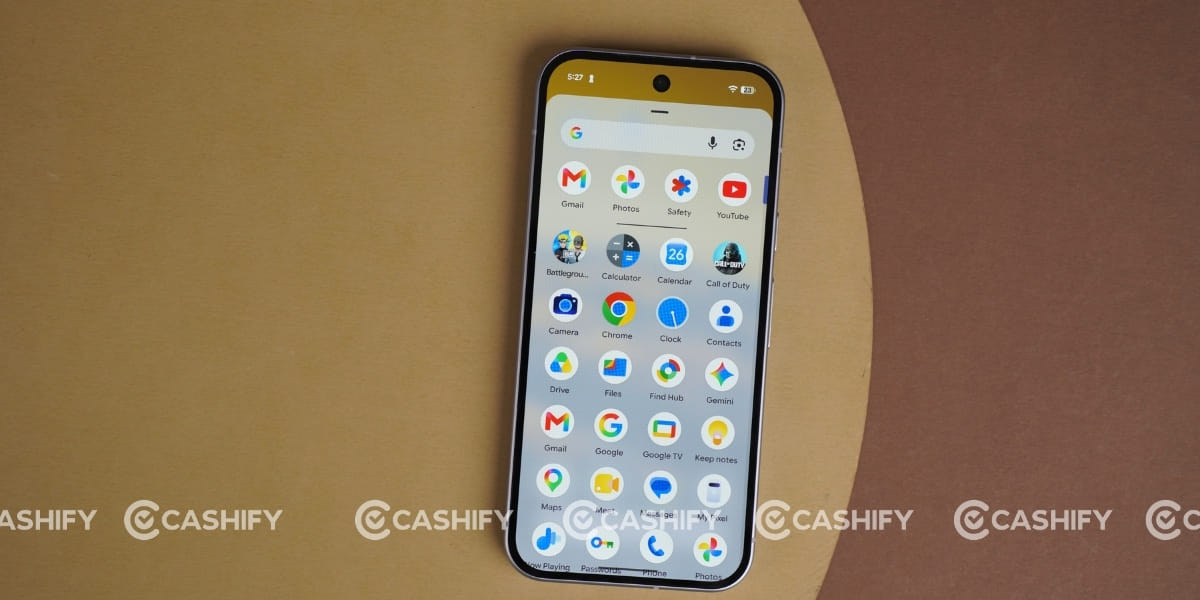
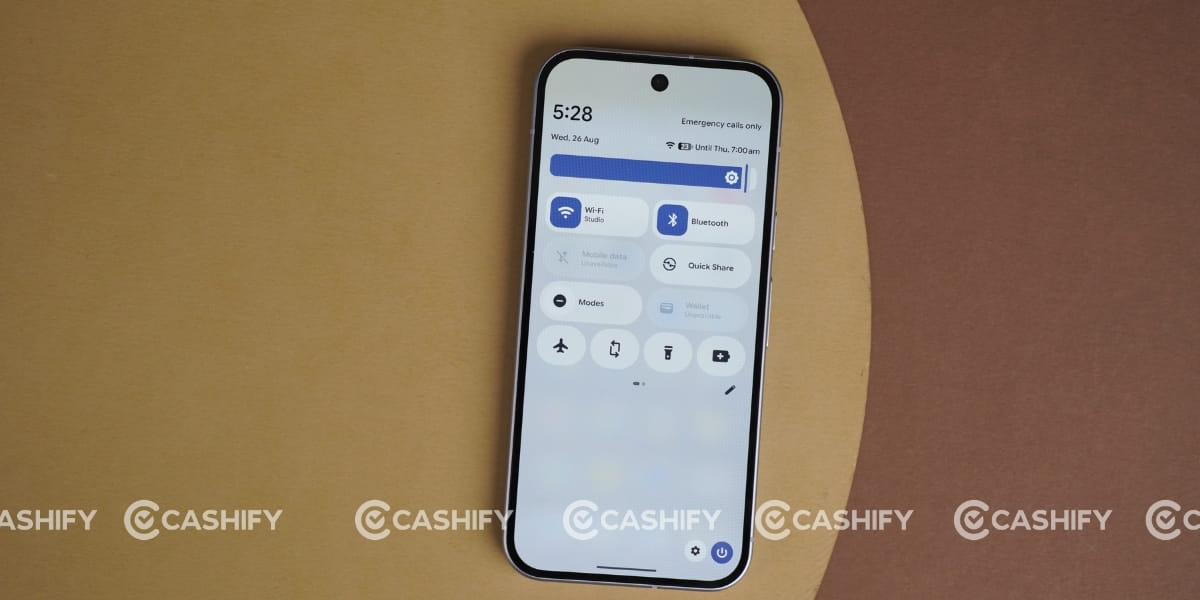
During my usage, the overall interface felt smooth and responsive, with the 120Hz refresh rate making scrolling and animations feel fluid. Google has also added new AI-powered camera and software experiences, while the Pixel 11 gets seven years of OS, security, and Pixel Drop updates. Overall, the UI experience feels refined rather than completely different from the previous generation.
The Google Pixel 11 feels like a refined upgrade over the Pixel 10 rather than a major generational leap. It brings a brighter display, improved camera processing, better AI capabilities, and a more efficient Tensor G6 chipset. However, the similar design and limited hardware changes may not be enough to justify an upgrade for existing Pixel 10 users. For someone buying a new Pixel, though, the Pixel 11 offers a polished overall experience.